As a programmer, your keyboard is more than just a tool; it’s the primary interface between your thoughts and the code that brings them to life. You spend countless hours typing, debugging, and navigating complex interfaces, so why settle for a generic, mushy membrane keyboard? Investing in the right mechanical keyboard for programming can dramatically improve your comfort, speed, and overall coding experience. With over a decade of engineering and custom-building these amazing devices, I’m here to guide you through everything you need to know to find your perfect coding companion.
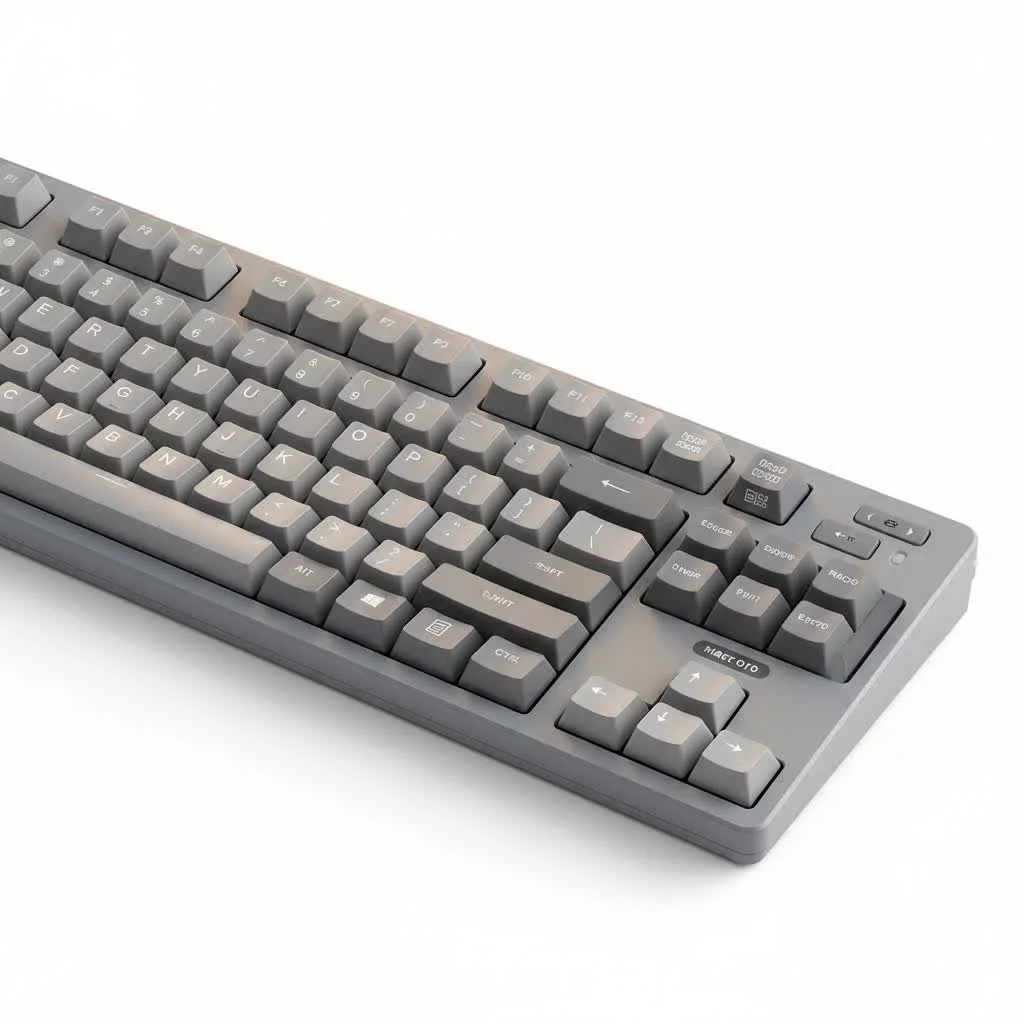
The difference a mechanical keyboard makes is immediate. Each key has its own individual spring-loaded switch, providing a tactile, responsive feel that standard keyboards simply can’t match. This precise feedback reduces typos, lessens finger fatigue, and makes long coding sessions far more enjoyable. Let’s dive into what makes these keyboards an essential part of any serious developer’s toolkit. For see our reviews recommendations on this site.
Why Choose a Mechanical Keyboard for Programming?
You might wonder if a mechanical keyboard is just for gamers. While they are popular in the gaming world, the very features that benefit gamers—precision, durability, and customization—are incredibly valuable for programmers as well.
- Superior Typing Experience: The crisp, tactile feedback from mechanical switches confirms each keystroke, leading to greater accuracy and speed. This is crucial when typing complex syntax where a single error can break your code.
- Reduced Finger Fatigue: Unlike membrane keyboards that require you to “bottom out” (press the key all the way down), mechanical switches actuate mid-press. This lighter touch means less strain on your fingers and joints over marathon coding sessions.
- Unmatched Durability: Mechanical switches are typically rated for 50 to 100 million keystrokes, far outlasting their membrane counterparts. A good mechanical keyboard is a long-term investment that can last for years, if not decades.
- Deep Customization: From swapping out keycaps to programming custom macros and layouts, mechanical keyboards offer a level of personalization that can streamline your workflow. You can tailor your board to perfectly match your coding habits and aesthetic preferences.
“A programmer’s hands are their most valuable asset. Using a keyboard that actively reduces strain and improves accuracy isn’t a luxury; it’s a fundamental part of a sustainable and productive career.” – Dr. Aaron Sterling, Ergonomics Specialist.
The Heart of the Keyboard: Understanding Switches
The switch is the single most important component of any mechanical keyboard. It determines how a key feels and sounds when pressed. For programming, the choice usually comes down to two main types: Tactile and Linear.
Tactile Switches: The Programmer’s Default
|
Our Picks for the Best Mechanical Keyboard in 2026
As an Amazon Associate I earn from qualifying purchases.
|
||
| Num | Product | Action |
|---|---|---|
| 1 | Redragon Mechanical Gaming Keyboard Wired, 11 Programmable Backlit Modes, Hot-Swappable Red Switch, Anti-Ghosting, Double-Shot PBT Keycaps, Light Up Keyboard for PC Mac |

|
| 2 | RK ROYAL KLUDGE R98 Pro Wired Mechanical Keyboard, 96% Creamy Gaming Keyboard RGB Backlit with Number Pad and Volume Knob, Gasket Mount, MDA Profile PBT Keycaps, Hot Swappable Pre-lubed Linear Switch |
|
| 3 | EPOMAKER x Aula F75 Gasket Mechanical Keyboard, 75% Wireless Hot Swappable Gaming Keyboard with Five-Layer Padding&Knob, Bluetooth/2.4GHz/USB-C, RGB (Light Blue, LEOBOG Reaper Switch) |
|
| 4 | SteelSeries USB Apex 5 Hybrid Mechanical Gaming Keyboard – Per-Key RGB Illumination – Aircraft Grade Aluminum Alloy Frame – OLED Smart Display (Hybrid Blue Switch) |
|
| 5 | AULA F99 Wireless Mechanical Keyboard,Tri-Mode BT5.0/2.4GHz/USB-C Hot Swappable Custom Keyboard,Pre-lubed Linear Switches,RGB Backlit Computer Gaming Keyboards for PC/Tablet/PS/Xbox |
|
| 6 | AK96 Smart Mechanical Keyboard Gaming, 96 Keys Full Size with LED Colorful Backlit, Clicky Creamy Sounding, USB Wired Computer Keyboard with Volume Knob for PC, Mac, Windows(Grey) |
|
| 7 | Womier S-K80 75% Keyboard with Color Multimedia Display Mechanical Gaming Keyboard Creamy Sound, Wired Hot Swappable Gasket Mount RGB Custom Key board, Pre-lubed Stabilizer for Mac/Win, Black Kanagawa |
|
| 8 | RK ROYAL KLUDGE S98 Mechanical Keyboard w/Smart Display & Knob, Top Mount 96% Wireless Mechanical Keyboard BT/2.4G/USB-C, Hot Swappable, Software Support, Creamy Sounding, 98 Keys |
|
| 9 | AULA F75 Pro Wireless Mechanical Keyboard,75% Hot Swappable Custom Keyboard with Knob,RGB Backlit,Pre-lubed Reaper Switches,Side Printed PBT Keycaps,2.4GHz/USB-C/BT5.0 Mechanical Gaming Keyboards |
|
| 10 | Logitech MX Mechanical Wireless Illuminated Performance Keyboard, Tactile Quiet Switches, Backlit Keys, Bluetooth, USB-C, macOS, Windows, Linux, iOS, Android, Metal, Graphite |
|
Tactile switches are often considered the best starting point for programmers. They provide a small, noticeable “bump” at the point of actuation without an audible click. This bump gives you physical confirmation that a keystroke has been registered, allowing you to type quickly and confidently without bottoming out the key.
- Popular Examples: Cherry MX Brown, Gateron Brown, Kailh Brown
- Best For: Coders who want clear feedback for accuracy, enjoy a satisfying typing feel, and work in a shared environment where loud clicking might be a distraction.
Linear Switches: Smooth and Silent Speed
Linear switches offer a smooth, consistent keystroke from top to bottom with no tactile bump. They are prized for their speed and quiet operation. Programmers who are light typists or who value a silent, uninterrupted keystroke often gravitate towards linear options.
- Popular Examples: Cherry MX Red, Gateron Red, Kailh Red
- Best For: Developers who type with a light touch, prioritize speed, and need the quietest possible operation for office or late-night coding sessions.
What About Clicky Switches?
Clicky switches, like Cherry MX Blues, provide both a tactile bump and a loud, distinct “click” sound. While some find this auditory feedback incredibly satisfying, it can be a significant source of noise pollution in an office or home environment. Unless you have a private office and love the sound, it’s generally best to stick with tactile or linear switches for professional use.
Keyboard Size and Layout: Finding Your Perfect Fit
The physical layout of your keyboard is critical for comfort and efficiency. You need a layout that provides all the keys you need without unnecessary clutter.
Full-Size (100%)
The traditional layout with a full function row, navigation cluster, and number pad.
- Pros: Has every key you could possibly need. The dedicated number pad is great for data entry.
- Cons: Takes up a lot of desk space, forcing your mouse further away and potentially causing shoulder strain.
Tenkeyless (TKL or 80%)
A TKL keyboard is a full-size board with the number pad chopped off. This is a very popular layout for programmers.
- Pros: Saves significant desk space, allowing for more ergonomic mouse placement. Retains all standard keys for coding.
- Cons: Lacks a dedicated number pad, which can be a drawback for some.
Compact Layouts (75%, 65%, 60%)
These layouts shrink the keyboard even further by condensing the navigation cluster or integrating keys into layers accessible via a Function (Fn) key.
- Pros: Extremely portable and space-efficient. Promotes keeping your hands close to the home row.
- Cons: Requires a learning curve to get used to function layers. Some essential keys (like tilde
~or arrow keys) might be in non-standard positions. A 75% or 65% layout is often the sweet spot for programmers who want compactness without sacrificing dedicated arrow keys.
Keycaps: The Finishing Touch
Keycaps are the plastic caps you see and touch. They affect both the look and feel of your keyboard. The two most important factors are material and profile.
Keycap Material
- ABS (Acrylonitrile Butadiene Styrene): The most common keycap material. It’s affordable and easy to produce in various colors. The main downside is that it can develop a shiny, greasy look over time.
- PBT (Polybutylene Terephthalate): A more premium and durable material. PBT keycaps have a textured, matte finish that resists shine and feels more substantial under the fingers. They are the preferred choice for a long-lasting, high-quality feel.
Keycap Profile
The profile refers to the shape and height of the keycaps.
- OEM/Cherry: These are the most common profiles, featuring a sculpted, ergonomic shape that is comfortable for most typists.
- SA/MT3: These are high-profile, heavily sculpted “retro” style keycaps that many typists love for their unique feel.
- DSA/XDA: These are uniform, flat profiles where every keycap is the same shape. They can take some getting used to but offer a clean, minimalist aesthetic.
Advanced Features for Programmers
To truly optimize your workflow, look for a mechanical keyboard for programming with features designed for power users.
- Programmability (QMK/VIA): QMK and VIA are open-source firmware that give you complete control over your keyboard’s layout. You can remap any key, create complex macros, and design custom layers for different applications. This is a game-changer for productivity. For example, you could program a single key to compile your code or navigate to a specific directory.
- Ergonomics: For those spending all day at the keyboard, an ergonomic design can prevent repetitive strain injury (RSI). This can include split keyboards, tenting (angling the halves of the keyboard up), and ortholinear layouts (where keys are in a straight grid).
- Hotswap Sockets: A hotswappable keyboard allows you to change switches easily without any soldering. This is perfect for experimenting with different switch types to find the one that feels just right for you.
Frequently Asked Questions (FAQ)
What is the best type of switch for programming?
Most programmers prefer tactile switches, like Cherry MX Browns, because the subtle bump provides excellent feedback for accurate typing without being too loud. However, linear switches are a great choice for those who prioritize a smooth, quiet experience.
Is a 60% keyboard good for coding?
A 60% keyboard can be excellent for coding if you are comfortable using function layers for arrow keys, function keys (F1-F12), and navigation keys. It promotes efficiency by keeping your hands on the home row, but there is a definite learning curve. A 65% or 75% layout is often a safer compromise.
Do I need RGB lighting for a programming keyboard?
RGB lighting is purely aesthetic and has no functional benefit for programming. While some users enjoy the customization, features like programmability, switch type, and build quality are far more important for a coding keyboard.
Are expensive mechanical keyboards worth it for programmers?
You don’t need to spend a fortune, but investing in a quality keyboard is worthwhile. Mid-range keyboards ($100-$200) often provide the best balance of features, offering excellent build quality, good switches, and programmability that will significantly enhance your daily coding work.
How do I maintain my mechanical keyboard?
Regular maintenance is simple. Use a keycap puller to remove the keycaps every few months and clean them with soap and water. Use compressed air or a soft brush to clean any dust or debris from between the switches on the keyboard plate.
Your Code Deserves a Better Keyboard
Switching to a mechanical keyboard for programming is one of the most significant upgrades you can make to your development setup. It’s an investment in your comfort, efficiency, and long-term health. By understanding the core components—switches, layout, and build quality—you can select a tool that not only feels amazing to type on but actively enhances your workflow. Take the time to find the right board for you, and your hands will thank you for years to come.
Get our weekly buyer guide
Practical specs, not advice. Unsubscribe anytime.
