As a developer, your keyboard isn’t just a peripheral; it’s the primary interface between your thoughts and the code that brings them to life. You spend countless hours with it, so settling for a standard, mushy membrane keyboard is like a chef using a dull knife. Investing in a high-quality mechanical keyboard for coding is one of the most significant upgrades you can make to your setup, directly impacting your comfort, speed, and overall productivity.
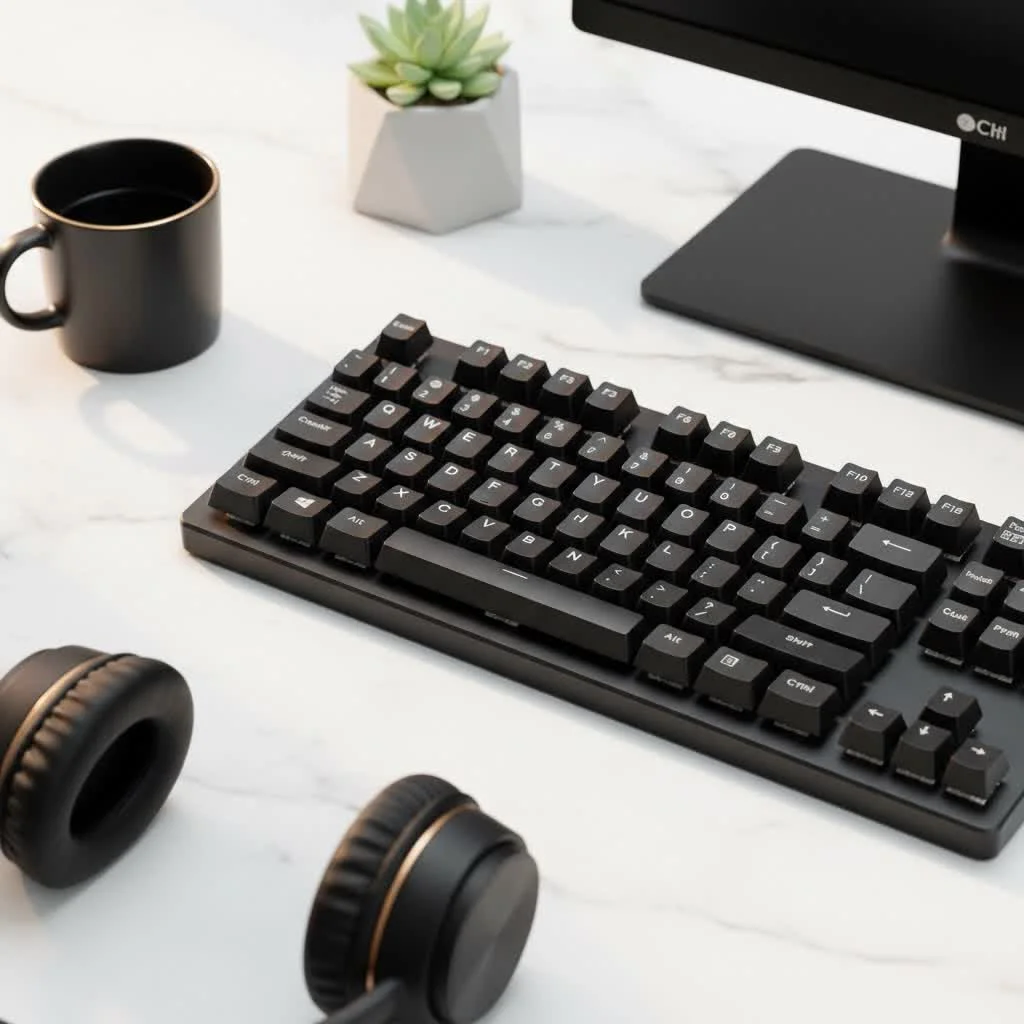
For over a decade, I’ve been immersed in the world of mechanical keyboards, and I’ve seen firsthand how the right board can transform the coding experience. It’s not about flashy lights; it’s about precision, tactile feedback, and building a tool that’s perfectly suited to your workflow. This guide will walk you through everything you need to know to choose the perfect companion for your long coding sessions.
Why a Mechanical Keyboard is a Game-Changer for Coders
If you’re coming from a typical laptop or office keyboard, the difference a mechanical keyboard makes is night and day. Each key has its own individual spring-loaded switch, which leads to a far superior typing experience.
- Enhanced Typing Accuracy: The distinct feedback from each keystroke helps you know exactly when a key has been registered. This reduces typos and missed characters, especially when typing complex syntax or navigating code.
- Reduced Finger Fatigue: Mechanical switches require less force to actuate than rubber dome keyboards. This means less strain on your fingers and joints during marathon coding sessions, helping to prevent repetitive strain injuries (RSI).
- Unmatched Durability: Most mechanical switches are rated for 50 to 100 million keystrokes, while a typical membrane keyboard might only last for 5-10 million. Your mechanical keyboard is a long-term investment that will withstand years of heavy use.
- Customization: This is where mechanical keyboards truly shine for developers. You can customize everything from the switches and keycaps to the keyboard’s firmware to create a tool that is uniquely yours.
The Core Decision: Which Switch is Best for Programming?
The switch is the heart of a mechanical keyboard, defining how each key feels and sounds. There are three primary types, and the choice is highly personal, but there are clear favorites in the programming community.
Tactile Switches: The Programmer’s Sweet Spot
Tactile switches are widely considered the best all-around choice for coding and typing. They provide a small, noticeable “bump” on the way down, giving you physical confirmation that your keypress has been registered. This allows for fast, accurate typing without needing to “bottom out” (press the key all the way down).
- Why they work for coding: The tactile feedback improves accuracy and rhythm without being overly loud.
- Popular Examples: Cherry MX Brown, Gateron Brown, Kailh Pro Purple.
Linear Switches: For Smooth, Uninterrupted Flow
|
Our Picks for the Best Mechanical Keyboard in 2026
As an Amazon Associate I earn from qualifying purchases.
|
||
| Num | Product | Action |
|---|---|---|
| 1 | RK ROYAL KLUDGE S98 Mechanical Keyboard w/Smart Display & Knob, Top Mount 96% Wireless Mechanical Keyboard BT/2.4G/USB-C, Hot Swappable, Software Support, Creamy Sounding, 98 Keys |

|
| 2 | Logitech MX Mechanical Wireless Illuminated Performance Keyboard, Tactile Quiet Switches, Backlit Keys, Bluetooth, USB-C, macOS, Windows, Linux, iOS, Android, Metal, Graphite |
|
| 3 | AULA F75 Pro Wireless Mechanical Keyboard,75% Hot Swappable Custom Keyboard with Knob,RGB Backlit,Pre-lubed Reaper Switches,Side Printed PBT Keycaps,2.4GHz/USB-C/BT5.0 Mechanical Gaming Keyboards |
|
| 4 | SteelSeries USB Apex 5 Hybrid Mechanical Gaming Keyboard – Per-Key RGB Illumination – Aircraft Grade Aluminum Alloy Frame – OLED Smart Display (Hybrid Blue Switch) |
|
| 5 | AULA F99 Wireless Mechanical Keyboard,Tri-Mode BT5.0/2.4GHz/USB-C Hot Swappable Custom Keyboard,Pre-lubed Linear Switches,RGB Backlit Computer Gaming Keyboards for PC/Tablet/PS/Xbox |
|
| 6 | AK96 Smart Mechanical Keyboard Gaming, 96 Keys Full Size with LED Colorful Backlit, Clicky Creamy Sounding, USB Wired Computer Keyboard with Volume Knob for PC, Mac, Windows(Grey) |
|
| 7 | EPOMAKER x Aula F75 Gasket Mechanical Keyboard, 75% Wireless Hot Swappable Gaming Keyboard with Five-Layer Padding&Knob, Bluetooth/2.4GHz/USB-C, RGB (Light Blue, LEOBOG Reaper Switch) |
|
| 8 | RK ROYAL KLUDGE R98 Pro Wired Mechanical Keyboard, 96% Creamy Gaming Keyboard RGB Backlit with Number Pad and Volume Knob, Gasket Mount, MDA Profile PBT Keycaps, Hot Swappable Pre-lubed Linear Switch |
|
| 9 | Redragon Mechanical Gaming Keyboard Wired, 11 Programmable Backlit Modes, Hot-Swappable Red Switch, Anti-Ghosting, Double-Shot PBT Keycaps, Light Up Keyboard for PC Mac |
|
| 10 | Womier S-K80 75% Keyboard with Color Multimedia Display Mechanical Gaming Keyboard Creamy Sound, Wired Hot Swappable Gasket Mount RGB Custom Key board, Pre-lubed Stabilizer for Mac/Win, Black Kanagawa |
|
Linear switches offer a smooth, consistent press from top to bottom with no tactile bump. They are favored by some programmers who want the fastest, most fluid experience possible, as there is no bump to overcome. However, the lack of feedback can lead to more accidental keystrokes if you’re not a precise typist.
- Why they work for coding: Their quiet and effortless nature can help maintain focus and flow state.
- Popular Examples: Cherry MX Red, Gateron Red, Kailh Box Red.
Clicky Switches: Satisfying but Situational
Clicky switches provide both a tactile bump and an audible “click” sound. While incredibly satisfying to type on, they are also very loud. If you work in a shared office or have frequent calls, these are generally not a considerate option. If you have a private office, however, the auditory feedback can be very rewarding.
- Why they work for coding: The combination of tactile and auditory feedback makes typos very rare.
- Popular Examples: Cherry MX Blue, Gateron Blue, Kailh Box White.
“Investing in an ergonomic, customizable keyboard is a proactive measure against long-term wrist and finger strain. For developers, whose careers depend on their hands, tailoring the primary input device to their specific physical needs and workflow isn’t a luxury—it’s essential for sustainability and career longevity.”
— Dr. Evelyn Reed, Ergonomics Specialist
Finding Your Perfect Fit: Keyboard Size and Layout
The size of your keyboard, or form factor, impacts both desk space and ergonomics. Moving your mouse closer to the centerline of your body can reduce shoulder strain, which is why many developers opt for smaller layouts.
- Full-Size (100%): The traditional layout with the function row, navigation cluster, and a number pad. A solid choice if you frequently work with numbers, but it takes up the most desk space.
- Tenkeyless (TKL): A full-size board with the number pad chopped off. This is a very popular layout as it saves significant desk space while retaining all standard keys, offering a great balance of functionality and ergonomics.
- Compact (75% and 65%): These layouts condense the keys, often removing dedicated navigation keys in favor of layers. A 75% layout typically keeps the arrow keys and function row, while a 65% removes the function row. They are fantastic for ergonomics and portability but require a short adjustment period.
Beyond the Basics: Features That Elevate Your Coding Experience
For programmers, a keyboard’s power lies in its advanced features. These are the things that turn a good keyboard into an indispensable coding tool.
Programmability is Non-Negotiable: The Power of QMK/VIA
QMK (Quantum Mechanical Keyboard) is an open-source firmware that gives you complete control over your keyboard’s functionality. VIA is a user-friendly app that lets you configure a QMK-powered keyboard in real-time without needing to flash firmware. A keyboard with QMK/VIA support is a massive advantage for any coder.
Imagine being able to:
- Create Macros: Assign complex commands or code snippets to a single key press. Think
git commit -m ""orconsole.log();with one tap. - Customize Layers: Create a “coding layer” where you can place symbols like
(),[], and{}on or near the home row keys, minimizing hand movement. - Remap Keys: Don’t like where the
Esckey is? Move it. Never useCaps Lock? Turn it into anotherCtrlorBackspacekey.
Keycaps Matter: PBT vs. ABS
The plastic your keycaps are made of affects their feel and longevity.
- PBT (Polybutylene Terephthalate): This is a superior, more durable plastic. It has a slightly textured feel and is resistant to the oils on your fingers, meaning it won’t develop a greasy shine over time.
- ABS (Acrylonitrile Butadiene Styrene): This is a more common and cheaper plastic. It feels smoother but is prone to becoming shiny and worn-looking after heavy use. For a coding keyboard, always opt for PBT if possible.
Frequently Asked Questions (FAQ)
What is the best switch type for coding?
While it’s a matter of personal preference, tactile switches like Cherry MX Browns are generally considered the best starting point for coding. They offer excellent feedback for accuracy without the noise of clicky switches, making them versatile for any environment.
Is a smaller keyboard (like a 65% or TKL) good for coding?
Yes, smaller keyboards are excellent for coding. A TKL (Tenkeyless) or 75% layout saves desk space and improves ergonomics by allowing you to keep your mouse closer. This reduces shoulder and wrist strain during long sessions.
How can a mechanical keyboard improve my productivity?
A mechanical keyboard improves productivity through increased typing speed and accuracy, reduced physical fatigue, and deep customization via firmware like QMK/VIA. Creating macros and custom layers to match your workflow can save a significant amount of time.
Are expensive mechanical keyboards worth it for programming?
Yes, they are an investment in your primary work tool. More expensive keyboards typically offer better build quality (like aluminum cases), superior switches, hot-swappable sockets for easy customization, and advanced firmware support—all of which contribute to a better, more comfortable, and more efficient coding experience.
What are hot-swappable keyboards?
Hot-swappable keyboards have sockets on the circuit board that allow you to change mechanical switches easily without any soldering. This is a fantastic feature for developers who want to experiment with different switch types to find their perfect feel without having to buy a whole new keyboard.
Your Code Deserves a Better Keyboard
Choosing a mechanical keyboard for coding is a journey into finding the perfect tool for your craft. It’s an investment in your comfort, health, and efficiency that pays dividends every single day. By focusing on the right switches, a comfortable layout, and powerful programmability, you can build a keyboard that not only feels amazing to type on but actively makes you a better, more efficient developer. Ditch the default, and give your code the keyboard it deserves.
Get our weekly buyer guide
Practical specs, not advice. Unsubscribe anytime.
