Finding the best budget mechanical keyboard can feel like navigating a minefield of jargon and confusing options. As an engineer who has spent over a decade deep in the world of mechanical keyboards, from designing custom builds to testing every switch under the sun for Yoasy, I’m here to tell you it’s not as complicated as it seems. You don’t need to spend a fortune to get that satisfying tactile feel, superior durability, and enhanced typing experience that mechanical keyboards are famous for. The market for affordable options has exploded, and the quality you can get for under $100 today is truly astounding.
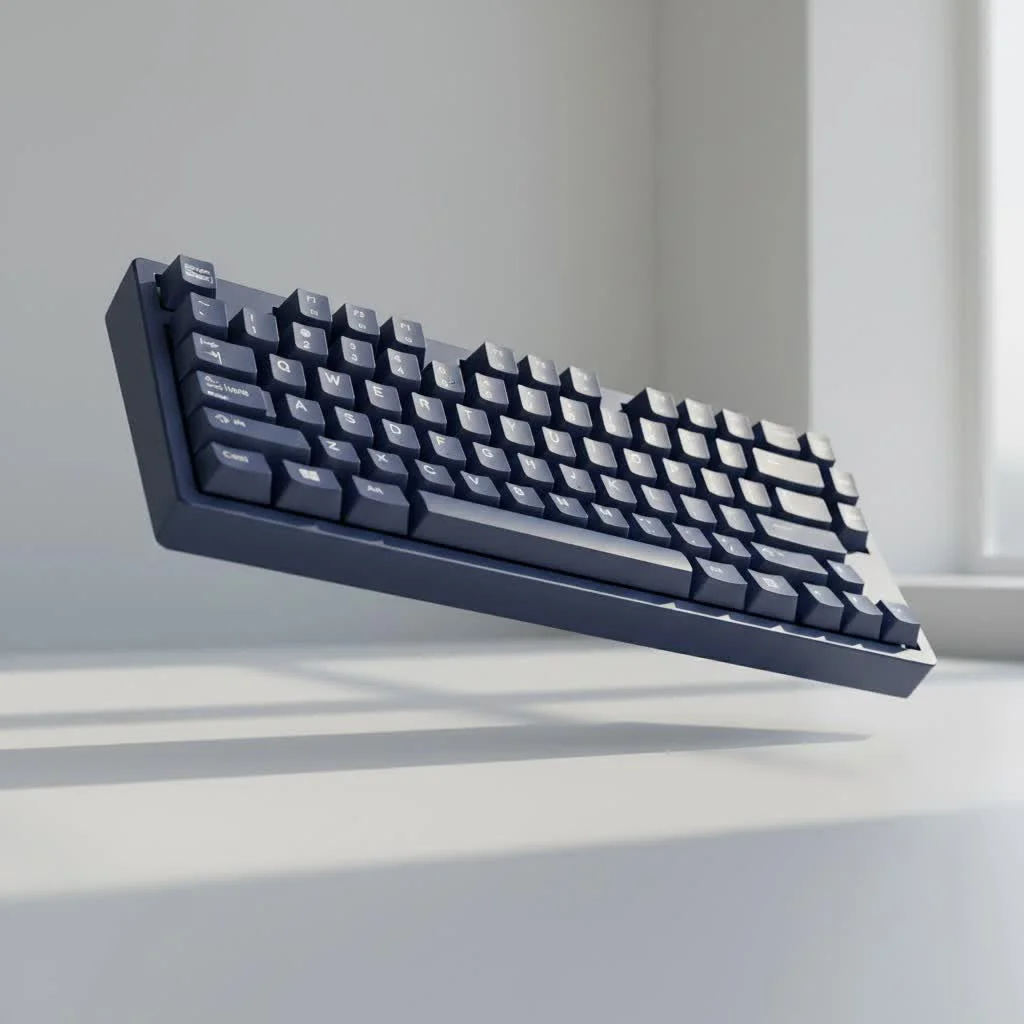
This guide will break down everything you need to know to make an informed choice. We’ll explore what truly matters in a budget board, from the switches that define the feel to the build quality that ensures it lasts. Forget the marketing hype; we’re focusing on the core components and features that deliver real value, helping you find a keyboard that not only fits your budget but also elevates your daily typing or gaming sessions.
What to Expect from a Budget Mechanical Keyboard?
First, let’s set some realistic expectations. When we talk about a “budget” keyboard, we’re typically looking in the $50 to $100 price range. While you won’t get premium features like a solid aluminum case or complex gasket mounting systems, you can and should expect a solid, feature-rich experience.
What you can expect:
- Excellent Typing Feel: The core mechanical switch experience is fully present.
- Durable Construction: Most budget boards feature robust plastic cases that can easily withstand years of use.
- Customization Options: Many budget keyboards now include hot-swappable switches and standard keycap layouts, opening the door for future upgrades.
- Helpful Features: Things like backlighting (white or RGB), detachable USB-C cables, and wireless connectivity are becoming common.
The Most Important Feature: Keyboard Switches
The switches are the heart and soul of any mechanical keyboard. They are the mechanisms beneath each key that register a keystroke. The type of switch you choose will determine the sound and feel of your typing experience. In the budget space, you’ll most commonly find switches from manufacturers like Gateron, Outemu, and Akko, which offer fantastic performance that often rivals more expensive brands.
Linear Switches
Linear switches provide a smooth, consistent press from top to bottom with no tactile bump or audible click. They are favored by many gamers for their speed and lack of interference during rapid key presses.
- Feel: Smooth and direct.
- Sound: Quietest of the three types.
- Best For: Fast-paced gaming and users who prefer a non-obtrusive typing experience.
- Common Examples: Gateron Red, Outemu Red.
Tactile Switches
|
Our Picks for the Best Mechanical Keyboard in 2026
As an Amazon Associate I earn from qualifying purchases.
|
||
| Num | Product | Action |
|---|---|---|
| 1 | Womier S-K80 75% Keyboard with Color Multimedia Display Mechanical Gaming Keyboard Creamy Sound, Wired Hot Swappable Gasket Mount RGB Custom Key board, Pre-lubed Stabilizer for Mac/Win, Black Kanagawa |

|
| 2 | AK96 Smart Mechanical Keyboard Gaming, 96 Keys Full Size with LED Colorful Backlit, Clicky Creamy Sounding, USB Wired Computer Keyboard with Volume Knob for PC, Mac, Windows(Grey) |
|
| 3 | AULA F99 Wireless Mechanical Keyboard,Tri-Mode BT5.0/2.4GHz/USB-C Hot Swappable Custom Keyboard,Pre-lubed Linear Switches,RGB Backlit Computer Gaming Keyboards for PC/Tablet/PS/Xbox |
|
| 4 | Redragon Mechanical Gaming Keyboard Wired, 11 Programmable Backlit Modes, Hot-Swappable Red Switch, Anti-Ghosting, Double-Shot PBT Keycaps, Light Up Keyboard for PC Mac |
|
| 5 | AULA F75 Pro Wireless Mechanical Keyboard,75% Hot Swappable Custom Keyboard with Knob,RGB Backlit,Pre-lubed Reaper Switches,Side Printed PBT Keycaps,2.4GHz/USB-C/BT5.0 Mechanical Gaming Keyboards |
|
| 6 | RK ROYAL KLUDGE S98 Mechanical Keyboard w/Smart Display & Knob, Top Mount 96% Wireless Mechanical Keyboard BT/2.4G/USB-C, Hot Swappable, Software Support, Creamy Sounding, 98 Keys |
|
| 7 | SteelSeries USB Apex 5 Hybrid Mechanical Gaming Keyboard – Per-Key RGB Illumination – Aircraft Grade Aluminum Alloy Frame – OLED Smart Display (Hybrid Blue Switch) |
|
| 8 | RK ROYAL KLUDGE R98 Pro Wired Mechanical Keyboard, 96% Creamy Gaming Keyboard RGB Backlit with Number Pad and Volume Knob, Gasket Mount, MDA Profile PBT Keycaps, Hot Swappable Pre-lubed Linear Switch |
|
| 9 | EPOMAKER x Aula F75 Gasket Mechanical Keyboard, 75% Wireless Hot Swappable Gaming Keyboard with Five-Layer Padding&Knob, Bluetooth/2.4GHz/USB-C, RGB (Light Blue, LEOBOG Reaper Switch) |
|
| 10 | Logitech MX Mechanical Wireless Illuminated Performance Keyboard, Tactile Quiet Switches, Backlit Keys, Bluetooth, USB-C, macOS, Windows, Linux, iOS, Android, Metal, Graphite |
|
Tactile switches provide a noticeable “bump” in the middle of the keypress to let you know the keystroke has been registered. This makes them incredibly satisfying for typing and is often considered the best middle-ground option.
- Feel: A noticeable bump partway through the press.
- Sound: A moderate, muted sound.
- Best For: Typing, general use, and gamers who appreciate feedback.
- Common Examples: Gateron Brown, Outemu Brown.
Clicky Switches
Clicky switches are the loudest of the bunch. They provide a tactile bump just like tactile switches, but that bump is accompanied by a sharp, audible “click” sound. They are immensely satisfying for many typists but may be too loud for office environments or shared spaces.
- Feel: A distinct bump with an audible click.
- Sound: Loud and crisp.
- Best For: Typists who love auditory feedback.
- Common Examples: Gateron Blue, Outemu Blue.
“The magic of modern manufacturing is that the performance gap between ‘budget’ and ‘premium’ switches has narrowed significantly. A well-made Gateron or Kailh switch today provides a consistent and durable experience that was reserved for only the most expensive keyboards just five years ago.”
– David Chen, Mechanical Switch Production Specialist
Build Quality and Keycaps
While the case will likely be plastic, the overall build quality of the best budget mechanical keyboards is surprisingly solid. Look for keyboards with minimal flex and a decent weight to them, as this prevents them from sliding around on your desk.
The keycaps are another critical component. They are the plastic caps your fingers touch. The two most common materials are ABS and PBT.
- ABS (Acrylonitrile Butadiene Styrene): This is a common, affordable plastic. It’s smooth to the touch, but over time it can develop a “shine” from the oils on your fingers.
- PBT (Polybutylene Terephthalate): This is a more premium and durable plastic. It has a slightly textured feel, is resistant to shine, and generally produces a deeper, more pleasant typing sound.
Many budget-friendly keyboards are now shipping with PBT keycaps, which is a huge value-add. If you find a board you love that has ABS caps, don’t worry—you can always upgrade them later.
Size and Layout: Finding Your Perfect Fit
Keyboards come in various sizes, known as form factors. Choosing the right one depends entirely on your needs and desk space.
- Full-Size (100%): The traditional layout with a number pad. Ideal for data entry and those who need the numpad.
- Tenkeyless (TKL): A full-size layout with the number pad removed. A popular choice that saves desk space without sacrificing the standard navigation keys.
- 75%: A compact layout that keeps the function row and arrow keys but squishes them closer together. Great for a balance of function and form.
- 65% / 60%: Ultra-compact layouts that remove the function row and navigation cluster. They rely on a function layer (using the “Fn” key) for missing keys. Perfect for minimalist setups and portability.
Must-Have Features on a Budget
When searching for the best budget mechanical keyboard, a few modern features offer incredible value and future-proofing.
Hot-Swappable Sockets
This is perhaps the single most important feature to look for. Hot-swappable keyboards allow you to change the switches without any soldering. This means you can easily try out different switch types (linear, tactile, or clicky) in the future or replace a faulty switch without needing to buy a whole new keyboard.
Connectivity
- Wired (USB-C): A detachable USB-C cable is the modern standard. It’s more durable than older micro-USB ports and makes the keyboard easier to transport.
- Wireless (Bluetooth/2.4GHz): Many budget boards now offer multi-device Bluetooth pairing and even low-latency 2.4GHz wireless via a dongle. This is fantastic for creating a clean, cable-free setup.
Frequently Asked Questions (FAQ)
What is the best budget mechanical keyboard for gaming?
For gaming, the best choice often comes down to switch preference. Many gamers prefer linear switches (like Reds) for their speed and smooth actuation. Look for a keyboard with a high polling rate (1000Hz) and N-key rollover to ensure all your presses are registered accurately during intense sessions.
Are cheap mechanical keyboards worth it?
Absolutely. The quality and feature set of keyboards under $100 have improved dramatically. They offer a significantly better typing experience and longer lifespan than standard membrane keyboards, making them a worthwhile investment for anyone who spends a lot of time typing.
How much should I spend on a good budget mechanical keyboard?
The sweet spot for a great budget keyboard is between $60 and $90. In this range, you can find well-built keyboards with desirable features like PBT keycaps, hot-swappable switches, and reliable wireless connectivity.
What is the main difference between ABS and PBT keycaps?
The main differences are feel and durability. PBT has a textured, slightly grainy feel and is highly resistant to the greasy shine that develops on ABS keycaps over time. PBT is generally considered a higher-quality material.
Is hot-swappable a necessary feature for a beginner?
While not strictly necessary, it is highly recommended. The ability to easily change your switches gives you the freedom to experiment and find what you truly like without having to buy a new keyboard. It is the best feature for beginners to explore the hobby of mechanical keyboards.
Your Journey Starts Here
Choosing your first or next mechanical keyboard shouldn’t be an intimidating process. By focusing on the core elements—switches that match your preference, a solid build, and a layout that fits your workflow—you can find an incredible best budget mechanical keyboard that will serve you well for years to come. The beauty of this hobby is the journey of discovery and customization. So go ahead, find a board that speaks to you, and get ready to transform the way you type.
Get our weekly buyer guide
Practical specs, not advice. Unsubscribe anytime.

I was so overwhelmed trying to find a good mechanical keyboard under $100, and this guide was a lifesaver. I ended up going with the Keychron K2 based on the recommendations for its hot-swappable switches, and I’m absolutely loving it. The tactile feel is exactly what I was looking for, and it feels way more premium than its price tag suggests. Definitely a fantastic budget option!
As someone who spends hours typing for work, I really needed an upgrade but couldn’t justify spending a fortune. This guide helped me understand that I didn’t need to. I ended up getting a board with PBT keycaps as suggested for durability, and it’s made a huge difference. My fingers feel less fatigued, and the overall typing experience is just so much more enjoyable now.
Great breakdown of what to look for in a budget mechanical keyboard. I appreciated the focus on build quality and not just the switches. I picked up a Redragon K552 for my son’s gaming setup, and for the price, it’s surprisingly solid. The clicky switches are a bit loud for my taste, but he loves them, and it’s holding up well to his intense gaming sessions.
I found the advice on switch types really helpful, especially understanding the difference between linear and tactile. I tried the budget recommendation for a board with Gateron Brown switches, and while the typing experience is good, I wish the keycaps felt a bit more substantial. They feel a little thin compared to my old membrane keyboard, which is a minor bummer.