An RGB mechanical keyboard is a type of keyboard that uses individual mechanical switches under each key and incorporates Red, Green, and Blue (RGB) LEDs capable of producing a spectrum of over 16 million colors. These keyboards offer superior durability, tactile feedback, and customizable aesthetics, making them a favorite among gamers, programmers, and creators. The fusion of responsive typing and dynamic lighting enhances both productivity and gaming performance through features like keymapping visualization and personalized desk setups.
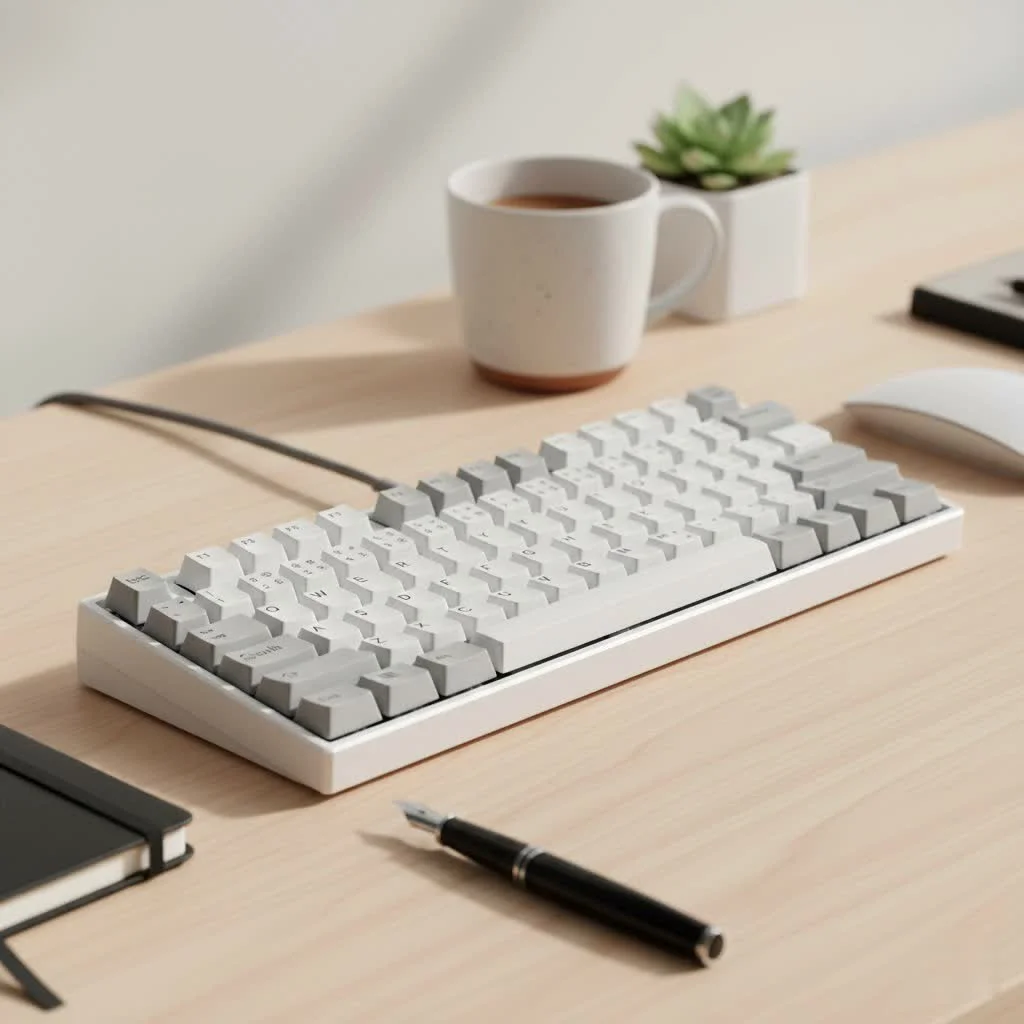
What Exactly Is an RGB Mechanical Keyboard?
An RGB mechanical keyboard is a type of keyboard that uses individual mechanical switches under each key and incorporates Red, Green, and Blue (RGB) LEDs capable of producing a spectrum of over 16 million colors. Unlike standard backlit keyboards with single-color lighting, an RGB keyboard allows for complex, dynamic, and customizable lighting effects on a per-key basis. This fusion of tactile, responsive typing and customizable aesthetics has made it a favorite among gamers, programmers, and creators.
The “mechanical” part refers to the switch mechanism. Each key has its own spring-loaded switch that registers a keystroke. This provides superior durability, tactile feedback, and a satisfying sound compared to the rubber domes found in typical membrane keyboards. The “RGB” component elevates this experience by adding a layer of visual customization that is both functional and expressive.
The Core Benefits: More Than Just a Light Show
While the visual appeal is undeniable, the advantages of an RGB mechanical keyboard extend far beyond simple aesthetics. The lighting is a powerful tool that can enhance both productivity and gaming performance.
Enhanced Gaming and Productivity
One of the most practical applications of RGB lighting is keymapping visualization. Gamers can program specific keys or zones to light up in different colors, creating an intuitive visual guide for complex control schemes.
- Ability Cooldowns: Imagine your number keys glowing red when an ability is on cooldown and turning green when it’s ready.
- Health and Status Indicators: Integrate with games to have your keyboard reflect your character’s health bar, from a healthy green to a critical red.
- Highlighting Key Groups: Isolate your WASD, modifier, and action keys with distinct colors to build muscle memory and reduce mistimed presses during intense moments.
For professionals, this functionality can be just as useful. Video editors can color-code their shortcut keys for playback, cutting, and effects, while programmers can highlight syntax or specific command groups.
Unmatched Customization and Aesthetics
Your desk setup is an extension of your personality. An RGB mechanical keyboard is the canvas, and you are the artist. With powerful software suites from manufacturers like Corsair (iCUE), Razer (Chroma), and SteelSeries (Engine), you can design intricate lighting profiles. You can sync your keyboard’s lighting with other RGB-enabled components, create ambient effects that match your on-screen content, or simply set a static color that fits your mood.
“The evolution of keyboard lighting from single-color backlights to per-key RGB has been transformative. It turned a purely functional device into an interactive and integral part of the user’s computing environment,” notes peripherals expert and product designer, Dr. Evelyn Reed.
Key Components of an RGB Keyboard
To truly appreciate an RGB mechanical keyboard, you need to understand the parts that work together to create the experience. The quality of the lighting effect is heavily dependent on the switches and keycaps.
Mechanical Switches and LED Placement
|
Our Picks for the Best Mechanical Keyboard in 2026
As an Amazon Associate I earn from qualifying purchases.
|
||
| Num | Product | Action |
|---|---|---|
| 1 | Logitech MX Mechanical Wireless Illuminated Performance Keyboard, Tactile Quiet Switches, Backlit Keys, Bluetooth, USB-C, macOS, Windows, Linux, iOS, Android, Metal, Graphite |

|
| 2 | EPOMAKER x Aula F75 Gasket Mechanical Keyboard, 75% Wireless Hot Swappable Gaming Keyboard with Five-Layer Padding&Knob, Bluetooth/2.4GHz/USB-C, RGB (Light Blue, LEOBOG Reaper Switch) |
|
| 3 | SteelSeries USB Apex 5 Hybrid Mechanical Gaming Keyboard – Per-Key RGB Illumination – Aircraft Grade Aluminum Alloy Frame – OLED Smart Display (Hybrid Blue Switch) |
|
| 4 | AULA F99 Wireless Mechanical Keyboard,Tri-Mode BT5.0/2.4GHz/USB-C Hot Swappable Custom Keyboard,Pre-lubed Linear Switches,RGB Backlit Computer Gaming Keyboards for PC/Tablet/PS/Xbox |
|
| 5 | AK96 Smart Mechanical Keyboard Gaming, 96 Keys Full Size with LED Colorful Backlit, Clicky Creamy Sounding, USB Wired Computer Keyboard with Volume Knob for PC, Mac, Windows(Grey) |
|
| 6 | Redragon Mechanical Gaming Keyboard Wired, 11 Programmable Backlit Modes, Hot-Swappable Red Switch, Anti-Ghosting, Double-Shot PBT Keycaps, Light Up Keyboard for PC Mac |
|
| 7 | RK ROYAL KLUDGE R98 Pro Wired Mechanical Keyboard, 96% Creamy Gaming Keyboard RGB Backlit with Number Pad and Volume Knob, Gasket Mount, MDA Profile PBT Keycaps, Hot Swappable Pre-lubed Linear Switch |
|
| 8 | AULA F75 Pro Wireless Mechanical Keyboard,75% Hot Swappable Custom Keyboard with Knob,RGB Backlit,Pre-lubed Reaper Switches,Side Printed PBT Keycaps,2.4GHz/USB-C/BT5.0 Mechanical Gaming Keyboards |
|
| 9 | RK ROYAL KLUDGE S98 Mechanical Keyboard w/Smart Display & Knob, Top Mount 96% Wireless Mechanical Keyboard BT/2.4G/USB-C, Hot Swappable, Software Support, Creamy Sounding, 98 Keys |
|
| 10 | Womier S-K80 75% Keyboard with Color Multimedia Display Mechanical Gaming Keyboard Creamy Sound, Wired Hot Swappable Gasket Mount RGB Custom Key board, Pre-lubed Stabilizer for Mac/Win, Black Kanagawa |
|
The type of mechanical switch housing affects how the light is diffused. Switches designed for RGB lighting often feature clear or transparent housings to allow maximum light to pass through. The position of the LED also matters. North-facing LEDs (at the top of the switch) can sometimes interfere with certain types of keycaps (like Cherry profile), while south-facing LEDs offer broader compatibility and more even lighting with shine-through keycaps.
The Importance of Shine-Through Keycaps
Keycaps are the plastic caps you press. For RGB lighting to be effective, you need keycaps that allow light to pass through the legends (the letters and symbols). These are called “shine-through” or “backlit” keycaps.
- Material: PBT (Polybutylene Terephthalate) and ABS (Acrylonitrile Butadiene Styrene) are the two most common materials. PBT is more durable and resistant to the “shine” that develops from finger oils, while ABS is smoother. High-quality doubleshot PBT keycaps, where two layers of plastic are molded together, offer the most durable and crisp-looking legends for RGB effects.
- Profile: The shape and height of the keycaps (known as the profile) can also impact the look of your RGB. Some profiles allow more light to bleed out from the sides, creating a beautiful “underglow” effect.
How Do You Customize RGB Lighting?
The magic of controlling millions of colors lies in dedicated software. Most major brands have their own proprietary software that allows you to control lighting effects, create macros, and remap keys.
- Install the Manufacturer’s Software: Download the corresponding software for your keyboard brand (e.g., Corsair iCUE, Razer Synapse, Logitech G HUB).
- Select Your Device: Once installed, the software should automatically detect your keyboard.
- Explore Lighting Presets: Start by experimenting with the built-in presets. These often include effects like color waves, ripples, breathing, and reactive typing, where keys light up as you press them.
- Create Custom Profiles: Dive into the advanced settings to assign colors and effects to individual keys or zones. You can save multiple profiles for different games or applications and switch between them easily.
- Sync Your Ecosystem: If you have other RGB components from the same brand (like a mouse, headset, or case fans), you can use the software to synchronize all the lighting effects for a cohesive look.
For the enthusiast community, open-source firmware like QMK and VIA provides an even deeper level of customization, allowing you to program the keyboard’s behavior at the hardware level, independent of any desktop software.
Is an RGB Mechanical Keyboard Worth It for You?
Choosing a keyboard is a personal decision. To determine if an RGB model is the right fit, consider what you value most in a peripheral.
An RGB mechanical keyboard is an excellent choice if:
- You are a gamer who wants to improve immersion and gain a competitive edge with visual cues.
- You value aesthetics and want your desk setup to have a personalized, modern look.
- You work with complex software and could benefit from color-coding your shortcuts.
- You enjoy tinkering and customizing your hardware.
You might prefer a non-RGB alternative if:
- You prioritize a minimalist, professional aesthetic without any distracting lights.
- You are on a tight budget, as non-RGB mechanical keyboards are often more affordable.
- You primarily use your keyboard for typing in a well-lit environment and don’t need backlighting.
Frequently Asked Questions (FAQ)
Can you turn off the RGB on a mechanical keyboard?
Yes, absolutely. Every RGB keyboard has a way to dim or completely turn off the backlighting, usually with a dedicated function key or through its software. You can enjoy the superior typing feel of a mechanical keyboard without the lights whenever you choose.
Do RGB keyboards consume a lot of power?
An RGB keyboard consumes more power than a non-lit one, but the amount is generally negligible for a desktop computer. For a laptop running on battery, however, having the lights at full brightness can contribute to faster battery drain.
What is the difference between RGB and ARGB?
In the context of keyboards, “RGB” typically implies addressable functionality, meaning you can control each key’s light individually. In the broader PC component world, “RGB” can sometimes mean all LEDs are one color at a time, while “ARGB” (Addressable RGB) means individual LED control. For keyboards, “per-key RGB” is the most precise term.
How long do the LEDs on an RGB keyboard last?
Modern LEDs are incredibly durable, with typical lifespans rated for 50,000 hours or more. It is far more likely that another component of the keyboard will fail or you’ll simply want to upgrade before the LEDs burn out.
Does RGB lighting affect keyboard performance?
No, the lighting system is separate from the key switch mechanism. The RGB effects do not impact the keyboard’s input latency, response time, or overall typing and gaming performance.
Final Thoughts
An RGB mechanical keyboard is a brilliant marriage of form and function. It offers the unparalleled typing experience of mechanical switches while providing a layer of customization that is both visually stunning and practically useful. Whether you’re a competitive gamer tracking cooldowns, a creative professional optimizing your workflow, or simply someone who loves to personalize their space, the dynamic glow of an RGB keyboard has something to offer. It’s an investment in a peripheral that works better, feels better, and looks uniquely yours. Dive in, explore the spectrum of possibilities, and let your desk setup truly shine.
Customize RGB Lighting on Your Mechanical Keyboard
Learn how to personalize the lighting effects on your RGB mechanical keyboard using manufacturer software or open-source firmware.
Download and install the corresponding software for your keyboard brand, such as Corsair iCUE, Razer Synapse, or Logitech G HUB. This software is essential for controlling lighting effects and other keyboard functions.
Once the software is installed, it should automatically detect your keyboard. Begin by experimenting with the built-in lighting presets, which often include effects like color waves, ripples, breathing, and reactive typing.
Dive into the advanced settings to assign specific colors and effects to individual keys or zones. You can save multiple custom profiles tailored for different games or applications and easily switch between them as needed.
If you own other RGB-enabled components from the same brand (e.g., mouse, headset, case fans), use the software to synchronize all lighting effects. This creates a cohesive and visually stunning setup across your entire desk.
Get our weekly buyer guide
Practical specs, not advice. Unsubscribe anytime.
