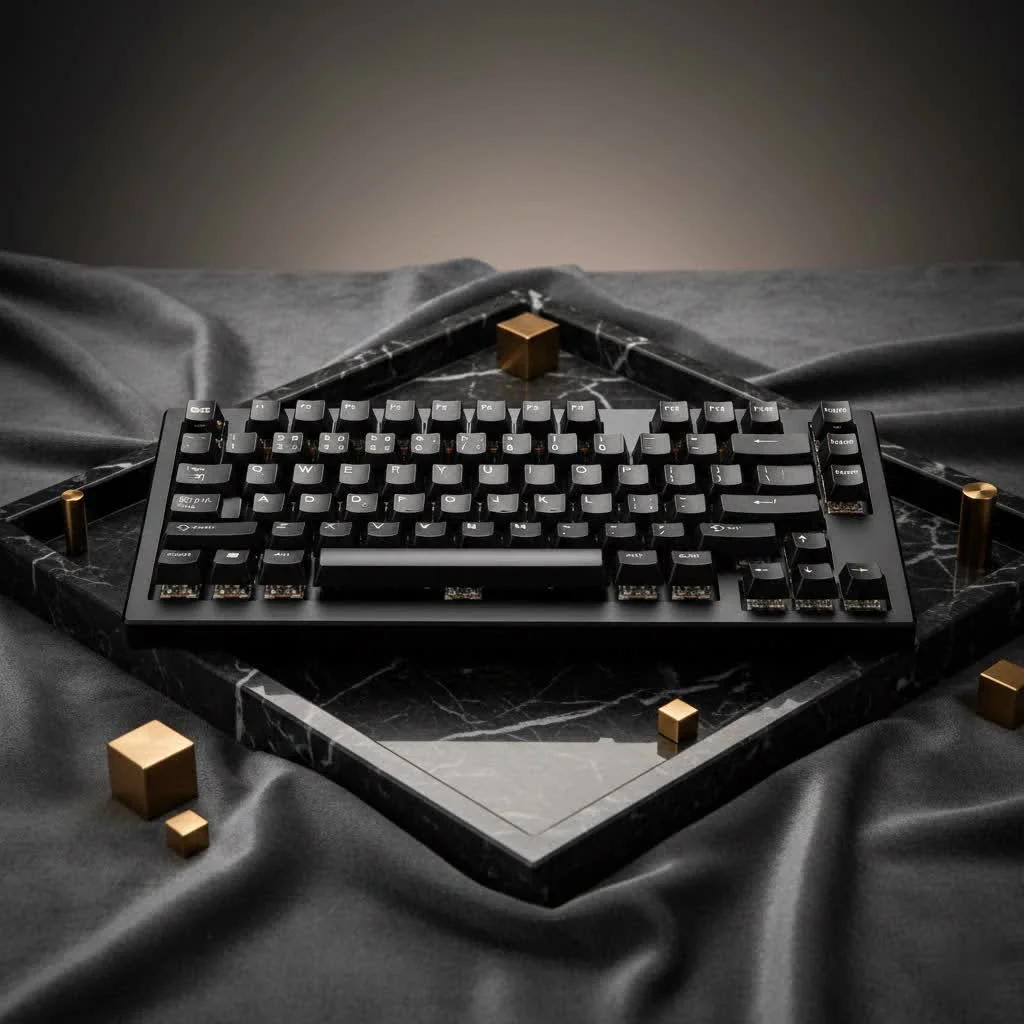
A white mechanical keyboard serves as a stylish centerpiece for any desk setup, offering a clean, minimalist aesthetic that enhances RGB lighting and provides extensive customization options. These keyboards are popular among gamers and professionals due to their pristine appearance and the tactile satisfaction of mechanical switches. Key considerations when choosing one include switch type (linear, tactile, clicky), size (full-size, TKL, compact), and keycap material (PBT is recommended for durability and resistance to yellowing). Regular cleaning ensures its longevity and maintains its visual appeal.
Why Choose a White Mechanical Keyboard?
The appeal of a white mechanical keyboard extends beyond its color, representing a deliberate design choice that can improve your entire desk environment. For compare top reviews on this site.
The Aesthetic Advantage
A white keyboard acts as a bright, clean canvas. It makes RGB lighting appear more vibrant than on a black or grey board, creating a stunning light show. It complements a wide range of desk setups, from minimalist and modern to cozy and chic. It’s a statement piece that signifies attention to detail and design.
A World of Customization
The neutral base of a white keyboard opens up endless possibilities for customization. You can pair it with virtually any color of keycaps to create a unique look. Imagine a crisp white board with pastel pink keycaps or a bold set of black and red. The custom keyboard community thrives on this creativity, and a white board is the perfect starting point.
What to Consider Before Buying a White Keyboard
Choosing the right white mechanical keyboard involves more than just picking the prettiest one. You need to consider the components that define its feel, sound, and functionality.
Keyboard Switches: The Heart of the Feel
The switch is the mechanism under each keycap that registers a keystroke. The type of switch determines the feel and sound of your typing experience.
- Linear Switches (e.g., Cherry MX Red, Gateron Red): These offer a smooth, consistent keystroke from top to bottom with no tactile bump. They are favored by gamers for their speed and responsiveness.
- Tactile Switches (e.g., Cherry MX Brown, Gateron Brown): These provide a noticeable “bump” in the middle of the keypress, letting you know the keystroke has been registered. They are a popular all-around choice for both typing and gaming.
- Clicky Switches (e.g., Cherry MX Blue, Kailh Box White): These provide a tactile bump along with a distinct “click” sound. They are incredibly satisfying for typists who love auditory feedback but can be noisy for shared environments.
Size and Layout: Finding Your Perfect Fit
|
Our Picks for the Best Mechanical Keyboard in 2026
As an Amazon Associate I earn from qualifying purchases.
|
||
| Num | Product | Action |
|---|---|---|
| 1 | SteelSeries USB Apex 5 Hybrid Mechanical Gaming Keyboard – Per-Key RGB Illumination – Aircraft Grade Aluminum Alloy Frame – OLED Smart Display (Hybrid Blue Switch) |

|
| 2 | AK96 Smart Mechanical Keyboard Gaming, 96 Keys Full Size with LED Colorful Backlit, Clicky Creamy Sounding, USB Wired Computer Keyboard with Volume Knob for PC, Mac, Windows(Grey) |
|
| 3 | EPOMAKER x Aula F75 Gasket Mechanical Keyboard, 75% Wireless Hot Swappable Gaming Keyboard with Five-Layer Padding&Knob, Bluetooth/2.4GHz/USB-C, RGB (Light Blue, LEOBOG Reaper Switch) |
|
| 4 | RK ROYAL KLUDGE R98 Pro Wired Mechanical Keyboard, 96% Creamy Gaming Keyboard RGB Backlit with Number Pad and Volume Knob, Gasket Mount, MDA Profile PBT Keycaps, Hot Swappable Pre-lubed Linear Switch |
|
| 5 | AULA F99 Wireless Mechanical Keyboard,Tri-Mode BT5.0/2.4GHz/USB-C Hot Swappable Custom Keyboard,Pre-lubed Linear Switches,RGB Backlit Computer Gaming Keyboards for PC/Tablet/PS/Xbox |
|
| 6 | Logitech MX Mechanical Wireless Illuminated Performance Keyboard, Tactile Quiet Switches, Backlit Keys, Bluetooth, USB-C, macOS, Windows, Linux, iOS, Android, Metal, Graphite |
|
| 7 | Redragon Mechanical Gaming Keyboard Wired, 11 Programmable Backlit Modes, Hot-Swappable Red Switch, Anti-Ghosting, Double-Shot PBT Keycaps, Light Up Keyboard for PC Mac |
|
| 8 | RK ROYAL KLUDGE S98 Mechanical Keyboard w/Smart Display & Knob, Top Mount 96% Wireless Mechanical Keyboard BT/2.4G/USB-C, Hot Swappable, Software Support, Creamy Sounding, 98 Keys |
|
| 9 | AULA F75 Pro Wireless Mechanical Keyboard,75% Hot Swappable Custom Keyboard with Knob,RGB Backlit,Pre-lubed Reaper Switches,Side Printed PBT Keycaps,2.4GHz/USB-C/BT5.0 Mechanical Gaming Keyboards |
|
| 10 | Womier S-K80 75% Keyboard with Color Multimedia Display Mechanical Gaming Keyboard Creamy Sound, Wired Hot Swappable Gasket Mount RGB Custom Key board, Pre-lubed Stabilizer for Mac/Win, Black Kanagawa |
|
Keyboards come in various sizes, and the right one depends on your desk space and needs.
- Full-Size (100%): The traditional layout with a full number pad, function row, and navigation cluster. Ideal for data entry and those who want every key at their disposal.
- Tenkeyless (TKL): A full-size board without the number pad. It saves desk space while retaining the standard navigation keys, making it a popular choice for gamers.
- Compact (75%, 65%, 60%): These smaller form factors remove more keys to maximize desk space. They often use layers and function keys to access missing commands, appealing to enthusiasts and minimalists.
Keycap Material and Profile
The keycaps are what you touch, and their material significantly affects the typing experience and longevity.
- ABS (Acrylonitrile Butadiene Styrene): A common plastic that is smooth and affordable. However, it can develop a shine over time and yellow, especially on white keycaps, if not UV-protected.
- PBT (Polybutylene Terephthalate): A more durable and textured material that resists shine and yellowing. PBT keycaps offer a more premium feel and are highly recommended for a white mechanical keyboard to maintain its pristine look.
“When investing in a white keyboard, opting for PBT keycaps is one of the smartest decisions you can make. They resist the oils from your fingertips, preventing that dreaded shine and ensuring your board looks factory-fresh for years, not months.” – Alex Sterling, veteran keyboard designer.
How to Keep Your White Mechanical Keyboard Clean
The biggest concern for many is maintenance. A white keyboard looks amazing when clean but can quickly show dirt. Fortunately, keeping it pristine is easier than you think.
- Gather Your Tools: You’ll need a keycap puller, a soft brush, compressed air, isopropyl alcohol, and a microfiber cloth.
- Remove Keycaps: Carefully use the keycap puller to remove all the keycaps. It’s helpful to take a picture of the layout beforehand.
- Clean the Keycaps: Submerge the keycaps in a bowl of warm water with a drop of dish soap. Let them soak, then gently scrub them with a soft brush. Rinse thoroughly and let them air dry completely. Do not use alcohol on printed ABS keycaps as it can damage the legends.
- Clean the Keyboard Case: With the keycaps off, use compressed air to blow out dust and debris from the keyboard plate. Use a brush for stubborn particles. Wipe down the case and plate with a microfiber cloth lightly dampened with isopropyl alcohol.
- Reassemble: Once everything is completely dry, press the keycaps back onto the switches.
Frequently Asked Questions (FAQ)
Do white mechanical keyboards turn yellow?
High-quality white mechanical keyboards, particularly those with PBT keycaps and a well-finished case, are highly resistant to yellowing. Cheaper ABS plastics are more susceptible to yellowing over time due to UV exposure and chemical reactions, so investing in quality materials is key.
Is a white keyboard better for RGB lighting?
Yes, absolutely. The white surface of the keyboard case and plate acts as a reflector, making RGB lighting appear brighter, more vibrant, and more evenly distributed compared to a black keyboard.
What are the best switches for a white gaming keyboard?
For gaming, linear switches like Cherry MX Red or Gateron Red are often preferred. Their smooth, fast actuation allows for rapid keypresses without the distraction of a tactile bump, which is ideal for competitive gaming.
Can I change the keycaps on any white mechanical keyboard?
Most white mechanical keyboards use a standard layout and Cherry MX-style stems, making them compatible with the vast majority of custom keycap sets. This allows you to easily personalize your board’s look.
How often should I clean my keyboard?
A light dusting or wipe-down once a week is a good habit. A deep clean, as described above, should be performed every 3-6 months, depending on your usage and environment.
Your Perfect Keyboard Awaits
Choosing a white mechanical keyboard is an exciting journey into a world of style and performance. By understanding the fundamentals of switches, materials, and maintenance, you can select a board that not only elevates your desk setup but also provides a superior typing and gaming experience for years to come. Armed with this knowledge, you are ready to find the perfect white mechanical keyboard that matches your style and exceeds your expectations. Happy typing
Frequently Asked Questions
Do white mechanical keyboards turn yellow over time?
High-quality white mechanical keyboards, especially those featuring PBT keycaps and a well-finished case, are highly resistant to yellowing. Cheaper ABS plastics are more susceptible to yellowing due to UV exposure and chemical reactions, so investing in quality materials is crucial for longevity.
Is a white keyboard more effective for showcasing RGB lighting?
Yes, a white keyboard significantly enhances RGB lighting. The white surface of the keyboard case and plate acts as a reflector, making the RGB illumination appear brighter, more vibrant, and more evenly distributed compared to a black keyboard.
What are the recommended switch types for a white gaming keyboard?
For gaming, linear switches such as Cherry MX Red or Gateron Red are often preferred. Their smooth, fast actuation allows for rapid keypresses without the distraction of a tactile bump, which is ideal for competitive gaming scenarios.
Can keycaps be changed on most white mechanical keyboards?
Most white mechanical keyboards utilize a standard layout and Cherry MX-style stems, ensuring compatibility with the vast majority of custom keycap sets available. This broad compatibility allows users to easily personalize their board's aesthetic.
How frequently should a white mechanical keyboard be cleaned?
A light dusting or wipe-down once a week is a good habit for general maintenance. A deep clean, involving keycap removal and thorough cleaning of the case, should be performed every 3-6 months, depending on usage and environmental conditions.
How to Clean Your White Mechanical Keyboard
Keeping your white mechanical keyboard pristine is essential for maintaining its aesthetic appeal and functionality. This guide outlines a simple, effective cleaning process.
Collect all necessary cleaning supplies before starting. You will need a keycap puller, a soft brush, compressed air, isopropyl alcohol, and a microfiber cloth to ensure a thorough clean.
Carefully use the keycap puller to remove all keycaps, taking a picture of the layout beforehand for easy reassembly. Submerge keycaps in warm water with a drop of dish soap, scrub gently, rinse, and air dry completely. Avoid alcohol on printed ABS keycaps.
With the keycaps off, use compressed air to dislodge dust and debris from the keyboard plate. Use a soft brush for any stubborn particles. Wipe down the case and plate with a microfiber cloth lightly dampened with isopropyl alcohol.
Once all components are completely dry, carefully press the keycaps back onto their respective switches. Ensure each keycap is securely seated to prevent wobbling or improper function.
Get our weekly buyer guide
Practical specs, not advice. Unsubscribe anytime.
This guide was super helpful in deciding on my new white mechanical keyboard. I was torn between linear and clicky switches, but ended up going with linear for a smoother typing experience for my professional work. The customization options are endless, and it really does make my workspace feel more premium. Definitely a solid upgrade!
I’m so glad I invested in a white mechanical keyboard. The pristine appearance is exactly what I was looking for to match my new monitor. I appreciate the tip about PBT keycaps for durability; it’s definitely made a difference in how long it stays looking new. It’s a fantastic centerpiece for my gaming rig.
I got a white mechanical keyboard with PBT keycaps, hoping it would resist yellowing as mentioned. While the keyboard itself is great and the tactile switches feel awesome, I’ve noticed a slight discoloration on a couple of the most used keys after only a few months, despite regular cleaning. It’s not super noticeable yet, but a bit disappointing.
I finally pulled the trigger on a white mechanical keyboard after reading about the aesthetic advantages. It totally transformed my desk setup! The RGB lighting looks so much better against the white frame, and it really does give a clean, minimalist vibe. I went with a TKL size and it’s perfect for my gaming and work needs.