A Cherry MX mechanical keyboard is a keyboard that uses individual mechanical switches manufactured by the German company Cherry, which introduced its MX switches in 1983. These switches are the industry benchmark for durability and precision, offering a distinct, consistent, and reliable actuation for each key. They are preferred by gamers, writers, and programmers for their superior typing and gaming experience, often rated for 50 to 100 million keystrokes.
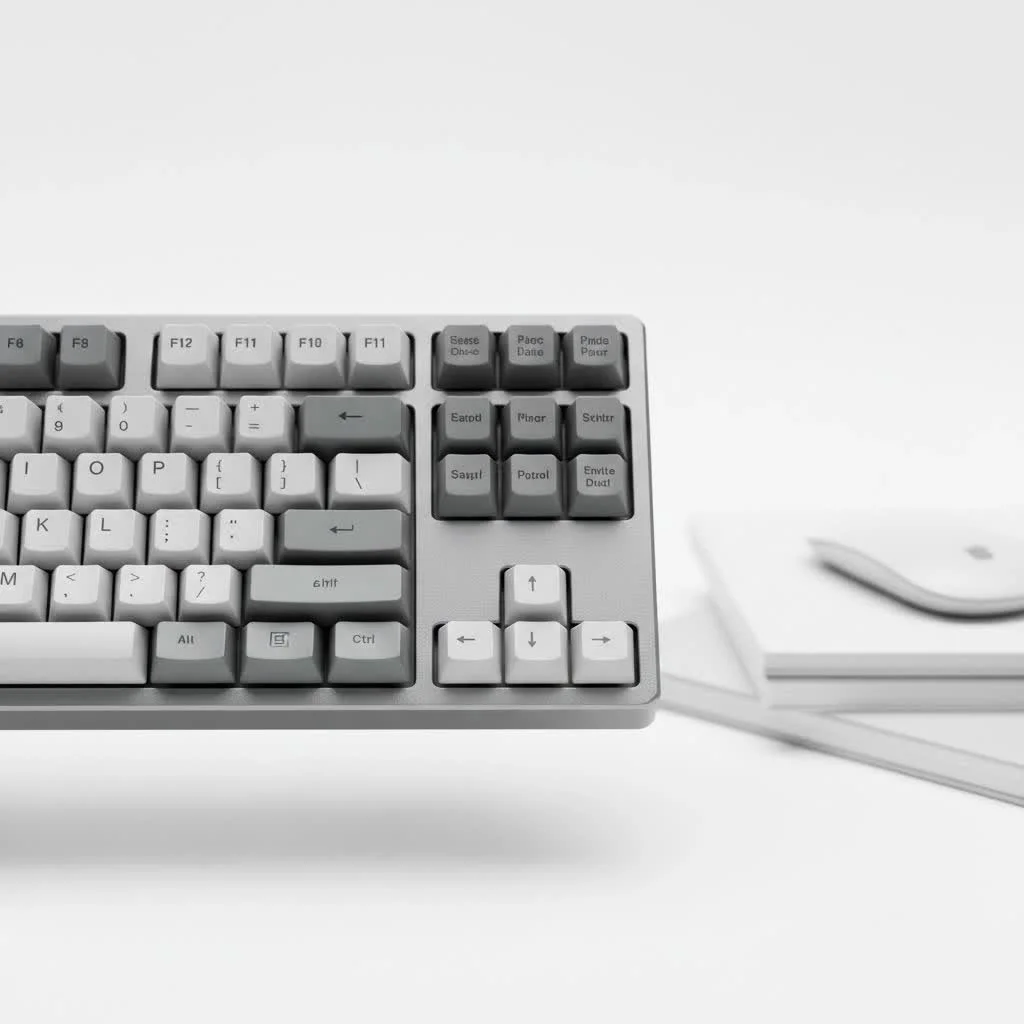
What Exactly is a Cherry MX Mechanical Keyboard?
A Cherry MX mechanical keyboard utilizes individual mechanical switches beneath each key, produced by the German company Cherry, founded in 1953. Their MX switches, introduced in 1983, established the industry standard against which most other switches are measured. Unlike the soft, unsatisfactory feel of typical rubber dome keyboards, each key on a mechanical board provides a distinct, consistent, and reliable actuation. This precision is why gamers, writers, and programmers overwhelmingly favor them. For more reviews guides on this site.
These switches are renowned for their durability, frequently rated for 50 to 100 million keystrokes, significantly outlasting membrane alternatives. This longevity, combined with the unparalleled feel, makes investing in a Cherry MX mechanical keyboard a long-term enhancement for your desk setup.
The Core Trio: Understanding Switch Types
The Cherry MX experience centers on three primary switch categories: Linear, Tactile, and Clicky. Selecting the correct one depends entirely on personal preference for feel and sound.
Linear Switches: Smooth and Swift
Linear switches provide a smooth, consistent keystroke from the initial press until it bottoms out, without any bump or click. This characteristic makes them exceptionally fast and quiet, making them a favorite among competitive gamers who require rapid, repeated keystrokes free from tactile interference.
- Cherry MX Red: The most popular linear switch, featuring a light actuation force (45 cN) for effortless pressing. It is ideal for fast-paced FPS games.
- Cherry MX Black: A heavier variant of the Red switch (60 cN). Its increased resistance helps prevent accidental keypresses, making it suitable for RTS gamers and typists who prioritize precision.
- Cherry MX Speed Silver: Engineered for maximum speed, this switch has a shorter pre-travel distance (1.2mm compared to the standard 2.0mm), enabling quicker actuations.
Tactile Switches: The Best of Both Worlds
Tactile switches offer a small, noticeable “bump” during the keypress, precisely at the point of actuation. This feedback confirms the keystroke has registered without requiring the key to “bottom out” (press all the way down). They are excellent all-rounders, equally suitable for typing and gaming.
- Cherry MX Brown: The quintessential tactile switch. It provides a gentle bump with quiet operation, making it the most popular switch for office environments and new mechanical keyboard users. It achieves a perfect balance between typing satisfaction and gaming performance.
Clicky Switches: Loud and Proud
|
Our Picks for the Best Mechanical Keyboard in 2026
As an Amazon Associate I earn from qualifying purchases.
|
||
| Num | Product | Action |
|---|---|---|
| 1 | Redragon Mechanical Gaming Keyboard Wired, 11 Programmable Backlit Modes, Hot-Swappable Red Switch, Anti-Ghosting, Double-Shot PBT Keycaps, Light Up Keyboard for PC Mac |

|
| 2 | Womier S-K80 75% Keyboard with Color Multimedia Display Mechanical Gaming Keyboard Creamy Sound, Wired Hot Swappable Gasket Mount RGB Custom Key board, Pre-lubed Stabilizer for Mac/Win, Black Kanagawa |
|
| 3 | AULA F99 Wireless Mechanical Keyboard,Tri-Mode BT5.0/2.4GHz/USB-C Hot Swappable Custom Keyboard,Pre-lubed Linear Switches,RGB Backlit Computer Gaming Keyboards for PC/Tablet/PS/Xbox |
|
| 4 | RK ROYAL KLUDGE R98 Pro Wired Mechanical Keyboard, 96% Creamy Gaming Keyboard RGB Backlit with Number Pad and Volume Knob, Gasket Mount, MDA Profile PBT Keycaps, Hot Swappable Pre-lubed Linear Switch |
|
| 5 | RK ROYAL KLUDGE S98 Mechanical Keyboard w/Smart Display & Knob, Top Mount 96% Wireless Mechanical Keyboard BT/2.4G/USB-C, Hot Swappable, Software Support, Creamy Sounding, 98 Keys |
|
| 6 | AULA F75 Pro Wireless Mechanical Keyboard,75% Hot Swappable Custom Keyboard with Knob,RGB Backlit,Pre-lubed Reaper Switches,Side Printed PBT Keycaps,2.4GHz/USB-C/BT5.0 Mechanical Gaming Keyboards |
|
| 7 | EPOMAKER x Aula F75 Gasket Mechanical Keyboard, 75% Wireless Hot Swappable Gaming Keyboard with Five-Layer Padding&Knob, Bluetooth/2.4GHz/USB-C, RGB (Light Blue, LEOBOG Reaper Switch) |
|
| 8 | AK96 Smart Mechanical Keyboard Gaming, 96 Keys Full Size with LED Colorful Backlit, Clicky Creamy Sounding, USB Wired Computer Keyboard with Volume Knob for PC, Mac, Windows(Grey) |
|
| 9 | Logitech MX Mechanical Wireless Illuminated Performance Keyboard, Tactile Quiet Switches, Backlit Keys, Bluetooth, USB-C, macOS, Windows, Linux, iOS, Android, Metal, Graphite |
|
| 10 | SteelSeries USB Apex 5 Hybrid Mechanical Gaming Keyboard – Per-Key RGB Illumination – Aircraft Grade Aluminum Alloy Frame – OLED Smart Display (Hybrid Blue Switch) |
|
Clicky switches are the most distinct. They deliver both a tactile bump and a clear, audible “click” sound upon actuation. For many typists, this auditory feedback is highly satisfying and can even contribute to faster, more accurate typing.
- Cherry MX Blue: The classic clicky switch, favored by typists who desire that unmistakable click-clack sound. However, these switches are loud and may not be appropriate for shared office spaces or late-night gaming sessions near others.
“The choice between Linear, Tactile, and Clicky is the foundational decision in a user’s mechanical keyboard journey,” notes Dr. Alistair Finch, a materials scientist renowned in the keyboard community. “Cherry’s color-coded system simplified this choice, creating a universal language for keystroke feel that has defined the industry.”
A Closer Look at the Switches
To assist your decision, here is a simple breakdown of the most common Cherry MX switches:
| Switch Name | Type | Actuation Force | Travel Distance | Feel & Sound |
|---|---|---|---|---|
| Cherry MX Red | Linear | 45 cN | 2.0 mm | Smooth & Quiet |
| Cherry MX Black | Linear | 60 cN | 2.0 mm | Smooth, Heavy & Quiet |
| Cherry MX Brown | Tactile | 55 cN | 2.0 mm | Tactile Bump & Quiet |
| Cherry MX Blue | Clicky | 60 cN | 2.2 mm | Tactile Bump & Loud Click |
| Cherry MX Speed Silver | Linear | 45 cN | 1.2 mm | Smooth, Fast & Quiet |
Beyond the Switch: Keycaps and Build Quality
While the switch is paramount, it is not the only crucial component. The overall experience of a Cherry MX mechanical keyboard is also determined by its keycaps and build quality.
Keycap Materials and Profiles
Keycaps are available in various materials, most commonly ABS and PBT plastic.
- ABS (Acrylonitrile Butadiene Styrene) is smooth and common, but can develop a shine over time.
- PBT (Polybutylene Terephthalate) is more durable, has a textured feel, and resists shine, making it a premium option.
The shape of the keycaps, known as the “profile,” also influences the typing feel. Profiles like Cherry, SA, and DSA offer different heights and sculpting to accommodate ergonomic preferences.
How to Choose the Right Cherry MX Mechanical Keyboard for You
Choosing your first or next Cherry MX mechanical keyboard can be an exciting process. Here’s a quick checklist to guide you:
- Determine Your Primary Use: Are you primarily gaming, typing, or a combination of both?
- Gaming: Consider Linear switches like Reds or Speed Silvers for rapid response.
- Typing: Tactile Browns or Clicky Blues provide satisfying feedback.
- Mixed Use: Tactile Browns often represent the ideal compromise.
- Consider Your Environment: Will you be in a quiet office or a private study?
- Office/Shared Space: Opt for quieter switches such as Reds, Blacks, Browns, or Silent Reds.
- Private Space: Feel free to enjoy the satisfying noise of Blue switches.
- Try Before You Buy (If Possible): The best method to determine your preference is to experience it firsthand. If feasible, test keyboards with different switches at a local electronics store or a friend’s setup. A switch tester can also be a small, inexpensive investment to sample various types.
- Set a Budget: A quality Cherry MX mechanical keyboard can range from approximately $80 to over $200. Determine your comfortable spending limit, remembering that this is a durable, long-term investment.
Frequently Asked Questions (FAQ)
What makes a Cherry MX mechanical keyboard better than a regular one?
The primary advantages are durability, consistency, and feel. Cherry MX switches are rated for tens of millions of presses, provide a more reliable and precise keystroke, and offer a much more satisfying typing experience compared to mushy rubber dome keyboards.
How long do Cherry MX switches last?
Most standard Cherry MX switches, including Reds, Browns, and Blues, are rated for over 50 million keystrokes. Newer versions and specific models are even rated for over 100 million. Under normal use, a keyboard with these switches can last for many years, even decades.
Are Cherry MX Red switches good for typing?
While Cherry MX Reds are primarily marketed for gaming due to their light, linear action, many people find them comfortable for typing. However, the lack of tactile feedback can lead to more typos for some users, as it’s easier to bottom out or accidentally press keys.
Can I change the switches on my Cherry MX mechanical keyboard?
It depends on the keyboard. Many modern enthusiast keyboards are “hot-swappable,” meaning you can pull the switches out and replace them without any soldering. If the keyboard is not hot-swappable, you would need to de-solder the old switches and solder in new ones, which is a much more involved process.
Is the “click” sound from the switch or the keycap?
For clicky switches like Cherry MX Blues, the click sound is generated by a mechanism inside the switch itself. For linear and tactile switches, the sound you hear is primarily from the keycap “bottoming out” (hitting the switch’s top housing) and the “upstroke” (the key returning to its starting position).
Your Journey Starts Here
Choosing a Cherry MX mechanical keyboard is more than just buying a computer accessory; it’s an investment in your daily interaction with your digital world. The tactile pleasure, audible feedback, and sheer reliability of these keyboards can transform mundane tasks into enjoyable experiences. Whether you’re a lightning-fast gamer, a prolific writer, or a meticulous coder, there is a perfect Cherry MX switch waiting for you.
Take the time to understand your preferences, and don’t be afraid to experiment. The world of mechanical keyboards is a deep and rewarding one, and it all starts with that first satisfying keystroke.
Choose the Right Cherry MX Mechanical Keyboard
Selecting the ideal Cherry MX mechanical keyboard involves considering your primary use, environment, and budget, along with trying different switch types.
Identify whether you will primarily use the keyboard for gaming, typing, or a mix of both. For gaming, linear switches like Reds or Speed Silvers offer fast response. For typing, tactile Browns or clicky Blues provide satisfying feedback, while tactile Browns are a good compromise for mixed use.
Think about where you will be using the keyboard. In a quiet office or shared space, opt for quieter switches such as Reds, Blacks, Browns, or Silent Reds. If you have a private space, you can freely enjoy the audible feedback of Blue switches.
The best way to find your preference is to experience different switches firsthand. If possible, test keyboards at a local electronics store or a friend's setup. A switch tester is also an inexpensive way to sample various types and find what feels best.
Quality Cherry MX mechanical keyboards typically range from around $80 to over $200. Determine what you are comfortable spending, keeping in mind that this is a durable, long-term investment that can significantly enhance your daily digital interactions.
Get our weekly buyer guide
Practical specs, not advice. Unsubscribe anytime.

As a writer, I can’t recommend a Cherry MX mechanical keyboard enough. The distinct feel of each key makes such a difference in my typing speed and accuracy. Knowing these switches were introduced way back in 1983 and are still the benchmark really speaks to their quality. It’s truly a superior experience compared to any rubber dome keyboard I’ve ever used.
I’ve been using a Cherry MX mechanical keyboard for my programming work for about six months now, and it’s a game changer. The precision and consistent actuation really make a difference when I’m coding for hours. I used to get so much finger fatigue with my old membrane keyboard, but that’s completely gone now. Definitely worth the investment for anyone serious about their typing experience.
I picked up a Cherry MX keyboard because everyone raves about them for writing. While the typing experience is definitely better than my old cheap keyboard, I found the initial cost a bit steep for what it is. I was hoping for a more dramatic difference, but it’s just okay. Maybe I just need more time to adjust to the feel, but for now, I’m not entirely blown away.
Got my first Cherry MX board a few weeks ago after reading up on them. The durability claims about 50 to 100 million keystrokes really sold me, since I game a lot and tend to be pretty hard on my peripherals. It feels super solid and responsive, especially during fast-paced FPS games. My only minor gripe is that the specific switch type I picked is a bit louder than I expected, but I’m getting used to it.