Finding the perfect tool to translate your thoughts into text can be a game-changer for writers, programmers, and office professionals alike. If you spend hours a day at a keyboard, you owe it to your fingers to consider a mechanical keyboard for typing. Unlike the mushy, membrane keyboards that come standard with most computers, mechanical keyboards offer superior tactile feedback, durability, and a typing experience that is simply more satisfying. This guide will walk you through everything you need to know to choose the best mechanical keyboard to elevate your typing sessions from a chore to a pleasure.
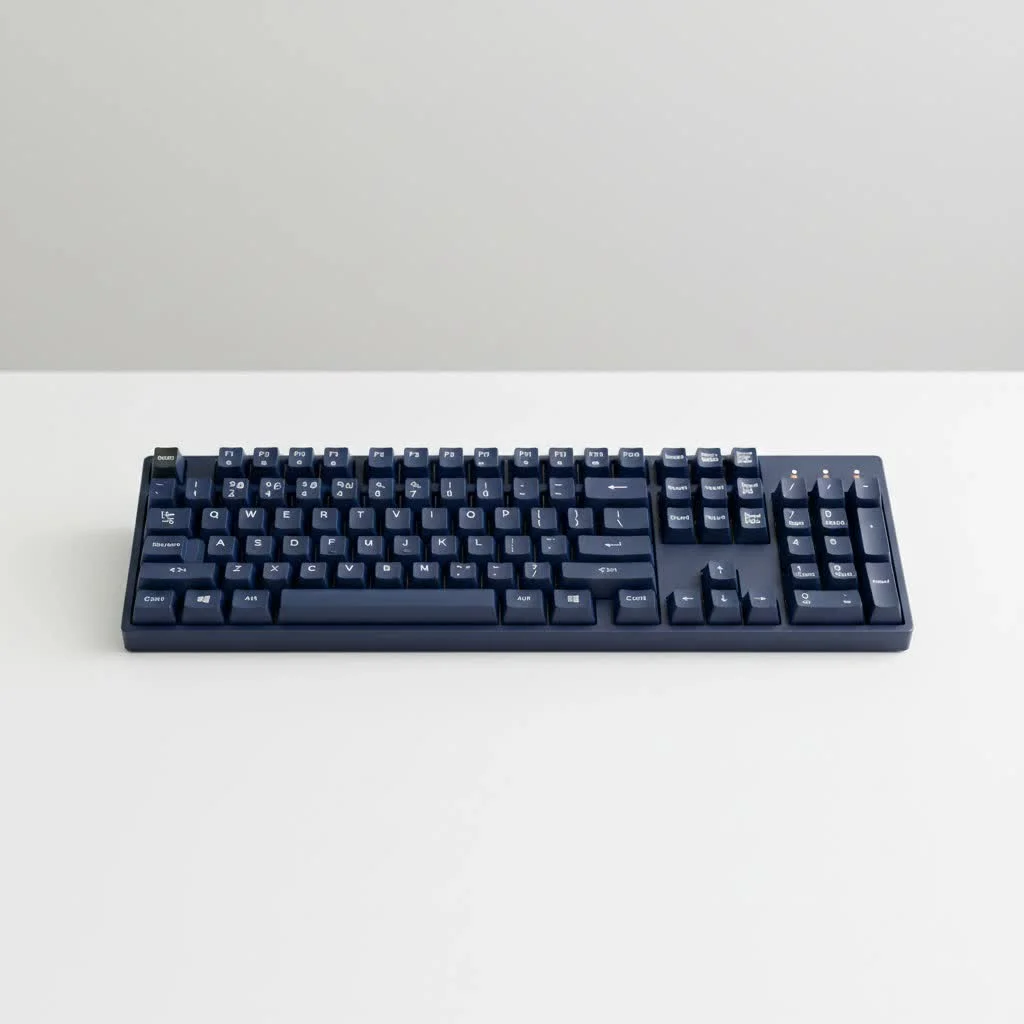
Why Choose a Mechanical Keyboard for Typing?
The magic of a mechanical keyboard lies in its switches. Each key has its own individual mechanical switch that registers the keystroke. This mechanism provides a more precise and consistent feel, which can lead to increased typing speed and accuracy. For best reviews roundups on this site.
- Enhanced Tactile Feedback: You can feel the exact moment a key is registered, which helps develop muscle memory and a better typing rhythm.
- Improved Durability: Mechanical switches are rated for tens of millions of keystrokes, far outlasting their membrane counterparts. A good mechanical keyboard is a long-term investment.
- Customization: From the switches and keycaps to the layout and firmware, you can tailor a mechanical keyboard to your exact preferences.
- Ergonomic Benefits: The consistent force required and the satisfying feedback can reduce finger fatigue during long typing sessions.
The Heart of the Keyboard: Understanding Switches
The most critical decision when choosing a mechanical keyboard for typing is the switch type. Switches determine the feel and sound of each keystroke. They generally fall into three categories.
Tactile Switches: The Typist’s Sweet Spot
Tactile switches are often considered the best all-around choice for typists. They provide a small, noticeable bump at the point of actuation (when the keystroke is registered) without an audible click. This bump lets you know the key has been pressed, allowing you to move to the next one without “bottoming out” (pressing the key all the way down), which can improve speed and reduce fatigue.
- Popular Tactile Switches: Cherry MX Brown, Gateron Brown, Zealio V2.
Clicky Switches: Audible and Satisfying
Clicky switches are the classic “typewriter” style. They provide both a tactile bump and a distinct “click” sound upon actuation. Many typists love the auditory feedback, as it confirms every keystroke. However, the noise can be a significant drawback in shared environments like an open office or a quiet home.
- Popular Clicky Switches: Cherry MX Blue, Gateron Blue, Kailh Box White.
Linear Switches: Smooth and Silent
|
Our Picks for the Best Mechanical Keyboard in 2026
As an Amazon Associate I earn from qualifying purchases.
|
||
| Num | Product | Action |
|---|---|---|
| 1 | Redragon Mechanical Gaming Keyboard Wired, 11 Programmable Backlit Modes, Hot-Swappable Red Switch, Anti-Ghosting, Double-Shot PBT Keycaps, Light Up Keyboard for PC Mac |

|
| 2 | Womier S-K80 75% Keyboard with Color Multimedia Display Mechanical Gaming Keyboard Creamy Sound, Wired Hot Swappable Gasket Mount RGB Custom Key board, Pre-lubed Stabilizer for Mac/Win, Black Kanagawa |
|
| 3 | AULA F75 Pro Wireless Mechanical Keyboard,75% Hot Swappable Custom Keyboard with Knob,RGB Backlit,Pre-lubed Reaper Switches,Side Printed PBT Keycaps,2.4GHz/USB-C/BT5.0 Mechanical Gaming Keyboards |
|
| 4 | AULA F99 Wireless Mechanical Keyboard,Tri-Mode BT5.0/2.4GHz/USB-C Hot Swappable Custom Keyboard,Pre-lubed Linear Switches,RGB Backlit Computer Gaming Keyboards for PC/Tablet/PS/Xbox |
|
| 5 | RK ROYAL KLUDGE S98 Mechanical Keyboard w/Smart Display & Knob, Top Mount 96% Wireless Mechanical Keyboard BT/2.4G/USB-C, Hot Swappable, Software Support, Creamy Sounding, 98 Keys |
|
| 6 | SteelSeries USB Apex 5 Hybrid Mechanical Gaming Keyboard – Per-Key RGB Illumination – Aircraft Grade Aluminum Alloy Frame – OLED Smart Display (Hybrid Blue Switch) |
|
| 7 | AK96 Smart Mechanical Keyboard Gaming, 96 Keys Full Size with LED Colorful Backlit, Clicky Creamy Sounding, USB Wired Computer Keyboard with Volume Knob for PC, Mac, Windows(Grey) |
|
| 8 | Logitech MX Mechanical Wireless Illuminated Performance Keyboard, Tactile Quiet Switches, Backlit Keys, Bluetooth, USB-C, macOS, Windows, Linux, iOS, Android, Metal, Graphite |
|
| 9 | EPOMAKER x Aula F75 Gasket Mechanical Keyboard, 75% Wireless Hot Swappable Gaming Keyboard with Five-Layer Padding&Knob, Bluetooth/2.4GHz/USB-C, RGB (Light Blue, LEOBOG Reaper Switch) |
|
| 10 | RK ROYAL KLUDGE R98 Pro Wired Mechanical Keyboard, 96% Creamy Gaming Keyboard RGB Backlit with Number Pad and Volume Knob, Gasket Mount, MDA Profile PBT Keycaps, Hot Swappable Pre-lubed Linear Switch |
|
Linear switches offer a smooth, consistent keystroke from top to bottom with no tactile bump or click. They are prized for their quiet operation and speed, making them a favorite among gamers. While some typists enjoy the effortless feel, the lack of feedback can lead to more typos for those not accustomed to them, as it’s easier to accidentally press keys.
- Popular Linear Switches: Cherry MX Red, Gateron Red, Cherry MX Black.
As our lead hardware analyst, David Chen, often says, “Choosing a switch is deeply personal, but for pure typing productivity, a good tactile switch is the gold standard. It gives you the feedback you need to be fast and accurate without the noise that drives your colleagues crazy.”
Keycaps: Where Your Fingers Meet the Keyboard
Keycaps are another crucial component for typing comfort. Two main factors to consider are the keycap profile and the material.
Keycap Profile
The profile refers to the shape and height of the keycaps across the keyboard. A sculpted profile, where each row has a slightly different height and angle, is generally more ergonomic for typing.
- Cherry/OEM Profile: These are the most common sculpted profiles. They are comfortable, familiar, and widely available.
- SA Profile: A high-profile, heavily sculpted retro-style keycap. Many users find them comfortable for typing, though they take some getting used to.
- DSA/XDA Profile: These are uniform profiles, meaning every keycap has the same shape. They offer a unique aesthetic but may be less ergonomic for extended typing.
Keycap Material
- PBT (Polybutylene Terephthalate): This is a superior plastic for keycaps. It’s more durable, resistant to the oils on your fingers (so it won’t develop a “shine” over time), and has a slightly textured feel that many typists prefer.
- ABS (Acrylonitrile Butadiene Styrene): This is a more common and cheaper material. While high-quality ABS can feel good, it tends to shine over time and is less durable than PBT.
Finding the Right Size and Layout
Mechanical keyboards come in various sizes, and the best one for typing depends on your workflow.
- Full-Size (100%): Includes the number pad. Ideal for those who do a lot of data entry.
- Tenkeyless (TKL): A full-size board without the number pad. This is a popular choice as it saves desk space while keeping the standard navigation cluster.
- 75% Layout: A compact layout that keeps the function row and arrow keys but squishes the navigation cluster together. It’s a great balance of form and function.
- 60%/65% Layouts: Very compact boards that omit the function row and sometimes the arrow keys. They are great for portability but may require learning key combinations for certain functions.
How to Choose the Best Mechanical Keyboard for Typing
Now that you understand the components, here’s a step-by-step checklist to guide your decision.
- Determine Your Primary Use Case: Will this be for a quiet office or a home setup? Your environment will heavily influence your switch choice (tactile vs. clicky).
- Try Different Switches: If possible, purchase a switch tester. This small board comes with various switch types, allowing you to feel the difference firsthand before committing to a full keyboard.
- Select a Layout: Consider your workflow. Do you need a number pad? How much desk space do you have? A TKL or 75% layout is often the sweet spot for most typists.
- Consider Build Quality: Look for keyboards with a solid case (aluminum or thick plastic) and high-quality PBT keycaps. A well-built keyboard will be more stable and provide a better typing sound and feel.
- Set a Budget: Mechanical keyboards range from budget-friendly options to high-end custom builds. You can find an excellent keyboard for typing starting around $80-$100.
Frequently Asked Questions (FAQ)
What is the best type of switch for typing?
For most people, tactile switches like the Cherry MX Brown or Gateron Brown are the best for typing. They offer a satisfying bump for feedback without the disruptive noise of clicky switches, striking a perfect balance for productivity.
Are mechanical keyboards really better for typing?
Yes, for most users. The crisp feedback, consistency, and improved ergonomics of a mechanical keyboard can lead to faster, more accurate typing with less finger fatigue compared to standard membrane keyboards.
How long does a mechanical keyboard last?
A good mechanical keyboard can last for a decade or more. The switches are typically rated for 50 to 100 million keystrokes, making them an incredibly durable and long-lasting investment.
Is a louder keyboard better for typing?
Not necessarily. While some typists enjoy the auditory feedback of clicky switches, the noise level doesn’t correlate with performance. The tactile feel is far more important for improving typing accuracy and speed.
Can I make my mechanical keyboard quieter?
Yes. You can install O-rings under the keycaps to dampen the sound of bottoming out. For more advanced users, lubing switches and adding foam inside the keyboard case can significantly reduce noise and improve the sound profile.
Your Journey to Typing Bliss
Choosing the right mechanical keyboard for typing is a personal journey, but it’s one that pays dividends in comfort, productivity, and pure satisfaction. By focusing on the switches, keycaps, and layout that best suit your needs, you can transform your typing experience. You’ll not only work more efficiently but also find more joy in the simple act of typing. Take the time to find your perfect match, and your fingers will thank you for it.
Get our weekly buyer guide
Practical specs, not advice. Unsubscribe anytime.

I picked up a keyboard with linear switches, hoping for a smoother typing experience as an office professional. While it’s certainly better than my old keyboard, I’m not sure it’s the ‘game-changer’ I was expecting. The sound is still a bit louder than I’d like for an open-plan office, even with O-rings. Maybe I just need more time to adjust, or perhaps a different switch type would have been better for me.
As someone who spends hours a day typing, I can’t believe I waited this long to get a mechanical keyboard. The guide’s explanation of how individual mechanical switches work really sold me. I chose a keyboard with Kailh Box Jades for that satisfying clicky feedback, and it makes typing feel so much more enjoyable. It’s truly elevated my typing sessions from a chore to a pleasure.
I’ve been using a cheap membrane keyboard for years and finally decided to upgrade after reading about the benefits for writers. The difference is night and day! My typing speed has definitely improved, and my fingers don’t feel as fatigued after long sessions. I went with a keyboard featuring Gateron Brown switches as recommended, and the tactile bump is just perfect without being too loud for my office.
This guide was super helpful in narrowing down my choices. I was specifically looking for something durable for programming, and the focus on switch types really helped me understand what I needed. I ended up getting a keyboard with Cherry MX Clears, and the heavier actuation force feels really solid. My only minor gripe is that the keycaps feel a little cheap, but that’s an easy fix.