Finding the best affordable mechanical keyboard can feel like searching for a hidden treasure. For years, the satisfying click-clack and superior typing feel of a mechanical board were reserved for those with deep pockets. As an engineer who has spent over a decade building, modding, and testing keyboards, I’m here to tell you that landscape has completely changed. You no longer need to spend a fortune to get a premium experience. Today, the market is filled with incredible options that deliver durability, performance, and that signature mechanical feel without emptying your wallet.
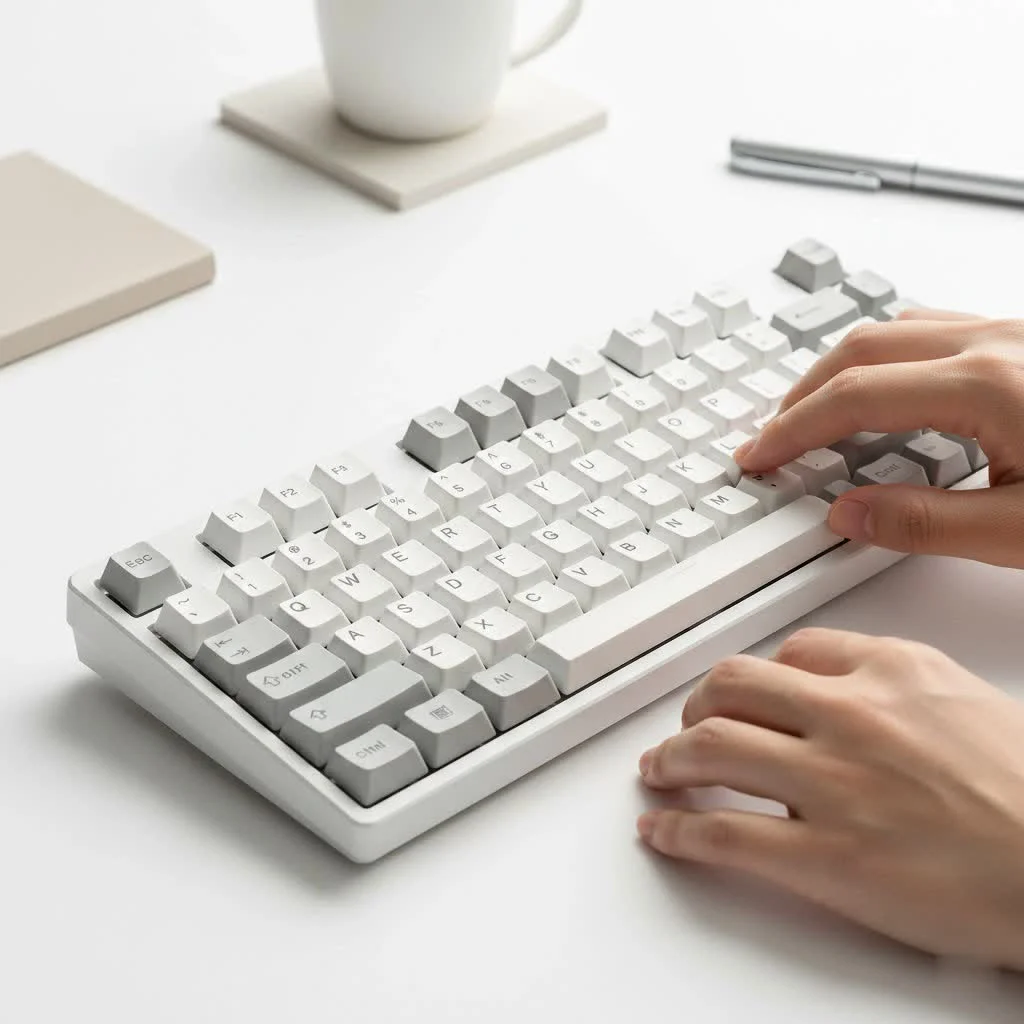
This guide is your roadmap. We’ll break down exactly what makes a great budget-friendly board, what features to prioritize, and what compromises are worth making. Whether you’re a gamer seeking a competitive edge, a writer chasing productivity, or simply someone who wants a better daily typing experience, the perfect entry point into this hobby is closer than you think. For expert reviews reviews on this site.
What Defines a Great Affordable Keyboard?
When we talk about “affordable,” we’re generally looking at keyboards under the $100 mark, with many excellent choices sitting between $50 and $80. But price is only part of the equation. A truly great budget keyboard delivers value far beyond its price tag. It’s about finding the sweet spot of build quality, feature set, and typing feel.
The best affordable mechanical keyboard models often include features once considered premium, such as hot-swappable switches, PBT keycaps, and customizable RGB lighting. They provide a fantastic platform for beginners to learn on and for veterans to use as a base for extensive modifications.
Key Features to Look for in a Budget Board
Navigating the specifications can be daunting. As your trusted guide from Yoasy, I’ll help you focus on what truly matters. We’ll skip the marketing jargon and get straight to the engineering.
Switches: The Soul of the Keyboard
The switch is the mechanism under each keycap that registers a keystroke. It’s the single most important factor in how a keyboard feels and sounds. In the affordable range, you won’t typically find original Cherry MX switches, but the alternatives are surprisingly good.
- Gateron Switches: Often considered the smoothest of the budget-friendly options, Gateron switches are a community favorite. Their linear reds are silky, their tactile browns have a gentle bump, and their clicky blues are crisp.
- Outemu Switches: These are very common in entry-level boards. While they can be a bit scratchier than Gaterons out of the box, they are reliable and offer a distinct feel. They are a solid starting point.
- Kailh Switches: Kailh has a massive range, and their standard switches are on par with Gateron and Outemu. Their “Box” switches, sometimes found in slightly higher-end budget boards, are excellent for their stability and dust resistance.
Build Quality and Materials
|
Our Picks for the Best Mechanical Keyboard in 2026
As an Amazon Associate I earn from qualifying purchases.
|
||
| Num | Product | Action |
|---|---|---|
| 1 | RK ROYAL KLUDGE S98 Mechanical Keyboard w/Smart Display & Knob, Top Mount 96% Wireless Mechanical Keyboard BT/2.4G/USB-C, Hot Swappable, Software Support, Creamy Sounding, 98 Keys |

|
| 2 | Redragon Mechanical Gaming Keyboard Wired, 11 Programmable Backlit Modes, Hot-Swappable Red Switch, Anti-Ghosting, Double-Shot PBT Keycaps, Light Up Keyboard for PC Mac |
|
| 3 | AULA F99 Wireless Mechanical Keyboard,Tri-Mode BT5.0/2.4GHz/USB-C Hot Swappable Custom Keyboard,Pre-lubed Linear Switches,RGB Backlit Computer Gaming Keyboards for PC/Tablet/PS/Xbox |
|
| 4 | RK ROYAL KLUDGE R98 Pro Wired Mechanical Keyboard, 96% Creamy Gaming Keyboard RGB Backlit with Number Pad and Volume Knob, Gasket Mount, MDA Profile PBT Keycaps, Hot Swappable Pre-lubed Linear Switch |
|
| 5 | EPOMAKER x Aula F75 Gasket Mechanical Keyboard, 75% Wireless Hot Swappable Gaming Keyboard with Five-Layer Padding&Knob, Bluetooth/2.4GHz/USB-C, RGB (Light Blue, LEOBOG Reaper Switch) |
|
| 6 | SteelSeries USB Apex 5 Hybrid Mechanical Gaming Keyboard – Per-Key RGB Illumination – Aircraft Grade Aluminum Alloy Frame – OLED Smart Display (Hybrid Blue Switch) |
|
| 7 | AK96 Smart Mechanical Keyboard Gaming, 96 Keys Full Size with LED Colorful Backlit, Clicky Creamy Sounding, USB Wired Computer Keyboard with Volume Knob for PC, Mac, Windows(Grey) |
|
| 8 | Logitech MX Mechanical Wireless Illuminated Performance Keyboard, Tactile Quiet Switches, Backlit Keys, Bluetooth, USB-C, macOS, Windows, Linux, iOS, Android, Metal, Graphite |
|
| 9 | Womier S-K80 75% Keyboard with Color Multimedia Display Mechanical Gaming Keyboard Creamy Sound, Wired Hot Swappable Gasket Mount RGB Custom Key board, Pre-lubed Stabilizer for Mac/Win, Black Kanagawa |
|
| 10 | AULA F75 Pro Wireless Mechanical Keyboard,75% Hot Swappable Custom Keyboard with Knob,RGB Backlit,Pre-lubed Reaper Switches,Side Printed PBT Keycaps,2.4GHz/USB-C/BT5.0 Mechanical Gaming Keyboards |
|
A keyboard’s longevity is tied to its construction. Look for a sturdy plastic case, ideally with a metal top plate (usually aluminum) for added rigidity. This prevents the keyboard from flexing or creaking as you type.
Pay close attention to the keycaps. Most budget boards use ABS plastic, which is fine but can develop a shiny look over time. If you can find a board with PBT keycaps in your budget, it’s a huge win. PBT is more durable, resistant to shine, and has a more textured, premium feel.
What Is a Hot-Swappable Keyboard?
Hot-swappability is arguably the most valuable feature you can find on an affordable mechanical keyboard. It means you can change the switches without any soldering. You simply pull the old ones out with a tool and press new ones in. This allows you to easily experiment with different switch types, replace a faulty switch, or upgrade your entire set down the line. It turns your first keyboard from a static purchase into an evolving platform.
Size and Layout
The right size depends entirely on your needs and desk space.
- Full-Size (100%): The classic layout with a dedicated number pad. Ideal for data entry and office work.
- Tenkeyless (TKL): A full-size board with the number pad chopped off. It’s a popular choice for gamers and those who want more mouse room.
- Compact (75%, 65%, 60%): These layouts shrink the keyboard further by integrating or removing keys like the function row and navigation cluster. They are perfect for minimalist setups and portability.
Our Top Picks for the Best Affordable Mechanical Keyboard
After countless hours of testing, here are a few standouts that consistently deliver incredible value.
1. Keychron C1 Pro
The Keychron C1 Pro is a fantastic all-rounder. It offers a solid tenkeyless layout, great build quality, and comes with reliable Gateron switches. What sets it apart in the budget category is its compatibility with both Mac and Windows out of the box and its reliable performance. It’s a no-fuss keyboard that just works.
2. Royal Kludge RK61
For those seeking a compact and wireless option, the RK61 is a legend. This 60% keyboard can connect via Bluetooth, a 2.4GHz dongle, or a USB-C cable. It’s almost always hot-swappable and features bright RGB lighting. Its small form factor and connectivity options make it incredibly versatile for use with laptops, tablets, or clean desktop setups.
3. Tecware Phantom+
The Tecware Phantom+ is a workhorse that punches way above its weight class. Available in full-size and TKL layouts, its main selling point is its universal hot-swap sockets, which are compatible with virtually any switch type (Outemu, Gateron, Cherry, Kailh). It also includes a spare set of switches and all the tools you need, making it the perfect choice for aspiring modders.
Simple Mods to Elevate Your Budget Keyboard
One of the joys of this hobby is customization. Even a few simple, inexpensive mods can make your affordable keyboard feel and sound like a much more expensive one.
- Tape Mod: Placing a layer or two of painter’s tape on the back of the PCB can deepen the sound profile of your keyboard, making it less tinny.
- Foam Mod: Adding a layer of case foam (or even craft foam) inside the keyboard’s bottom case will dampen echoes and vibrations, resulting in a cleaner, more solid sound.
- Lube Your Stabilizers: Rattly spacebars and shift keys are a common issue on budget boards. Applying a small amount of dielectric grease to the stabilizer wires can eliminate rattle and make these keys feel much smoother.
Frequently Asked Questions (FAQ)
Are cheap mechanical keyboards good for gaming?
Absolutely. A good affordable mechanical keyboard offers the same core benefits for gaming as an expensive one: faster actuation, more reliable keystrokes, and a better tactile response than a standard membrane keyboard. Features like n-key rollover are standard even on budget models.
What’s the main difference between a $50 and a $150 mechanical keyboard?
The main differences are usually found in build materials, brand-name components, and advanced software. A $150 board might have an all-aluminum case, genuine Cherry MX switches, and more robust software for macros and lighting. However, the core typing experience on a great $50 board can be surprisingly close.
Can I put custom keycaps on an affordable keyboard?
Yes, in most cases. The vast majority of mechanical keyboards, including budget ones, use a cross-shaped stem (the “+” shape) for their switches, which is the standard mount for custom keycaps. Just be sure to buy a keycap set that matches your keyboard’s layout.
Your Journey Starts Here
Choosing the best affordable mechanical keyboard is the first step into a larger, more rewarding world. It’s a tool that can make work more pleasant and gaming more precise. The models available today prove that you don’t need a massive budget to access a premium typing experience. By focusing on core features like hot-swappable switches, solid build quality, and a layout that fits your needs, you can find a keyboard that will serve you well for years to come and maybe even spark a new passion.
Get our weekly buyer guide
Practical specs, not advice. Unsubscribe anytime.

I’ve been using a cheap membrane keyboard for ages and finally decided to upgrade after reading about the benefits for writers. This guide really helped me narrow down the options for a better daily typing experience without breaking the bank. I ended up getting one of the recommended boards, and the difference is night and day. My fingers feel less fatigued, and I’m definitely more productive.
I’m an engineer too, and I totally agree that the landscape for affordable mechanical keyboards has changed. I was skeptical you could get a premium experience without spending a fortune, but this guide proved me wrong. I snagged a board that was highlighted for its excellent build quality and it feels just as good as some of the much pricier options I’ve tried. Highly recommend checking out the suggestions.
As a gamer, I was looking for something that could give me a competitive edge without costing a fortune. The section on features to prioritize was super helpful. I picked up a board with hot-swappable switches, which was a feature I didn’t even know I needed until now. It’s great for customizing the feel, though I wish there were more options for RGB lighting in the budget category.
I appreciate the breakdown of what compromises are worth making. I went with one of the boards that was praised for its durability, but I’m finding the keycaps feel a bit cheap compared to my old, more expensive board. It’s not a dealbreaker, especially for the price, but it’s something I noticed. Still, the overall typing feel is a huge improvement.