A portable mechanical keyboard is a compact, lightweight device designed for enthusiasts and digital nomads who require a superior typing experience on the go. These keyboards typically feature compact layouts (40% to 75%), wireless connectivity options like Bluetooth or 2.4GHz, and often utilize low-profile mechanical switches to reduce thickness and weight. As a mechanical engineer and the founder of Yoasy, I’ve observed that the rise of portable mechanical keyboards represents a significant advancement in the community, offering uncompromised typing comfort in a mobile form factor.
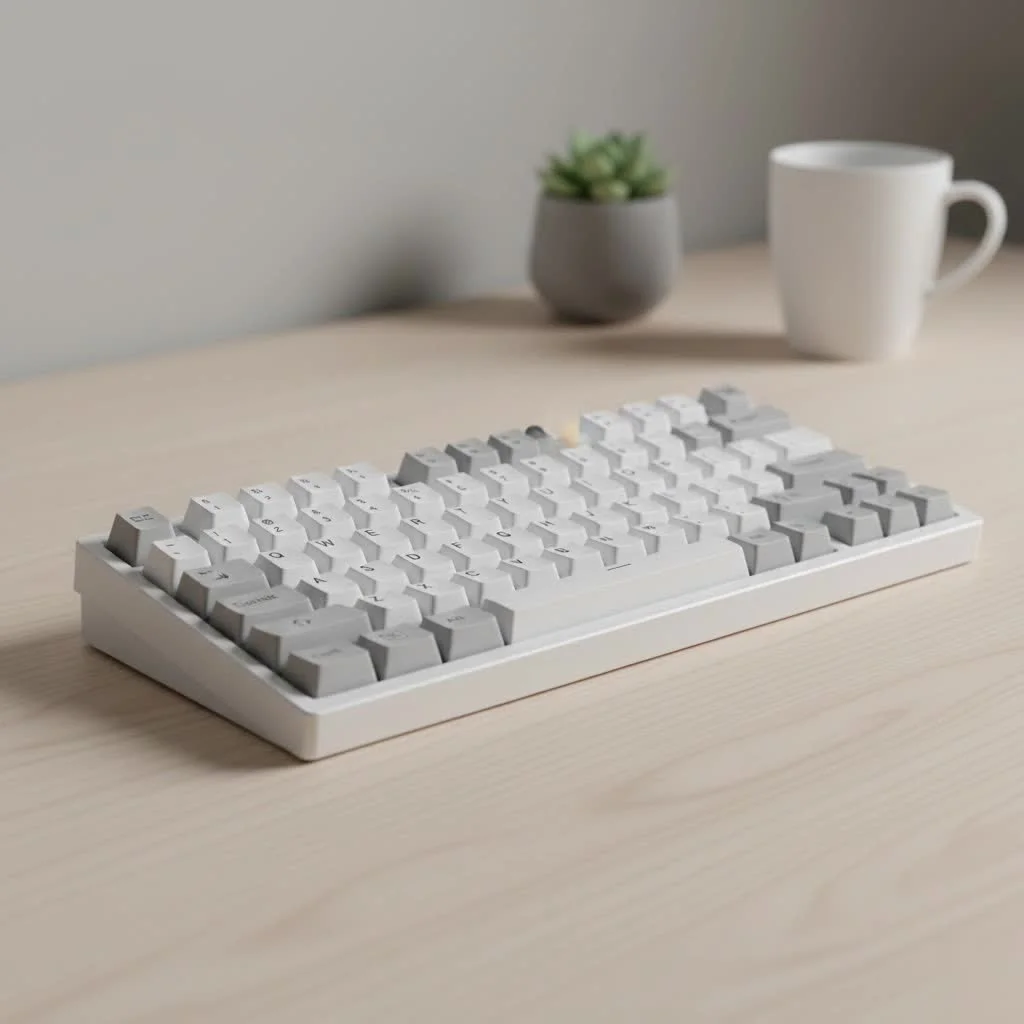
This guide will help you select the ideal travel-sized mechanical keyboard, covering essential aspects from compact layouts to switch types and connectivity.
What Defines a Portable Mechanical Keyboard?
A portable mechanical keyboard is more than just a smaller keyboard; it’s a precisely engineered device that balances performance, features, and portability. While there isn’t a single strict definition, these keyboards share key characteristics that make them suitable for mobile use.
The primary characteristic is a compact form factor, achieved by removing less frequently used keys such as the number pad, function row, and sometimes arrow keys. This results in layouts typically ranging from 40% to 75%. Low weight and reliable wireless connectivity are crucial. An excellent portable board is light enough for easy transport and offers stable wireless options to minimize cable clutter.
The Anatomy of Portability: Key Factors to Consider
Choosing a portable mechanical keyboard requires balancing size, weight, and functionality to find your perfect travel companion.
Keyboard Layouts: Finding Your Compact Sweet Spot
The layout significantly impacts a portable keyboard’s footprint. The goal is to find a layout that meets your needs without sacrificing too much functionality.
- 60% Layout: This classic compact option removes the numpad, function row, and navigation cluster, including arrow keys. Arrow key functionality is typically accessed via a secondary layer using an ‘Fn’ key. It’s extremely small but requires an adjustment period.
- 65% Layout: A popular choice for portability, the 65% layout offers an excellent compromise. It’s slightly wider than a 60% board but includes dedicated arrow keys and essential navigation keys like ‘Delete’ or ‘Page Up/Down’. This layout is often ideal for most users.
- 75% Layout: For users who need a function row, the 75% layout is the best option. It incorporates F1-F12 keys and a full navigation cluster into a tight package, avoiding the empty space of a traditional Tenkeyless (TKL) board. It’s the largest of the “portable” layouts but provides the most functionality.
Switch Types: Low-Profile vs. Standard
The switches beneath the keycaps determine the typing feel. For portable keyboards, low-profile switches have become a significant option.
- Standard Mechanical Switches: These include classic Cherry MX, Gateron, and Kailh switches, offering full travel distance and a variety of tactile, linear, and clicky options. Keyboards with standard switches are generally thicker and heavier.
- Low-Profile Mechanical Switches: These switches feature a shorter travel distance and actuation point, enabling a much slimmer keyboard profile. They deliver a snappy, laptop-like feel while retaining satisfying mechanical feedback, making them excellent for truly sleek and portable mechanical keyboards.
As Dr. Alistair Finch, an ergonomic design specialist, states, “Low-profile mechanical switches have revolutionized mobile ergonomics. They allow for a more neutral wrist posture while traveling, reducing strain without sacrificing the tactile benefits that mechanical keyboard users cherish.”
Connectivity is King: Wired, Bluetooth, and 2.4GHz
|
Our Picks for the Best Mechanical Keyboard in 2026
As an Amazon Associate I earn from qualifying purchases.
|
||
| Num | Product | Action |
|---|---|---|
| 1 | AULA F75 Pro Wireless Mechanical Keyboard,75% Hot Swappable Custom Keyboard with Knob,RGB Backlit,Pre-lubed Reaper Switches,Side Printed PBT Keycaps,2.4GHz/USB-C/BT5.0 Mechanical Gaming Keyboards |

|
| 2 | Womier S-K80 75% Keyboard with Color Multimedia Display Mechanical Gaming Keyboard Creamy Sound, Wired Hot Swappable Gasket Mount RGB Custom Key board, Pre-lubed Stabilizer for Mac/Win, Black Kanagawa |
|
| 3 | SteelSeries USB Apex 5 Hybrid Mechanical Gaming Keyboard – Per-Key RGB Illumination – Aircraft Grade Aluminum Alloy Frame – OLED Smart Display (Hybrid Blue Switch) |
|
| 4 | RK ROYAL KLUDGE R98 Pro Wired Mechanical Keyboard, 96% Creamy Gaming Keyboard RGB Backlit with Number Pad and Volume Knob, Gasket Mount, MDA Profile PBT Keycaps, Hot Swappable Pre-lubed Linear Switch |
|
| 5 | Logitech MX Mechanical Wireless Illuminated Performance Keyboard, Tactile Quiet Switches, Backlit Keys, Bluetooth, USB-C, macOS, Windows, Linux, iOS, Android, Metal, Graphite |
|
| 6 | AK96 Smart Mechanical Keyboard Gaming, 96 Keys Full Size with LED Colorful Backlit, Clicky Creamy Sounding, USB Wired Computer Keyboard with Volume Knob for PC, Mac, Windows(Grey) |
|
| 7 | AULA F99 Wireless Mechanical Keyboard,Tri-Mode BT5.0/2.4GHz/USB-C Hot Swappable Custom Keyboard,Pre-lubed Linear Switches,RGB Backlit Computer Gaming Keyboards for PC/Tablet/PS/Xbox |
|
| 8 | RK ROYAL KLUDGE S98 Mechanical Keyboard w/Smart Display & Knob, Top Mount 96% Wireless Mechanical Keyboard BT/2.4G/USB-C, Hot Swappable, Software Support, Creamy Sounding, 98 Keys |
|
| 9 | Redragon Mechanical Gaming Keyboard Wired, 11 Programmable Backlit Modes, Hot-Swappable Red Switch, Anti-Ghosting, Double-Shot PBT Keycaps, Light Up Keyboard for PC Mac |
|
| 10 | EPOMAKER x Aula F75 Gasket Mechanical Keyboard, 75% Wireless Hot Swappable Gaming Keyboard with Five-Layer Padding&Knob, Bluetooth/2.4GHz/USB-C, RGB (Light Blue, LEOBOG Reaper Switch) |
|
How your keyboard connects to devices is crucial for portability.
- Wired (USB-C): Most modern portable keyboards use a detachable USB-C cable, providing a stable, lag-free connection for desk use and battery charging.
- Bluetooth: This is the most versatile wireless option, allowing connection to multiple devices like laptops, tablets, and phones without a dongle. Look for keyboards with multi-device support to switch between devices easily.
- 2.4GHz Wireless: For gamers or users requiring minimal latency, a 2.4GHz connection via a USB dongle is the preferred standard. It offers a robust, high-performance link almost identical to a wired connection. Many premium boards provide all three connectivity options.
Build Materials: Balancing Durability and Weight
The materials used for the keyboard case influence its feel, sound, and critically, its weight.
- Plastic (ABS/PBT): Most portable keyboards feature a high-quality plastic case. It’s lightweight, sufficiently durable for daily travel, and cost-effective.
- Aluminum: An aluminum case offers a premium, substantial feel and a more solid typing sound. While highly durable, it adds significant weight, which might be a drawback for ultra-light travelers. Some models combine an aluminum top plate with a plastic bottom case to balance weight and quality.
Customizing Your On-the-Go Typing Experience
Personalizing a mechanical keyboard is a key benefit, extending to portable models. Many portable boards are hot-swappable, allowing easy switch changes without soldering. This enables experimentation with different switch types to find your ideal feel.
Keycaps can also be customized. Investing in durable PBT keycaps can enhance the board’s feel and sound, while a custom colorway adds a personal touch. Finally, a protective carrying case is essential. A good hard-shell case is a small investment that shields your keyboard from bumps, scratches, and spills when stored in your bag.
Frequently Asked Questions (FAQ)
What is the best size for a portable mechanical keyboard? For most users, a 65% layout offers the best balance of compact size and functionality. This layout retains dedicated arrow keys, which are vital for productivity, without being significantly larger than a 60% board.
Are low-profile keyboards better for travel? Yes, low-profile keyboards are generally superior for travel because they are considerably slimmer and lighter. The shorter key travel can also facilitate faster typing for some individuals, though the overall “feel” is a matter of personal preference.
Can I game on a wireless portable mechanical keyboard? Absolutely. If gaming is a priority, select a keyboard with a 2.4GHz wireless option. This connection type provides the low-latency and high-reliability essential for competitive gaming, surpassing Bluetooth’s capabilities.
How long do the batteries last on these keyboards? Battery life varies significantly based on usage and, most importantly, backlighting. With RGB lighting active, you might expect a few days to a week of use. With lighting turned off, many keyboards can operate for several weeks or even months on a single charge.
Is it hard to get used to a smaller keyboard layout? There is an initial adjustment period, particularly for users transitioning from a full-size keyboard. The primary challenge often involves accessing secondary layers for keys like the function row or navigation cluster. However, most users adapt within one to two weeks and appreciate the efficiency of the compact layout.
Your Perfect Typing Experience, Anywhere
Choosing a portable mechanical keyboard means refusing to compromise on typing quality. It allows you to bring the comfort, precision, and enjoyment of a superior typing experience to any location, whether a cafe, library, or co-working space. By carefully considering the layout, switches, connectivity, and build materials, you can find a keyboard that perfectly complements your mobile workflow. The freedom to work, write, and create on a keyboard you genuinely love, wherever you are, is transformative. Discover your ideal travel companion and enhance your typing experience everywhere.
Get our weekly buyer guide
Practical specs, not advice. Unsubscribe anytime.

The section on wireless connectivity, especially Bluetooth, was super helpful. I picked up a Keychron K3 Pro after reading about the different options, and the multi-device pairing is fantastic for switching between my laptop and tablet. It’s definitely made my workflow smoother when I’m not at my main desk. Solid recommendation for digital nomads.
This guide helped me finally understand the difference between all the compact layouts. I ended up going with a 40% keyboard, which I never thought I’d consider, but the explanation of layers made it seem less intimidating. It’s incredibly light and fits perfectly in my small backpack. Definitely recommend for anyone who needs extreme portability.
I’ve been looking for a good travel keyboard for ages, and the guide’s mention of low-profile switches really hit home. My old one was just too bulky. This new 60% layout with low-profile Gateron switches is a game-changer for my daily commute and working from coffee shops. The typing experience is still super satisfying without the added height.
I appreciate the breakdown of compact layouts, but I found that even a 75% layout was a bit too cramped for my hands after extended use. I was hoping for something that felt closer to a full-size but still portable. The build quality is great, but I just can’t get used to the smaller key spacing. Maybe a 65% would have been a better compromise for me.