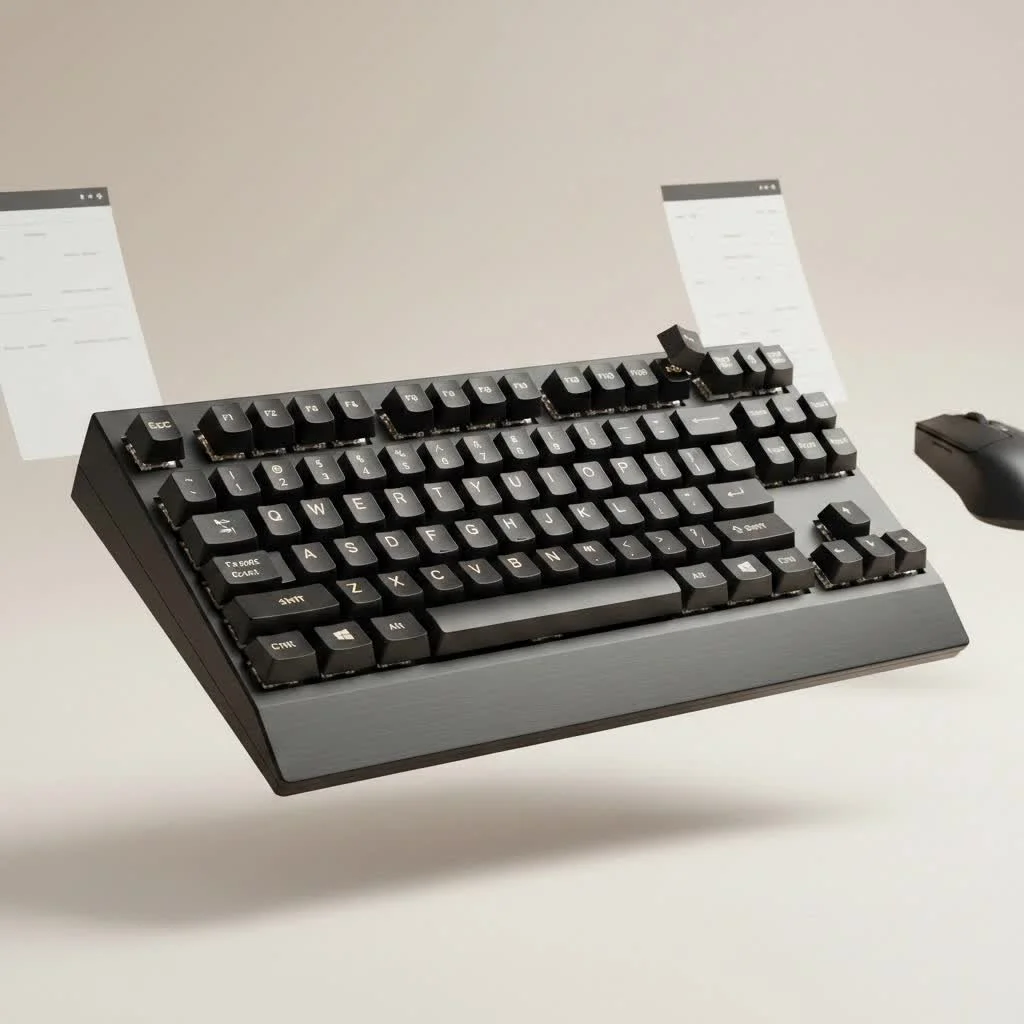
A Redragon mechanical keyboard is an entry-level option offering tactile feedback and performance from mechanical switches at a significantly lower price point than mainstream brands. These keyboards are popular among gamers for providing essential features like anti-ghosting, customizable RGB lighting, and durable construction without a high cost. For many, a Redragon keyboard serves as their initial transition from standard membrane keyboards into the broader world of mechanical typing and gaming.
What is a Redragon Mechanical Keyboard?
A Redragon mechanical keyboard is an entry-level keyboard that offers the tactile feedback and performance of mechanical switches at a price point significantly lower than mainstream brands. They are particularly popular in the gaming community for providing essential features like anti-ghosting, customizable RGB lighting, and durable construction without breaking the bank. For many, a Redragon is their first step away from standard membrane keyboards into a much larger, more satisfying world of typing and gaming. For compare top reviews on this site.
Breaking Down the Core Components
Understanding a Redragon keyboard means looking at the parts that define its performance and feel. While they are built to a budget, the components are surprisingly capable.
The Heart of the Board: Outemu Switches
Most Redragon keyboards are built with Outemu switches, which are clones of the more famous Cherry MX switches. Don’t let the word “clone” fool you; for the price, they perform exceptionally well.
- Outemu Blue: These are the most common switches in Redragon boards. They are tactile and “clicky,” providing audible and physical feedback with every press. They are fantastic for typists who love that classic typewriter sound but can be loud for shared office spaces or late-night gaming sessions.
- Outemu Red: These are linear switches, meaning they move straight down without a tactile bump or click. This smooth keystroke makes them ideal for fast-paced gaming where rapid, repeated key presses are essential.
- Outemu Brown: Offering the best of both worlds, Brown switches are tactile but not clicky. You feel a small bump on actuation, which confirms the keypress without the loud noise of the Blues. This makes them a versatile choice for both gaming and general use.
Build Quality and Design
For their price bracket, Redragon keyboards are impressively well-built. Many models, like the famous K552 Kumara, feature a metal top plate that adds significant rigidity and weight, preventing the keyboard from flexing or sliding around on your desk. The keycaps are typically double-shot ABS plastic, which means the legends (the letters and symbols) won’t fade over time. While not as premium as PBT plastic, they are a durable and effective choice for a budget board.
“The value proposition of a solid, entry-level mechanical keyboard can’t be overstated,” notes competitive esports coach Alex Chen. “For aspiring players, a Redragon keyboard provides the reliable, tactile response needed for competitive play without a significant financial barrier. It levels the playing field.”
Are Redragon Keyboards Good for Gaming?
Yes, Redragon mechanical keyboards are excellent for gaming, especially for those on a budget. They offer the essential features that gamers need: n-key rollover (which ensures every keypress is registered, no matter how many are pressed at once) and the fast response time of mechanical switches. The choice between Red, Blue, or Brown switches allows gamers to pick the feel they prefer for their favorite genres. For instance, the smooth action of Outemu Reds is perfect for FPS and MOBA games.
Exploring the World of Modding
One of the most exciting aspects of many Redragon models is their moddability. A growing number of their keyboards are hot-swappable, which is a game-changing feature at this price point.
What Does Hot-Swappable Mean?
|
Our Picks for the Best Mechanical Keyboard in 2026
As an Amazon Associate I earn from qualifying purchases.
|
||
| Num | Product | Action |
|---|---|---|
| 1 | Redragon Mechanical Gaming Keyboard Wired, 11 Programmable Backlit Modes, Hot-Swappable Red Switch, Anti-Ghosting, Double-Shot PBT Keycaps, Light Up Keyboard for PC Mac |

|
| 2 | AULA F75 Pro Wireless Mechanical Keyboard,75% Hot Swappable Custom Keyboard with Knob,RGB Backlit,Pre-lubed Reaper Switches,Side Printed PBT Keycaps,2.4GHz/USB-C/BT5.0 Mechanical Gaming Keyboards |
|
| 3 | AULA F99 Wireless Mechanical Keyboard,Tri-Mode BT5.0/2.4GHz/USB-C Hot Swappable Custom Keyboard,Pre-lubed Linear Switches,RGB Backlit Computer Gaming Keyboards for PC/Tablet/PS/Xbox |
|
| 4 | RK ROYAL KLUDGE S98 Mechanical Keyboard w/Smart Display & Knob, Top Mount 96% Wireless Mechanical Keyboard BT/2.4G/USB-C, Hot Swappable, Software Support, Creamy Sounding, 98 Keys |
|
| 5 | AK96 Smart Mechanical Keyboard Gaming, 96 Keys Full Size with LED Colorful Backlit, Clicky Creamy Sounding, USB Wired Computer Keyboard with Volume Knob for PC, Mac, Windows(Grey) |
|
| 6 | SteelSeries USB Apex 5 Hybrid Mechanical Gaming Keyboard – Per-Key RGB Illumination – Aircraft Grade Aluminum Alloy Frame – OLED Smart Display (Hybrid Blue Switch) |
|
| 7 | RK ROYAL KLUDGE R98 Pro Wired Mechanical Keyboard, 96% Creamy Gaming Keyboard RGB Backlit with Number Pad and Volume Knob, Gasket Mount, MDA Profile PBT Keycaps, Hot Swappable Pre-lubed Linear Switch |
|
| 8 | Logitech MX Mechanical Wireless Illuminated Performance Keyboard, Tactile Quiet Switches, Backlit Keys, Bluetooth, USB-C, macOS, Windows, Linux, iOS, Android, Metal, Graphite |
|
| 9 | Womier S-K80 75% Keyboard with Color Multimedia Display Mechanical Gaming Keyboard Creamy Sound, Wired Hot Swappable Gasket Mount RGB Custom Key board, Pre-lubed Stabilizer for Mac/Win, Black Kanagawa |
|
| 10 | EPOMAKER x Aula F75 Gasket Mechanical Keyboard, 75% Wireless Hot Swappable Gaming Keyboard with Five-Layer Padding&Knob, Bluetooth/2.4GHz/USB-C, RGB (Light Blue, LEOBOG Reaper Switch) |
|
A hot-swappable keyboard has a printed circuit board (PCB) with special sockets that allow you to pull out and replace the switches without any soldering. This opens up a universe of customization. If you buy a Redragon with Outemu Reds and later decide you want a clickier feel, you can simply buy a set of Outemu Blues and swap them in yourself. This makes it an ideal platform for beginners to experiment with different switch types to find their perfect match.
Common Mods for a Redragon Keyboard
- Switch Lubing: Applying a thin layer of specialized lubricant to the internal components of your switches can make them feel smoother and sound deeper.
- Stabilizer Modding: Tuning the stabilizers on larger keys like the spacebar, enter, and shift keys can eliminate rattle and make them feel much more solid.
- Foam and Tape Mods: Adding foam inside the keyboard case or applying layers of tape to the back of the PCB can dampen sound, reduce hollowness, and create a more pleasing “thocky” sound profile.
How to Choose the Right Redragon For You
With a wide variety of models available, selecting the right one comes down to your primary needs.
| Feature | Best For | Popular Models |
|---|---|---|
| Compact (TKL) | Gamers, users with limited desk space | Redragon K552 Kumara |
| Full-Size | Productivity, users needing a number pad | Redragon K551 Vara, K582 Surara |
| Hot-Swappable | Enthusiasts, users who want to customize | Check specific model listings |
| Wireless | Users seeking a clean, cable-free setup | Redragon K596 Vishnu, K631 Castor |
Consider what size you need. A Tenkeyless (TKL) board like the K552 removes the number pad for a more compact footprint, giving your mouse more room to move. A full-size board is better for data entry and productivity tasks.
Frequently Asked Questions (FAQ)
Can you change the switches on a Redragon keyboard?Yes, if you have a hot-swappable model. These boards allow you to easily pull out the existing Outemu switches and plug in new ones. However, be aware that most Redragon hot-swap boards are only compatible with other Outemu-style switches due to the pin size.
How do I control the RGB lighting on my Redragon keyboard?Most Redragon keyboards have lighting presets that can be cycled through using key combinations, typically involving the Function (FN) key plus another key (like INS, DEL, or the arrow keys). More advanced models come with software that allows for more granular control over colors and effects.
Are Redragon keyboards loud?This depends entirely on the switch type. Keyboards with Outemu Blue switches are intentionally loud and clicky. If you need a quieter keyboard, opt for models with Outemu Red (linear) or Brown (tactile) switches.
Is Redragon a good brand?Yes, Redragon is an excellent brand for its target market. It provides reliable, feature-rich mechanical keyboards for budget-conscious gamers and newcomers to the hobby. While they may not compete with high-end custom keyboards, their value for money is nearly unmatched.
What is the best Redragon mechanical keyboard?The “best” model depends on your needs, but the Redragon K552 Kumara is widely regarded as one of the best entry-level mechanical keyboards ever made due to its durable build, compact TKL layout, and incredibly low price.
Final Thoughts From Your Keyboard Engineer
After years of building, modding, and testing keyboards of every shape and price, I can confidently say that the Redragon mechanical keyboard lineup serves a vital role in this community. It proves that you don’t need to spend a fortune to get a responsive, durable, and enjoyable mechanical experience. Whether you’re a gamer looking for a competitive edge on a budget or a curious newcomer ready to see what all the fuss is about, a Redragon is a fantastic and low-risk starting point. It’s a platform to play on, learn with, and a gateway to the deeply rewarding world of mechanical keyboards.
How to Choose the Right Redragon Mechanical Keyboard
Selecting the ideal Redragon mechanical keyboard involves considering your primary needs, such as size, switch type, and desired features like hot-swappability or wireless connectivity.
Consider whether you need a compact Tenkeyless (TKL) board, like the Redragon K552 Kumara, for more desk space and gaming, or a full-size board for productivity and data entry that includes a number pad. TKL boards are ideal for users with limited desk space, while full-size options like the K551 Vara are better for office tasks.
Select between Outemu Blue (clicky and tactile), Outemu Red (linear and smooth), or Outemu Brown (tactile but quiet) switches based on your typing and gaming preferences. Outemu Reds are excellent for fast-paced gaming, while Outemu Browns offer a versatile balance for both typing and gaming without excessive noise.
If you plan to experiment with different switch types or customize your keyboard, opt for a hot-swappable Redragon model. This feature allows you to easily change switches without soldering, making it an ideal platform for beginners to explore various mechanical switch feels.
For a clean, cable-free setup, consider Redragon wireless models such as the K596 Vishnu or K631 Castor. Wireless keyboards offer greater flexibility and portability, which can be beneficial for users who frequently move their setup or prefer a minimalist desk aesthetic.
Get our weekly buyer guide
Practical specs, not advice. Unsubscribe anytime.

I picked up a Redragon K556 and while the durable construction is good, I found the keycaps a bit wobbly after a few weeks of heavy use. It’s not a dealbreaker, and for an entry-level option, it’s still pretty good. Just wish the keycaps felt a little more secure.
My Redragon K582 has been a game-changer for my setup. The anti-ghosting feature is super important for the fast-paced games I play, and it performs flawlessly. The RGB lighting is also a nice touch, letting me customize it to match my other peripherals. Definitely a great value for what you get.
I was hesitant to switch from my old keyboard, but the Redragon K617 Fizz has been a pleasant surprise. The compact size is perfect for my desk, and the mechanical switches feel so much better for typing. It’s a great introduction to mechanical keyboards without having to spend a fortune.
I’ve been using my Redragon K552 for about six months now, and it’s been fantastic. The tactile feedback is exactly what I was looking for, especially coming from a mushy membrane keyboard. For the price, you really can’t beat the quality and the feel of the switches. It’s a solid choice for anyone looking to upgrade without breaking the bank.