A split mechanical keyboard is a keyboard physically separated into two independent halves, allowing users to position each half to match their natural body posture, thereby improving typing comfort and efficiency. This design revolutionizes ergonomics by enabling wrists and arms to align straight with shoulders, directly addressing issues like ulnar deviation and promoting a healthier typing experience for engineers, writers, and anyone who spends significant time at a desk.
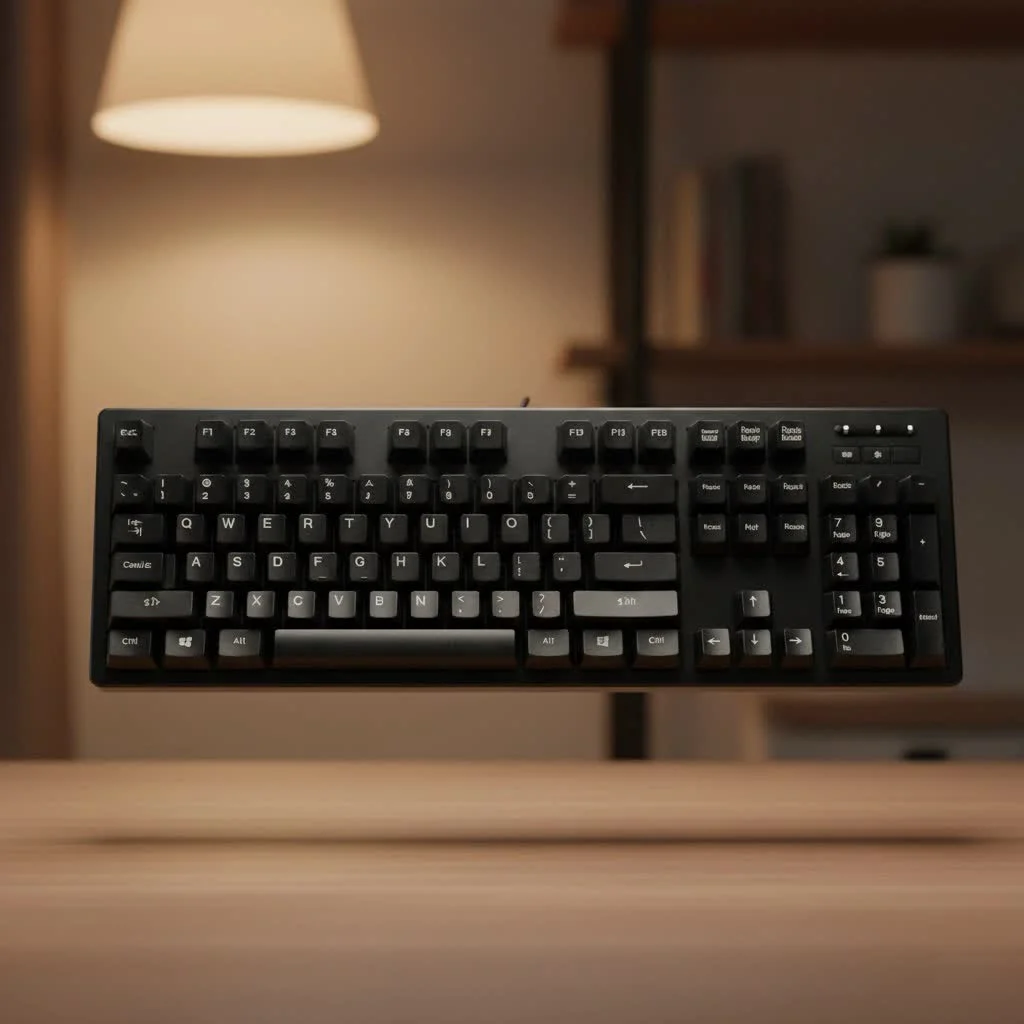
The Ergonomic Advantage: Why Go Split?
The primary reason individuals switch to a split mechanical keyboard is for its profound ergonomic benefits. Traditional keyboards often force wrists into an unnatural inward angle, known as ulnar deviation, and can lead to hunched shoulders. A split keyboard directly mitigates these issues, fostering a healthier and more comfortable typing experience.
Aligning Your Wrists and Shoulders
By separating the two halves, users can place them at shoulder width, which has numerous positive effects. Shoulders can relax, the chest opens up, and posture naturally improves. Crucially, this alignment allows wrists to remain straight, significantly reducing the strain that can cause repetitive strain injuries (RSI) like carpal tunnel syndrome. Studies indicate that an adjustable split layout can reduce ulnar deviation by a significant margin without negatively impacting typing speed after an initial adjustment period.
The Power of Tenting
Many split keyboards also incorporate a “tenting” feature, which allows users to raise the inner edges of each keyboard half to create an angled, tent-like shape. Tenting enables hands to rest in a more neutral, “handshake” position, thereby reducing forearm pronation—the twisting of forearm muscles required to keep palms flat on a traditional keyboard. Even a slight degree of tenting can dramatically enhance comfort during extended typing sessions.
“The transition to a split, tented keyboard is often a revelation for people who type all day. It’s not about luxury; it’s about sustainability. You’re removing known physiological stressors and allowing your body to work in a state of alignment, not opposition,” states ergonomic consultant Dr. Alistair Finch.
Beyond Ergonomics: Flexibility and Customization
While comfort is paramount, the advantages of a split mechanical keyboard extend beyond ergonomics. Its design offers enhanced flexibility and personalization unmatched by standard keyboards.
- Optimized Desk Space: Splitting the keyboard frees up valuable central desk space, ideal for a trackball mouse, drawing tablet, notepad, or even a coffee cup, keeping essential tools within easy reach.
- Gaming Advantage: Gamers can utilize only the left half for gameplay, providing more room for expansive mouse movements. The programmability inherent in these keyboards also facilitates complex macros and custom layouts tailored to specific games.
- Deep Customization: The custom mechanical keyboard community has fully embraced the split design, offering extensive options. These range from DIY kits requiring soldering to hot-swappable boards that allow switch changes in minutes. Users can program every key, create custom layers for different applications, and truly personalize their keyboard.
What to Consider Before Making the Switch
A split mechanical keyboard represents a notable investment in both cost and time. Before committing, it is essential to understand the potential challenges.
The Inevitable Learning Curve
|
Our Picks for the Best Mechanical Keyboard in 2026
As an Amazon Associate I earn from qualifying purchases.
|
||
| Num | Product | Action |
|---|---|---|
| 1 | Womier S-K80 75% Keyboard with Color Multimedia Display Mechanical Gaming Keyboard Creamy Sound, Wired Hot Swappable Gasket Mount RGB Custom Key board, Pre-lubed Stabilizer for Mac/Win, Black Kanagawa |

|
| 2 | EPOMAKER x Aula F75 Gasket Mechanical Keyboard, 75% Wireless Hot Swappable Gaming Keyboard with Five-Layer Padding&Knob, Bluetooth/2.4GHz/USB-C, RGB (Light Blue, LEOBOG Reaper Switch) |
|
| 3 | SteelSeries USB Apex 5 Hybrid Mechanical Gaming Keyboard – Per-Key RGB Illumination – Aircraft Grade Aluminum Alloy Frame – OLED Smart Display (Hybrid Blue Switch) |
|
| 4 | RK ROYAL KLUDGE S98 Mechanical Keyboard w/Smart Display & Knob, Top Mount 96% Wireless Mechanical Keyboard BT/2.4G/USB-C, Hot Swappable, Software Support, Creamy Sounding, 98 Keys |
|
| 5 | Redragon Mechanical Gaming Keyboard Wired, 11 Programmable Backlit Modes, Hot-Swappable Red Switch, Anti-Ghosting, Double-Shot PBT Keycaps, Light Up Keyboard for PC Mac |
|
| 6 | AULA F75 Pro Wireless Mechanical Keyboard,75% Hot Swappable Custom Keyboard with Knob,RGB Backlit,Pre-lubed Reaper Switches,Side Printed PBT Keycaps,2.4GHz/USB-C/BT5.0 Mechanical Gaming Keyboards |
|
| 7 | AULA F99 Wireless Mechanical Keyboard,Tri-Mode BT5.0/2.4GHz/USB-C Hot Swappable Custom Keyboard,Pre-lubed Linear Switches,RGB Backlit Computer Gaming Keyboards for PC/Tablet/PS/Xbox |
|
| 8 | Logitech MX Mechanical Wireless Illuminated Performance Keyboard, Tactile Quiet Switches, Backlit Keys, Bluetooth, USB-C, macOS, Windows, Linux, iOS, Android, Metal, Graphite |
|
| 9 | AK96 Smart Mechanical Keyboard Gaming, 96 Keys Full Size with LED Colorful Backlit, Clicky Creamy Sounding, USB Wired Computer Keyboard with Volume Knob for PC, Mac, Windows(Grey) |
|
| 10 | RK ROYAL KLUDGE R98 Pro Wired Mechanical Keyboard, 96% Creamy Gaming Keyboard RGB Backlit with Number Pad and Volume Knob, Gasket Mount, MDA Profile PBT Keycaps, Hot Swappable Pre-lubed Linear Switch |
|
Adjusting to a split keyboard requires time, as muscle memory has been developed over years with standard layouts. Initially, separating the halves will feel unfamiliar, and users may find themselves reaching for keys with the wrong hand. If the keyboard also features an ortholinear layout (where keys are in a straight grid instead of staggered), the learning curve will be steeper. Users should anticipate a temporary decrease in typing speed and accuracy. However, most individuals regain their original speed—and often surpass it—within a few weeks, while enjoying significantly greater comfort.
Choosing Your First Split Keyboard
The market for split keyboards has expanded considerably, providing options for every user type. Here is a brief overview to assist in navigating choices:
- Pre-built Keyboards: Companies such as ZSA Technology Labs (Moonlander, ErgoDox EZ), Kinesis (Advantage360), and Dygma (Raise, Defy) offer refined, feature-rich split keyboards ready for immediate use. These are excellent choices for a premium experience without the need for assembly.
- DIY Kits: For enthusiasts who enjoy tinkering, DIY kits from vendors like Keebio or Boardsource are superb. Building a keyboard is a rewarding experience that grants ultimate control over every component, including switches, keycaps, and case material.
- Layout and Size: Split keyboards come in various sizes, from full-size layouts to compact 40% or 60% boards that eliminate number rows and function keys in favor of programmable layers. Smaller layouts reduce finger travel but increase the learning curve.
The Final Verdict
The split mechanical keyboard signifies more than just an alternative typing method; it is a commitment to long-term health and comfort at the desk. While it challenges years of ingrained muscle memory, it rewards users with a typing experience precisely tailored to their body. Whether you are a programmer, a writer, or an enthusiast seeking the ultimate custom build, making the switch could be one of the most beneficial decisions for your workflow and overall well-being.
Frequently Asked Questions
How long does it typically take to adjust to a split keyboard layout?
The adjustment period varies among individuals, but most users feel reasonably comfortable within one to two weeks of consistent use. Reaching your previous typing speed and accuracy might take up to a month, so patience is key during this transition.
Are split mechanical keyboards genuinely beneficial for long-term health?
Yes, split mechanical keyboards are beneficial for long-term health by promoting a more natural posture for your hands, wrists, and shoulders. This design significantly reduces the physical stress associated with extended typing sessions, helping to prevent common issues like wrist pain, shoulder tension, and repetitive strain injuries (RSIs).
Can split keyboards be effectively used for gaming activities?
Absolutely. Many gamers find the split design advantageous because it allows them to move one half of the keyboard out of the way, creating more space for expansive mouse movements. Additionally, the deep programmability of these keyboards enables users to create perfect layouts and macros for their favorite games.
Is the higher cost of split keyboards justified by their benefits?
While split mechanical keyboards are generally more expensive than standard keyboards, the investment can be highly worthwhile for anyone who spends significant time typing. The long-term ergonomic benefits, increased comfort, and high degree of customization provide value that often justifies the initial cost for many users.
What is the key difference between a split keyboard and other ergonomic keyboards?
All split keyboards are inherently ergonomic, but not all ergonomic keyboards feature a split design. The primary difference is that a true split keyboard offers greater adjustability because its two halves are completely separate, unlike some single-piece ergonomic keyboards with fixed wave or curved shapes.
Get our weekly buyer guide
Practical specs, not advice. Unsubscribe anytime.

I was excited to try a split mechanical keyboard for the improved typing comfort, but the learning curve was steeper than I expected. While it does help with wrist alignment, I’m still struggling with my typing speed. I wish there were more readily available guides on how to adapt to the new layout quickly. It’s a good concept, just takes time.
As an engineer, I spend hours coding, and my old keyboard was causing a lot of strain. The ergonomic benefits of a split design are real. It took a little getting used to, but now my shoulders feel much more relaxed. I appreciate how it allows me to position each half independently.
This keyboard has completely revolutionized my desk setup. I used to have hunched shoulders from my old keyboard, but with the split design, I can keep my arms straight and comfortable. It’s made a huge difference in my overall posture and efficiency as a writer. Definitely worth the investment for anyone serious about ergonomics.
I’ve been using a traditional keyboard for years and always had wrist pain by the end of the day. Switching to a split mechanical keyboard has been a game changer for my ulnar deviation. My wrists feel so much better, and I can type for longer without discomfort. It really does help align your arms and shoulders naturally.