Welcome to the world of untethered typing freedom. If you’ve ever felt the sheer satisfaction of a mechanical keyboard but cringed at the thought of another cable cluttering your desk, you’ve come to the right place. As a mechanical keyboard engineer with over a decade of hands-on experience at Yoasy.com, I’ve seen the evolution from niche hobby to mainstream must-have. The Bluetooth mechanical keyboard represents the pinnacle of this evolution, blending high-performance typing with the clean, wireless setup we all crave. It’s not just about cutting the cord; it’s about upgrading your entire workflow, whether you’re a gamer, a programmer, or a writer.
What Exactly is a Bluetooth Mechanical Keyboard?
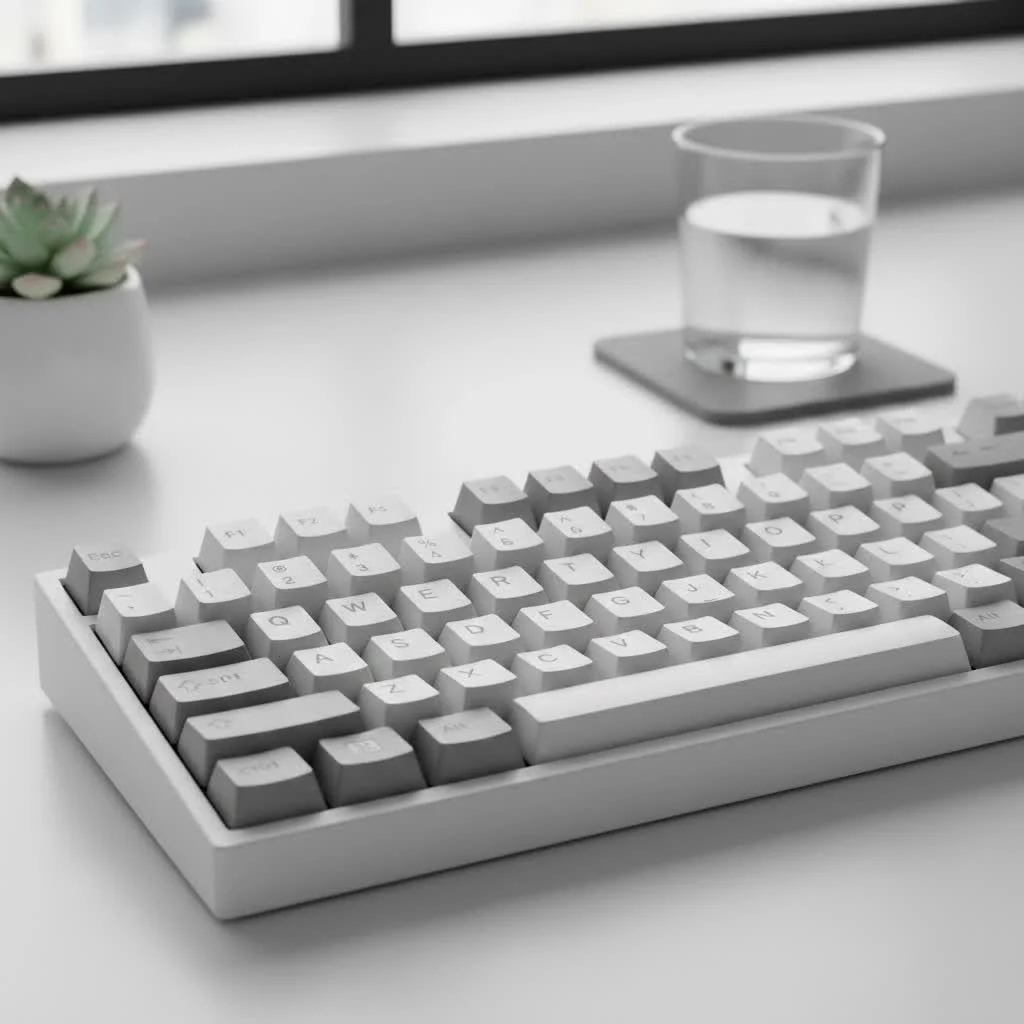
At its core, a Bluetooth mechanical keyboard is a keyboard that uses individual mechanical switches under each key for a superior typing experience and connects to your devices wirelessly via Bluetooth. Unlike the mushy, unsatisfying feel of typical membrane keyboards found on laptops or in budget office setups, each keypress on a mechanical board provides distinct tactile feedback and an audible click (or a satisfyingly quiet “thock,” depending on your switch choice). The addition of Bluetooth simply liberates this premium experience from the constraints of a USB cable. For compare top reviews on this site.
This wireless freedom means you can easily switch between your desktop, laptop, tablet, and even your phone with the press of a button. It creates a minimalist desk aesthetic and allows for more ergonomic positioning, as you’re not tethered to a specific spot.
Key Features to Consider Before You Buy
Choosing your first or next Bluetooth mechanical keyboard can feel overwhelming with all the options available. Let’s break down the most critical factors to ensure you get a board that you’ll love for years to come.
Connectivity and Multi-Device Paring
The primary advantage of a Bluetooth keyboard is its wireless capability. Modern boards excel at this.
- Bluetooth Version: Look for keyboards with Bluetooth 5.0 or higher. This ensures a more stable connection, better power efficiency, and lower latency compared to older versions.
- Multi-Device Support: Most quality wireless keyboards can pair with at least three devices simultaneously. This is a game-changer for productivity. You can be typing a report on your PC, switch to reply to a text on your phone, and then switch again to search for something on your tablet, all using the same keyboard.
- Wired Mode: Never underestimate the importance of a USB-C wired connection. It’s essential for charging, offers a zero-latency connection for competitive gaming, and is a reliable backup if the battery dies unexpectedly.
Battery Life: How Long Does It Really Last?
|
Our Picks for the Best Mechanical Keyboard in 2026
As an Amazon Associate I earn from qualifying purchases.
|
||
| Num | Product | Action |
|---|---|---|
| 1 | RK ROYAL KLUDGE S98 Mechanical Keyboard w/Smart Display & Knob, Top Mount 96% Wireless Mechanical Keyboard BT/2.4G/USB-C, Hot Swappable, Software Support, Creamy Sounding, 98 Keys |

|
| 2 | AULA F99 Wireless Mechanical Keyboard,Tri-Mode BT5.0/2.4GHz/USB-C Hot Swappable Custom Keyboard,Pre-lubed Linear Switches,RGB Backlit Computer Gaming Keyboards for PC/Tablet/PS/Xbox |
|
| 3 | EPOMAKER x Aula F75 Gasket Mechanical Keyboard, 75% Wireless Hot Swappable Gaming Keyboard with Five-Layer Padding&Knob, Bluetooth/2.4GHz/USB-C, RGB (Light Blue, LEOBOG Reaper Switch) |
|
| 4 | AULA F75 Pro Wireless Mechanical Keyboard,75% Hot Swappable Custom Keyboard with Knob,RGB Backlit,Pre-lubed Reaper Switches,Side Printed PBT Keycaps,2.4GHz/USB-C/BT5.0 Mechanical Gaming Keyboards |
|
| 5 | Womier S-K80 75% Keyboard with Color Multimedia Display Mechanical Gaming Keyboard Creamy Sound, Wired Hot Swappable Gasket Mount RGB Custom Key board, Pre-lubed Stabilizer for Mac/Win, Black Kanagawa |
|
| 6 | Redragon Mechanical Gaming Keyboard Wired, 11 Programmable Backlit Modes, Hot-Swappable Red Switch, Anti-Ghosting, Double-Shot PBT Keycaps, Light Up Keyboard for PC Mac |
|
| 7 | RK ROYAL KLUDGE R98 Pro Wired Mechanical Keyboard, 96% Creamy Gaming Keyboard RGB Backlit with Number Pad and Volume Knob, Gasket Mount, MDA Profile PBT Keycaps, Hot Swappable Pre-lubed Linear Switch |
|
| 8 | SteelSeries USB Apex 5 Hybrid Mechanical Gaming Keyboard – Per-Key RGB Illumination – Aircraft Grade Aluminum Alloy Frame – OLED Smart Display (Hybrid Blue Switch) |
|
| 9 | AK96 Smart Mechanical Keyboard Gaming, 96 Keys Full Size with LED Colorful Backlit, Clicky Creamy Sounding, USB Wired Computer Keyboard with Volume Knob for PC, Mac, Windows(Grey) |
|
| 10 | Logitech MX Mechanical Wireless Illuminated Performance Keyboard, Tactile Quiet Switches, Backlit Keys, Bluetooth, USB-C, macOS, Windows, Linux, iOS, Android, Metal, Graphite |
|
Battery life can vary dramatically, from a few days to several months, depending on two main factors: battery size and backlighting.
- No Backlighting: With the RGB or white backlighting turned off, many Bluetooth mechanical keyboards can last for weeks or even months on a single charge.
- With Backlighting: RGB is a huge power draw. With the lights on, expect your battery life to drop significantly, often to between 15-40 hours of use. If you love the aesthetic, be prepared to charge your keyboard more frequently, perhaps once a week.
Latency: Is It Good Enough for Gaming?
This is the million-dollar question for many users. Are wireless keyboards fast enough for competitive gaming? The answer is a resounding “yes, mostly.” For the vast majority of gamers, the latency on a modern Bluetooth mechanical keyboard using a stable Bluetooth 5.0+ connection is imperceptible. However, for professional esports athletes where every millisecond counts, a 2.4GHz wireless connection (often included via a USB dongle on gaming-focused models) or a wired connection is still the gold standard for the lowest possible latency.
As Dr. Alistair Finch, a human-computer interaction specialist, states, “For tasks outside of the top 1% of competitive gaming, the input lag from modern Bluetooth protocols is well below the threshold of human perception. The benefits of a cleaner workspace and device flexibility often far outweigh the negligible latency.”
Form Factor: Finding Your Perfect Size
Keyboards come in various sizes, known as form factors. The right one for you depends on your needs for desk space and key functionality.
- Full-Size (100%): The traditional layout with the number pad. Ideal for data entry and those who can’t live without a dedicated numpad.
- Tenkeyless (TKL): A full-size board with the number pad chopped off. It saves desk space while retaining all standard navigation keys. This is a popular sweet spot.
- 75%: A compact layout that squishes the arrow keys and navigation cluster closer to the main keys. It’s a great balance of function and form.
- 60% / 65%: Extremely compact, removing the function row and navigation cluster entirely. These functions are accessible via a secondary layer (using the ‘Fn’ key). Perfect for portability and minimalist setups.
The Heart of the Keyboard: Switches and Keycaps
The physical feel of your keyboard comes down to its switches and keycaps.
Mechanical Switches
Switches are the mechanisms beneath the keycaps that register a keystroke. There are three main types:
- Linear: Smooth, consistent keypress with no tactile bump. Preferred by many gamers for their speed and consistency. (e.g., Cherry MX Red, Gateron Red).
- Tactile: Provides a noticeable “bump” in the middle of the keypress to let you know the keystroke has been registered. Excellent for typing. (e.g., Cherry MX Brown, Gateron Brown).
- Clicky: Provides a tactile bump along with an audible “click” sound. Very satisfying for typists who want clear feedback. (e.g., Cherry MX Blue, Gateron Blue).
Keycap Materials
Keycaps are the plastic tops you press. The material makes a huge difference in feel and durability.
- ABS (Acrylonitrile Butadiene Styrene): The most common material. It’s smooth and affordable, but it can develop a greasy shine over time and the legends can wear off on cheaper sets.
- PBT (Polybutylene Terephthalate): A more premium material. It has a textured, matte finish that resists shine, is more durable, and often produces a deeper sound.
Hot-Swappability: The Ultimate Customization
One of the most exciting features in the modern keyboard scene is “hot-swappability.” A hot-swappable PCB allows you to change the mechanical switches easily without any soldering. This means you can experiment with different switch types (linear, tactile, clicky) to find your perfect feel, or even use different switches for different keys on the same board. It turns your keyboard into a fully customizable platform.
Frequently Asked Questions (FAQ)
Can you use a Bluetooth mechanical keyboard while charging?
Yes, absolutely. Virtually all Bluetooth mechanical keyboards with a detachable USB cable can be used in wired mode while they are charging, so you’ll never have to worry about downtime.
Is a Bluetooth mechanical keyboard worth it?
For most people, yes. The convenience of a wire-free desk, the ability to connect to multiple devices, and the premium typing experience make it a worthwhile upgrade for productivity and general use.
What is the best Bluetooth mechanical keyboard for Mac?
Many brands like Keychron and NuPhy are specifically designed with Mac users in mind. They often come with keycaps for both Windows and macOS layouts and have firmware that supports Mac function keys out of the box.
How do I connect my Bluetooth mechanical keyboard?
Typically, you’ll put the keyboard into pairing mode (usually by holding a combination of keys like Fn + Q/W/E). Then, you simply find the keyboard in the Bluetooth settings of your computer, tablet, or phone and select it to connect.
Do wireless mechanical keyboards have input lag?
While all wireless devices have some inherent latency, it is practically unnoticeable on modern keyboards using Bluetooth 5.0 or a dedicated 2.4GHz dongle. For typing and most gaming, you will not feel any delay.
Your Perfect Keyboard Awaits
Choosing a Bluetooth mechanical keyboard is a journey into a more satisfying and efficient typing experience. By considering how you’ll use it—for work, gaming, or a mix of both—and focusing on the key features like connectivity, battery life, and form factor, you can find a board that perfectly suits your needs. The world of wireless mechanical keyboards offers a powerful combination of performance and freedom. Cut the cord, clear your desk, and elevate your typing.
Get our weekly buyer guide
Practical specs, not advice. Unsubscribe anytime.
