The mechanical keyboard case is the foundational component that significantly influences a keyboard’s sound, feel, and aesthetic. It acts as a resonance chamber, shaping keystroke acoustics, and its material and mounting style dictate the typing experience. For example, an aluminum case with a top mount offers a firm, clacky feel, while a polycarbonate case with a gasket mount provides a softer, thocky sound.
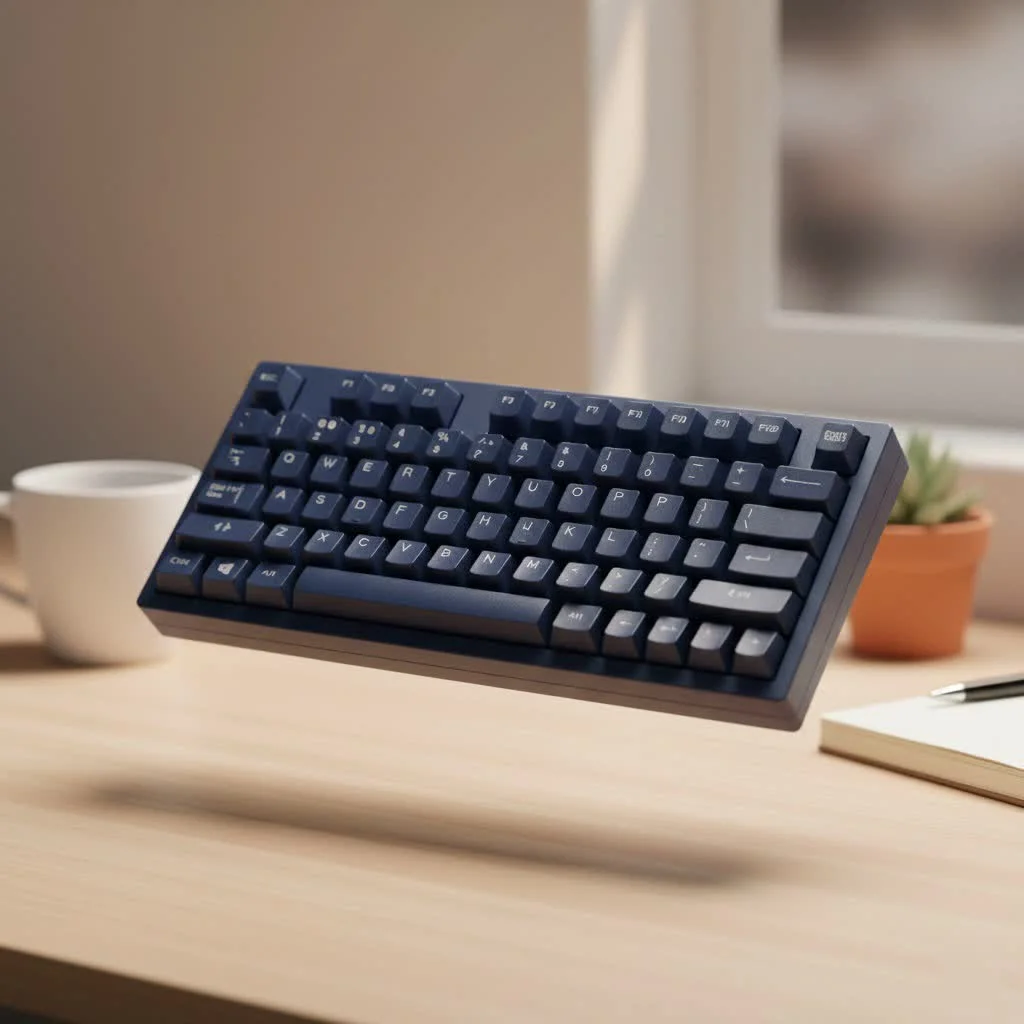
This guide explores the essential elements of mechanical keyboard cases, from materials that define their acoustics to mounting styles that dictate their feel, enabling you to select the ideal chassis for your next build. For browse all reviews articles on this site.
What is a Mechanical Keyboard Case?
A mechanical keyboard case is the protective shell enclosing the Printed Circuit Board (PCB) and the plate. Beyond protection, it serves as the primary structural component, providing rigidity and weight. Crucially, it functions as a resonance chamber, amplifying and shaping the sounds produced by each keystroke. The material, design, and internal component securing method profoundly impact the final typing experience.
The Core Materials: Choosing Your Case’s Character
The material of a keyboard case is fundamental, dictating its weight, durability, and most significantly, its sound profile. Several core materials dominate the market.
Aluminum: The Premium Standard
High-end custom keyboards often feature CNC-machined aluminum cases due to their distinct advantages.
- Feel: Aluminum offers a substantial, dense, and premium feel. Its rigidity ensures minimal flex during typing, resulting in a firm and responsive experience.
- Sound: It typically produces a cleaner, higher-pitched, and more articulate sound, often described by enthusiasts as “clacky.” The sound is consistent and bright.
- Aesthetics: Often finished with anodization, aluminum cases are available in a wide array of vibrant, durable colors with a smooth, metallic finish.
Polycarbonate: The Resonant Favorite
Polycarbonate (PC) is a top choice for those prioritizing sound and a softer typing feel. This durable thermoplastic offers a distinct experience from metal.
- Feel: Polycarbonate provides noticeable flex, creating a softer, more cushioned bottom-out experience compared to aluminum. This can reduce harshness during extended typing sessions.
- Sound: PC excels in sound, producing a deeper, more rounded, and lower-pitched sound profile, frequently described as “thocky” or “poppy.” Its translucent nature also makes it ideal for maximizing RGB lighting effects.
- Aesthetics: Typically available in transparent, frosted, or smokey finishes, PC cases are designed to showcase internal components and underglow lighting.
Acrylic: The DIY Dream
Stacked or routed acrylic cases are a staple in the DIY community, offering extensive customization and a unique aesthetic.
- Feel: The feel varies with design (stacked vs. CNC), but it generally provides a stiffer feel than polycarbonate with less flex.
- Sound: Acrylic produces a sound profile between the high pitch of aluminum and the deep thock of polycarbonate. It can sound somewhat clackier and more “raw.”
- Aesthetics: Like PC, acrylic is excellent for RGB. Its crystal-clear nature and the ability to layer different colored sheets make it visually striking and highly customizable.
How It’s Held Together: Understanding Mounting Styles
The mounting style, which refers to how the plate and PCB assembly are secured inside the case, is a critical factor influencing typing feel.
Tray Mount: The Classic Starter
|
Our Picks for the Best Mechanical Keyboard in 2026
As an Amazon Associate I earn from qualifying purchases.
|
||
| Num | Product | Action |
|---|---|---|
| 1 | Redragon Mechanical Gaming Keyboard Wired, 11 Programmable Backlit Modes, Hot-Swappable Red Switch, Anti-Ghosting, Double-Shot PBT Keycaps, Light Up Keyboard for PC Mac |

|
| 2 | Womier S-K80 75% Keyboard with Color Multimedia Display Mechanical Gaming Keyboard Creamy Sound, Wired Hot Swappable Gasket Mount RGB Custom Key board, Pre-lubed Stabilizer for Mac/Win, Black Kanagawa |
|
| 3 | AK96 Smart Mechanical Keyboard Gaming, 96 Keys Full Size with LED Colorful Backlit, Clicky Creamy Sounding, USB Wired Computer Keyboard with Volume Knob for PC, Mac, Windows(Grey) |
|
| 4 | RK ROYAL KLUDGE R98 Pro Wired Mechanical Keyboard, 96% Creamy Gaming Keyboard RGB Backlit with Number Pad and Volume Knob, Gasket Mount, MDA Profile PBT Keycaps, Hot Swappable Pre-lubed Linear Switch |
|
| 5 | RK ROYAL KLUDGE S98 Mechanical Keyboard w/Smart Display & Knob, Top Mount 96% Wireless Mechanical Keyboard BT/2.4G/USB-C, Hot Swappable, Software Support, Creamy Sounding, 98 Keys |
|
| 6 | Logitech MX Mechanical Wireless Illuminated Performance Keyboard, Tactile Quiet Switches, Backlit Keys, Bluetooth, USB-C, macOS, Windows, Linux, iOS, Android, Metal, Graphite |
|
| 7 | SteelSeries USB Apex 5 Hybrid Mechanical Gaming Keyboard – Per-Key RGB Illumination – Aircraft Grade Aluminum Alloy Frame – OLED Smart Display (Hybrid Blue Switch) |
|
| 8 | AULA F99 Wireless Mechanical Keyboard,Tri-Mode BT5.0/2.4GHz/USB-C Hot Swappable Custom Keyboard,Pre-lubed Linear Switches,RGB Backlit Computer Gaming Keyboards for PC/Tablet/PS/Xbox |
|
| 9 | EPOMAKER x Aula F75 Gasket Mechanical Keyboard, 75% Wireless Hot Swappable Gaming Keyboard with Five-Layer Padding&Knob, Bluetooth/2.4GHz/USB-C, RGB (Light Blue, LEOBOG Reaper Switch) |
|
| 10 | AULA F75 Pro Wireless Mechanical Keyboard,75% Hot Swappable Custom Keyboard with Knob,RGB Backlit,Pre-lubed Reaper Switches,Side Printed PBT Keycaps,2.4GHz/USB-C/BT5.0 Mechanical Gaming Keyboards |
|
Tray mount is the most traditional and straightforward mounting style, where the PCB/plate assembly is screwed directly into standoffs integrated into the bottom case.
- Feel: Due to unevenly distributed mounting points, tray mount keyboards can have an inconsistent feel; keys near screws feel stiffer than those in the middle. It generally creates a very firm typing experience.
- Best For: Budget-friendly builds and beginners seeking simple assembly.
Top Mount: The Consistent Performer
In a top-mount design, the plate is attached to the top half of the case via screws along its perimeter. This provides a more consistent typing feel across the entire board compared to a tray mount.
- Feel: It delivers a firm, uniform typing experience with minimal flex. Typing vibrations are transferred directly into the case, resulting in a clean sound.
- Best For: Users who prefer a classic, stiff typing feel without the inconsistencies of a tray mount.
Gasket Mount: The Modern Standard for Softness
Gasket mount has gained significant popularity by using strips of Poron foam or rubber gaskets to sandwich the plate between the top and bottom case halves. This assembly “floats” without direct metal-to-metal contact.
- Feel: This isolation creates a cushioned, flexible, and significantly softer typing experience, reducing harsh vibrations and minimizing finger fatigue.
- Best For: Anyone seeking a premium, bouncy feel and a muted, deep, or “thocky” sound profile. It is a de facto standard in the high-end custom keyboard scene.
As materials scientist and keyboard enthusiast Dr. Alistair Finch notes, “The shift to gasket mounting represents a fundamental change in design philosophy. We moved from simply holding components in place to acoustically isolating them, treating the keyboard case less like a box and more like a musical instrument’s body.”
How Do Mechanical Keyboard Cases Affect Sound and Feel?
The interaction between material and mounting style creates a keyboard’s unique signature.
- For a high-pitched, sharp, “clacky” sound and a stiff feel: Combine a dense material like aluminum with a rigid mounting style such as top mount.
- For a low-pitched, deep, “thocky” sound and a soft, flexible feel: Combine a more resonant material like polycarbonate with an isolated mounting style like gasket mount.
Weight also plays a crucial role. Heavier cases, often made of aluminum or featuring internal brass weights, tend to feel more stable on the desk and can help deepen the sound profile by reducing unwanted vibrations and hollowness.
Choosing the Right Case for You
To find your perfect mechanical keyboard case, consider these questions:
- What is your budget? Plastic or acrylic cases are generally more affordable, while CNC aluminum and polycarbonate cases command a premium.
- What sound profile do you prefer? For deep, muted sounds (“thock”), consider polycarbonate and gasket mounts. For crisp, clean sounds (“clack”), aluminum and top mounts are ideal.
- What typing feel are you after? For a soft, cushioned experience, gasket mount is the clear winner. For a firm, responsive feel, consider a top-mounted aluminum case.
- Is RGB lighting a priority? If so, a transparent or translucent case made of polycarbonate or acrylic will best showcase the light.
Frequently Asked Questions (FAQ)
What is the best material for a keyboard case?
There is no single “best” material; the ideal choice depends on personal preference. Aluminum is considered premium for its durability and firm feel, while polycarbonate is favored by many for its superior sound acoustics, often producing a “thocky” sound.
Is a gasket mount really better?
“Better” is subjective, as gasket mount provides a softer, bouncier typing feel that many users find more comfortable for long sessions. However, some users prefer the firm, direct feedback offered by a top-mount or tray-mount board.
Can I swap the case on my pre-built keyboard?
Generally, no, you cannot swap the case on most pre-built keyboards. Major brands like Logitech, Razer, or Corsair typically use proprietary mounting points and PCBs that are incompatible with standard aftermarket cases. Case swapping is primarily a feature of the custom keyboard hobby.
How much does a good keyboard case cost?
Prices for keyboard cases vary widely. A basic plastic or acrylic case might cost between $20 and $60, while a high-quality, CNC-machined aluminum case can range from $100 to over $500, depending on complexity, finish, and brand.
Does the weight of the keyboard case matter?
Yes, the weight of the keyboard case matters significantly. A heavier case feels more substantial and stable on the desk, preventing unwanted movement. The added mass can also help to dampen unwanted high-frequency vibrations, often leading to a more pleasant and deeper sound profile.
Conclusion: Your Build’s Foundation
Choosing from the vast array of mechanical keyboard cases is the first and most important step in defining your custom build. This decision will influence every keystroke you make. By understanding the fundamental differences in materials and mounting styles, you can move beyond the spec sheet and start crafting an experience that is perfectly tuned to your personal preferences. Whether you choose a hefty aluminum block for its rigidity or a flexible polycarbonate case for its acoustics, you are laying the foundation for a keyboard that is truly your own.
Get our weekly buyer guide
Practical specs, not advice. Unsubscribe anytime.

The information on aluminum cases was helpful, but I wish there was a bit more detail on the weight differences between various metal cases. I’m trying to build a really portable board, and while the firm feel is nice, the overall heft of some aluminum options is a bit much. Still, it gave me a good starting point for my research.
I’ve been looking to upgrade my keyboard’s sound profile for ages, and this guide really helped me understand the impact of different case materials. I ended up going with a polycarbonate case for my new build, and the thocky sound it produces is exactly what I was hoping for. It’s made such a huge difference in my typing experience, I can’t recommend it enough!
Great breakdown of how mounting styles affect the feel. I always wondered why some keyboards felt so much firmer than others. My current setup has a top mount, and while I like the clacky sound, I’m definitely considering a gasket mount for my next project to try out that softer feel. It’s good to know the pros and cons before diving in.
This guide was a lifesaver! I was so confused about how to get a better sound out of my keyboard. Learning about how the case acts as a resonance chamber completely changed my perspective. I finally understand why my old case sounded so hollow, and I’m excited to pick out a new one that will give me that premium acoustic experience.