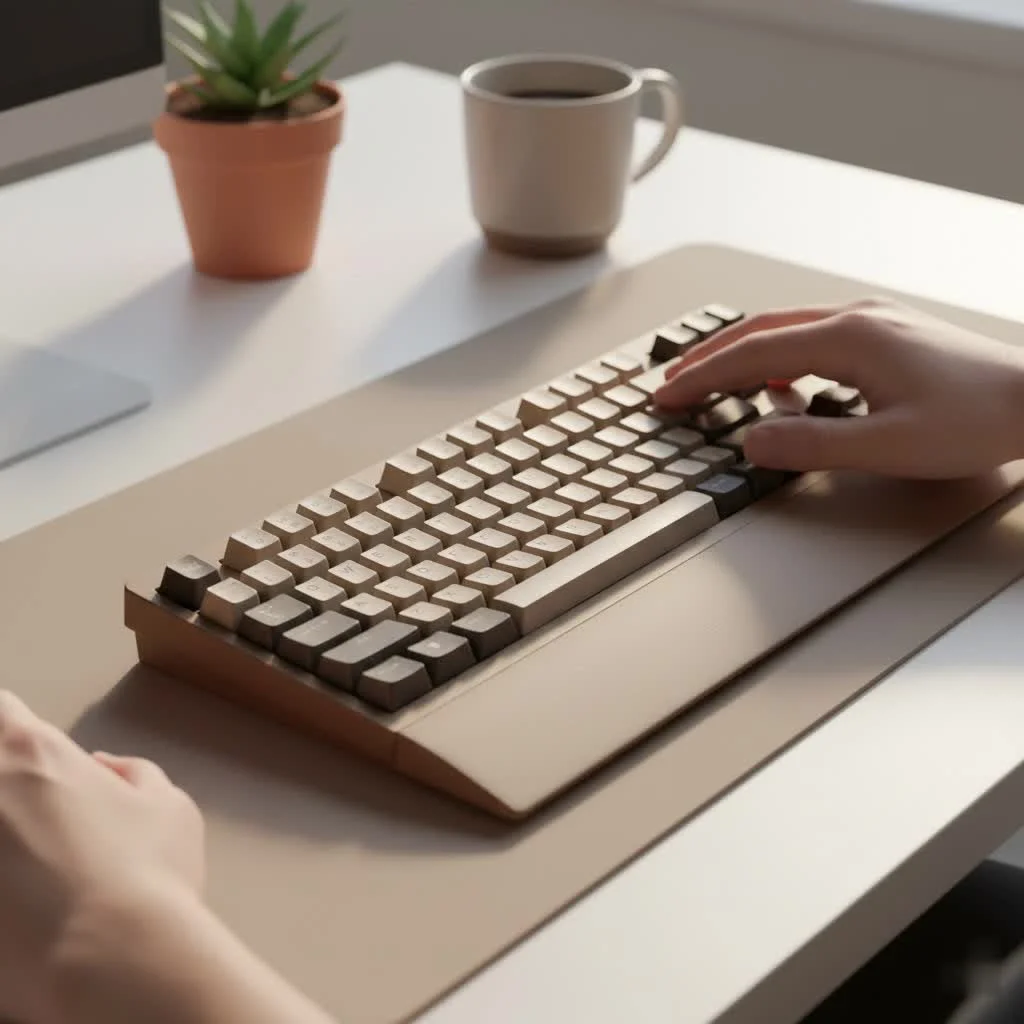
The best mechanical keyboard for typing significantly enhances productivity and comfort by offering precise tactile feedback and improved accuracy. Unlike standard membrane keyboards, mechanical keyboards feature individual switches under each key, providing a consistent and satisfying typing experience. Key components like tactile switches, durable PBT keycaps, and a sturdy, ergonomic build quality are paramount for an optimal typing experience, making them a worthwhile investment for writers, programmers, and anyone who types extensively.
Why Choose a Mechanical Keyboard for Typing?
The core advantage of a mechanical keyboard stems from its individual switches. Each key has a dedicated mechanical switch, comprising a housing, spring, and stem, which differs significantly from the single rubber sheet used in membrane keyboards. This design ensures a more consistent and reliable keystroke, reducing finger fatigue and enhancing accuracy during prolonged typing sessions. The distinct feedback, whether an audible click or a tactile bump, helps develop muscle memory, allowing for lighter, faster, and more comfortable keystrokes without needing to “bottom out” the key. For expert reviews reviews on this site.
The Anatomy of a Great Typing Experience
A keyboard is a complex system of interconnected parts. For typists, three elements are crucial:
- Switches: These are the keyboard’s core, dictating the feel and sound of each key press.
- Keycaps: The direct interface for your fingers, influencing both comfort and longevity.
- Build Quality & Layout: This foundation ensures stability, ergonomics, and overall functionality.
Finding Your Perfect Switch: The Core of the Keyboard
The most personal and critical decision is the switch type. Switches are generally classified into three types: linear, tactile, and clicky. For typing, most users find tactile switches to be the most effective.
Tactile Switches: The Typist’s Sweet Spot
Tactile switches provide a small, distinct bump at the point of actuation. This physical feedback confirms that a keystroke has registered, which improves accuracy and reduces errors without requiring the key to be fully depressed. They offer an ideal balance, providing satisfying feedback without the loud noise associated with clicky switches, making them suitable for various environments, including offices.
- Cherry MX Brown: Widely regarded as a benchmark, these offer a gentle tactile bump and are relatively quiet, making them an excellent starting point.
- Boba U4T: A popular choice among enthusiasts, known for its deep, “thocky” sound and a very pronounced, rounded tactile bump that provides unmistakable feedback.
- Zealio V2: Designed for those who prefer a sharp, crisp tactile event. The bump occurs high in the keypress, providing clear actuation feedback.
“A good tactile switch is like a perfectly calibrated instrument. The feedback loop it creates with your fingers allows for a rhythm and flow that linear switches can’t replicate for pure text entry. It’s about precision, not just speed.” – Alex Chen, Senior Mechanical Engineer at Yoasy.com
Clicky and Linear Switches: Alternative Options
|
Our Picks for the Best Mechanical Keyboard in 2026
As an Amazon Associate I earn from qualifying purchases.
|
||
| Num | Product | Action |
|---|---|---|
| 1 | RK ROYAL KLUDGE R98 Pro Wired Mechanical Keyboard, 96% Creamy Gaming Keyboard RGB Backlit with Number Pad and Volume Knob, Gasket Mount, MDA Profile PBT Keycaps, Hot Swappable Pre-lubed Linear Switch |

|
| 2 | SteelSeries USB Apex 5 Hybrid Mechanical Gaming Keyboard – Per-Key RGB Illumination – Aircraft Grade Aluminum Alloy Frame – OLED Smart Display (Hybrid Blue Switch) |
|
| 3 | EPOMAKER x Aula F75 Gasket Mechanical Keyboard, 75% Wireless Hot Swappable Gaming Keyboard with Five-Layer Padding&Knob, Bluetooth/2.4GHz/USB-C, RGB (Light Blue, LEOBOG Reaper Switch) |
|
| 4 | Logitech MX Mechanical Wireless Illuminated Performance Keyboard, Tactile Quiet Switches, Backlit Keys, Bluetooth, USB-C, macOS, Windows, Linux, iOS, Android, Metal, Graphite |
|
| 5 | AULA F99 Wireless Mechanical Keyboard,Tri-Mode BT5.0/2.4GHz/USB-C Hot Swappable Custom Keyboard,Pre-lubed Linear Switches,RGB Backlit Computer Gaming Keyboards for PC/Tablet/PS/Xbox |
|
| 6 | Womier S-K80 75% Keyboard with Color Multimedia Display Mechanical Gaming Keyboard Creamy Sound, Wired Hot Swappable Gasket Mount RGB Custom Key board, Pre-lubed Stabilizer for Mac/Win, Black Kanagawa |
|
| 7 | Redragon Mechanical Gaming Keyboard Wired, 11 Programmable Backlit Modes, Hot-Swappable Red Switch, Anti-Ghosting, Double-Shot PBT Keycaps, Light Up Keyboard for PC Mac |
|
| 8 | RK ROYAL KLUDGE S98 Mechanical Keyboard w/Smart Display & Knob, Top Mount 96% Wireless Mechanical Keyboard BT/2.4G/USB-C, Hot Swappable, Software Support, Creamy Sounding, 98 Keys |
|
| 9 | AK96 Smart Mechanical Keyboard Gaming, 96 Keys Full Size with LED Colorful Backlit, Clicky Creamy Sounding, USB Wired Computer Keyboard with Volume Knob for PC, Mac, Windows(Grey) |
|
| 10 | AULA F75 Pro Wireless Mechanical Keyboard,75% Hot Swappable Custom Keyboard with Knob,RGB Backlit,Pre-lubed Reaper Switches,Side Printed PBT Keycaps,2.4GHz/USB-C/BT5.0 Mechanical Gaming Keyboards |
|
- Clicky Switches (e.g., Cherry MX Blue): These switches offer both a tactile bump and an audible click. While highly satisfying for some, the noise can be disruptive in shared environments. They are excellent for typists who appreciate auditory feedback.
- Linear Switches (e.g., Cherry MX Red, Gateron Yellow): Linear switches provide a smooth, consistent press without any bump or click. Often preferred by gamers for their speed, some typists also enjoy their effortless feel, particularly those with a light touch.
Keycaps Matter More Than You Think
Keycaps are your primary interface with the keyboard. Their material and shape significantly influence typing comfort and the keyboard’s durability.
Keycap Materials
- PBT (Polybutylene Terephthalate): Considered the premium option, PBT keycaps are highly durable, resist the shine caused by finger oils, and often feature a slightly textured surface that feels pleasant to the touch.
- ABS (Acrylonitrile Butadiene Styrene): More common on budget and mainstream keyboards. ABS is smoother and can develop a shine over time. While high-quality ABS keycaps exist, PBT is generally preferred for dedicated typing keyboards.
Keycap Profiles
The keycap profile refers to the shape and sculpting of the keycaps across the keyboard. Sculpted profiles, where each row has a distinct height and tilt, are typically more ergonomic for typing.
- OEM/Cherry Profile: These are the most common sculpted profiles, designed for comfort and familiarity.
- SA Profile: A tall, heavily sculpted, retro-style profile that many typists favor for its unique feel.
Layout and Build: The Final Pieces of the Puzzle
The optimal layout depends on your specific workflow. If you require a number pad for data entry, a full-size keyboard is the best choice. For more desk space without the need for a numpad, a Tenkeyless (TKL) or 75% layout offers a great compromise, retaining essential navigation keys in a more compact form factor.
Prioritize keyboards with a sturdy frame, ideally aluminum, as it provides a solid, stable base for typing and minimizes vibrations. Gasket-mounted designs, which sandwich the switch plate between rubber gaskets, are increasingly popular for their softer, more cushioned typing feel that can further reduce fatigue.
What is the best mechanical keyboard for typing?
The ideal mechanical keyboard for typing combines a tactile switch you enjoy, high-quality PBT keycaps in a comfortable profile, and a solid, well-built frame with a layout that suits your desk and workflow. Brands such as Keychron, NuPhy, and Razer offer excellent options tailored for productivity and typing comfort.
Your Journey to a Better Typing Experience
Choosing the best mechanical keyboard for typing is a highly personal but rewarding endeavor. By focusing on switches that provide clear feedback, keycaps that offer comfort and durability, and a build that ensures stability, you are investing in a crucial tool for your daily tasks. The satisfying feel, enhanced accuracy, and overall enjoyment of a superior typing experience will make you wonder how you ever managed without one. We encourage you to explore various options to discover the keyboard that unlocks your full typing potential.
Frequently Asked Questions
Are mechanical keyboards truly better for typing efficiency and comfort?
Yes, for most individuals, the distinct tactile feedback from mechanical switches significantly improves typing accuracy and speed while simultaneously reducing finger strain compared to traditional membrane keyboards. This enhanced feedback helps develop muscle memory for more efficient keystrokes.
What is the most recommended type of switch for optimal typing performance?
Tactile switches, such as Cherry MX Browns or Boba U4Ts, are generally considered the most effective for typing. They provide a noticeable bump upon actuation, which confirms each keystroke without the loud noise associated with clicky switches, making them versatile for various environments.
Can a gaming keyboard be effectively used for extensive typing tasks?
Absolutely, many gaming keyboards utilize switches that are also highly suitable for typing. However, keyboards primarily marketed for gaming often feature linear switches by default, which some typists might find less accurate for text entry compared to tactile alternatives.
What is a reasonable budget for purchasing a high-quality typing keyboard?
You can find excellent mechanical keyboards specifically designed for typing starting in the range of $80 to $100. Premium and custom options, offering superior build quality, materials, and advanced features, can range from $200 to over $500.
Is a wrist rest a necessary accessory for comfortable typing sessions?
A wrist rest can significantly enhance ergonomic comfort by maintaining your wrists in a neutral position, particularly during extended typing sessions. Its necessity is largely a matter of personal preference and how your desk setup is configured.
Get our weekly buyer guide
Practical specs, not advice. Unsubscribe anytime.

I finally upgraded to a mechanical keyboard after years of using a cheap membrane one, and the difference is night and day. The tactile switches mentioned in the post really do make a huge impact on my typing speed and accuracy. I’m a writer, so I spend hours at my desk, and this has made my work so much more enjoyable. Definitely a worthwhile investment!
I picked up one of the keyboards with PBT keycaps and I’m really impressed with the durability. They feel great under my fingers and I can tell they’re going to last a long time. My only minor gripe is that it took a little while to get used to the different key travel compared to my old keyboard, but now I wouldn’t go back.
As a programmer, I can attest to the improved accuracy and comfort. The ergonomic build quality really makes a difference during long coding sessions. I used to get wrist fatigue, but that’s almost completely gone since switching. It’s clear why these are recommended for anyone who types extensively.
I was looking for something to improve my programming workflow, and while the overall typing experience is good, I found the specific model I chose to be a bit too loud for my open-plan office. The consistent keystroke is there, but I might need to look into different switch types next time. Still, it’s better than my old keyboard.