The satisfying clack of a mechanical keyboard is music to an enthusiast’s ears, but it can be a distracting cacophony in a shared office, a quiet library, or a late-night gaming session. For years, professionals and gamers believed they had to choose between the superior feel of a mechanical board and the peace of a quiet workspace. I’m here to tell you that’s a thing of the past. As an engineer who has spent over a decade dissecting, building, and modifying keyboards, I’ve seen the incredible evolution of the quiet mechanical keyboard. It’s now possible to have that crisp, responsive typing experience without driving your colleagues or family crazy.
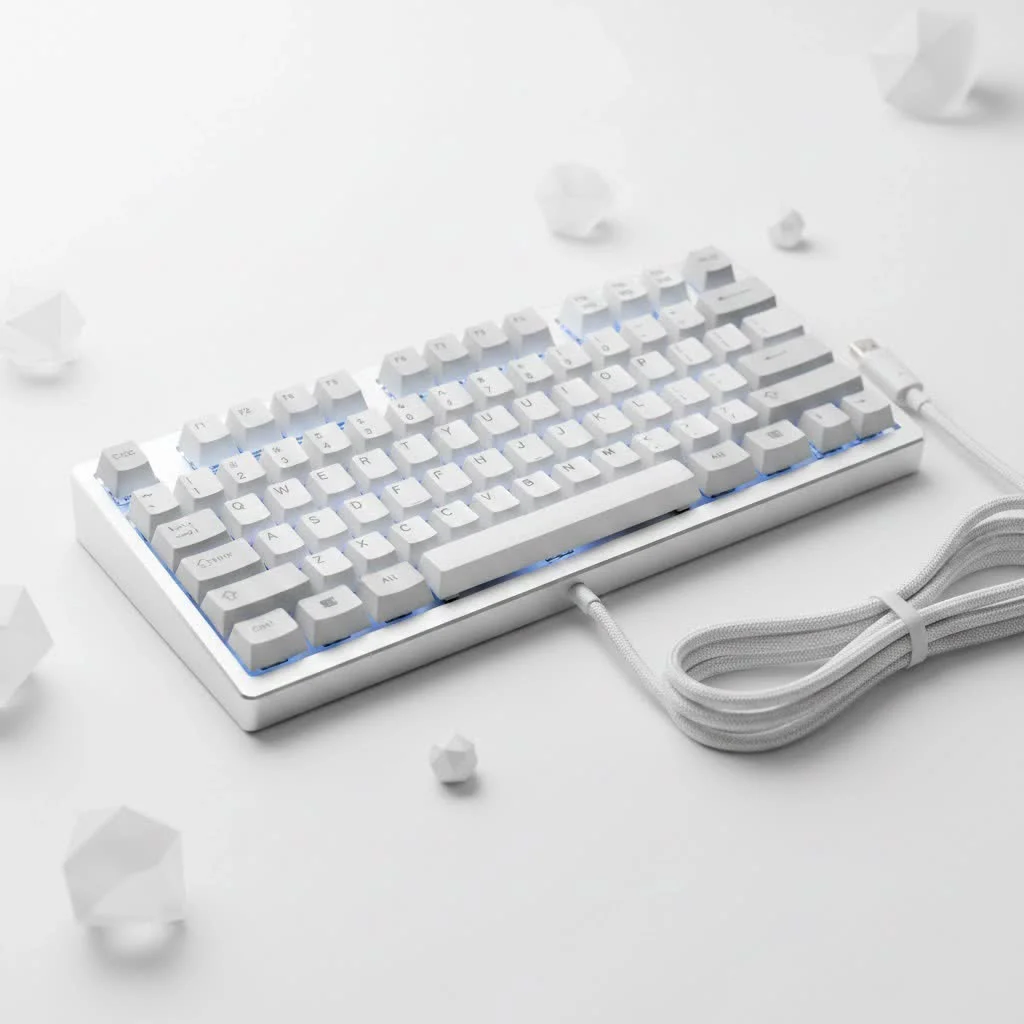
This isn’t about sacrificing performance for silence. It’s about smart engineering. From specialized switches with internal dampeners to advanced case acoustics, the modern silent keyboard is a masterpiece of design. Let’s dive into how you can achieve typing tranquility without giving up the mechanical magic.
What Makes a Mechanical Keyboard Quiet?
Achieving a near-silent typing experience is a holistic process. It’s not just one component, but a symphony of parts working together to absorb sound and reduce vibration. Understanding these elements is the first step to choosing or building your perfect quiet keyboard.
The Heart of Silence: The Switches
The single most important factor in a keyboard’s sound profile is the switch. Unlike their loud and proud “clicky” cousins, silent switches are engineered from the ground up to minimize noise.
- Silent Linear Switches: These are the gold standard for quiet operation. Switches like the Cherry MX Silent Red or Gateron Silent Black feature small rubber or silicone dampeners on the stem. These dampeners absorb the impact when you “bottom out” (press the key all the way down) and on the upstroke, effectively muting the two loudest parts of a keystroke. They provide a smooth, consistent press with no tactile bump.
- Silent Tactile Switches: For those who want feedback without the noise, silent tactile switches like the Gateron Silent Brown or Zilent V2s are an excellent choice. They offer a gentle bump to let you know the key has been actuated but incorporate the same dampening technology as their linear counterparts to keep noise to a minimum.
Beyond the Switch: Case, Mount, and Materials
A keyboard’s chassis is its echo chamber. A poorly designed case will amplify every tiny sound, while a well-designed one will absorb it.
- Mounting Style: The way the switch plate is mounted to the case dramatically affects sound. Gasket-mounted keyboards are highly sought after for their quiet and soft typing feel. In this design, the plate is sandwiched between layers of porous material like silicone or foam, isolating it from the case and preventing vibrations from turning into audible noise.
- Sound Dampening Foam: Premium silent keyboards often come packed with layers of foam. You’ll find it between the plate and the PCB (Printed Circuit Board) and filling the empty space in the bottom of the case. This foam is crucial for absorbing stray sound waves and eliminating any hollowness or “pinging” from the case.
- Case Material: Aluminum cases are rigid and can sometimes resonate more than high-quality, thick plastic cases. However, when paired with ample foam, an aluminum case can feel incredibly solid and produce a very deep, muted sound.
The Unsung Heroes: Keycaps and Stabilizers
|
Our Picks for the Best Mechanical Keyboard in 2026
As an Amazon Associate I earn from qualifying purchases.
|
||
| Num | Product | Action |
|---|---|---|
| 1 | Redragon Mechanical Gaming Keyboard Wired, 11 Programmable Backlit Modes, Hot-Swappable Red Switch, Anti-Ghosting, Double-Shot PBT Keycaps, Light Up Keyboard for PC Mac |

|
| 2 | AK96 Smart Mechanical Keyboard Gaming, 96 Keys Full Size with LED Colorful Backlit, Clicky Creamy Sounding, USB Wired Computer Keyboard with Volume Knob for PC, Mac, Windows(Grey) |
|
| 3 | SteelSeries USB Apex 5 Hybrid Mechanical Gaming Keyboard – Per-Key RGB Illumination – Aircraft Grade Aluminum Alloy Frame – OLED Smart Display (Hybrid Blue Switch) |
|
| 4 | AULA F99 Wireless Mechanical Keyboard,Tri-Mode BT5.0/2.4GHz/USB-C Hot Swappable Custom Keyboard,Pre-lubed Linear Switches,RGB Backlit Computer Gaming Keyboards for PC/Tablet/PS/Xbox |
|
| 5 | RK ROYAL KLUDGE S98 Mechanical Keyboard w/Smart Display & Knob, Top Mount 96% Wireless Mechanical Keyboard BT/2.4G/USB-C, Hot Swappable, Software Support, Creamy Sounding, 98 Keys |
|
| 6 | Logitech MX Mechanical Wireless Illuminated Performance Keyboard, Tactile Quiet Switches, Backlit Keys, Bluetooth, USB-C, macOS, Windows, Linux, iOS, Android, Metal, Graphite |
|
| 7 | EPOMAKER x Aula F75 Gasket Mechanical Keyboard, 75% Wireless Hot Swappable Gaming Keyboard with Five-Layer Padding&Knob, Bluetooth/2.4GHz/USB-C, RGB (Light Blue, LEOBOG Reaper Switch) |
|
| 8 | Womier S-K80 75% Keyboard with Color Multimedia Display Mechanical Gaming Keyboard Creamy Sound, Wired Hot Swappable Gasket Mount RGB Custom Key board, Pre-lubed Stabilizer for Mac/Win, Black Kanagawa |
|
| 9 | RK ROYAL KLUDGE R98 Pro Wired Mechanical Keyboard, 96% Creamy Gaming Keyboard RGB Backlit with Number Pad and Volume Knob, Gasket Mount, MDA Profile PBT Keycaps, Hot Swappable Pre-lubed Linear Switch |
|
| 10 | AULA F75 Pro Wireless Mechanical Keyboard,75% Hot Swappable Custom Keyboard with Knob,RGB Backlit,Pre-lubed Reaper Switches,Side Printed PBT Keycaps,2.4GHz/USB-C/BT5.0 Mechanical Gaming Keyboards |
|
Even the keycaps on your board can influence the final sound. Thick keycaps made from PBT plastic tend to produce a lower-pitched, more subdued sound than thinner ABS keycaps. The profile of the keycap also matters; uniform profiles can sound different from sculpted ones like Cherry profile.
Stabilizers, the components under your larger keys like the spacebar, shift, and enter keys, are notorious for rattling. Well-lubricated stabilizers are essential for a quiet mechanical keyboard, eliminating that cheap-sounding clatter and ensuring a smooth, consistent press.
How to Make Your Current Keyboard Even Quieter
Already have a mechanical keyboard you love? Don’t worry, you don’t necessarily have to buy a new one. Several simple modifications can drastically reduce its noise output. This is where the real fun of the hobby begins.
- Lube Your Switches: Applying a thin layer of specialized lubricant (like Krytox 205g0) to the inside of your switches makes them smoother and significantly quieter. It reduces the friction between the stem and the housing, resulting in a deeper, more refined sound.
- Mod Your Stabilizers: Clipping the “feet” of the stabilizer stems and applying dielectric grease or a thick lube to the wires is one of the most effective mods for reducing rattle. This is often called the “band-aid mod” in the community and is a game-changer.
- Add Foam: If your keyboard case is hollow, you can easily open it up and add a layer of custom-cut foam. Sorbothane, neoprene, or even simple packing foam will work to absorb sound and reduce hollowness.
- Try O-Rings: O-rings are small rubber rings that sit on the stem of your keycaps. They reduce the bottom-out sound by preventing the keycap from smacking against the top of the switch housing. While they can make the typing feel a bit “mushy” for some, they are a cheap and effective silencing method.
- The Tape Mod: A popular community mod involves applying layers of painter’s tape to the back of the PCB. This simple trick helps to absorb vibrations and deepen the sound signature of the keyboard, making it sound less harsh and high-pitched.
As keyboard builder and designer Alex Wren states, “The pursuit of the perfect sound is what drives keyboard innovation. We’ve moved beyond just the switch itself and are now focusing on the acoustics of the entire system. A truly quiet keyboard is one where every component, from the gasket to the keycap material, works in concert to dampen unwanted frequencies.”
Choosing the Best Quiet Mechanical Keyboard for You
When you’re ready to purchase a quiet mechanical keyboard, here’s a checklist to guide your decision:
- [ ] Switches: Does it come with silent switches (linear or tactile)? If it’s hot-swappable, you can always add them later.
- [ ] Build: Does the marketing material mention sound-dampening features like foam or silicone inserts?
- [ ] Mounting Style: Is it gasket-mounted? This is often a sign of a premium, quiet-focused design.
- [ ] Stabilizers: Do reviews mention if the stabilizers are pre-lubed and rattle-free?
- [ ] Form Factor: Consider a low-profile keyboard. Their shorter switch travel distance naturally leads to a quieter typing experience.
Frequently Asked Questions (FAQ)
What is the quietest type of mechanical keyboard switch?
Silent linear switches are generally the quietest available. Models like the Cherry MX Silent Red, Gateron Silent Ink Black, and other variations with internal rubber dampeners produce the least amount of noise on both the downstroke and upstroke.
Can a mechanical keyboard ever be as quiet as a membrane keyboard?
With the right combination of silent switches, a dampened case, and lubricated stabilizers, a mechanical keyboard can be whisper-quiet, often becoming as quiet, or even quieter, than a standard office membrane keyboard. The key difference is it retains its superior tactile feel.
Are quiet mechanical keyboards good for gaming?
Absolutely. Many silent switches, particularly silent linears, have the same fast actuation and performance characteristics as their standard counterparts. This makes them perfect for gaming without disturbing others, allowing for rapid key presses that are both responsive and discreet.
Do I need to build a custom keyboard to get a quiet one?
Not anymore. Many mainstream brands like Keychron, Logitech, and Corsair now offer excellent pre-built models specifically designed for quiet operation. These keyboards often come with silent switches and sound-dampening foam right out of the box.
Will adding O-rings make my keyboard completely silent?
O-rings only dampen the sound of the keycap bottoming out. They will not reduce the noise from the switch’s upstroke or any internal switch sounds like spring ping. While they help, they are only one part of a comprehensive sound-dampening solution.
Your Journey to Typing Bliss
The world of the quiet mechanical keyboard is deeper and more rewarding than ever. It’s a perfect blend of high-performance engineering and acoustic consideration, proving that you no longer need to compromise. Whether you choose a pre-built silent model ready to go or embark on the satisfying journey of modifying your own board, a peaceful typing experience is within your reach. Take these insights, explore the options, and get ready to enjoy the feel of mechanical typing, without any of the noise.
Get our weekly buyer guide
Practical specs, not advice. Unsubscribe anytime.
