Welcome to the world of mechanical keyboards, a realm where typing is not just a task, but an experience. If you’ve spent any time exploring this hobby, you’ve undoubtedly come across a brand that has taken the community by storm: Keychron. A Keychron mechanical keyboard represents a perfect entry point for beginners and a versatile platform for seasoned enthusiasts. As an engineer who has spent over a decade building, modding, and living with these amazing devices, I’ve seen brands come and go. But Keychron has stuck around, and for good reason. They’ve cracked the code on what modern users want: wireless freedom, cross-platform compatibility, and a premium feel without an astronomical price tag.
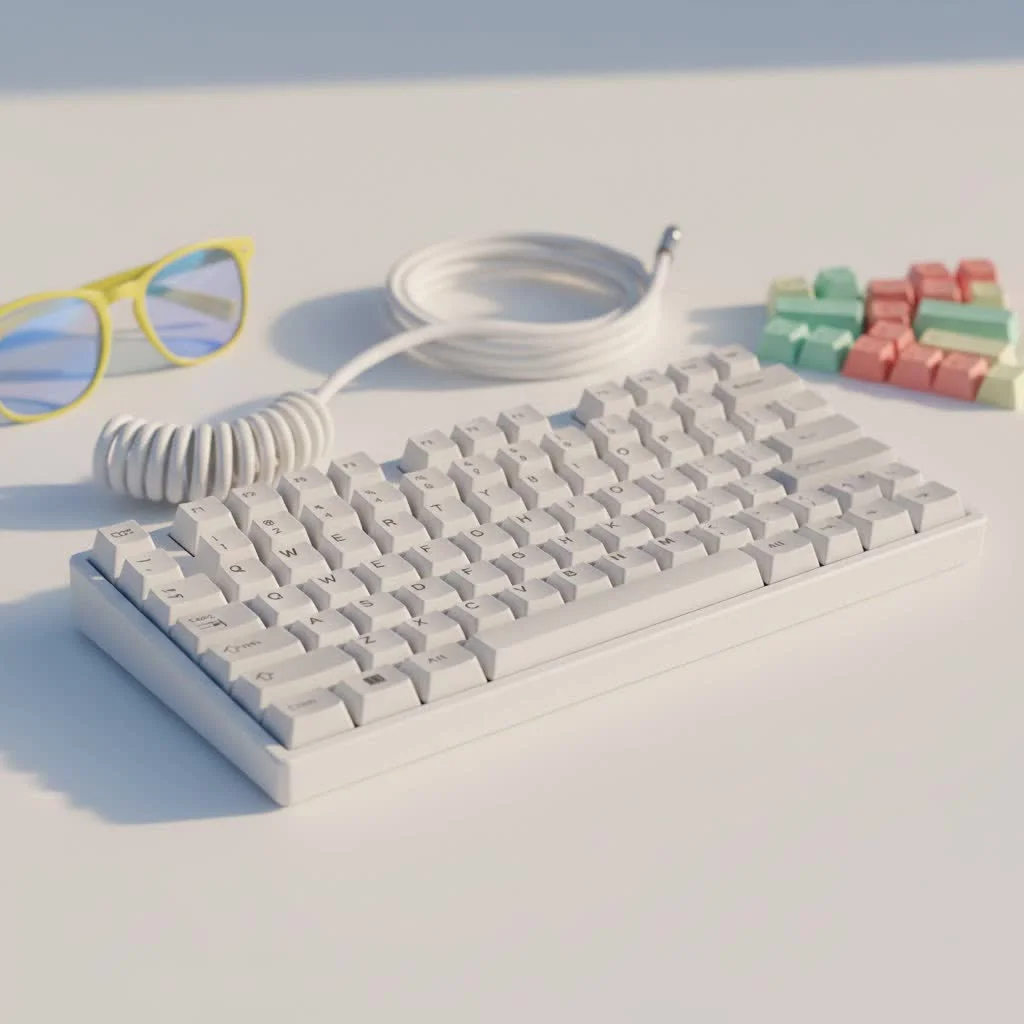
So, what’s the big deal? Let’s dive deep into the Keychron universe and find the perfect board for you.
What Sets Keychron Apart from the Pack?
In a crowded market, Keychron carved out a niche by focusing on a few key areas that other manufacturers often treated as an afterthought. Their success isn’t an accident; it’s a direct result of listening to the community.
- Mac Compatibility First: For years, Mac users were second-class citizens in the mechanical keyboard world, forced to use software to remap keys. Keychron was one of the first brands to ship keyboards with a dedicated Mac layout and include keycaps for both macOS and Windows right in the box. This plug-and-play convenience was a game-changer.
- Reliable Wireless Connectivity: While many enthusiast brands focus solely on wired connections for a niche audience, Keychron embraced Bluetooth. They offer stable wireless connectivity that allows you to pair with multiple devices—like a laptop, tablet, and phone—and switch between them seamlessly.
- Hot-Swappable Switches: This feature is perhaps the single most important innovation for newcomers. A hot-swappable board allows you to change the mechanical switches without any soldering. It means you can experiment with different switch types (linear, tactile, clicky) to find your perfect feel, turning your keyboard into a truly personal tool.
- A Layout for Everyone: From compact 60% layouts that save desk space to traditional full-size boards with a number pad, Keychron offers an extensive range of sizes. They have been a major popularizer of layouts like 75% and 96%, which offer a compact footprint without sacrificing essential keys.
Decoding the Keychron Lineup: K, Q, and V Series
Navigating Keychron’s product lines can be a little confusing at first, but it’s quite simple once you understand the philosophy behind each series.
The K Series: Your Wireless Workhorse
|
Our Picks for the Best Mechanical Keyboard in 2026
As an Amazon Associate I earn from qualifying purchases.
|
||
| Num | Product | Action |
|---|---|---|
| 1 | AULA F99 Wireless Mechanical Keyboard,Tri-Mode BT5.0/2.4GHz/USB-C Hot Swappable Custom Keyboard,Pre-lubed Linear Switches,RGB Backlit Computer Gaming Keyboards for PC/Tablet/PS/Xbox |

|
| 2 | EPOMAKER x Aula F75 Gasket Mechanical Keyboard, 75% Wireless Hot Swappable Gaming Keyboard with Five-Layer Padding&Knob, Bluetooth/2.4GHz/USB-C, RGB (Light Blue, LEOBOG Reaper Switch) |
|
| 3 | SteelSeries USB Apex 5 Hybrid Mechanical Gaming Keyboard – Per-Key RGB Illumination – Aircraft Grade Aluminum Alloy Frame – OLED Smart Display (Hybrid Blue Switch) |
|
| 4 | RK ROYAL KLUDGE S98 Mechanical Keyboard w/Smart Display & Knob, Top Mount 96% Wireless Mechanical Keyboard BT/2.4G/USB-C, Hot Swappable, Software Support, Creamy Sounding, 98 Keys |
|
| 5 | RK ROYAL KLUDGE R98 Pro Wired Mechanical Keyboard, 96% Creamy Gaming Keyboard RGB Backlit with Number Pad and Volume Knob, Gasket Mount, MDA Profile PBT Keycaps, Hot Swappable Pre-lubed Linear Switch |
|
| 6 | Logitech MX Mechanical Wireless Illuminated Performance Keyboard, Tactile Quiet Switches, Backlit Keys, Bluetooth, USB-C, macOS, Windows, Linux, iOS, Android, Metal, Graphite |
|
| 7 | AULA F75 Pro Wireless Mechanical Keyboard,75% Hot Swappable Custom Keyboard with Knob,RGB Backlit,Pre-lubed Reaper Switches,Side Printed PBT Keycaps,2.4GHz/USB-C/BT5.0 Mechanical Gaming Keyboards |
|
| 8 | AK96 Smart Mechanical Keyboard Gaming, 96 Keys Full Size with LED Colorful Backlit, Clicky Creamy Sounding, USB Wired Computer Keyboard with Volume Knob for PC, Mac, Windows(Grey) |
|
| 9 | Redragon Mechanical Gaming Keyboard Wired, 11 Programmable Backlit Modes, Hot-Swappable Red Switch, Anti-Ghosting, Double-Shot PBT Keycaps, Light Up Keyboard for PC Mac |
|
| 10 | Womier S-K80 75% Keyboard with Color Multimedia Display Mechanical Gaming Keyboard Creamy Sound, Wired Hot Swappable Gasket Mount RGB Custom Key board, Pre-lubed Stabilizer for Mac/Win, Black Kanagawa |
|
The K Series is Keychron’s original and most popular lineup. These are pre-built keyboards designed to work perfectly right out of the box. They are typically built with a plastic or aluminum frame, offer reliable Bluetooth, and come in nearly every layout imaginable. Most newer K-series models, especially the “Pro” versions, now come with hot-swappable switches and support for QMK/VIA custom firmware, making them more powerful than ever.
Who is it for? The K Series is ideal for students, professionals, and anyone who wants a high-quality wireless mechanical keyboard without the hassle of building it themselves.
The Q Series: The Premium Custom Experience
The Q Series is where Keychron steps into the high-end custom keyboard market. These boards feature a full CNC-machined aluminum body, a gasket-mount design for a softer typing feel, and premium components throughout. They are fully customizable with QMK/VIA software, allowing you to remap any key. The Q Series offers an enthusiast-grade experience at a fraction of the cost of many custom keyboard kits.
“The Keychron Q series democratized the custom keyboard scene,” notes enthusiast builder David Carter. “It gave people access to premium features like a gasket mount and an all-metal build without the long group-buy waits and complex assembly. It’s a fantastic platform for modding.”
Who is it for? This series is for the keyboard enthusiast who wants a premium, heavy, and highly customizable board to tinker with and make their own.
The V Series: The Gateway to Customization
The V Series bridges the gap between the K and Q series. These boards offer many of the enthusiast features of the Q series, like QMK/VIA support and a tray-mount design with added silicone for improved sound, but in a more affordable plastic case. They are fully hot-swappable and designed to be an accessible starting point for anyone curious about building and modding their own keyboard.
Who is it for? The V Series is perfect for beginners who want to dip their toes into the custom keyboard hobby without a significant financial commitment.
How to Choose Your First Keychron Mechanical Keyboard
Feeling overwhelmed? Don’t be. Choosing the right Keychron mechanical keyboard comes down to answering a few simple questions about your needs.
- What Size Do You Need? Consider your workflow. Do you need a number pad for data entry (Full-Size or 96%)? Do you want a compact board with arrow keys (65% or 75%)? Or do you prefer a minimalist, portable layout (60%)? The 75% layout, found in models like the K2 or Q1, is often a sweet spot for many users.
- Wired or Wireless? If you value a clean, cable-free desk setup and switch between devices, a K Series board is your best bet. If you are a gamer who needs the absolute lowest latency or a tinkerer who will keep the keyboard at one desk, a wired Q or V series board is a great choice.
- Do You Want to Customize? If the answer is “yes,” then a hot-swappable model is non-negotiable. This will allow you to experiment with switches later on. If you want to go deeper with mods and firmware, the Q or V series are designed for this purpose. If you just want a great keyboard that works, the standard K Series is perfect.
- Which Switch is Right for You? Keychron offers its own switches and options from the popular brand Gateron. They fall into three main categories:
- Red (Linear): Smooth and quiet. Great for gaming and fast typing in an office environment.
- Brown (Tactile): A small “bump” on each keystroke provides satisfying feedback without being loud. The best all-around choice for typing and general use.
- Blue (Clicky): A tactile bump accompanied by a loud “click.” Extremely satisfying for typists who love audible feedback, but not recommended for quiet spaces.
Frequently Asked Questions (FAQ)
Are Keychron keyboards good for gaming?
Yes, Keychron keyboards are excellent for gaming. For the best experience, use them in wired mode to eliminate any potential latency. Their linear (Red) switches are a popular choice for gamers due to their smooth, fast actuation.
Can I use a Keychron keyboard with Windows?
Absolutely. All Keychron keyboards come with a switch to toggle between macOS and Windows layouts. They also include keycaps for both operating systems in the box, so you can swap them to match your system.
What is the difference between Gateron and Keychron switches?
Both are high-quality switch manufacturers. Gateron is a well-established brand trusted by the community. Keychron’s own switches are made to their specifications and are often very similar in performance, providing an excellent experience. The choice often comes down to slight variations in feel and sound that are a matter of personal preference.
What does QMK/VIA support mean?
QMK and VIA are powerful open-source firmware and software that allow you to completely remap your keyboard. You can change what any key does, create complex macros, and customize lighting layers. It offers ultimate control over your keyboard’s functionality.
Is it worth paying more for the Q Series?
If you value a premium typing feel and sound, and enjoy the heft and acoustics of an all-metal case, the Q Series is absolutely worth it. The gasket-mount system provides a uniquely soft and satisfying typing experience that you won’t find in the more basic K or V series boards.
Your Journey Starts Here
The Keychron mechanical keyboard lineup offers a clear pathway into a wonderful hobby. Whether you’re a writer looking for the perfect typing tool, a gamer seeking a competitive edge, or a creative professional who values aesthetics and function, there is a Keychron board waiting for you. They have successfully lowered the barrier to entry for high-quality mechanical keyboards, allowing more people than ever to discover the joy of typing on a device that is truly their own.
So go ahead, pick a model that speaks to you, and start your journey. Your fingertips will thank you for it.
Get our weekly buyer guide
Practical specs, not advice. Unsubscribe anytime.

As a beginner to mechanical keyboards, the Keychron V series was exactly what I needed. It offered a great balance of features without being overwhelming. The typing feel is incredibly satisfying, and it’s made my long coding sessions much more enjoyable. I appreciate that it didn’t break the bank either.
I picked up a Keychron Q1 after reading about its modding potential, and I’m super happy with it. The hot-swappable switches made it easy to try out different types without soldering. While the stock keycaps were decent, I swapped them out for something a bit more custom. It’s a great platform for enthusiasts who like to tinker.
I’ve been using my Keychron K2 for about six months now and it’s been fantastic. The wireless freedom is a game-changer for my desk setup, and switching between my Mac and PC is seamless. The build quality feels really premium, especially considering the price point. Definitely a solid recommendation for anyone looking to upgrade their typing experience.
My Keychron K8 is pretty good for the price, and the cross-platform compatibility is a huge plus for my workflow. However, I found the ABS keycaps started to shine a bit too quickly for my liking. It’s not a dealbreaker, but I’ll probably invest in some PBT keycaps soon to improve the feel and durability. Still, a good entry-level board.