Logitech mechanical keyboards are a compelling choice for both gamers and professionals due to their proprietary switches, robust build quality, and tailored software experiences. They bridge the gap between mainstream users and niche enthusiasts by offering polished, feature-rich boards. For instance, the G-series targets gamers with GX switches and LIGHTSPEED wireless, while the MX Mechanical series caters to professionals with Kailh-made low-profile switches and multi-device connectivity.
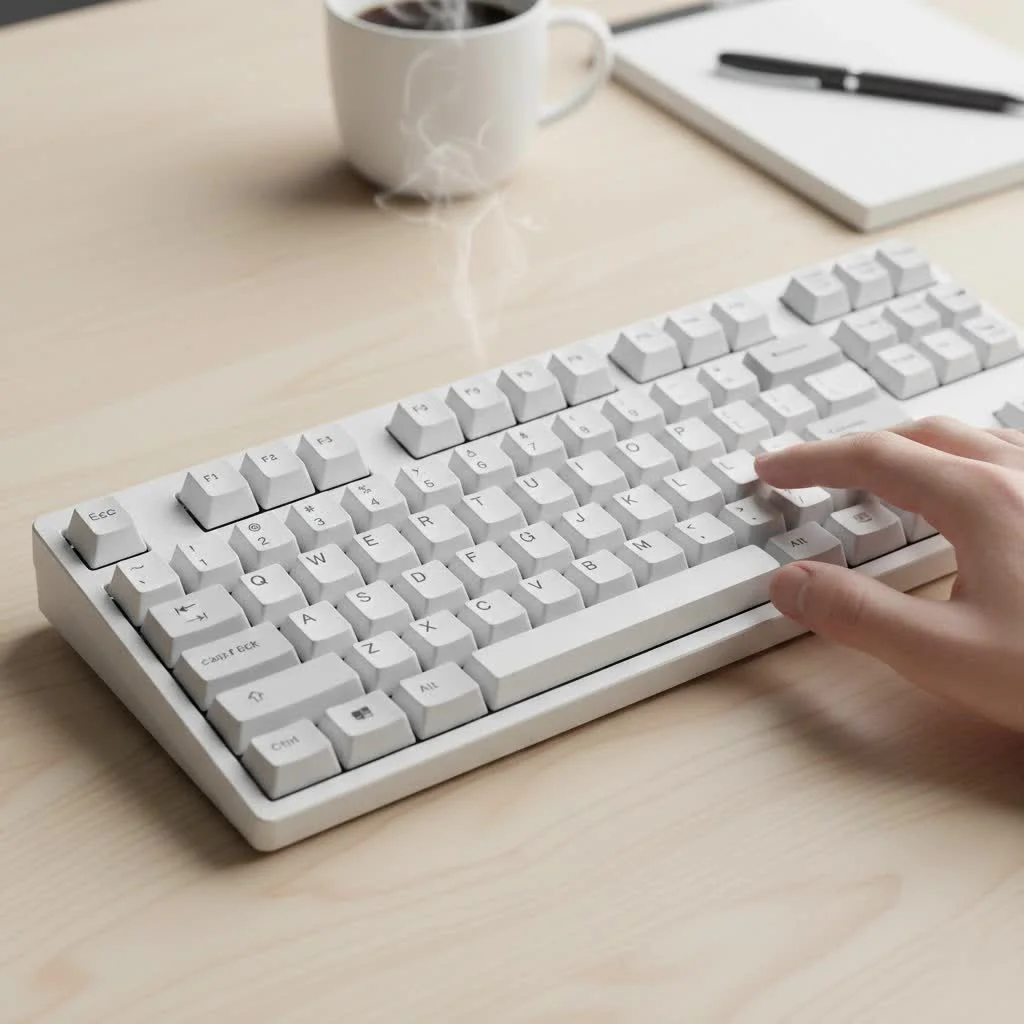
What Makes a Logitech Mechanical Keyboard Different?
Logitech doesn’t just assemble parts; they invest heavily in creating a cohesive user experience. This starts with their proprietary switches, which are often the main point of debate among keyboard purists. Unlike many brands that rely solely on Cherry MX switches, Logitech has developed its own switch families to target specific user needs.
A Deep Dive into Logitech’s Switches
Understanding Logitech’s switch ecosystem is key to choosing the right board. They’ve moved away from the early Romer-G switches to more standardized designs.
-
GX Switches: This is Logitech’s primary line for their full-height gaming keyboards. They are designed to compete directly with Cherry MX, adopting the same cross-stem design and color-coding.
- GX Brown (Tactile): These are the all-rounders. They provide a noticeable tactile bump on actuation without an audible click, making them excellent for typing and gaming. The feedback confirms a keypress without creating excessive noise.
- GX Red (Linear): Smooth and consistent, linear switches have no bump or click. They are favored by gamers for their rapid, uninterrupted actuation, allowing for quick double-taps.
- GX Blue (Clicky): For those who love feedback, these switches deliver both a tactile bump and a loud, crisp audible click. They are incredibly satisfying for typing but can be too noisy for office or shared environments.
-
GL Low-Profile Switches: Found in their slim G-series boards like the G915, these switches offer half the height of traditional switches. This allows for a sleeker keyboard design and potentially faster actuation. They also come in Linear, Tactile, and Clicky variants, mirroring the feel of their full-height counterparts in a more compact form.
-
Kailh-made Low-Profile Switches: For the professional-focused MX Mechanical series, Logitech partnered with Kailh to use their Choc V2 switches. These provide a comfortable, quiet, and responsive typing experience well-suited for long sessions of coding or writing.
“Logitech’s strategic move to offer both proprietary and partner switches shows a mature understanding of the market,” notes Dr. Alistair Finch, a specialist in ergonomic hardware design. “They cater to their gaming base with the GX line while leveraging industry-leading Kailh switches for their professional-grade MX series, ensuring optimal performance for each use case.”
Top Logitech Keyboard Families: Gaming vs. Productivity
Logitech has wisely split its mechanical keyboard lineup into two distinct families, ensuring that the features and design are tailored to the intended user.
For the Gamers: The G-Series Keyboards
|
Our Picks for the Best Mechanical Keyboard in 2026
As an Amazon Associate I earn from qualifying purchases.
|
||
| Num | Product | Action |
|---|---|---|
| 1 | EPOMAKER x Aula F75 Gasket Mechanical Keyboard, 75% Wireless Hot Swappable Gaming Keyboard with Five-Layer Padding&Knob, Bluetooth/2.4GHz/USB-C, RGB (Light Blue, LEOBOG Reaper Switch) |

|
| 2 | Womier S-K80 75% Keyboard with Color Multimedia Display Mechanical Gaming Keyboard Creamy Sound, Wired Hot Swappable Gasket Mount RGB Custom Key board, Pre-lubed Stabilizer for Mac/Win, Black Kanagawa |
|
| 3 | RK ROYAL KLUDGE R98 Pro Wired Mechanical Keyboard, 96% Creamy Gaming Keyboard RGB Backlit with Number Pad and Volume Knob, Gasket Mount, MDA Profile PBT Keycaps, Hot Swappable Pre-lubed Linear Switch |
|
| 4 | Redragon Mechanical Gaming Keyboard Wired, 11 Programmable Backlit Modes, Hot-Swappable Red Switch, Anti-Ghosting, Double-Shot PBT Keycaps, Light Up Keyboard for PC Mac |
|
| 5 | AULA F75 Pro Wireless Mechanical Keyboard,75% Hot Swappable Custom Keyboard with Knob,RGB Backlit,Pre-lubed Reaper Switches,Side Printed PBT Keycaps,2.4GHz/USB-C/BT5.0 Mechanical Gaming Keyboards |
|
| 6 | SteelSeries USB Apex 5 Hybrid Mechanical Gaming Keyboard – Per-Key RGB Illumination – Aircraft Grade Aluminum Alloy Frame – OLED Smart Display (Hybrid Blue Switch) |
|
| 7 | Logitech MX Mechanical Wireless Illuminated Performance Keyboard, Tactile Quiet Switches, Backlit Keys, Bluetooth, USB-C, macOS, Windows, Linux, iOS, Android, Metal, Graphite |
|
| 8 | AULA F99 Wireless Mechanical Keyboard,Tri-Mode BT5.0/2.4GHz/USB-C Hot Swappable Custom Keyboard,Pre-lubed Linear Switches,RGB Backlit Computer Gaming Keyboards for PC/Tablet/PS/Xbox |
|
| 9 | RK ROYAL KLUDGE S98 Mechanical Keyboard w/Smart Display & Knob, Top Mount 96% Wireless Mechanical Keyboard BT/2.4G/USB-C, Hot Swappable, Software Support, Creamy Sounding, 98 Keys |
|
| 10 | AK96 Smart Mechanical Keyboard Gaming, 96 Keys Full Size with LED Colorful Backlit, Clicky Creamy Sounding, USB Wired Computer Keyboard with Volume Knob for PC, Mac, Windows(Grey) |
|
The Logitech G-series is engineered for performance, speed, and customization. Boards like the Logitech G PRO X TKL and the G915 TKL are staples in the gaming community.
- Performance: They feature low-latency LIGHTSPEED wireless technology, ensuring a connection as reliable as a wired one. The GX and GL switches are built for durability and rapid response.
- Customization: The Logitech G Hub software is the command center for these keyboards. It allows for intricate per-key RGB lighting customization, complex macro programming, and game-specific profiles that can give a competitive edge.
- Build: Typically featuring an aluminum-alloy top plate, these keyboards are robust and designed to withstand intense gaming sessions.
For the Professionals: The MX Mechanical Series
The Logitech MX Mechanical and MX Mechanical Mini are a direct answer to the growing demand for high-quality, non-gaming mechanical keyboards for the workplace.
- Typing Experience: The focus here is on comfort and efficiency. The low-profile keys and tactile quiet switches (the Brown equivalent) reduce finger fatigue and minimize noise in an office setting.
- Smart Features: These keyboards are packed with productivity-enhancing features. Smart Illumination adjusts the backlighting to ambient light, and the ability to connect to and seamlessly switch between three devices (via Bluetooth or the Logi Bolt receiver) is a massive workflow advantage.
- Software: Instead of G Hub, the MX series uses Logi Options+, a cleaner software focused on customizing function keys, app-specific shortcuts, and managing multi-device flow.
Can You Customize a Logitech Mechanical Keyboard?
This is where Logitech’s mainstream approach can be a double-edged sword for enthusiasts. While software customization is top-notch, physical modding is more limited compared to hobbyist-focused brands.
- Keycaps: Most modern Logitech keyboards (using GX and some GL switches) have a standard cross-style stem, making them compatible with a wide range of third-party keycaps. This is a huge improvement over the older Romer-G stems. However, their low-profile boards often have non-standard layouts or stabilizer placements, requiring careful checking for compatibility.
- Switches: On many popular models, the switches are soldered directly to the PCB (Printed Circuit Board). This means you cannot easily swap them without a desoldering iron and some technical skill. However, boards like the G PRO X feature hot-swappable sockets, allowing you to change switches easily—a fantastic feature for those who want to experiment with different feels.
- Modding: While you can perform mods like adding foam for sound dampening, the integrated and compact design of many Logitech boards makes them less friendly to deep customization than a custom-built keyboard.
How to Choose the Right Logitech Board for You
Making a decision comes down to identifying your primary use case. Use this checklist to guide your choice.
Choose a G-Series Gaming Keyboard if:
- Your primary use is competitive or recreational gaming.
- You want vibrant, customizable RGB lighting effects.
- You need to program complex macros for gaming or streaming.
- You prefer the feel of full-height mechanical switches.
- You want the option for a hot-swappable board like the G PRO X.
Choose an MX Mechanical Keyboard if:
- Your primary use is typing, coding, or general office work.
- You need to connect to and switch between multiple computers or devices.
- You value a quiet typing experience.
- You prefer a sleek, low-profile design.
- You want smart features like adaptive backlighting and long battery life.
The Final Verdict
Logitech has carved out a commanding presence in the mechanical keyboard market by offering a polished, reliable, and feature-rich experience for both gamers and professionals. While they may not offer the infinite customizability of a bespoke keyboard kit, they provide a fantastic out-of-the-box product that delivers on its promises.
Whether you’re looking for a high-performance gaming machine or a sophisticated workhorse, there is likely a Logitech mechanical keyboard that fits your needs perfectly. By understanding their unique switch types and distinct product families, you can confidently choose a board that will serve you well for years to come.
Frequently Asked Questions
What is the best Logitech mechanical switch for typing?
For optimal typing, the GX Brown (Tactile) switches or the Tactile Quiet switches found in the MX Mechanical series are generally preferred. These switches provide satisfying tactile feedback without the loud audible click, making them ideal for extended writing sessions and office environments.
Are Logitech mechanical keyboards durable for long-term use?
Yes, Logitech keyboards are recognized for their robust build quality. Most models feature aluminum top plates and switches rated for 50 million keystrokes or more, ensuring reliable performance and longevity even with heavy daily use over many years.
Can a Logitech gaming keyboard be effectively used for professional work?
Absolutely. A Logitech gaming keyboard, particularly one with GX Red (Linear) switches, can be excellent for work due to its light and effortless keypresses. The primary considerations are whether the gaming-specific features are necessary and if the aesthetic aligns with your professional workspace.
Is the Logitech G Hub software user-friendly for customization?
Logitech G Hub is a powerful software offering deep customization options, which can present a slight learning curve for new users. While straightforward for basic needs, unlocking its full potential for intricate per-key RGB lighting and complex macros may require some exploration and familiarity.
Do wireless Logitech keyboards offer performance comparable to wired models?
Yes, Logitech's LIGHTSPEED and Logi Bolt wireless technologies are specifically engineered to deliver ultra-low latency connections. This ensures that their wireless keyboards provide performance and reliability that are virtually indistinguishable from a wired connection for both gaming and professional applications.
Choose the Right Logitech Mechanical Keyboard
This guide helps you select between Logitech's gaming-focused G-series and productivity-oriented MX Mechanical series based on your primary use case and desired features.
Determine if your main activity is competitive gaming, recreational gaming, or professional tasks like typing, coding, or general office work. This fundamental distinction will guide your choice between the two main product families.
If gaming is your priority, look for G-series keyboards. These offer features like vibrant RGB lighting, complex macro programming via G Hub, low-latency LIGHTSPEED wireless, and the option for hot-swappable GX switches for performance and customization.
For professional use, consider the MX Mechanical series. These keyboards prioritize a quiet typing experience with low-profile Kailh switches, smart features like adaptive backlighting, multi-device connectivity (up to three devices), and customization through Logi Options+ software.
Decide on your preferred switch feel: GX Brown (tactile) or MX Mechanical's tactile quiet for balanced typing and gaming; GX Red (linear) for fast, smooth gaming; or GX Blue (clicky) for satisfying audible feedback during typing. Low-profile GL switches offer a slimmer design.
If physical customization is important, note that most Logitech keyboards have soldered switches, but models like the G PRO X offer hot-swappable sockets. Keycap compatibility is generally good for GX switches, but low-profile boards may have non-standard layouts.
Get our weekly buyer guide
Practical specs, not advice. Unsubscribe anytime.

I picked up a Logitech mechanical keyboard hoping it would be a good middle ground, but I’m a bit on the fence. While the build quality is definitely robust, I’m not entirely sold on the proprietary switches. They feel a little different than what I’m used to with Cherry MX, and it’s taking some time to adjust. It’s not bad, just not quite what I expected.
Just got the G-series keyboard with the GX switches and I’m really impressed. The LIGHTSPEED wireless is super responsive, I haven’t noticed any lag at all during intense gaming sessions. My only minor gripe is that the keycaps feel a little bit slick compared to some other gaming keyboards I’ve used, but it’s not a dealbreaker.
I’ve been using the MX Mechanical for a few months now for my work setup, and it’s fantastic. The low-profile Kailh switches are surprisingly tactile without being too loud for an open office. The multi-device connectivity is a game-changer for switching between my work laptop and personal PC. Definitely a solid choice for professionals.
Logitech really does bridge the gap between mainstream and enthusiasts. I appreciate how they focus on a cohesive user experience rather than just throwing parts together. The tailored software experience for my G-series board has been excellent for customizing macros and lighting. Highly recommend for anyone looking for a polished, feature-rich keyboard.