Welcome to the ultimate guide on the Glorious Modular Mechanical Keyboard (GMMK), a product that truly revolutionized the custom keyboard scene. If you’ve ever been curious about building your own keyboard but felt intimidated by soldering irons and complex builds, the GMMK is your perfect entry point. As an engineer who has spent over a decade tinkering with every keyboard imaginable, I can tell you that Glorious didn’t just create a product; they created a platform for creativity. This keyboard empowers you to swap, modify, and tune your typing experience without any technical barriers.
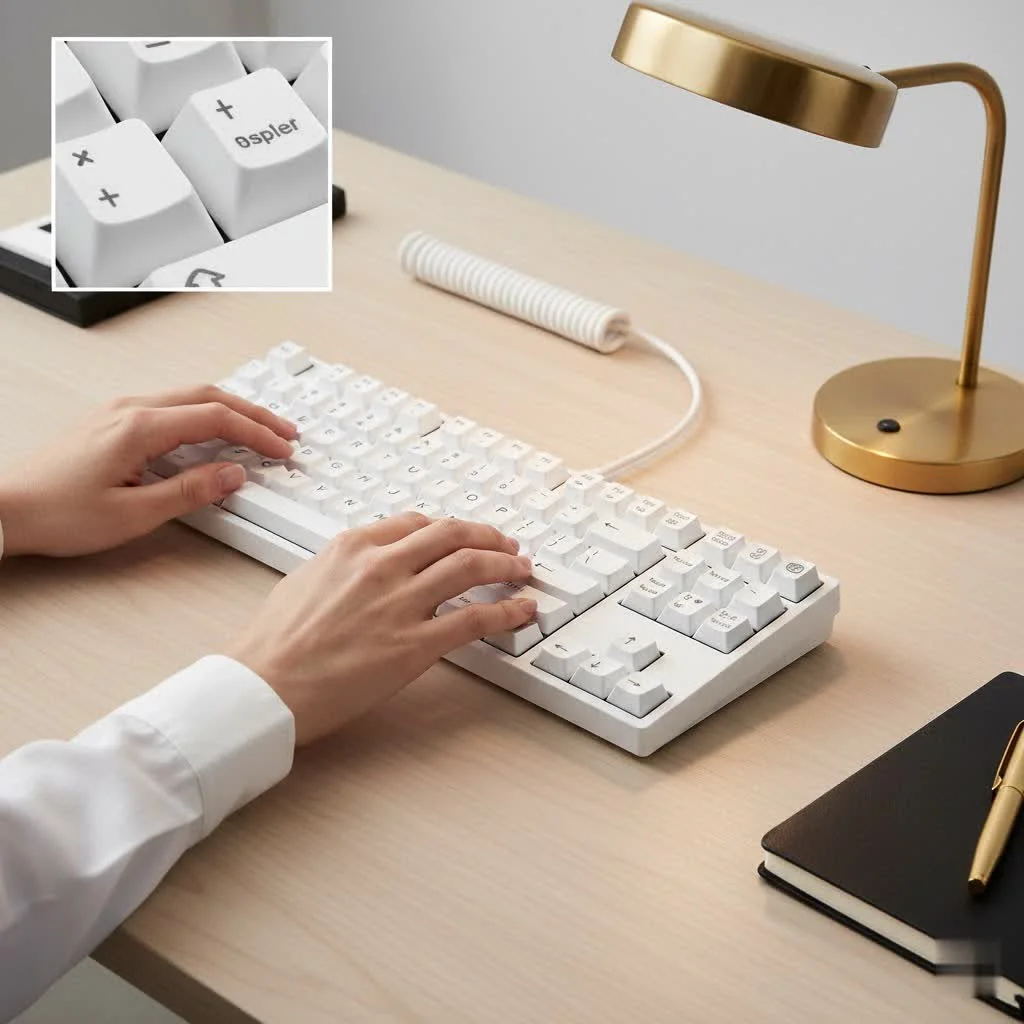
So, what exactly makes the Glorious Modular Mechanical Keyboard so special? It’s all about one key feature: hot-swappable switch sockets. This means you can change the mechanical switches on your keyboard as easily as changing keycaps, using a simple puller tool. This opens up a universe of customization that was once reserved for die-hard enthusiasts. For see our reviews recommendations on this site.
What Does “Modular” Actually Mean?
In the context of the Glorious GMMK, “modular” primarily refers to its hot-swappable nature. Let’s break down why this is a game-changer.
Traditionally, the switches on a mechanical keyboard are soldered directly onto the printed circuit board (PCB). If you wanted to try different switches—say, moving from a clicky Cherry MX Blue to a smooth linear Gateron Red—you’d have to desolder every single switch and solder on the new set. It’s a time-consuming, delicate process that requires specific tools and skills.
The GMMK eliminates this entirely. Its PCB is fitted with special sockets that allow you to simply plug switches in and pull them out.
- Experiment Freely: Try out dozens of different switch types (linear, tactile, clicky) from various brands like Gateron, Kailh, and Cherry until you find your perfect match.
- Easy Repairs: If a switch ever fails, you don’t need to replace the whole keyboard. Just pop out the faulty switch and plug in a new one.
- Future-Proofing: As new and innovative switches are released, you can easily upgrade your board without buying a new one.
This modularity is the core philosophy behind the Glorious brand, giving users unprecedented control over their hardware.
Exploring the GMMK Lineup
Glorious offers a few key models in their modular keyboard lineup, each catering to a different user. While the original GMMK set the stage, the newer GMMK 2 and the premium GMMK Pro are the main attractions today.
GMMK 2: The Perfect All-Rounder
The GMMK 2 is the evolution of the original, designed to be the ideal starting point for most people. It strikes a fantastic balance between features, performance, and price. It’s available in a compact 65% layout and a larger 96% layout, catering to both minimalist setups and users who need a numpad.
Key features include:
- Vibrant RGB Lighting: Per-key and side-lit RGB that is fully customizable via Glorious CORE software.
- Hotswap Sockets: 5-pin hotswap sockets, offering universal compatibility with almost any MX-style switch.
- Sound Dampening: A layer of foam inside the case helps reduce unwanted pinging and creates a more satisfying sound profile.
- Quality Build: A sturdy polymer base with a thick aluminum top frame gives it a premium feel without the excessive weight of a full-metal board.
GMMK Pro: The Enthusiast’s Dream
|
Our Picks for the Best Mechanical Keyboard in 2026
As an Amazon Associate I earn from qualifying purchases.
|
||
| Num | Product | Action |
|---|---|---|
| 1 | SteelSeries USB Apex 5 Hybrid Mechanical Gaming Keyboard – Per-Key RGB Illumination – Aircraft Grade Aluminum Alloy Frame – OLED Smart Display (Hybrid Blue Switch) |

|
| 2 | Womier S-K80 75% Keyboard with Color Multimedia Display Mechanical Gaming Keyboard Creamy Sound, Wired Hot Swappable Gasket Mount RGB Custom Key board, Pre-lubed Stabilizer for Mac/Win, Black Kanagawa |
|
| 3 | AULA F75 Pro Wireless Mechanical Keyboard,75% Hot Swappable Custom Keyboard with Knob,RGB Backlit,Pre-lubed Reaper Switches,Side Printed PBT Keycaps,2.4GHz/USB-C/BT5.0 Mechanical Gaming Keyboards |
|
| 4 | Redragon Mechanical Gaming Keyboard Wired, 11 Programmable Backlit Modes, Hot-Swappable Red Switch, Anti-Ghosting, Double-Shot PBT Keycaps, Light Up Keyboard for PC Mac |
|
| 5 | AULA F99 Wireless Mechanical Keyboard,Tri-Mode BT5.0/2.4GHz/USB-C Hot Swappable Custom Keyboard,Pre-lubed Linear Switches,RGB Backlit Computer Gaming Keyboards for PC/Tablet/PS/Xbox |
|
| 6 | Logitech MX Mechanical Wireless Illuminated Performance Keyboard, Tactile Quiet Switches, Backlit Keys, Bluetooth, USB-C, macOS, Windows, Linux, iOS, Android, Metal, Graphite |
|
| 7 | RK ROYAL KLUDGE R98 Pro Wired Mechanical Keyboard, 96% Creamy Gaming Keyboard RGB Backlit with Number Pad and Volume Knob, Gasket Mount, MDA Profile PBT Keycaps, Hot Swappable Pre-lubed Linear Switch |
|
| 8 | AK96 Smart Mechanical Keyboard Gaming, 96 Keys Full Size with LED Colorful Backlit, Clicky Creamy Sounding, USB Wired Computer Keyboard with Volume Knob for PC, Mac, Windows(Grey) |
|
| 9 | RK ROYAL KLUDGE S98 Mechanical Keyboard w/Smart Display & Knob, Top Mount 96% Wireless Mechanical Keyboard BT/2.4G/USB-C, Hot Swappable, Software Support, Creamy Sounding, 98 Keys |
|
| 10 | EPOMAKER x Aula F75 Gasket Mechanical Keyboard, 75% Wireless Hot Swappable Gaming Keyboard with Five-Layer Padding&Knob, Bluetooth/2.4GHz/USB-C, RGB (Light Blue, LEOBOG Reaper Switch) |
|
For those who want to take their build to the next level, there’s the GMMK Pro. This is a 75% layout keyboard that incorporates features typically found on high-end, custom-built keyboards that cost significantly more.
What sets the GMMK Pro apart:
- CNC Aluminum Body: The entire case is milled from a solid block of aluminum, giving it substantial heft and a premium finish.
- Gasket Mount Design: The PCB and plate are isolated from the case by rubber gaskets. This provides a softer, more cushioned typing feel and a deeper, more muted sound.
- Programmable Rotary Knob: A customizable knob, typically used for volume control, that can be programmed for other functions like scrolling or zooming.
- Screw-In Stabilizers: It comes with Glorious’s own GSV2 screw-in stabilizers, which provide a more stable and rattle-free experience for the larger keys compared to standard plate-mounted ones.
As keyboard expert Alex Chen notes, “The GMMK Pro effectively democratized the gasket-mount experience. It brought a premium typing feel, once exclusive to group buys and limited runs, to the mainstream market, making it an incredible value for aspiring keyboard builders.”
Unleashing Your Creativity: Customization Guide
Owning a glorious modular mechanical keyboard is just the first step. The real fun begins when you start customizing it to make it uniquely yours.
How to Choose the Right Switches
With 5-pin hotswap sockets, your options are nearly limitless. Switches are generally categorized into three main types:
- Linear: Smooth, consistent keystrokes with no bump or click. Popular choices include Gateron Reds and Glorious’s own Fox switches. They are often favored by gamers for their speed and lack of interference.
- Tactile: Provide a noticeable “bump” in the middle of the keypress, confirming actuation without making a loud noise. Options like Glorious Pandas or Boba U4Ts are famous for their satisfying tactility. They are great all-rounders for typing and gaming.
- Clicky: Offer both a tactile bump and an audible “click” sound. Kailh Box Jades and Navies are legendary for their crisp and loud clicks, making them incredibly satisfying for typists who love auditory feedback.
My advice? Don’t be afraid to experiment. Buy a switch tester or a few small packs of different switches to see what you enjoy most before committing to a full set.
Finding the Perfect Keycaps
Keycaps affect both the look and feel of your keyboard. The two most important factors are the material and the profile.
- Material:
- ABS (Acrylonitrile Butadiene Styrene): A common plastic that is smooth and can produce very vibrant colors. Its main downside is that it tends to develop a shine over time from finger oils.
- PBT (Polybutylene Terephthalate): A more durable and textured plastic that is resistant to shine. The legends are often dye-sublimated or double-shot, ensuring they never fade.
- Profile: This refers to the shape and height of the keycaps.
- OEM/Cherry: Standard, sculpted profiles found on most pre-built keyboards. They are comfortable and familiar.
- SA/KAT: Taller, highly sculpted profiles with a vintage aesthetic.
- XDA/DSA: Uniform, flat profiles where every key is the same height, offering a unique look and feel.
Simple Mods to Elevate Your Keyboard
Once you’ve chosen your switches and keycaps, a few simple modifications can drastically improve the sound and feel of your Glorious keyboard.
- Lube Your Switches: Applying a thin layer of specialized lubricant (like Krytox 205g0 for linears/tactiles) inside your switches makes them smoother and produces a deeper sound.
- Tune Your Stabilizers: The “stabs” are for the larger keys like the spacebar and shift. Applying lubricant to the housing and wire can eliminate rattling, which is one of the most common complaints on any keyboard.
- Add More Foam: While the GMMK 2 and Pro come with foam, you can add extra layers of case foam or PE foam between the PCB and plate to further dampen sound and fine-tune the acoustics.
Is the Glorious Modular Mechanical Keyboard for You?
So, who should buy a GMMK? The answer is simple: anyone who wants more from their keyboard.
- For Gamers: The low latency, customizable switches, and per-key RGB make it a top-tier gaming keyboard that you can tailor to your exact preferences.
- For Typists and Programmers: The ability to choose the perfect tactile or clicky switch can make hours of typing more comfortable and enjoyable.
- For Tinkerers and Hobbyists: It’s the ultimate sandbox. You can spend endless hours experimenting with different combinations of switches, keycaps, and mods to build your “endgame” keyboard.
The Glorious Modular Mechanical Keyboard isn’t just a product; it’s a gateway into a vibrant and creative hobby. It gives you the power to build a keyboard that is a true extension of yourself.
Frequently Asked Questions (FAQ)
What is the difference between the GMMK 2 and GMMK Pro?
The GMMK 2 is a more accessible board with a plastic base and aluminum top frame, available in 65% and 96% layouts. The GMMK Pro is a premium 75% keyboard with a full CNC aluminum case, a gasket-mounted design for a softer typing feel, and a programmable rotary knob.
Can I use any mechanical switch on the GMMK?
The GMMK 2 and Pro use 5-pin hotswap sockets, making them compatible with virtually any MX-style mechanical switch, whether it has 3 or 5 pins. This includes brands like Cherry, Gateron, Kailh, Glorious, and many more.
Do I need to buy switches and keycaps separately?
Glorious sells the keyboards as “barebones” kits (without switches and keycaps) or as fully pre-built keyboards. The barebones option is recommended if you want to fully customize your build from the start.
What is Glorious CORE?
Glorious CORE is the companion software for the keyboard. It allows you to customize RGB lighting effects, remap keys, create macros, and adjust performance settings.
Is it difficult to install switches on a GMMK?
Not at all. The keyboards come with a switch puller tool. You simply align the pins on the bottom of the switch with the holes in the socket and press down firmly until it clicks into place. It’s a completely solder-free process.
Your Custom Keyboard Journey Starts Here
The Glorious Modular Mechanical Keyboard has fundamentally changed the landscape of the keyboard market. It has broken down the barriers to entry and invited everyone to experience the joy of building a keyboard that is perfectly suited to them. Whether you’re a hardcore gamer seeking a competitive edge, a writer looking for the perfect typing feel, or a creative spirit who loves to customize, the GMMK provides the perfect canvas. It’s more than just a tool; it’s an experience waiting to be built.
Get our weekly buyer guide
Practical specs, not advice. Unsubscribe anytime.

As someone who’s been into mechanical keyboards for a while, the GMMK really did revolutionize the custom scene. It’s amazing to have a platform that lets you swap, modify, and tune your typing experience without any technical barriers. I’ve built several boards with it and it’s always a smooth process. Highly recommend for both beginners and experienced enthusiasts.
I’ve been wanting to try different switches for ages but the idea of soldering always put me off. The hot-swappable sockets on the GMMK are a game-changer! I can finally experiment with different feels without buying a whole new board or risking damage. It really is the perfect entry point for someone like me who’s curious about custom keyboards but intimidated by the technical stuff.
I got the GMMK because everyone raved about how easy it was to customize. While the hot-swappable feature is great for switches, I found the software for RGB lighting a bit clunky to navigate. It took me a while to get the exact lighting profile I wanted, which was a bit frustrating. The build quality is solid though, and typing feels good after I put in my preferred switches.
This keyboard is fantastic for customization. I’ve already swapped out the keycaps and tried a few different switch types, which was super easy with the puller tool. My only minor gripe is that the included stabilizers felt a little rattly at first, but a quick mod with some lube fixed it right up. Still, for the price and the flexibility it offers, it’s hard to beat.