Welcome to the ultimate guide to finding the best wireless mechanical keyboard for your setup. As a mechanical keyboard engineer and the lead creator at Yoasy.com, I’ve spent over a decade tinkering, testing, and typing on countless boards. The freedom of a wireless setup combined with the unparalleled satisfaction of a mechanical switch is a game-changer for productivity, gaming, and overall desk aesthetics. Cutting the cord no longer means compromising on performance. Let’s dive into the world of wireless mechanical keyboards and find the perfect one for you.
Why Go Wireless with a Mechanical Keyboard?
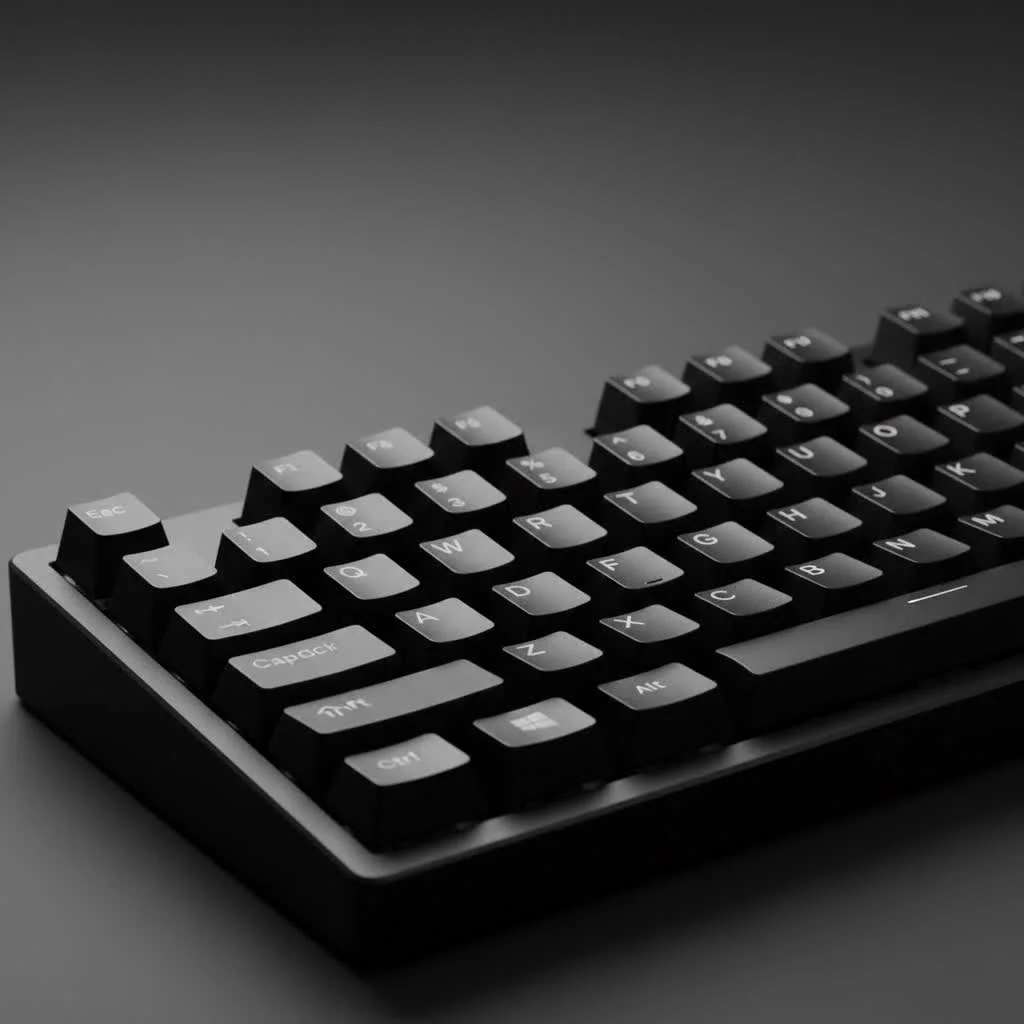
The primary appeal of a wireless keyboard is obvious: a clean, clutter-free desk. Without a cable snaking across your workspace, your setup instantly looks more modern and organized. But the benefits go beyond aesthetics. Wireless keyboards offer portability, allowing you to easily switch between your desktop, laptop, and tablet. Modern wireless technology has also virtually eliminated the latency issues that once plagued wireless peripherals, making them a viable option even for competitive gamers.
Key Factors for the Best Wireless Mechanical Keyboard
Choosing the right board can feel overwhelming with all the options available. Let’s break down the most important factors to consider.
Connectivity: 2.4GHz, Bluetooth, or Both?
How your keyboard connects to your devices is crucial. Most high-quality wireless mechanical keyboards offer dual connectivity.
- 2.4GHz Wireless: This connection uses a dedicated USB dongle. It provides a low-latency, stable connection that is essential for gaming and fast-paced typing. This is the go-to for performance.
- Bluetooth: This allows for easy connection to a wide range of devices like laptops, tablets, and phones without needing a USB port. Many keyboards support pairing with multiple Bluetooth devices, letting you switch between them on the fly.
- Wired (USB-C): Almost all wireless keyboards can also be used in wired mode via a USB-C cable, which is also how they charge. This is a great backup and eliminates any potential for interference.
For maximum versatility, look for a keyboard that offers all three options.
Battery Life: How Much is Enough?
Battery life can vary dramatically, from a few days to several months, depending on usage and features. The biggest drain on battery is backlighting (RGB). If you love a vibrant light show, be prepared to charge your keyboard every few days to a week. If you’re willing to forgo the lighting, you can often go weeks or even months on a single charge. Most models come with rechargeable batteries, which is a convenient and eco-friendly standard.
Switches: The Heart of the Keyboard
|
Our Picks for the Best Mechanical Keyboard in 2026
As an Amazon Associate I earn from qualifying purchases.
|
||
| Num | Product | Action |
|---|---|---|
| 1 | AULA F75 Pro Wireless Mechanical Keyboard,75% Hot Swappable Custom Keyboard with Knob,RGB Backlit,Pre-lubed Reaper Switches,Side Printed PBT Keycaps,2.4GHz/USB-C/BT5.0 Mechanical Gaming Keyboards |

|
| 2 | SteelSeries USB Apex 5 Hybrid Mechanical Gaming Keyboard – Per-Key RGB Illumination – Aircraft Grade Aluminum Alloy Frame – OLED Smart Display (Hybrid Blue Switch) |
|
| 3 | Womier S-K80 75% Keyboard with Color Multimedia Display Mechanical Gaming Keyboard Creamy Sound, Wired Hot Swappable Gasket Mount RGB Custom Key board, Pre-lubed Stabilizer for Mac/Win, Black Kanagawa |
|
| 4 | AULA F99 Wireless Mechanical Keyboard,Tri-Mode BT5.0/2.4GHz/USB-C Hot Swappable Custom Keyboard,Pre-lubed Linear Switches,RGB Backlit Computer Gaming Keyboards for PC/Tablet/PS/Xbox |
|
| 5 | EPOMAKER x Aula F75 Gasket Mechanical Keyboard, 75% Wireless Hot Swappable Gaming Keyboard with Five-Layer Padding&Knob, Bluetooth/2.4GHz/USB-C, RGB (Light Blue, LEOBOG Reaper Switch) |
|
| 6 | RK ROYAL KLUDGE S98 Mechanical Keyboard w/Smart Display & Knob, Top Mount 96% Wireless Mechanical Keyboard BT/2.4G/USB-C, Hot Swappable, Software Support, Creamy Sounding, 98 Keys |
|
| 7 | Logitech MX Mechanical Wireless Illuminated Performance Keyboard, Tactile Quiet Switches, Backlit Keys, Bluetooth, USB-C, macOS, Windows, Linux, iOS, Android, Metal, Graphite |
|
| 8 | AK96 Smart Mechanical Keyboard Gaming, 96 Keys Full Size with LED Colorful Backlit, Clicky Creamy Sounding, USB Wired Computer Keyboard with Volume Knob for PC, Mac, Windows(Grey) |
|
| 9 | Redragon Mechanical Gaming Keyboard Wired, 11 Programmable Backlit Modes, Hot-Swappable Red Switch, Anti-Ghosting, Double-Shot PBT Keycaps, Light Up Keyboard for PC Mac |
|
| 10 | RK ROYAL KLUDGE R98 Pro Wired Mechanical Keyboard, 96% Creamy Gaming Keyboard RGB Backlit with Number Pad and Volume Knob, Gasket Mount, MDA Profile PBT Keycaps, Hot Swappable Pre-lubed Linear Switch |
|
The mechanical switches under each key define the entire typing experience. They determine the sound, feel, and responsiveness of the keyboard. There are three main types:
- Linear: These switches offer a smooth, consistent keystroke from top to bottom with no tactile bump. They are quiet and fast, making them a favorite among gamers. Examples: Cherry MX Red, Gateron Red.
- Tactile: These provide a noticeable “bump” in the middle of the keypress, confirming actuation without an audible click. They are the perfect middle ground for both typing and gaming. Examples: Cherry MX Brown, Gateron Brown.
- Clicky: These switches provide both a tactile bump and a distinct, audible “click” sound with each press. They are incredibly satisfying for typists but can be loud in a shared office environment. Examples: Cherry MX Blue, Kailh Box White.
Many modern keyboards also feature hot-swappable sockets, which allow you to change switches easily without any soldering, offering a fantastic pathway into customization.
Size and Layout: Finding Your Perfect Fit
Keyboards come in various sizes, and the right one depends on your desk space and needs.
- Full-Size (100%): The traditional layout with a dedicated number pad. Ideal for data entry and those who need the numpad.
- Tenkeyless (TKL): A full-size layout with the number pad chopped off. It saves desk space while retaining all standard keys.
- 75%: A popular compact layout that squishes the arrow keys and navigation cluster together to save even more space than a TKL.
- 65% / 60%: Ultra-compact layouts that remove the function row and navigation keys, relying on function layers for less-used keys. Perfect for portability and minimalist setups.
Top Picks for the Best Wireless Mechanical Keyboard in 2025
After extensive testing and community feedback, here are some of the best wireless mechanical keyboards you can get your hands on today.
Best Overall: Keychron Q Max Series
The Keychron Q Max series stands out for its premium build and incredible typing experience. Featuring a full CNC aluminum body, a double gasket mount design for a cushioned feel, and hot-swappable switches, it ticks all the boxes for enthusiasts. It offers robust 2.4GHz and Bluetooth connectivity and comes in various layouts, from the compact 65% to a full-size. The sound and feel right out of the box are phenomenal, making it a top choice for anyone serious about their typing experience.
Best for Gaming: SteelSeries Apex Pro TKL Wireless
When split-second response times matter, the SteelSeries Apex Pro TKL Wireless delivers. Its standout feature is the OmniPoint 2.0 adjustable mechanical switches, which allow you to customize the actuation point of each key. This means you can set a hair-trigger response for gaming and a deeper one for typing to prevent typos. Combined with its low-latency 2.4GHz connection and sturdy aluminum top plate, it’s a formidable weapon for any gamer.
Best Mid-Range Value: NuPhy Air75 V2
For those seeking a portable, low-profile option without sacrificing quality, the NuPhy Air75 V2 is a fantastic choice. It boasts a slim design, high-quality PBT keycaps, and excellent connectivity options. Its unique aesthetic and comfortable, tile-like keycaps make it a joy to type on and a stylish addition to any mobile or minimalist setup. It’s a testament to how good a mid-range mechanical keyboard can be.
Best Premium for Productivity: Razer Pro Type Ultra
Don’t let the Razer name fool you—this isn’t just for gaming. The Pro Type Ultra is designed for the modern workplace. It features quiet, linear mechanical switches, a clean white aesthetic, and a supremely comfortable wrist rest. With both 2.4GHz and multi-device Bluetooth support, you can seamlessly switch between your desktop and other devices. It’s a versatile powerhouse that blends professional looks with mechanical satisfaction.
Frequently Asked Questions (FAQ)
What is the best wireless mechanical keyboard for Mac?
Many brands, especially Keychron, offer excellent Mac support out of the box. Their keyboards often come with keycaps for both Windows and macOS layouts and a simple switch to toggle between operating systems. The Keychron Q Max series is a fantastic option for Mac users.
Is there input lag with wireless mechanical keyboards?
For modern keyboards using a 2.4GHz connection, input lag is virtually imperceptible and on par with wired keyboards. For casual typing and productivity, Bluetooth is also perfectly fine. Competitive gamers should always stick to the 2.4GHz connection for the lowest latency.
How do I connect my wireless mechanical keyboard?
Most keyboards have a switch or key combination to toggle between modes. For 2.4GHz, you simply plug in the included USB dongle. For Bluetooth, you’ll put the keyboard into pairing mode (usually by holding a function key combo) and select it from the Bluetooth menu on your device.
Can I customize a wireless mechanical keyboard?
Absolutely! Look for models with hot-swappable switches, which allow you to easily try different switch types. You can also replace the keycaps to change the look and feel. Keyboards that support QMK/VIA firmware offer deep customization of keymaps, layers, and macros.
How much should I spend on a good wireless mechanical keyboard?
A great entry-level to mid-range wireless mechanical keyboard can be found for between $75 and $150. Premium, enthusiast-grade models with aluminum cases and advanced features typically range from $150 to over $250.
Conclusion
Choosing the best wireless mechanical keyboard is a deeply personal journey that depends on your specific needs for work, play, and style. By focusing on the core aspects—connectivity, switches, layout, and build quality—you can confidently select a board that will elevate your typing experience. Whether you opt for a premium custom-feel board like the Keychron Q Max or a performance-focused gaming keyboard like the SteelSeries Apex Pro TKL, cutting the cord is a liberating step. Happy typing
Get our weekly buyer guide
Practical specs, not advice. Unsubscribe anytime.
