The satisfying click-clack of a mechanical keyboard is no longer a luxury reserved for high-end gaming setups or professional coders. The world of the best cheap mechanical keyboard has exploded in recent years, offering incredible features, a premium feel, and lasting durability without emptying your wallet. As a mechanical keyboard engineer and the creative force behind Yoasy.com, I’ve seen the market evolve firsthand. Gone are the days when “budget” meant sacrificing quality. Today, you can find an affordable keyboard that will transform your typing and gaming experience.
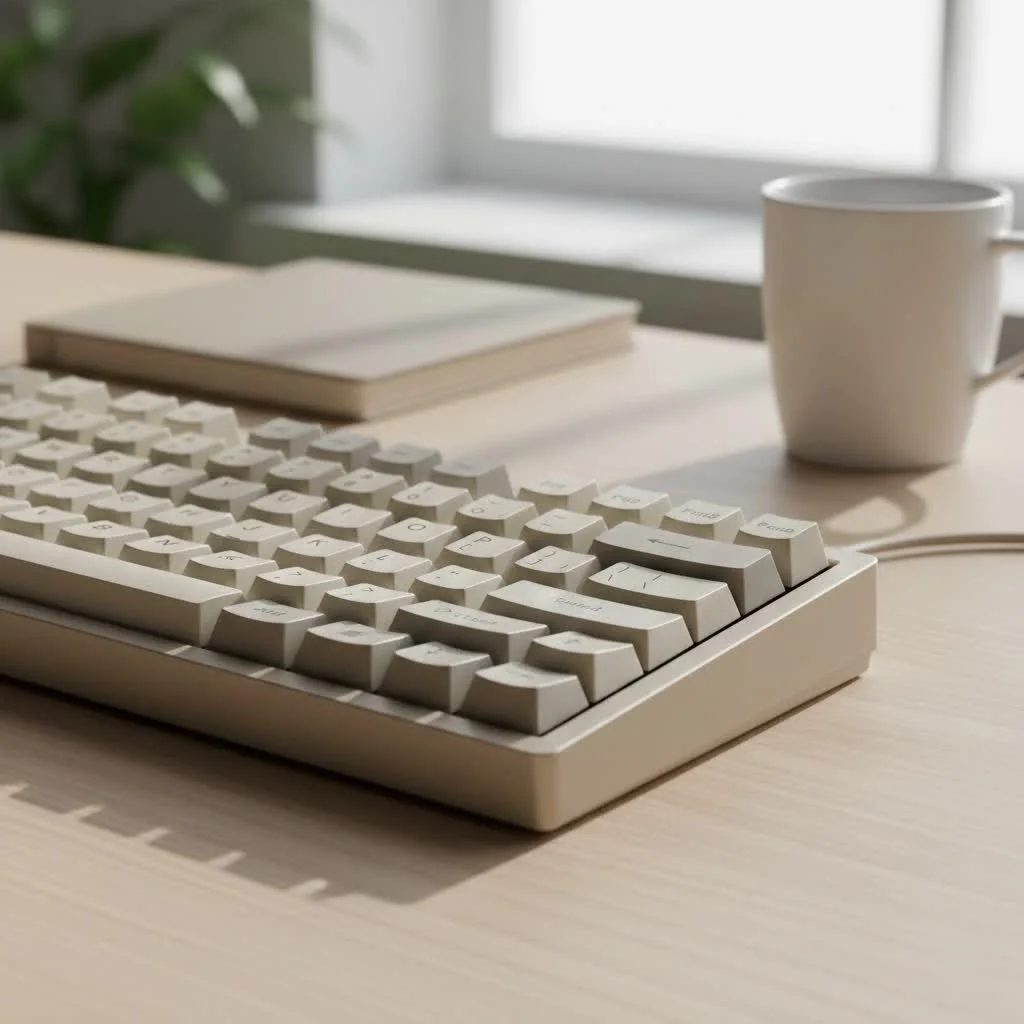
This guide is your entry point into this exciting world. We’ll break down the essential components, highlight standout models, and give you the knowledge to choose the perfect board for your needs, proving that a fantastic mechanical feel is accessible to everyone. For best reviews roundups on this site.
What Makes a Great Budget Mechanical Keyboard?
Finding the best cheap mechanical keyboard is about understanding where your money goes. In the budget-friendly space, manufacturers have become incredibly adept at prioritizing features that matter most. Modern affordable keyboards often include premium features like hot-swappable switches, quality keycaps, and even wireless connectivity, which were once exclusive to high-priced custom builds.
“The gap between budget and enthusiast-grade keyboards has never been smaller,” says David Chen, a custom keyboard builder with over a decade of experience. “Companies are now including gasket mounts and sound-dampening foam in keyboards under $70, delivering a typing sound and feel that would have cost three times as much just a few years ago.”
Understanding Mechanical Switches: The Heart of the Keyboard
The single most important component of any mechanical keyboard is the switch. This is the mechanism beneath each keycap that registers your keystroke. There are three primary types, each offering a distinct feel and sound:
- Linear Switches (Reds): These offer a smooth, consistent keystroke from top to bottom with no tactile bump. They are quiet and require less force to actuate, making them a favorite among gamers for their speed and responsiveness.
- Tactile Switches (Browns): Providing a noticeable “bump” in the middle of the press, these switches give you clear feedback that a key has been registered. They are a versatile middle ground, excellent for both typing and gaming, and are often recommended for beginners.
- Clicky Switches (Blues): Famous for their loud, crisp “click” sound, these switches provide both a tactile bump and audible feedback. While incredibly satisfying for typists who love the sound, they can be disruptive in shared office or home environments.
Many budget-friendly brands use switches from manufacturers like Gateron, Kailh, or Outemu, which offer performance that is highly comparable to the well-known Cherry MX switches.
Keycaps and Build Quality: The Look and Feel
|
Our Picks for the Best Mechanical Keyboard in 2026
As an Amazon Associate I earn from qualifying purchases.
|
||
| Num | Product | Action |
|---|---|---|
| 1 | Redragon Mechanical Gaming Keyboard Wired, 11 Programmable Backlit Modes, Hot-Swappable Red Switch, Anti-Ghosting, Double-Shot PBT Keycaps, Light Up Keyboard for PC Mac |

|
| 2 | AULA F75 Pro Wireless Mechanical Keyboard,75% Hot Swappable Custom Keyboard with Knob,RGB Backlit,Pre-lubed Reaper Switches,Side Printed PBT Keycaps,2.4GHz/USB-C/BT5.0 Mechanical Gaming Keyboards |
|
| 3 | Womier S-K80 75% Keyboard with Color Multimedia Display Mechanical Gaming Keyboard Creamy Sound, Wired Hot Swappable Gasket Mount RGB Custom Key board, Pre-lubed Stabilizer for Mac/Win, Black Kanagawa |
|
| 4 | RK ROYAL KLUDGE R98 Pro Wired Mechanical Keyboard, 96% Creamy Gaming Keyboard RGB Backlit with Number Pad and Volume Knob, Gasket Mount, MDA Profile PBT Keycaps, Hot Swappable Pre-lubed Linear Switch |
|
| 5 | AULA F99 Wireless Mechanical Keyboard,Tri-Mode BT5.0/2.4GHz/USB-C Hot Swappable Custom Keyboard,Pre-lubed Linear Switches,RGB Backlit Computer Gaming Keyboards for PC/Tablet/PS/Xbox |
|
| 6 | Logitech MX Mechanical Wireless Illuminated Performance Keyboard, Tactile Quiet Switches, Backlit Keys, Bluetooth, USB-C, macOS, Windows, Linux, iOS, Android, Metal, Graphite |
|
| 7 | EPOMAKER x Aula F75 Gasket Mechanical Keyboard, 75% Wireless Hot Swappable Gaming Keyboard with Five-Layer Padding&Knob, Bluetooth/2.4GHz/USB-C, RGB (Light Blue, LEOBOG Reaper Switch) |
|
| 8 | SteelSeries USB Apex 5 Hybrid Mechanical Gaming Keyboard – Per-Key RGB Illumination – Aircraft Grade Aluminum Alloy Frame – OLED Smart Display (Hybrid Blue Switch) |
|
| 9 | RK ROYAL KLUDGE S98 Mechanical Keyboard w/Smart Display & Knob, Top Mount 96% Wireless Mechanical Keyboard BT/2.4G/USB-C, Hot Swappable, Software Support, Creamy Sounding, 98 Keys |
|
| 10 | AK96 Smart Mechanical Keyboard Gaming, 96 Keys Full Size with LED Colorful Backlit, Clicky Creamy Sounding, USB Wired Computer Keyboard with Volume Knob for PC, Mac, Windows(Grey) |
|
Don’t overlook the keycaps and overall build. These elements define your daily interaction with the keyboard.
- Keycap Material: Most keyboards use one of two plastics. ABS is common but can develop a shine over time. PBT is a more premium, textured plastic that resists shine and is more durable. Many of the best cheap mechanical keyboards now come with PBT keycaps.
- Build: While premium keyboards often feature aluminum cases, many budget options use a sturdy plastic chassis with a metal top plate for rigidity. This hybrid construction provides a solid feel without a hefty price tag.
Top Picks for the Best Cheap Mechanical Keyboard in 2025
The current market is packed with excellent choices that offer remarkable value. Here are some of the top contenders that deliver performance well above their price point.
For the All-Rounder: Keychron C-Series Pro
Keychron has become a dominant force in the budget mechanical keyboard space, and for good reason. The Keychron C2 Pro (full-size) and its smaller siblings offer an incredible package for their price, often starting under $60. They come with quality PBT keycaps, a choice of reliable Keychron K Pro switches (Red or Brown), and support for QMK/VIA software for easy customization. This level of programmability is a standout feature in the budget category.
For the Feature-Packed Enthusiast: Ajazz AK820 Pro
If you want enthusiast-level features on a tight budget, the Ajazz AK820 Pro is a showstopper. For around $60, you get a 75% layout keyboard with tri-mode wireless connectivity (2.4GHz, Bluetooth, and wired), a gasket-mount design for a softer typing feel, a customizable TFT screen, and a volume knob. It’s a keyboard that looks, sounds, and feels like it should cost twice as much.
For the Compact Minimalist: Royal Kludge R65
The Royal Kludge R65 proves that a compact, 65% layout doesn’t mean compromising on quality. Often priced between $50 and $60, the R65 delivers a premium typing experience with factory-lubed switches that feel incredibly smooth. It includes PBT keycaps, hot-swappable sockets, and even dedicated arrow keys—a feature sometimes missing on boards this small. Its stylish design and surprisingly good sound make it a top pick for those who value desk space.
For the Gamer on a Budget: Redragon K-Series
Redragon has built a reputation for creating some of the best cheap mechanical keyboards aimed at gamers. Models like the Redragon K673 Pro are packed with modern features like hot-swappable switches, sound-dampening foam, a volume knob, and RGB lighting. They provide the core performance gamers need, such as responsive switches and a durable build, making them a fantastic entry point into mechanical gaming keyboards.
How to Choose the Right Keyboard for You
With so many great options, making a final decision can be tough. Here’s a simple checklist to guide you.
Keyboard Selection Checklist:
-
What is your primary use?
- Gaming: Prioritize linear switches for speed and a TKL or smaller form factor for more mouse room.
- Typing/Work: Tactile or clicky switches provide satisfying feedback. A full-size or 75% layout can be more productive.
- Hybrid Use: Tactile switches are a great all-around choice. A 75% or TKL layout offers a good balance of function and form.
-
What size do you need?
- Full-Size (100%): Includes the number pad. Ideal for data entry.
- Tenkeyless (TKL): A full-size board without the number pad. A popular, balanced choice.
- 75%: A more compact layout than TKL, with keys packed closer together.
- 65%/60%: The most compact options, removing the function row and navigation keys for a minimal footprint.
-
Which features are essential?
- Hot-swappable switches: This allows you to change switches easily without soldering, offering huge customization potential. This is one of the most valuable features in a budget board.
- Wireless Connectivity: Do you need Bluetooth or a 2.4GHz dongle for a clutter-free desk?
- RGB Lighting: Are customizable aesthetics important to you?
Frequently Asked Questions (FAQ)
Are cheap mechanical keyboards worth it?
Absolutely. The quality of budget mechanical keyboards has improved dramatically. You can get a durable, great-feeling keyboard with modern features for under $75, making them an excellent investment for anyone looking to upgrade from a standard membrane keyboard.
What is the best switch type for a beginner?
Tactile (Brown) switches are widely recommended for beginners. They offer a satisfying tactile bump without the loud noise of clicky switches, making them a perfect introduction to the mechanical feel and versatile enough for both typing and gaming.
What does “hot-swappable” mean?
A hot-swappable keyboard has sockets on its circuit board (PCB) that allow you to pull out and replace the mechanical switches with no soldering required. This makes it incredibly easy to try out different switch types or replace a faulty switch, extending the life and customizability of your keyboard.
Can I upgrade a cheap mechanical keyboard?
Yes! This is one of the best parts of the hobby. Simple upgrades like changing the keycaps can completely transform the look and feel of your board. If you have a hot-swappable model, you can experiment with different switches. You can also add foam inside the case to improve the sound.
Your Mechanical Journey Starts Here
The world of mechanical keyboards is deep and rewarding, and there has never been a better time to dive in. The best cheap mechanical keyboard of today offers a gateway to a superior typing and gaming experience that is both accessible and deeply customizable. Whether you choose a versatile Keychron, a feature-rich Ajazz, or a compact Royal Kludge, you are investing in a tool that will make every keystroke more enjoyable.
We encourage you to take the plunge, find the board that fits your style and needs, and share your experience. Welcome to the clicky, clacky, and wonderful community of mechanical keyboard enthusiasts
Get our weekly buyer guide
Practical specs, not advice. Unsubscribe anytime.
