Getting into the world of mechanical keyboards can feel like diving into a deep ocean of niche terms, endless customization, and passionate communities. If you’re looking for a superior typing experience without the hassle of building one yourself, a prebuilt mechanical keyboard is your perfect entry point. As an engineer who has spent over a decade dissecting, modding, and building these amazing devices for Yoasy, I’m here to guide you through everything you need to know to find the right board straight out of the box.
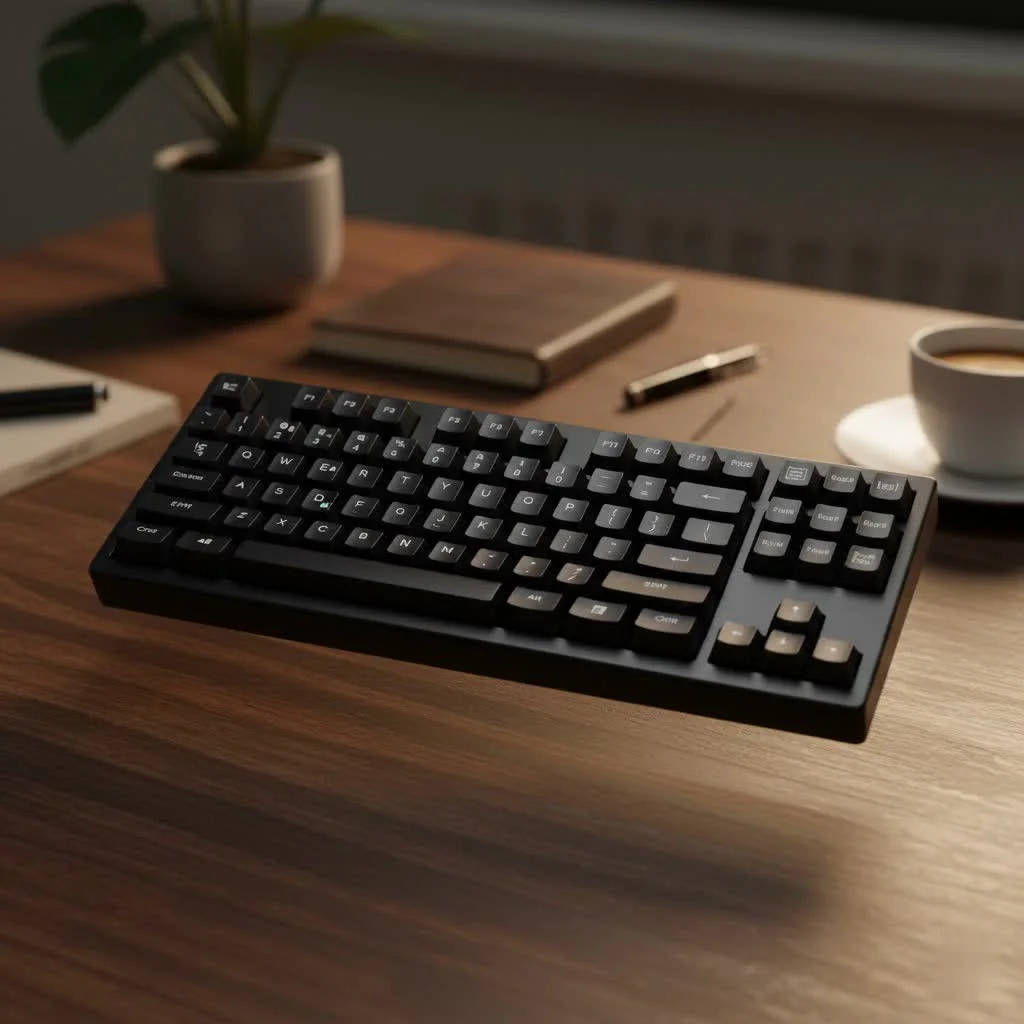
This guide will demystify the components, explain the key benefits, and walk you through selecting a keyboard that feels like it was made just for you. Forget the soldering iron and endless research—let’s explore the plug-and-play world of prebuilt mechanical keyboards. For expert reviews reviews on this site.
What Exactly Is a Prebuilt Mechanical Keyboard?
A prebuilt mechanical keyboard is a complete, ready-to-use keyboard sold by a manufacturer. It comes fully assembled with a case, PCB (Printed Circuit Board), switches, and keycaps. You simply take it out of the box, plug it into your computer, and start typing. This is in contrast to custom mechanical keyboards, which require you to source individual parts and assemble them yourself.
Think of it like buying a car. You can go to a dealership and drive a brand-new car off the lot (prebuilt), or you can buy a chassis, engine, and all the components to build your own custom hot rod (custom). For most people, the prebuilt option offers the perfect blend of performance, convenience, and quality.
Why Choose a Prebuilt Mechanical Keyboard?
While the custom keyboard scene is thriving, prebuilt options offer compelling advantages, especially for newcomers and those who value convenience.
- Convenience and Time-Saving: This is the biggest draw. You get the fantastic feel of mechanical switches without spending hours or days researching parts, waiting for shipping, and assembling everything.
- Cost-Effective: Generally, a prebuilt board is more affordable than sourcing individual high-end components for a custom build. Manufacturers buy parts in bulk, passing those savings on to you.
- Warranty and Support: When you buy from a reputable brand, you get a warranty and customer support. If something goes wrong, you have a single point of contact for a replacement or repair, a luxury not available when you build your own.
- Excellent Quality: The market for the prebuilt mechanical keyboard has exploded in recent years. Brands like Keychron, Filco, Leopold, and Ducky are producing keyboards with outstanding build quality, excellent switches, and durable keycaps that rival many custom builds.
“A common misconception is that ‘prebuilt’ means lower quality,” says expert builder Alex Carter. “Today, many prebuilt keyboards offer features that were once exclusive to the custom scene, like hot-swappable switches and PBT keycaps. The gap in quality is smaller than ever.”
How to Choose the Right Prebuilt Mechanical Keyboard for You
Choosing a keyboard is a personal journey. What works for a gamer might not be ideal for a programmer. Here’s a breakdown of the key factors to consider.
1. Keyboard Size and Layout
|
Our Picks for the Best Mechanical Keyboard in 2026
As an Amazon Associate I earn from qualifying purchases.
|
||
| Num | Product | Action |
|---|---|---|
| 1 | Womier S-K80 75% Keyboard with Color Multimedia Display Mechanical Gaming Keyboard Creamy Sound, Wired Hot Swappable Gasket Mount RGB Custom Key board, Pre-lubed Stabilizer for Mac/Win, Black Kanagawa |

|
| 2 | EPOMAKER x Aula F75 Gasket Mechanical Keyboard, 75% Wireless Hot Swappable Gaming Keyboard with Five-Layer Padding&Knob, Bluetooth/2.4GHz/USB-C, RGB (Light Blue, LEOBOG Reaper Switch) |
|
| 3 | RK ROYAL KLUDGE R98 Pro Wired Mechanical Keyboard, 96% Creamy Gaming Keyboard RGB Backlit with Number Pad and Volume Knob, Gasket Mount, MDA Profile PBT Keycaps, Hot Swappable Pre-lubed Linear Switch |
|
| 4 | AULA F99 Wireless Mechanical Keyboard,Tri-Mode BT5.0/2.4GHz/USB-C Hot Swappable Custom Keyboard,Pre-lubed Linear Switches,RGB Backlit Computer Gaming Keyboards for PC/Tablet/PS/Xbox |
|
| 5 | AULA F75 Pro Wireless Mechanical Keyboard,75% Hot Swappable Custom Keyboard with Knob,RGB Backlit,Pre-lubed Reaper Switches,Side Printed PBT Keycaps,2.4GHz/USB-C/BT5.0 Mechanical Gaming Keyboards |
|
| 6 | SteelSeries USB Apex 5 Hybrid Mechanical Gaming Keyboard – Per-Key RGB Illumination – Aircraft Grade Aluminum Alloy Frame – OLED Smart Display (Hybrid Blue Switch) |
|
| 7 | RK ROYAL KLUDGE S98 Mechanical Keyboard w/Smart Display & Knob, Top Mount 96% Wireless Mechanical Keyboard BT/2.4G/USB-C, Hot Swappable, Software Support, Creamy Sounding, 98 Keys |
|
| 8 | Logitech MX Mechanical Wireless Illuminated Performance Keyboard, Tactile Quiet Switches, Backlit Keys, Bluetooth, USB-C, macOS, Windows, Linux, iOS, Android, Metal, Graphite |
|
| 9 | Redragon Mechanical Gaming Keyboard Wired, 11 Programmable Backlit Modes, Hot-Swappable Red Switch, Anti-Ghosting, Double-Shot PBT Keycaps, Light Up Keyboard for PC Mac |
|
| 10 | AK96 Smart Mechanical Keyboard Gaming, 96 Keys Full Size with LED Colorful Backlit, Clicky Creamy Sounding, USB Wired Computer Keyboard with Volume Knob for PC, Mac, Windows(Grey) |
|
The size of your keyboard affects both ergonomics and desk space.
- Full-Size (100%): The classic layout with the alpha keys, function row, navigation cluster, and a numpad. Ideal for data entry and those who can’t live without a dedicated number pad.
- Tenkeyless (TKL or 80%): A full-size board without the numpad. This is a popular choice as it saves desk space without sacrificing the standard navigation keys.
- 75%: A compact layout that squishes the arrow keys and navigation cluster next to the alpha keys to save more space than a TKL. It keeps the function row.
- 65%: Even more compact, a 65% layout removes the function row but keeps dedicated arrow keys. It’s a sweet spot for many who want a small footprint without losing essential navigation.
- 60%: The go-to for minimalists. This layout removes the function row and arrow keys, relying on a function layer (using the ‘Fn’ key) to access them.
2. The Heart of the Keyboard: Switches
The mechanical switch is what defines the feel of your keyboard. There are three main types.
- Linear Switches (e.g., Cherry MX Red, Gateron Red): These offer a smooth, consistent keystroke from top to bottom with no bump or click. They are quiet and fast, making them a favorite among gamers.
- Tactile Switches (e.g., Cherry MX Brown, Gateron Brown): These provide a small “bump” of feedback when the key is actuated. This lets you know the keystroke has registered without an audible click. They are a fantastic all-around switch for both typing and gaming.
- Clicky Switches (e.g., Cherry MX Blue, Kailh Box White): These provide both a tactile bump and an audible “click” sound. They are incredibly satisfying for typists who love auditory feedback but can be loud in shared office or home environments.
3. Keycaps: The Touchpoints
Keycaps affect how your keyboard feels and sounds. The two main things to look for are material and profile.
- Material:
- ABS (Acrylonitrile Butadiene Styrene): A common plastic that is smooth to the touch. It’s affordable but can develop a “shine” over time from finger oils.
- PBT (Polybutylene Terephthalate): A more durable and textured plastic. PBT keycaps are resistant to shine and often have a deeper sound signature. They are typically found on higher-quality prebuilt keyboards.
- Profile: This refers to the shape of the keycaps. Most prebuilts use a standard OEM or Cherry profile, which are sculpted to be comfortable for typing.
4. Build Quality and Extra Features
- Case Material: Most prebuilt cases are made of plastic, which is perfectly fine and durable. Some premium models offer aluminum cases for a heavier, more rigid feel.
- Connectivity: Do you need a wired or wireless connection? Many modern boards offer USB-C, Bluetooth, and 2.4GHz wireless for ultimate flexibility.
- Hot-Swappable PCB: This is a game-changing feature. A hot-swappable keyboard allows you to change the switches without any soldering. It’s the perfect bridge between prebuilt convenience and custom experimentation. You can try out different switches easily to find your perfect feel.
- RGB Lighting: While not essential for performance, customizable backlighting can be great for personalizing your setup or for typing in low-light conditions.
Our Checklist for Your First Prebuilt Keyboard
| Feature | What to Ask Yourself | Recommendation for Beginners |
|---|---|---|
| Size | How much desk space do I have? Do I need a numpad? | TKL or 75% offers a great balance. |
| Switches | Do I want a smooth, bumpy, or clicky feel? Is noise a concern? | Tactile switches (e.g., Browns) are a safe, versatile starting point. |
| Keycaps | Do I prefer a smooth or textured feel? Do I hate shiny keys? | PBT keycaps offer better long-term durability and feel. |
| Features | Do I want to try different switches later? Is wireless a must? | Hot-swappable is highly recommended for future flexibility. |
| Budget | What is my comfortable price range? | Excellent options exist from $80 to $200. Don’t overspend on your first board. |
Frequently Asked Questions (FAQ)
What is the best prebuilt mechanical keyboard brand?
There is no single “best” brand, as it depends on your needs. Keychron is fantastic for offering features like hot-swap and Mac compatibility at a great price. Filco and Leopold are legendary for their no-frills, tank-like build quality. Ducky is famous for its excellent PBT keycaps and unique designs.
Are prebuilt mechanical keyboards good for gaming?
Absolutely. Many professional gamers use prebuilt mechanical keyboards. Look for boards with linear switches for fast actuation and consider features like a TKL layout to give you more mouse room.
Can I still customize a prebuilt mechanical keyboard?
Yes! Even without building from scratch, you can easily customize a prebuilt. The most common mods are changing the keycaps to a set that matches your style or, if you have a hot-swappable board, trying out new switches. You can also explore our guides on Yoasy for simple mods like adding foam for better acoustics.
How long does a mechanical keyboard last?
A good quality prebuilt mechanical keyboard can last for many years. The switches themselves are typically rated for 50 million keystrokes or more. With a bit of care, it can easily outlive several standard membrane keyboards.
Is it worth paying more for an aluminum case?
An aluminum case provides a more premium, hefty feel and can change the sound profile of the keyboard, often making it deeper. For most users, a high-quality plastic case is more than sufficient, but an aluminum case is a worthwhile luxury if it fits your budget.
Your Journey Starts Here
Choosing a prebuilt mechanical keyboard is the first step into a larger, more satisfying world of typing. It’s about turning a mundane tool into a personalized instrument that brings you joy with every click. By focusing on the size, switches, and features that matter most to you, you can find a keyboard that will elevate your work, gaming, and daily interactions with your computer.
Don’t be intimidated by the options. Start with a versatile board, see what you like, and don’t be afraid to experiment down the line. We invite you to share your experiences and questions with our community at Yoasy. Welcome to the club
Get our weekly buyer guide
Practical specs, not advice. Unsubscribe anytime.
