In an age dominated by wireless everything, it might seem counterintuitive to champion a device that proudly tethers itself to your computer. Yet, for a dedicated community of typists, gamers, and programmers, the wired mechanical keyboard remains an undisputed king. It’s more than just a peripheral; it’s a statement of intent—a choice for raw performance, unwavering reliability, and a pure, unadulterated connection between you and your machine. Here at Yoasy, we live and breathe mechanical keyboards, and I’m here to pull back the curtain on why the humble cable is still the pinnacle of performance.
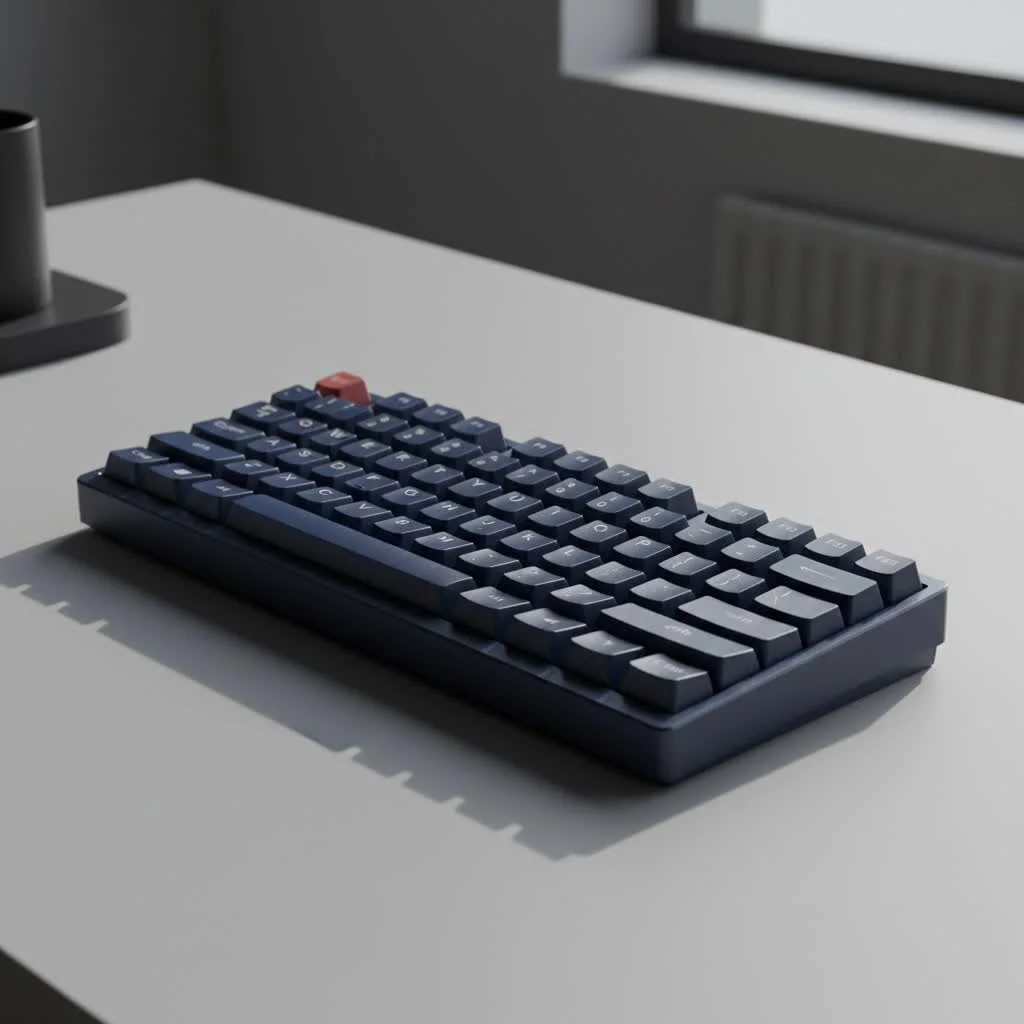
This guide will walk you through every facet of the wired mechanical keyboard, from its lightning-fast response times to the deep satisfaction of its tactile feedback. Whether you’re a competitive gamer chasing every millisecond or a writer seeking the perfect typing rhythm, you’ll soon understand why this classic choice is more relevant than ever. For more reviews guides on this site.
Why Go Wired in a Wireless World?
With the convenience of wireless technology, why would anyone choose to be physically connected to their desk? The answer lies in a few uncompromising principles that prioritize performance and peace of mind above all else.
Unbeatable Speed and Zero Latency
The single greatest advantage of a wired connection is its near-instantaneous data transmission. A wired mechanical keyboard sends keystroke signals directly through a physical USB cable, eliminating the potential for lag, interference, or signal drops that can plague wireless connections. While modern wireless technology has become incredibly advanced, it still involves encoding, transmitting, and decoding signals through the air.
For competitive gamers, where a single frame can determine victory or defeat, this minimal latency is non-negotiable. The wired connection ensures that every single keystroke is registered the exact moment it’s pressed, providing the most responsive experience possible.
Rock-Solid Reliability
Have you ever had a wireless mouse or keyboard stutter in the middle of a crucial task? This is often due to radio frequency (RF) interference from other devices like routers, smartphones, or even a microwave. A wired connection is completely immune to this. It’s a closed circuit, a private data highway from your keyboard to your PC. This guarantees a stable, consistent connection that you can rely on 100% of the time, whether you’re in a professional environment or a crowded gaming tournament.
The “Never Dies” Advantage: No Batteries, No Charging
There is a unique frustration that comes from your keyboard dying mid-sentence or mid-game. With a wired mechanical keyboard, that anxiety simply doesn’t exist. It draws power directly from the computer’s USB port, ensuring it’s always ready to go. You never have to think about charging, swapping batteries, or managing power-saving modes that might compromise performance. It’s the definition of plug-and-play simplicity and readiness.
Powering the Most Demanding Features
|
Our Picks for the Best Mechanical Keyboard in 2026
As an Amazon Associate I earn from qualifying purchases.
|
||
| Num | Product | Action |
|---|---|---|
| 1 | Womier S-K80 75% Keyboard with Color Multimedia Display Mechanical Gaming Keyboard Creamy Sound, Wired Hot Swappable Gasket Mount RGB Custom Key board, Pre-lubed Stabilizer for Mac/Win, Black Kanagawa |

|
| 2 | RK ROYAL KLUDGE R98 Pro Wired Mechanical Keyboard, 96% Creamy Gaming Keyboard RGB Backlit with Number Pad and Volume Knob, Gasket Mount, MDA Profile PBT Keycaps, Hot Swappable Pre-lubed Linear Switch |
|
| 3 | RK ROYAL KLUDGE S98 Mechanical Keyboard w/Smart Display & Knob, Top Mount 96% Wireless Mechanical Keyboard BT/2.4G/USB-C, Hot Swappable, Software Support, Creamy Sounding, 98 Keys |
|
| 4 | AULA F99 Wireless Mechanical Keyboard,Tri-Mode BT5.0/2.4GHz/USB-C Hot Swappable Custom Keyboard,Pre-lubed Linear Switches,RGB Backlit Computer Gaming Keyboards for PC/Tablet/PS/Xbox |
|
| 5 | Redragon Mechanical Gaming Keyboard Wired, 11 Programmable Backlit Modes, Hot-Swappable Red Switch, Anti-Ghosting, Double-Shot PBT Keycaps, Light Up Keyboard for PC Mac |
|
| 6 | AK96 Smart Mechanical Keyboard Gaming, 96 Keys Full Size with LED Colorful Backlit, Clicky Creamy Sounding, USB Wired Computer Keyboard with Volume Knob for PC, Mac, Windows(Grey) |
|
| 7 | SteelSeries USB Apex 5 Hybrid Mechanical Gaming Keyboard – Per-Key RGB Illumination – Aircraft Grade Aluminum Alloy Frame – OLED Smart Display (Hybrid Blue Switch) |
|
| 8 | AULA F75 Pro Wireless Mechanical Keyboard,75% Hot Swappable Custom Keyboard with Knob,RGB Backlit,Pre-lubed Reaper Switches,Side Printed PBT Keycaps,2.4GHz/USB-C/BT5.0 Mechanical Gaming Keyboards |
|
| 9 | Logitech MX Mechanical Wireless Illuminated Performance Keyboard, Tactile Quiet Switches, Backlit Keys, Bluetooth, USB-C, macOS, Windows, Linux, iOS, Android, Metal, Graphite |
|
| 10 | EPOMAKER x Aula F75 Gasket Mechanical Keyboard, 75% Wireless Hot Swappable Gaming Keyboard with Five-Layer Padding&Knob, Bluetooth/2.4GHz/USB-C, RGB (Light Blue, LEOBOG Reaper Switch) |
|
Vibrant, per-key RGB lighting, integrated OLED screens, and other power-hungry features can drain a wireless keyboard’s battery in a matter of hours. A wired connection provides a constant and robust power supply, allowing manufacturers to implement spectacular lighting effects and advanced features without compromise. You can run your keyboard’s RGB at full brightness, 24/7, without ever worrying about its battery life.
Core Components That Define Your Experience
Beyond the cable, the magic of a mechanical keyboard lies in its construction. Understanding these core components is key to choosing the right board for you.
The Heart of the Keyboard: Mechanical Switches
Unlike the mushy rubber domes in standard keyboards, mechanical keyboards use individual physical switches under each key. This is what gives them their signature feel, sound, and durability. The three main types are:
- Linear Switches: These offer a smooth, consistent keystroke from top to bottom with no tactile bump. They are favored by gamers for their speed and rapid actuation. (Examples: Cherry MX Red, Gateron Red)
- Tactile Switches: These provide a noticeable “bump” in the middle of the keystroke, confirming that the key has been pressed. They are a fantastic all-around option for both typing and gaming. (Examples: Cherry MX Brown, Kailh Brown)
- Clicky Switches: These provide both a tactile bump and an audible “click” sound. They are incredibly satisfying for typists who love audible feedback but can be loud in shared spaces. (Examples: Cherry MX Blue, Kailh Box White)
The Touch and Feel: Keycaps
Keycaps are the plastic tops you press with your fingers. They play a huge role in the keyboard’s feel and sound. The two most common plastic types are:
- ABS (Acrylonitrile Butadiene Styrene): A common, smooth plastic that can develop a “shine” over time with use.
- PBT (Polybutylene Terephthalate): A more durable, textured plastic that resists shine and feels more premium to many users.
Keycap profiles, which refer to their shape and height, also affect the typing experience. Profiles like Cherry, OEM, and SA each offer a different ergonomic feel.
Built to Last: Frame and Build Quality
The case of a wired mechanical keyboard can be made from plastic or metal (typically aluminum). Aluminum cases provide superior rigidity, a heavier and more stable feel on the desk, and contribute to a more refined sound profile. The build quality directly impacts the keyboard’s durability and the overall typing sensation.
What to Look for in a Wired Mechanical Keyboard
When you’re ready to buy, keep an eye out for these crucial performance-oriented features.
Understanding Polling Rates
The polling rate, measured in Hertz (Hz), is how often the keyboard reports its status to the computer. The standard for gaming keyboards is 1000Hz, meaning it sends a report 1,000 times per second (every 1 millisecond). However, some high-performance wired keyboards now offer 4000Hz or even 8000Hz polling rates. While the real-world difference can be subtle, these higher rates theoretically reduce input latency even further, giving a competitive edge.
“In the world of human-computer interaction, a wired connection represents the baseline truth. It’s the purest form of input, free from the variables of wireless transmission. For tasks requiring absolute precision, it remains the gold standard.”
— Dr. Alistair Finch, HCI Specialist
N-Key Rollover (NKRO) Explained
N-Key Rollover means that each key press is scanned independently by the keyboard’s hardware. This ensures that no matter how many keys you press at once, every single one will be registered correctly. This is a critical feature for fast typists and gamers who often press multiple keys simultaneously for complex commands. Most wired keyboards offer full NKRO over a USB connection.
The Power of a Detachable Cable (USB-C)
Modern high-quality wired keyboards almost universally feature a detachable USB-C cable. This offers several benefits:
- Durability: If the cable gets damaged, you can simply replace it instead of the entire keyboard.
- Portability: It’s easier to pack up and transport your keyboard without a permanently attached, dangling wire.
- Customization: It opens the door to a massive community of custom cable makers.
The Aesthetics of the Wire: Customization and Mods
One of the most exciting aspects of the keyboard hobby is customization, and a wired board offers a unique canvas. Custom coiled “aviator” cables have become a staple of high-end desk setups. These beautiful, often colorful cables add a huge splash of personality and are a testament to how the community has embraced the wire, turning it from a necessity into a feature.
FAQ: Your Wired Mechanical Keyboard Questions Answered
Is a wired mechanical keyboard better for gaming?
Yes, for competitive gaming, a wired mechanical keyboard is generally considered better due to its zero-latency connection and immunity to interference. It provides the most reliable and responsive input, which is critical in high-stakes situations.
What is the input lag on a wired keyboard?
The input lag on a modern wired keyboard is incredibly low, typically around 1 millisecond (ms) for a standard 1000Hz polling rate. Keyboards with higher polling rates (4000-8000Hz) can reduce this even further, to fractions of a millisecond.
Can I make my wired keyboard wireless?
There are some third-party adapters and DIY solutions that can convert a wired keyboard to a Bluetooth wireless one. However, these solutions can introduce latency and may not be as reliable as a native wired or wireless connection.
Are all wired keyboard cables the same?
No. While most use a standard USB-A to USB-C connection, the quality of the cable, its shielding, and its aesthetics can vary greatly. Premium and custom cables often offer better durability and a more personalized look for your setup.
Does a more expensive wired keyboard mean better performance?
Not necessarily. While a higher price often correlates with better build quality, premium materials like an aluminum case, and higher-quality keycaps, the core performance (latency) of a mid-range wired gaming keyboard is often just as good as a very expensive one. The extra cost typically goes into features, feel, and aesthetics.
Conclusion: The Enduring Power of the Cable
In a world chasing the untethered dream, the wired mechanical keyboard stands firm as a beacon of pure performance. It’s a tool for those who demand precision, reliability, and an uninterrupted flow between thought and action. By choosing a wired connection, you eliminate variables and distractions, leaving only the satisfying click, clack, and thock of a perfectly engineered machine. So embrace the cable, and unlock a typing and gaming experience that is as powerful and dependable as it gets.
Get our weekly buyer guide
Practical specs, not advice. Unsubscribe anytime.
