Finding the perfect mechanical keyboard is a journey. You dial in the right size, the perfect keycap profile, and the aesthetic that matches your setup. But then, there’s the sound. That satisfying, classic “clack” can be music to your ears, but it might be a source of distraction for your colleagues, family, or roommates. If you’ve ever felt self-conscious about your typing volume during a late-night work session or in a quiet office, you’ve come to the right place. The solution isn’t to abandon the superior feel of mechanical switches; it’s to discover the world of quiet mechanical keyboard switches.
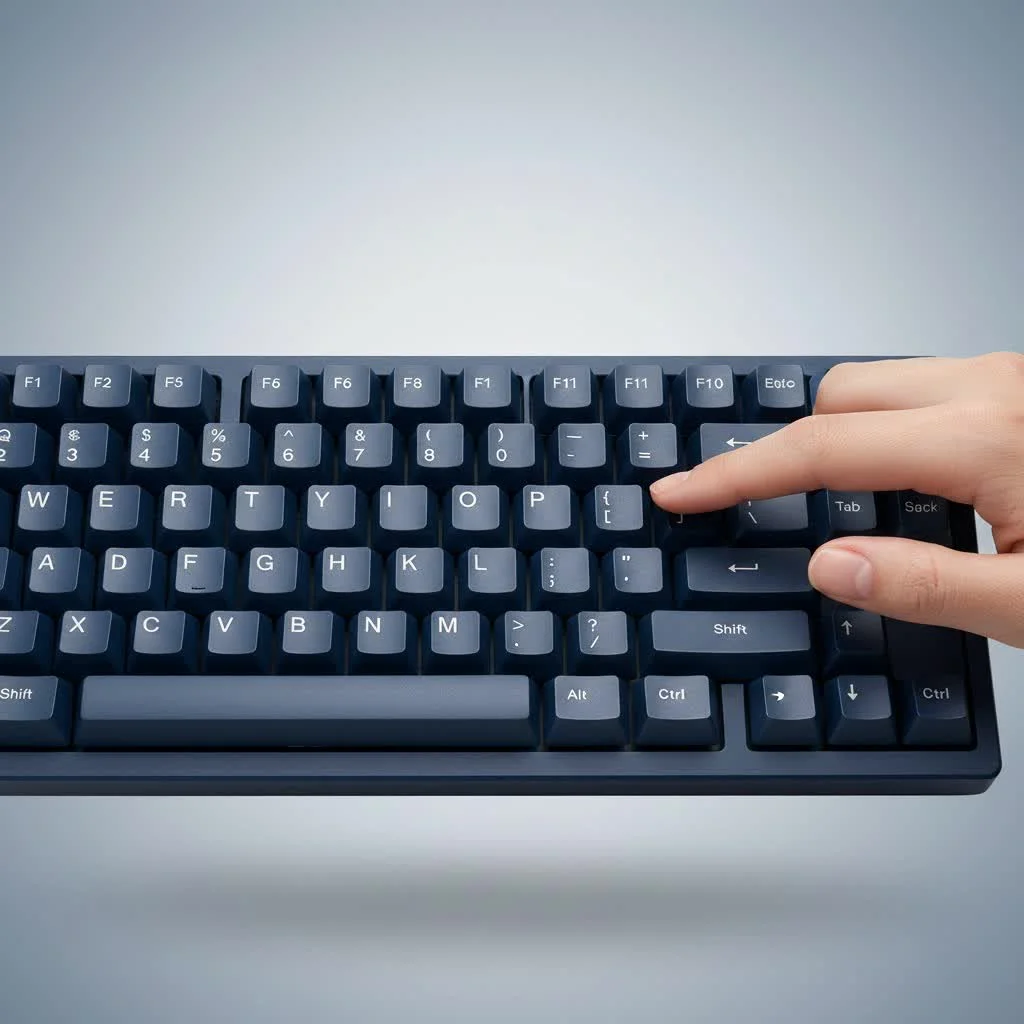
As a mechanical engineer who has spent over a decade building, modding, and testing keyboards for Yoasy, I’ve seen the incredible innovation in switch technology. The demand for a quieter experience without sacrificing that crisp, responsive feel has led to some brilliant designs. This guide will walk you through everything you need to know to choose the best silent switches, turning your keyboard into a stealthy, high-performance tool.
What Exactly Makes a Mechanical Switch Quiet?
To understand silent switches, we first need to understand what makes a standard switch noisy. The sound from a mechanical keyboard switch comes from two main sources: the “downstroke” and the “upstroke.”
- Downstroke Noise (Bottom-Out): This is the “clack” you hear when you press the key all the way down and the switch’s stem hits the bottom of its housing.
- Upstroke Noise (Top-Out): This is the higher-pitched “click” that occurs when you release the key and the stem springs back up, hitting the top of the housing.
Quiet mechanical keyboard switches are engineered specifically to minimize these two sounds. They achieve this primarily through integrated dampening. Tiny rubber or silicone pads are strategically placed inside the switch housing on the stem sliders. These pads act as shock absorbers, cushioning the impact of both the downstroke and the upstroke, resulting in a significantly muted sound profile.
It’s a common misconception that all linear switches are inherently quiet. While they lack the audible click of a “clicky” switch, they still produce significant noise from bottoming out. True silent switches incorporate these internal dampeners for a fundamentally quieter operation.
The Best Quiet Mechanical Keyboard Switches on the Market
The market for silent switches has exploded in recent years, giving consumers fantastic options across various price points and feel profiles. Here are some of the most respected and widely used quiet switches you should consider.
For the Office Professional: Cherry MX Silent Red
|
Our Picks for the Best Mechanical Keyboard in 2026
As an Amazon Associate I earn from qualifying purchases.
|
||
| Num | Product | Action |
|---|---|---|
| 1 | Logitech MX Mechanical Wireless Illuminated Performance Keyboard, Tactile Quiet Switches, Backlit Keys, Bluetooth, USB-C, macOS, Windows, Linux, iOS, Android, Metal, Graphite |

|
| 2 | Redragon Mechanical Gaming Keyboard Wired, 11 Programmable Backlit Modes, Hot-Swappable Red Switch, Anti-Ghosting, Double-Shot PBT Keycaps, Light Up Keyboard for PC Mac |
|
| 3 | SteelSeries USB Apex 5 Hybrid Mechanical Gaming Keyboard – Per-Key RGB Illumination – Aircraft Grade Aluminum Alloy Frame – OLED Smart Display (Hybrid Blue Switch) |
|
| 4 | AK96 Smart Mechanical Keyboard Gaming, 96 Keys Full Size with LED Colorful Backlit, Clicky Creamy Sounding, USB Wired Computer Keyboard with Volume Knob for PC, Mac, Windows(Grey) |
|
| 5 | EPOMAKER x Aula F75 Gasket Mechanical Keyboard, 75% Wireless Hot Swappable Gaming Keyboard with Five-Layer Padding&Knob, Bluetooth/2.4GHz/USB-C, RGB (Light Blue, LEOBOG Reaper Switch) |
|
| 6 | RK ROYAL KLUDGE S98 Mechanical Keyboard w/Smart Display & Knob, Top Mount 96% Wireless Mechanical Keyboard BT/2.4G/USB-C, Hot Swappable, Software Support, Creamy Sounding, 98 Keys |
|
| 7 | Womier S-K80 75% Keyboard with Color Multimedia Display Mechanical Gaming Keyboard Creamy Sound, Wired Hot Swappable Gasket Mount RGB Custom Key board, Pre-lubed Stabilizer for Mac/Win, Black Kanagawa |
|
| 8 | AULA F99 Wireless Mechanical Keyboard,Tri-Mode BT5.0/2.4GHz/USB-C Hot Swappable Custom Keyboard,Pre-lubed Linear Switches,RGB Backlit Computer Gaming Keyboards for PC/Tablet/PS/Xbox |
|
| 9 | RK ROYAL KLUDGE R98 Pro Wired Mechanical Keyboard, 96% Creamy Gaming Keyboard RGB Backlit with Number Pad and Volume Knob, Gasket Mount, MDA Profile PBT Keycaps, Hot Swappable Pre-lubed Linear Switch |
|
| 10 | AULA F75 Pro Wireless Mechanical Keyboard,75% Hot Swappable Custom Keyboard with Knob,RGB Backlit,Pre-lubed Reaper Switches,Side Printed PBT Keycaps,2.4GHz/USB-C/BT5.0 Mechanical Gaming Keyboards |
|
The original and still one of the best. When Cherry, the grandfather of mechanical switches, released the MX Silent Red, it set the standard. These are linear switches, meaning they have a smooth, consistent press from top to bottom with no tactile bump.
- Feel: Smooth and light. They require very little force to actuate, which can be great for long typing sessions, reducing finger fatigue.
- Why It’s Quiet: They feature Cherry’s patented noise-dampening system with integrated 2-component stem cushions that effectively mute both the bottom-out and top-out sounds.
- Best For: Office environments, shared workspaces, and anyone who wants a reliable, no-fuss silent linear experience.
For the Custom Keyboard Enthusiast: Gateron Silent Series
Gateron is a community favorite, often lauded for its exceptional smoothness, sometimes even surpassing Cherry in stock form. Their silent lineup is no exception. They offer several variations, including Silent Red (Linear), Silent Black (Heavier Linear), and Silent Brown (Tactile).
- Feel: The Gateron Silent Reds are incredibly smooth, often described as “buttery.” The Silent Browns provide a gentle tactile bump, giving you physical feedback that a keypress was registered without the loud click.
- Why It’s Quiet: Similar to Cherry, Gateron uses rubber dampeners on the stem to soften the impact.
- Best For: Users who prioritize a super-smooth feel. The Gateron Silent Brown is an excellent choice for typists who want a quiet switch but miss the feedback of a tactile bump.
For the Gamer Who Needs Stealth: Kailh Box Silent Switches
Kailh has become a major innovator, and their “Box” switch design is a testament to that. The box design surrounds the stem, providing increased stability and an IP56 rating for dust and water resistance.
- Feel: Kailh Box Silent Pink (Linear) and Box Silent Brown (Tactile) are renowned for their stability. There’s less “wobble” in the keycap compared to some other brands, which can feel more precise during intense gaming.
- Why It’s Quiet: The dampening pads are integrated directly into the box structure and cap, leading to a very effective and durable silencing mechanism.
- Best For: Gamers and heavy typists who appreciate a stable, wobble-free keypress and the added durability of the box design.
For the Connoisseur: ZealPC Silent Switches (Zilents/Healios)
If you’re looking for the absolute best and are willing to pay a premium, ZealPC switches are often considered the top tier. These are enthusiast-grade switches designed with meticulous attention to detail.
- Feel: Zilents (Tactile) are known for their crisp, “rounded” tactile bump, while Healios (Linear) are praised for their unparalleled smoothness. They feel exceptionally refined right out of the box.
- Why It’s Quiet: They use high-quality, unique dampening pads that provide excellent sound reduction without the “mushy” feeling that can sometimes affect lesser silent switches.
- Best For: Custom keyboard builders and users who want the most premium silent typing experience possible and are not constrained by budget.
Beyond the Switch: Other Ways to Silence Your Keyboard
Installing quiet mechanical keyboard switches is the most effective step, but it’s not the only one. To achieve ultimate silence, you can combine silent switches with these other modifications.
1. Lube Your Switches
Applying a thin layer of specialized lubricant (like Krytox 205g0) to the switch’s internal components—the stem, spring, and housing—can dramatically reduce friction. This not only makes the switch feel smoother but also dampens smaller noises like spring ping and scratchiness.
2. Add Case Foam
Much of the sound from a keyboard is an echo. It’s the sound of the switch resonating inside the hollow space of the keyboard case. Placing a layer of sound-dampening foam (like neoprene or EVA foam) inside the case absorbs these vibrations, leading to a deeper, quieter, and more solid sound profile.
3. Use a Desk Mat
A simple but surprisingly effective solution. A large desk mat made of felt or fabric placed under your keyboard acts as a giant vibration absorber. It prevents the sound from amplifying through the hard surface of your desk, cutting down on ambient noise significantly.
4. Choose Thick PBT Keycaps
Keycaps play a role in sound, too. Thicker keycaps, especially those made from PBT plastic, tend to produce a lower-pitched, more subdued sound compared to thin ABS keycaps. The denser material doesn’t resonate as much with the high-frequency sounds of the switch upstroke.
How Do I Choose the Right Quiet Switch?
With so many options, the choice can be daunting. Ask yourself these questions:
- What is my primary use case? For fast-paced gaming, a light linear switch like the Cherry MX Silent Red or Kailh Box Silent Pink might be best. For typing-heavy work, a Gateron Silent Brown might provide satisfying feedback without the noise.
- Do I prefer a linear or tactile feel? Do you want a completely smooth press (linear), or do you like feeling a small bump to confirm actuation (tactile)? The best way to find out is to try a switch tester.
- What is my budget? Cherry and Gateron offer fantastic performance at a reasonable price. ZealPC switches are a luxury upgrade.
As Dr. Alistair Finch, a leading acoustical engineer in keyboard design, often says, “The perception of ‘quiet’ is subjective. One person’s silent switch is another’s gentle tap. The goal is to reduce decibels in the high-frequency spectrum, where sound is most distracting, without eliminating the satisfying low-frequency ‘thock’ that makes mechanical keyboards feel so good.”
Frequently Asked Questions (FAQ)
Are quiet mechanical switches completely silent?
No, they are not completely silent. They are designed to be significantly quieter than standard switches. You will still hear a soft “thud” or “tap” rather than a loud “clack” or “click.” The goal is to reduce the noise to a level that is unobtrusive in a shared environment.
Are silent switches mushy to type on?
This used to be a common complaint, but modern silent switches have improved dramatically. While the cushioned bottom-out is inherently softer than hitting hard plastic, premium silent switches from brands like Gateron, Kailh, and ZealPC have engineered their dampeners to provide a crisp and responsive feel that is far from mushy.
Can I use quiet switches for gaming?
Absolutely. Many gamers prefer quiet linear switches, such as the Cherry MX Silent Red or Kailh Box Silent Pink. They offer the same fast actuation and smooth travel as their noisier counterparts, making them excellent for gaming without disturbing others.
Are silent tactile switches a good compromise?
Yes, for many people, they are the perfect middle ground. Switches like the Gateron Silent Brown or Zilent V2s provide the valuable physical feedback of a tactile bump, which many typists love, while the integrated dampeners keep the overall sound level to a minimum.
How much quieter are silent switches compared to regular ones?
The perceived noise reduction is significant. While exact decibel measurements vary by switch, case, and keycaps, a keyboard with silent switches can be 50-75% quieter than a standard mechanical keyboard, especially one with clicky switches. The most noticeable difference is the reduction in high-frequency, sharp sounds.
Your Journey to a Quieter Workspace Starts Here
Switching to a set of quiet mechanical keyboard switches can be a game-changer for your productivity and your relationships with those around you. You no longer have to choose between a superior typing feel and a peaceful environment. By understanding the technology behind them and exploring the excellent options available from brands like Cherry, Gateron, and Kailh, you can build a keyboard that is both a joy to use and a whisper to hear.
Take the time to consider what feel you prefer, and don’t be afraid to experiment with other sound-dampening mods. The world of custom keyboards is all about personalization, and crafting your perfect, quiet typing experience is a rewarding process. Happy building
Get our weekly buyer guide
Practical specs, not advice. Unsubscribe anytime.
