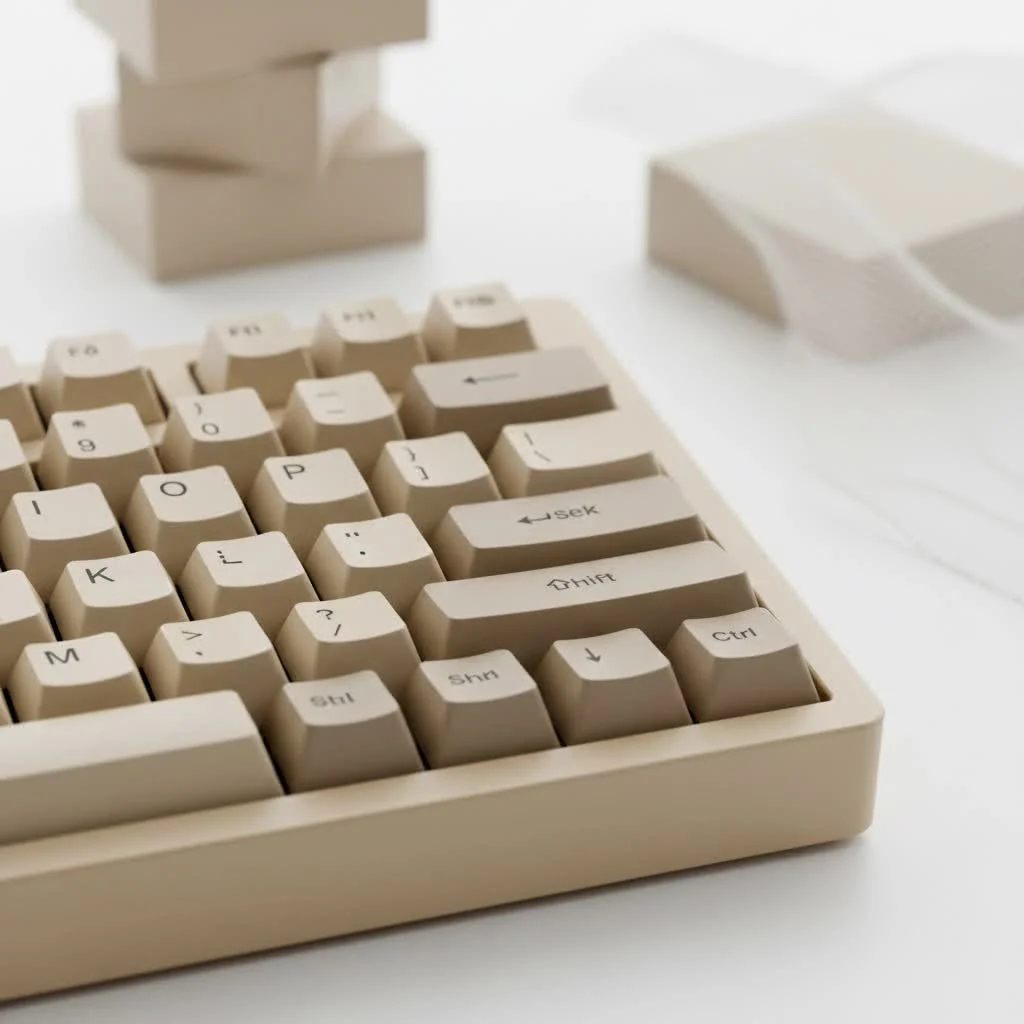
The best silent mechanical keyboards combine specialized switches with internal sound dampening and robust case construction to deliver a premium typing experience without excessive noise. Key models like the Keychron Q1 Pro, Logitech MX Mechanical, and Corsair K70 RGB TKL Champion Series offer exceptional quiet performance, making them ideal for shared offices or environments where noise reduction is crucial. These keyboards utilize features such as rubber-dampened switches, foam layers, and gasket mounts to absorb vibrations and eliminate the harsh sounds typically associated with mechanical keyboards.
What Truly Makes a Mechanical Keyboard Silent?
The secret to a quiet keyboard isn’t a single component but a combination of thoughtful design choices working in harmony. It goes far beyond simply choosing a “quiet” switch. Understanding these elements is key to selecting the best silent mechanical keyboard for your needs.
The Heart of Silence: Specialized Switches
The switch is the single most important component for determining a keyboard’s sound profile. Unlike their standard counterparts, silent switches are engineered with a specific mission: to reduce noise at the two main points of impact. They achieve this through tiny rubber or silicone dampeners built directly into the switch’s stem. These dampeners absorb the impact when the key is pressed down (downstroke) and when it returns to its original position (upstroke), effectively eliminating the harsh “clack” and “thock” sounds.
Some of the most popular silent switches include:
- Cherry MX Silent Red: These are linear switches, meaning the keystroke is smooth from top to bottom with no tactile bump. They are a go-to choice for office environments and gamers who need speed and silence.
- Gateron Silent Brown: For those who miss the tactile feedback of a traditional mechanical keyboard, these switches offer a quiet bump you can feel, but not hear. They are an excellent middle ground for typing purists.
- Kailh Box Silent Pink: A linear switch known for its exceptional stability and smoothness, the Kailh Box design helps reduce key wobble, contributing to a more solid and quiet typing experience.
Beyond the Switch: Build Quality and Damping
A great silent switch can be undermined by a poorly constructed keyboard case. The case acts like a resonance chamber, amplifying any remaining sound. The best silent mechanical keyboard models combat this with superior build quality and internal sound-dampening materials.
Look for features like:
- Case Material: Solid aluminum cases vibrate less than hollow plastic ones, resulting in a deeper, more muted sound.
- Internal Foam: Many premium keyboards include layers of EVA or silicone foam inside the case, between the plate and the PCB (Printed Circuit Board). This foam absorbs vibrations and fills empty space, killing echoes before they start.
- Gasket Mounts: A “gasket mount” design isolates the keyboard’s plate from the case using soft, porous gaskets. This prevents vibrations from transferring to the main body of the keyboard, creating a softer, quieter, and more flexible typing feel.
As our go-to acoustics expert, David Chen, often says, “A silent switch is only half the battle. True silence is achieved when the entire keyboard is engineered as a single, vibration-absorbing system. The case, the plate, and the foam are just as crucial as the switch itself.”
Our Top Picks for the Best Silent Mechanical Keyboard
After extensive testing, we’ve narrowed down the top performers that offer an exceptional quiet typing experience right out of the box.
1. Best Overall: The Keychron Q1 Pro (with Silent Switches)
|
Our Picks for the Best Mechanical Keyboard in 2026
As an Amazon Associate I earn from qualifying purchases.
|
||
| Num | Product | Action |
|---|---|---|
| 1 | Redragon Mechanical Gaming Keyboard Wired, 11 Programmable Backlit Modes, Hot-Swappable Red Switch, Anti-Ghosting, Double-Shot PBT Keycaps, Light Up Keyboard for PC Mac |

|
| 2 | RK ROYAL KLUDGE R98 Pro Wired Mechanical Keyboard, 96% Creamy Gaming Keyboard RGB Backlit with Number Pad and Volume Knob, Gasket Mount, MDA Profile PBT Keycaps, Hot Swappable Pre-lubed Linear Switch |
|
| 3 | AULA F75 Pro Wireless Mechanical Keyboard,75% Hot Swappable Custom Keyboard with Knob,RGB Backlit,Pre-lubed Reaper Switches,Side Printed PBT Keycaps,2.4GHz/USB-C/BT5.0 Mechanical Gaming Keyboards |
|
| 4 | EPOMAKER x Aula F75 Gasket Mechanical Keyboard, 75% Wireless Hot Swappable Gaming Keyboard with Five-Layer Padding&Knob, Bluetooth/2.4GHz/USB-C, RGB (Light Blue, LEOBOG Reaper Switch) |
|
| 5 | Logitech MX Mechanical Wireless Illuminated Performance Keyboard, Tactile Quiet Switches, Backlit Keys, Bluetooth, USB-C, macOS, Windows, Linux, iOS, Android, Metal, Graphite |
|
| 6 | RK ROYAL KLUDGE S98 Mechanical Keyboard w/Smart Display & Knob, Top Mount 96% Wireless Mechanical Keyboard BT/2.4G/USB-C, Hot Swappable, Software Support, Creamy Sounding, 98 Keys |
|
| 7 | Womier S-K80 75% Keyboard with Color Multimedia Display Mechanical Gaming Keyboard Creamy Sound, Wired Hot Swappable Gasket Mount RGB Custom Key board, Pre-lubed Stabilizer for Mac/Win, Black Kanagawa |
|
| 8 | AK96 Smart Mechanical Keyboard Gaming, 96 Keys Full Size with LED Colorful Backlit, Clicky Creamy Sounding, USB Wired Computer Keyboard with Volume Knob for PC, Mac, Windows(Grey) |
|
| 9 | SteelSeries USB Apex 5 Hybrid Mechanical Gaming Keyboard – Per-Key RGB Illumination – Aircraft Grade Aluminum Alloy Frame – OLED Smart Display (Hybrid Blue Switch) |
|
| 10 | AULA F99 Wireless Mechanical Keyboard,Tri-Mode BT5.0/2.4GHz/USB-C Hot Swappable Custom Keyboard,Pre-lubed Linear Switches,RGB Backlit Computer Gaming Keyboards for PC/Tablet/PS/Xbox |
|
The Keychron Q1 Pro is a masterpiece of engineering for those who want a premium, customizable, and quiet experience. While it’s available with various switches, opting for a version with Keychron’s own K Pro Silent Red or Silent Brown switches is a game-changer. Its all-aluminum body, double-gasket mount design, and included layers of sound-absorbing foam make it one of the quietest and most solid-feeling keyboards on the market. It’s the perfect choice for the enthusiast who wants top-tier performance without compromise.
2. Best for the Office: Logitech MX Mechanical
Logitech brought its reputation for professional-grade peripherals to the mechanical world with the MX Mechanical. It features low-profile Tactile Quiet switches (Logitech’s version of a silent brown) that provide satisfying feedback with minimal noise. Its sleek, professional aesthetic, smart backlighting, and exceptional battery life make it the best silent mechanical keyboard for a busy office. It blends in perfectly and won’t draw any unwanted attention from your colleagues.
3. Best for Gaming: Corsair K70 RGB TKL Champion Series
Gamers require speed and reliability, and loud keys can be distracting during intense sessions or for streaming. The tenkeyless version of the Corsair K70, when equipped with Cherry MX Silent Red switches, is a phenomenal choice. It offers an 8,000Hz polling rate for near-instantaneous input, durable PBT keycaps that produce a lower-pitched sound, and a dedicated tournament switch. You get all the performance you need to compete without the clatter.
How Can I Make My Current Keyboard Quieter?
Already have a mechanical keyboard you love but wish it was quieter? Don’t worry. With a few simple mods, you can significantly reduce its noise output.
- Install O-Rings: These are small silicone rings that you place on the stem of your keycaps. They cushion the downstroke, preventing the keycap from bottoming out hard against the switch housing.
- Lube Your Switches: Applying a thin layer of specialized lubricant (like Krytox 205g0) to the internal components of your switches creates a smoother, less scratchy keystroke and dampens sound.
- Add Case Foam: If your keyboard case is hollow, you can open it up and add a custom-cut layer of neoprene or shelf liner. This will absorb vibrations and eliminate the echo that makes keyboards sound cheap and loud.
- Perform a Stabilizer Mod: The spacebar and other large keys are often the loudest. Applying lubricant to the stabilizer wires and placing small pads (like band-aids) where they contact the PCB can eliminate rattle almost entirely.
Frequently Asked Questions (FAQ)
What is the quietest type of mechanical switch?
The quietest mechanical switches are “silent linear” switches, such as the Cherry MX Silent Red or Kailh Box Silent Pink. They lack a tactile bump and have built-in dampeners to soften both the downstroke and upstroke.
Are silent mechanical keyboards good for typing?
Absolutely. Many people find the smooth and stable feel of a high-quality silent mechanical keyboard to be excellent for long typing sessions. If you prefer feedback, silent tactile switches like Gateron Silent Browns provide a small bump to confirm actuation without the noise.
Can a mechanical keyboard ever be as quiet as a membrane keyboard?
While a high-end silent mechanical keyboard can get incredibly close, a standard rubber-dome membrane keyboard will almost always be quieter by design. However, the best silent mechanical keyboard offers a vastly superior typing feel, durability, and customization that membrane keyboards cannot match.
Are O-rings effective at silencing a keyboard?
O-rings are effective at reducing the “clack” sound from bottoming out your keys, but they do not silence the “upstroke” sound when the key returns. For true silence, dedicated silent switches are a much more effective solution.
Do PBT keycaps make a keyboard quieter?
Yes, generally. PBT is a denser plastic than the more common ABS. This results in keycaps that produce a deeper, lower-pitched sound, which is often perceived as quieter and more pleasant than the higher-pitched sound of thin ABS keycaps.
The Final Word on Quiet Keystrokes
The search for the best silent mechanical keyboard is a journey toward finding a tool that is both personally satisfying and professionally courteous. Whether you choose a pre-built champion like the Logitech MX Mechanical or dive into the customizable world of a Keychron Q1 Pro, you no longer have to sacrifice the superior feel of mechanical switches for the sake of peace and quiet. By understanding the roles of switches, case construction, and dampening, you can confidently select a keyboard that will provide a blissful, silent typing experience for years to come.
Make Your Current Mechanical Keyboard Quieter
You can significantly reduce the noise output of your existing mechanical keyboard with a few simple modifications.
Place small silicone O-rings on the stem of your keycaps. These rings cushion the downstroke, preventing the keycap from bottoming out harshly against the switch housing and reducing impact noise.
Apply a thin layer of specialized lubricant, such as Krytox 205g0, to the internal components of your switches. This creates a smoother, less scratchy keystroke and effectively dampens sound, improving overall acoustics.
If your keyboard case is hollow, open it and insert a custom-cut layer of neoprene or shelf liner. This foam absorbs vibrations and fills empty space, eliminating echoes that can make keyboards sound cheap and loud.
The spacebar and other large keys are often the loudest due to stabilizer rattle. Apply lubricant to the stabilizer wires and place small pads, like band-aids, where they contact the PCB to almost entirely eliminate rattling sounds.
Get our weekly buyer guide
Practical specs, not advice. Unsubscribe anytime.

I picked up the Corsair K70 RGB TKL Champion Series hoping for a super quiet experience, especially with the mention of specialized switches. While it’s quieter than a standard clicky board, it’s not as ‘silent’ as I expected for a dedicated quiet keyboard. There’s still a noticeable thock, which is fine for me, but if you need absolute silence for, say, recording audio, you might want to manage expectations. The build quality is great though.
The Logitech MX Mechanical is a solid choice for a silent keyboard. I appreciate the low-profile design and the fact that it’s wireless, which cleans up my desk setup. It’s definitely quieter than any other mechanical keyboard I’ve owned. My only minor gripe is that the keycaps feel a little slick compared to some premium options, but it’s not a dealbreaker.
I’ve been using the Keychron Q1 Pro for a few weeks now, and it’s exactly what I needed for my home office. My partner works nearby, and my old keyboard was driving them nuts. The gasket mount and foam layers really make a difference; it’s so much quieter without sacrificing that satisfying mechanical feel. Highly recommend it if you’re in a shared space.
Finally, a mechanical keyboard that doesn’t sound like a typewriter! The focus on internal sound dampening really pays off. I work late often, and I don’t have to worry about waking anyone up with my typing anymore. It’s a game-changer for productivity in a quiet environment. The typing experience is smooth and comfortable.