Welcome to the world of mechanical keyboards! If you’ve been curious about the hype—the satisfying clicks, the superior typing feel, the endless customization—but have been put off by the high prices, you’re in the right place. As the lead creator at Yoasy.com with over a decade of experience, I’m here to tell you that a fantastic typing experience doesn’t have to break the bank. The rise of the budget mechanical keyboard has opened up this incredible hobby to everyone, offering impressive features and performance for a fraction of the cost of high-end custom builds.
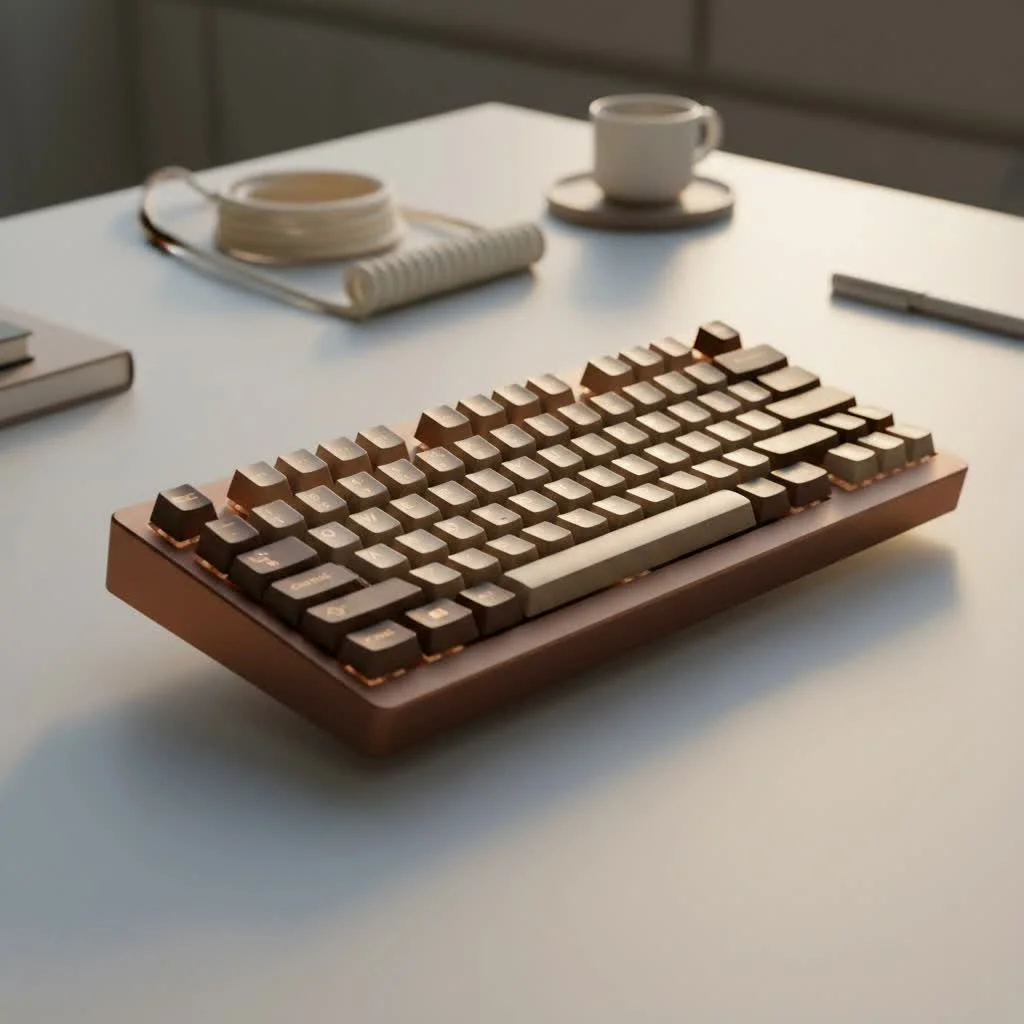
This guide will walk you through everything you need to know to find the perfect affordable board, from understanding the core components to performing simple mods that can make a $60 keyboard feel like a $300 one. Let’s dive in and unlock a better typing experience.
What to Expect from a Budget Mechanical Keyboard
First, let’s manage expectations. When you’re shopping in the budget category (typically under $100), there will be some trade-offs compared to premium keyboards. You might find more plastic in the construction instead of milled aluminum, and the software for customizing RGB lighting and macros might be less polished. However, the gap in quality is shrinking every year.
Today’s budget mechanical keyboards often come packed with features that were once reserved for expensive, enthusiast-grade models. We’re talking about high-quality PBT keycaps, pre-lubed switches for a smoother feel, and even hot-swappable sockets that let you change switches without any soldering. The value you can get is truly astounding.
The Anatomy of a Great Budget Board: Key Features
When you’re comparing different budget mechanical keyboards, a few key features will determine the quality of your experience. Focus on these, and you’ll find a real gem.
Switches: The Heart of the Keyboard
The switches are the components under each key that register a keystroke. They define how a keyboard feels and sounds. You don’t need expensive Cherry MX switches to get a great feel. Many budget-friendly brands now produce excellent switches.
- Linear Switches (e.g., Red): These offer a smooth, consistent keystroke from top to bottom with no bump. They are quiet and fast, making them a popular choice for gamers.
- Tactile Switches (e.g., Brown): You’ll feel a noticeable “bump” in the middle of the keypress, which confirms actuation without an audible click. They are fantastic all-rounders for typing and gaming.
- Clicky Switches (e.g., Blue): These provide both a tactile bump and a loud, satisfying “click” sound. They are incredibly fun for typing but might be too loud for a shared office or late-night gaming sessions.
Look for brands like Gateron, Kailh, and Akko in budget boards. They offer outstanding performance and are often just as good as their more expensive counterparts.
Keycaps: Your Fingertips’ Best Friend
|
Our Picks for the Best Mechanical Keyboard in 2026
As an Amazon Associate I earn from qualifying purchases.
|
||
| Num | Product | Action |
|---|---|---|
| 1 | EPOMAKER x Aula F75 Gasket Mechanical Keyboard, 75% Wireless Hot Swappable Gaming Keyboard with Five-Layer Padding&Knob, Bluetooth/2.4GHz/USB-C, RGB (Light Blue, LEOBOG Reaper Switch) |

|
| 2 | AULA F75 Pro Wireless Mechanical Keyboard,75% Hot Swappable Custom Keyboard with Knob,RGB Backlit,Pre-lubed Reaper Switches,Side Printed PBT Keycaps,2.4GHz/USB-C/BT5.0 Mechanical Gaming Keyboards |
|
| 3 | RK ROYAL KLUDGE S98 Mechanical Keyboard w/Smart Display & Knob, Top Mount 96% Wireless Mechanical Keyboard BT/2.4G/USB-C, Hot Swappable, Software Support, Creamy Sounding, 98 Keys |
|
| 4 | RK ROYAL KLUDGE R98 Pro Wired Mechanical Keyboard, 96% Creamy Gaming Keyboard RGB Backlit with Number Pad and Volume Knob, Gasket Mount, MDA Profile PBT Keycaps, Hot Swappable Pre-lubed Linear Switch |
|
| 5 | Womier S-K80 75% Keyboard with Color Multimedia Display Mechanical Gaming Keyboard Creamy Sound, Wired Hot Swappable Gasket Mount RGB Custom Key board, Pre-lubed Stabilizer for Mac/Win, Black Kanagawa |
|
| 6 | Redragon Mechanical Gaming Keyboard Wired, 11 Programmable Backlit Modes, Hot-Swappable Red Switch, Anti-Ghosting, Double-Shot PBT Keycaps, Light Up Keyboard for PC Mac |
|
| 7 | AK96 Smart Mechanical Keyboard Gaming, 96 Keys Full Size with LED Colorful Backlit, Clicky Creamy Sounding, USB Wired Computer Keyboard with Volume Knob for PC, Mac, Windows(Grey) |
|
| 8 | Logitech MX Mechanical Wireless Illuminated Performance Keyboard, Tactile Quiet Switches, Backlit Keys, Bluetooth, USB-C, macOS, Windows, Linux, iOS, Android, Metal, Graphite |
|
| 9 | SteelSeries USB Apex 5 Hybrid Mechanical Gaming Keyboard – Per-Key RGB Illumination – Aircraft Grade Aluminum Alloy Frame – OLED Smart Display (Hybrid Blue Switch) |
|
| 10 | AULA F99 Wireless Mechanical Keyboard,Tri-Mode BT5.0/2.4GHz/USB-C Hot Swappable Custom Keyboard,Pre-lubed Linear Switches,RGB Backlit Computer Gaming Keyboards for PC/Tablet/PS/Xbox |
|
Keycaps are the plastic caps you type on. They impact both feel and durability. The two most common materials are:
- ABS (Acrylonitrile Butadiene Styrene): A common, cheaper plastic. ABS keycaps tend to develop a “shine” over time from finger oils and can feel thinner.
- PBT (Polybutylene Terephthalate): A more durable and textured plastic. PBT keycaps resist shine, feel more substantial, and often produce a deeper, more pleasing sound.
Finding a budget mechanical keyboard with PBT keycaps is a huge win for long-term durability and feel.
Hot-Swappable Sockets: The Ultimate Upgrade Path
This is arguably the most important feature to look for in a modern budget mechanical keyboard. Hot-swappable keyboards have sockets on the circuit board (PCB) that allow you to pull out and plug in new switches with a simple tool—no soldering required. This means you can easily:
- Try out different switch types (linear, tactile, clicky) to find your favorite.
- Upgrade to premium switches later on without buying a whole new keyboard.
- Easily replace a faulty switch.
A hot-swappable board provides an incredible upgrade path and future-proofs your investment.
Are Budget Mechanical Keyboards Good for Gaming?
Absolutely. You don’t need to spend $150+ on a “gaming” branded keyboard for excellent performance. Many budget mechanical keyboards offer the same, if not better, performance. For gaming, look for a board with linear switches for their speed and smooth actuation. Features like low latency are now standard on most wired keyboards, so you won’t be at a disadvantage. A solid budget board with good switches will serve you just as well in competitive games as a more expensive alternative.
Unlock Your Keyboard’s True Potential: Easy First Mods
One of the most exciting aspects of the mechanical keyboard hobby is customization. Even the cheapest boards can be transformed with a few simple, inexpensive mods.
Lubing Switches: From Scratchy to Smooth
Many budget switches come unlubed from the factory, which can result in a slightly scratchy feeling. Applying a thin layer of specialized lubricant (like Krytox 205g0) to the switch internals makes them incredibly smooth and improves their sound. It’s a time-consuming process but arguably the most impactful mod you can do.
The Tape Mod: A Simple Sound Trick
This is a community favorite for a reason. Applying a few layers of painter’s tape to the back of the keyboard’s PCB can absorb high-frequency sounds, resulting in a deeper, creamier, and more pleasant typing sound. It’s completely reversible and costs next to nothing.
Adding Foam: Silencing the Hollowness
Many budget keyboards have a hollow plastic case, which can create an echoey, cheap sound. Adding a layer of dense foam (like EVA foam or shelf liner) inside the case fills this empty space, dampening vibrations and producing a much more solid and satisfying sound profile.
“The beauty of a modern budget mechanical keyboard is its potential. With just a few dollars and a bit of creativity, you can tune an entry-level board to perform and sound better than keyboards that cost three times as much. It’s the perfect entry point into the world of custom keyboards.”
– David Chen, Lead Engineer at Yoasy.com
Frequently Asked Questions (FAQ)
What is the best budget mechanical keyboard under $75?
Brands like Keychron, Royal Kludge, and Ajazz consistently offer the best value. Look for models like the Keychron V-series or the Ajazz AK820 Pro, which often include features like PBT keycaps and hot-swappable switches.
Are cheap mechanical keyboards reliable?
Yes, for the most part. The build quality of budget keyboards has improved dramatically. While they may use more plastic, the core components like switches are often rated for 50 million keystrokes or more, ensuring they will last for years of heavy use.
Can I use a budget mechanical keyboard for office work?
Definitely. For an office environment, a keyboard with quiet tactile or linear switches is ideal. The improved typing comfort and accuracy can actually boost your productivity. Consider a full-size or TKL (tenkeyless) layout to retain essential navigation keys.
What’s the first upgrade I should make to my budget keyboard?
If your keyboard is hot-swappable, the first and best upgrade is a new set of switches that perfectly match your preference. If not, upgrading to a set of high-quality PBT keycaps will instantly improve the feel and sound of your board.
Your Journey Starts Here
Stepping into the world of mechanical keyboards doesn’t require a large investment. A well-chosen budget mechanical keyboard can provide a deeply satisfying typing and gaming experience right out of the box. More importantly, it serves as a perfect platform for you to explore, customize, and learn. The community is built on creativity and finding value, and there’s no better place to start than with an affordable board you can truly make your own. Happy typing
Get our weekly buyer guide
Practical specs, not advice. Unsubscribe anytime.
