In the world of mechanical keyboards, a new contender has been steadily gaining favor: the low profile mechanical keyboard. For years, the community celebrated the deep, satisfying travel of traditional switches. Yet, as our desks become more streamlined and our desire for ergonomic comfort grows, these slimmer, faster keyboards offer a compelling alternative. They blend the tactile feedback we love from mechanical switches with the sleek, modern aesthetic of chiclet-style keyboards, creating a typing experience that’s both comfortable and precise.
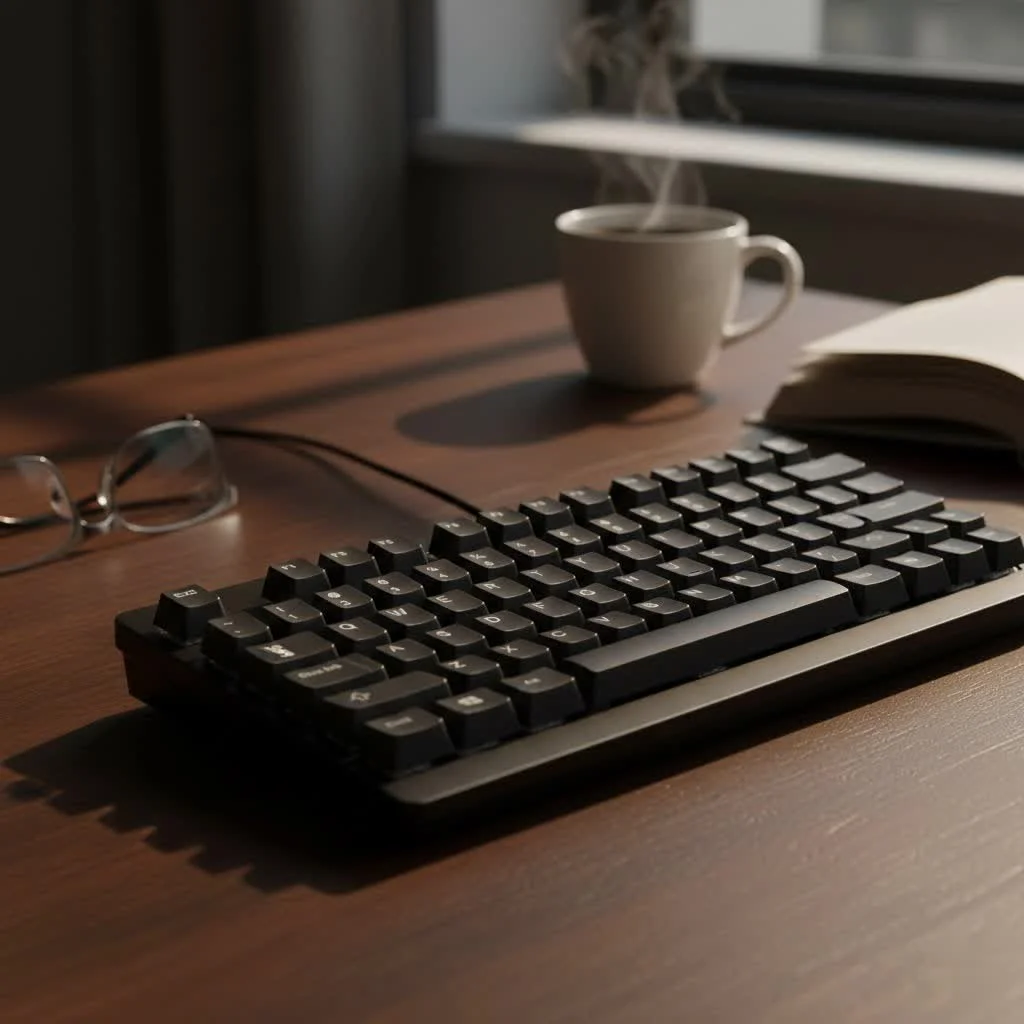
As a mechanical keyboard engineer with over a decade of experience at Yoasy, I’ve had my hands on countless boards, from towering vintage models to the latest ultra-thin designs. The evolution has been fascinating, and the best low profile mechanical keyboard today offers a no-compromise solution for gamers, writers, and office professionals alike. They are faster, often quieter, and can significantly reduce wrist strain over long sessions. This guide will walk you through everything you need to know to find the perfect slim powerhouse for your setup.
What Exactly is a Low Profile Mechanical Keyboard?
A low profile mechanical keyboard uses switches and keycaps that are significantly shorter than their traditional counterparts. This results in a thinner overall keyboard frame, reduced key travel distance, and a lower typing angle. Think of it as the perfect hybrid between a classic mechanical board and a laptop keyboard.
The magic lies in the low-profile switches. Major manufacturers like Cherry MX, Gateron, and Kailh have engineered these switches to have a shorter actuation point (the distance at which a keypress is registered) and total travel distance. This means your fingers don’t have to move as far to type, which can lead to faster typing speeds and reduced fatigue.
Key Benefits of Going Low Profile
- Ergonomics: The flatter angle reduces wrist extension, promoting a more natural and comfortable hand posture. This can be a game-changer for anyone who spends hours typing each day.
- Speed: With less distance to travel, keys can be pressed faster, giving gamers a slight edge in reaction time and allowing typists to increase their words per minute.
- Aesthetics and Portability: Their slim, minimalist design looks clean on any desk. They are also lighter and easier to pack, making them excellent companions for travel or a hybrid work setup.
- Quieter Operation: Many low profile switches, particularly linear and tactile variants, are inherently quieter than their full-sized equivalents, making them more suitable for open office environments.
How to Choose the Best Low Profile Mechanical Keyboard
Finding the right keyboard involves more than just picking the one that looks coolest. As an engineer, I break it down into four critical components: switches, connectivity, build quality, and keycaps.
1. The All-Important Switches
|
Our Picks for the Best Mechanical Keyboard in 2026
As an Amazon Associate I earn from qualifying purchases.
|
||
| Num | Product | Action |
|---|---|---|
| 1 | Womier S-K80 75% Keyboard with Color Multimedia Display Mechanical Gaming Keyboard Creamy Sound, Wired Hot Swappable Gasket Mount RGB Custom Key board, Pre-lubed Stabilizer for Mac/Win, Black Kanagawa |

|
| 2 | EPOMAKER x Aula F75 Gasket Mechanical Keyboard, 75% Wireless Hot Swappable Gaming Keyboard with Five-Layer Padding&Knob, Bluetooth/2.4GHz/USB-C, RGB (Light Blue, LEOBOG Reaper Switch) |
|
| 3 | RK ROYAL KLUDGE S98 Mechanical Keyboard w/Smart Display & Knob, Top Mount 96% Wireless Mechanical Keyboard BT/2.4G/USB-C, Hot Swappable, Software Support, Creamy Sounding, 98 Keys |
|
| 4 | Logitech MX Mechanical Wireless Illuminated Performance Keyboard, Tactile Quiet Switches, Backlit Keys, Bluetooth, USB-C, macOS, Windows, Linux, iOS, Android, Metal, Graphite |
|
| 5 | AULA F75 Pro Wireless Mechanical Keyboard,75% Hot Swappable Custom Keyboard with Knob,RGB Backlit,Pre-lubed Reaper Switches,Side Printed PBT Keycaps,2.4GHz/USB-C/BT5.0 Mechanical Gaming Keyboards |
|
| 6 | SteelSeries USB Apex 5 Hybrid Mechanical Gaming Keyboard – Per-Key RGB Illumination – Aircraft Grade Aluminum Alloy Frame – OLED Smart Display (Hybrid Blue Switch) |
|
| 7 | Redragon Mechanical Gaming Keyboard Wired, 11 Programmable Backlit Modes, Hot-Swappable Red Switch, Anti-Ghosting, Double-Shot PBT Keycaps, Light Up Keyboard for PC Mac |
|
| 8 | AULA F99 Wireless Mechanical Keyboard,Tri-Mode BT5.0/2.4GHz/USB-C Hot Swappable Custom Keyboard,Pre-lubed Linear Switches,RGB Backlit Computer Gaming Keyboards for PC/Tablet/PS/Xbox |
|
| 9 | RK ROYAL KLUDGE R98 Pro Wired Mechanical Keyboard, 96% Creamy Gaming Keyboard RGB Backlit with Number Pad and Volume Knob, Gasket Mount, MDA Profile PBT Keycaps, Hot Swappable Pre-lubed Linear Switch |
|
| 10 | AK96 Smart Mechanical Keyboard Gaming, 96 Keys Full Size with LED Colorful Backlit, Clicky Creamy Sounding, USB Wired Computer Keyboard with Volume Knob for PC, Mac, Windows(Grey) |
|
The switch is the heart of the keyboard, defining how each keypress feels and sounds. In the low-profile world, your main choices are:
- Linear Switches (e.g., Gateron Low Profile Reds): These offer a smooth, consistent press from top to bottom with no tactile bump. They are exceptionally fast and quiet, making them a favorite for gamers who need rapid, repeated keystrokes.
- Tactile Switches (e.g., Gateron Low Profile Browns): These provide a small, noticeable “bump” in the middle of the keypress to let you know the keystroke has been registered. They are fantastic all-rounders, offering satisfying feedback for typing without being too loud.
- Clicky Switches (e.g., Kailh Choc Whites): These give you the tactile bump and an audible “click” sound. While incredibly satisfying for some typists, they are the loudest option and may not be welcome in shared spaces.
“The biggest mistake newcomers make is underestimating the switch,” notes keyboard expert David Chen. “A tactile brown switch can feel like a revelation for a writer, while a gamer might find the same switch too slow. It’s crucial to match the switch to your primary use case.”
2. Connectivity: Wired, Wireless, or Both?
How you connect your keyboard is a matter of convenience and performance.
- Wired (USB-C): Offers the most stable, lag-free connection. This is the standard for competitive gaming where every millisecond counts.
- 2.4GHz Wireless: Uses a dedicated USB dongle for a low-latency wireless connection that is nearly indistinguishable from a wired one. It’s a great choice for a clean desk setup without sacrificing performance.
- Bluetooth: Provides the most versatility, allowing you to connect to multiple devices (like a laptop, tablet, and phone) and switch between them easily. While modern Bluetooth is very reliable, it can have slightly more latency than a 2.4GHz connection.
Many of the best low profile mechanical keyboards offer all three options, giving you the ultimate flexibility.
3. Build Quality and Layout
A well-built keyboard feels solid and lasts for years. Look for an aluminum top plate or a full aluminum frame for maximum rigidity and a premium feel. Cheaper keyboards may use an all-plastic construction, which is lighter but can feel flimsy.
You also need to choose a layout:
- Full-Size (100%): Includes the number pad, function row, and navigation cluster.
- Tenkeyless (TKL): Removes the number pad for a more compact footprint.
- Compact (e.g., 75% or 65%): Removes more keys but keeps essentials like the arrow keys, offering a balance of function and form.
4. Keycaps: Material and Profile
Low profile keyboards use their own unique keycaps that aren’t typically interchangeable with standard MX-style caps. The two most common materials are:
- ABS (Acrylonitrile Butadiene Styrene): A common plastic that is smooth and affordable. Its main drawback is that it can develop a “shine” over time from finger oils.
- PBT (Polybutylene Terephthalate): A more premium, durable plastic with a textured, matte finish. It’s resistant to shine and generally feels more substantial to type on.
Top Picks for the Best Low Profile Mechanical Keyboard in 2025
After extensive testing, here are my top recommendations that cater to different needs and budgets.
1. Logitech MX Mechanical: The Productivity King
For the office professional or anyone who prioritizes a refined typing experience, the Logitech MX Mechanical is hard to beat.
- Switches: Tactile Quiet (Brown), Linear (Red), or Clicky (Blue)
- Connectivity: Bluetooth, 2.4GHz Logi Bolt Receiver
- Highlights: Smart backlighting, exceptional battery life, and seamless multi-device switching. The build is a sturdy aluminum top plate on a plastic frame. It’s a workhorse designed for all-day comfort.
2. Keychron K Pro Series (K1 Pro, K3 Pro, etc.): The Customizer’s Choice
Keychron has been a dominant force in the mechanical keyboard space, and their low-profile QMK/VIA-enabled boards are a dream for enthusiasts.
- Switches: Gateron Low Profile (Red, Brown, Blue), hot-swappable
- Connectivity: Wired (USB-C), Bluetooth
- Highlights: Being hot-swappable means you can easily change switches without soldering. They also support QMK/VIA firmware, allowing for complete key remapping and macros. The PBT keycaps and solid construction feel incredibly premium.
3. NuPhy Air Series (Air75, Air96): The Style Icon
NuPhy keyboards are known for their unique aesthetic and fantastic out-of-the-box typing feel.
- Switches: Gateron Low Profile (Red, Brown, Blue)
- Connectivity: Wired (USB-C), Bluetooth, 2.4GHz
- Highlights: Comes with a set of beautiful PBT keycaps in unique colorways. The sound and feel are incredibly satisfying right from the start. They are lightweight and offer versatile connectivity, making them perfect for those who value both performance and design.
Frequently Asked Questions (FAQ)
Are low profile mechanical keyboards good for gaming?
Yes, absolutely. The shorter actuation distance of low profile linear switches allows for faster keypresses, which can provide a competitive advantage in fast-paced games. Their ergonomic design also helps reduce fatigue during long gaming sessions.
Is typing better on a low profile keyboard?
This is subjective, but many people find they can type faster and more comfortably on low profile keyboards. The reduced finger travel can lessen strain, but some users may miss the deep, deliberate feel of a full-height mechanical keyboard. If you’re coming from a laptop, the transition will feel very natural.
Can you change the keycaps on a low profile keyboard?
It’s more challenging than with standard keyboards. Low profile switches have different stem designs and stabilization systems. While some manufacturers are starting to offer aftermarket sets, your options are much more limited compared to the vast world of standard MX-style keycaps.
Are low profile keyboards quieter?
Generally, yes. The combination of shorter travel distance and the design of the switches themselves often results in a less noisy typing experience, especially with linear and tactile options. They are a great choice for quiet offices or shared living spaces.
The Final Verdict
The best low profile mechanical keyboard is one that fits your specific needs for work, play, and style. For the ultimate productivity tool with seamless wireless features, the Logitech MX Mechanical is a top contender. For enthusiasts who want to tinker and customize, the Keychron K Pro series offers unparalleled flexibility with its hot-swappable and QMK/VIA-compatible boards. And for those who crave a superb typing experience in a beautifully designed package, the NuPhy Air series is a standout choice.
Whichever you choose, embracing a low-profile design is a fantastic way to enhance your comfort, speed, and desk aesthetic without sacrificing the satisfying feel that makes mechanical keyboards so beloved.
Get our weekly buyer guide
Practical specs, not advice. Unsubscribe anytime.
