In the ever-evolving world of computer peripherals, the Low Profile Mechanical Keyboard has carved out a significant niche, bridging the gap between the tactile satisfaction of a traditional mechanical board and the sleek, minimalist aesthetic of a laptop keyboard. With over a decade of hands-on experience building, modding, and reviewing keyboards for Yoasy, I’ve seen trends come and go, but the move towards slimmer, faster, and more ergonomic designs is here to stay. This guide will delve into everything you need to know about these fascinating keyboards, helping you understand if one is the right fit for your desk.
What Defines a Low Profile Mechanical Keyboard?
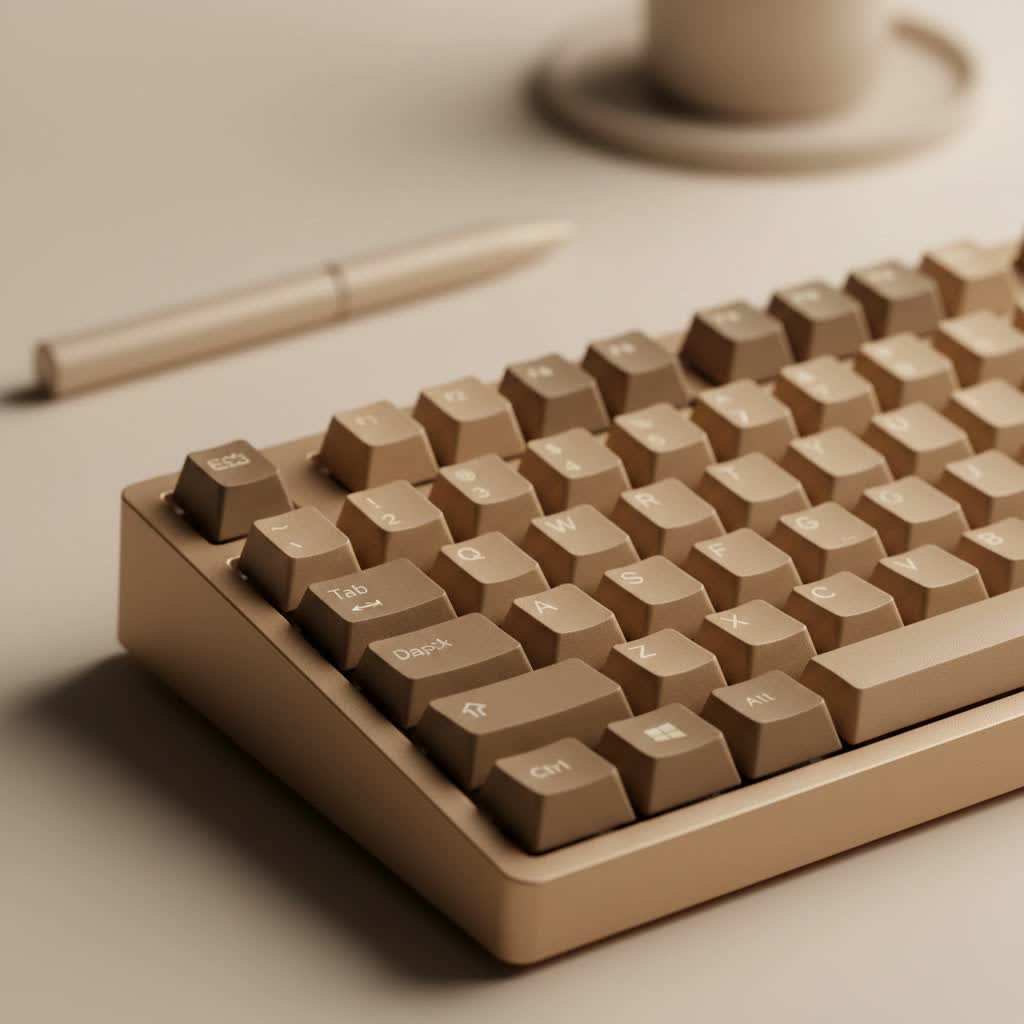
At its core, a low profile mechanical keyboard is exactly what it sounds like: a shorter, slimmer version of its full-sized counterpart. This reduction in height is achieved through two primary components: low profile switches and thinner keycaps. Unlike standard mechanical switches that have a significant travel distance, low profile switches are designed to be much shorter, resulting in a board that is often half the height of a traditional one. This creates a distinct typing experience and a sleek aesthetic that many users find appealing for modern, clean desk setups.
The Heart of the Matter: Low Profile Switches
The magic behind the low profile experience lies in the switch. These are not just shrunken-down versions of standard switches; they are re-engineered from the ground up to provide a reliable and satisfying feel in a compact form factor.
Key Players in the Low Profile Switch Market
- Cherry MX Low Profile: Often considered the gold standard, Cherry’s low profile switches offer the German precision and reliability the brand is known for. The Cherry MX Low Profile Red is a popular linear option, providing a smooth, consistent keystroke perfect for rapid inputs in gaming.
- Kailh Choc Switches: Kailh has been a major innovator in this space with their Choc series. They are even shorter than Cherry’s offerings and have a unique rectangular stem. They come in the standard red (linear), brown (tactile), and blue (clicky) varieties, offering a distinct, crisp typing feel.
- Gateron Low Profile: Gateron is a community favorite, known for producing incredibly smooth switches. Their low profile options are no exception, offering a buttery-smooth linear experience that many typists and gamers adore. They are a fantastic alternative to Cherry and Kailh.
|
Our Picks for the Best Mechanical Keyboard in 2026
As an Amazon Associate I earn from qualifying purchases.
|
||
| Num | Product | Action |
|---|---|---|
| 1 | RK ROYAL KLUDGE R98 Pro Wired Mechanical Keyboard, 96% Creamy Gaming Keyboard RGB Backlit with Number Pad and Volume Knob, Gasket Mount, MDA Profile PBT Keycaps, Hot Swappable Pre-lubed Linear Switch |

|
| 2 | Womier S-K80 75% Keyboard with Color Multimedia Display Mechanical Gaming Keyboard Creamy Sound, Wired Hot Swappable Gasket Mount RGB Custom Key board, Pre-lubed Stabilizer for Mac/Win, Black Kanagawa |
|
| 3 | AULA F75 Pro Wireless Mechanical Keyboard,75% Hot Swappable Custom Keyboard with Knob,RGB Backlit,Pre-lubed Reaper Switches,Side Printed PBT Keycaps,2.4GHz/USB-C/BT5.0 Mechanical Gaming Keyboards |
|
| 4 | Logitech MX Mechanical Wireless Illuminated Performance Keyboard, Tactile Quiet Switches, Backlit Keys, Bluetooth, USB-C, macOS, Windows, Linux, iOS, Android, Metal, Graphite |
|
| 5 | AULA F99 Wireless Mechanical Keyboard,Tri-Mode BT5.0/2.4GHz/USB-C Hot Swappable Custom Keyboard,Pre-lubed Linear Switches,RGB Backlit Computer Gaming Keyboards for PC/Tablet/PS/Xbox |
|
| 6 | AK96 Smart Mechanical Keyboard Gaming, 96 Keys Full Size with LED Colorful Backlit, Clicky Creamy Sounding, USB Wired Computer Keyboard with Volume Knob for PC, Mac, Windows(Grey) |
|
| 7 | RK ROYAL KLUDGE S98 Mechanical Keyboard w/Smart Display & Knob, Top Mount 96% Wireless Mechanical Keyboard BT/2.4G/USB-C, Hot Swappable, Software Support, Creamy Sounding, 98 Keys |
|
| 8 | SteelSeries USB Apex 5 Hybrid Mechanical Gaming Keyboard – Per-Key RGB Illumination – Aircraft Grade Aluminum Alloy Frame – OLED Smart Display (Hybrid Blue Switch) |
|
| 9 | EPOMAKER x Aula F75 Gasket Mechanical Keyboard, 75% Wireless Hot Swappable Gaming Keyboard with Five-Layer Padding&Knob, Bluetooth/2.4GHz/USB-C, RGB (Light Blue, LEOBOG Reaper Switch) |
|
| 10 | Redragon Mechanical Gaming Keyboard Wired, 11 Programmable Backlit Modes, Hot-Swappable Red Switch, Anti-Ghosting, Double-Shot PBT Keycaps, Light Up Keyboard for PC Mac |
|
According to keyboard designer Alex Wren, “The engineering challenge with low profile switches isn’t just making them smaller, it’s about retaining the satisfying mechanical feel. Modern low profile switches from Kailh and Gateron have remarkably closed that gap, offering a responsive feel that rivals many full-height switches.”
Keycaps: The Finishing Touch
You cannot have a low profile board without specialized keycaps. Due to the shorter switches and unique stem designs (especially on Kailh Choc switches), standard keycaps are incompatible. Low profile keycaps are much thinner and often have a flatter, chiclet-style surface, similar to what you’d find on a high-end laptop. While this limits the vast world of custom keycap sets available to standard keyboard users, manufacturers have been expanding their offerings, providing more options in durable materials like PBT plastic.
Why Should You Consider a Low Profile Mechanical Keyboard?
So, what are the tangible benefits of switching to a slimmer board? The advantages are compelling and cater to a wide range of users, from hardcore gamers to office professionals.
Superior Ergonomics and Comfort
The reduced height means your wrists can rest in a more neutral position, minimizing the upward bend or “wrist extension” that often leads to strain over long periods. This can be a game-changer for anyone who spends their entire day typing, potentially reducing the risk of repetitive strain injuries.
Increased Speed and Responsiveness
With a shorter travel distance, the switch actuates—or registers the keystroke—much faster. For gamers, this can mean a split-second advantage in competitive play. For typists, it can translate to a faster, more fluid typing experience with less physical effort required for each press.
Portability and Space-Saving Design
Their slim and lightweight nature makes low profile mechanical keyboards ideal companions for a mobile workflow. They easily slip into a backpack without the bulk of a traditional mechanical keyboard. Furthermore, they occupy less vertical space on your desk, contributing to a cleaner, more minimalist setup.
A Quieter Typing Experience
While not silent, many low profile switches, particularly the linear and tactile variants, produce less noise than their full-sized counterparts. The shorter travel distance means there is less room for the key to bottom out, resulting in a softer, more office-friendly sound profile.
Are There Any Trade-offs?
No keyboard is perfect for everyone, and low profile models are no exception. The most significant difference is the “feel.” If you are accustomed to the deep, resonant “thock” of a traditional mechanical keyboard with long-travel switches, a low profile board might feel less substantial. The typing experience is crisper and faster, which some users love, but others may miss the classic feel. Customization is also more limited, especially concerning keycaps and switches, though the market is continuously growing.
How to Choose the Perfect Low Profile Keyboard for You
Selecting the right board comes down to understanding your primary needs.
1. Identify Your Main Use Case
- For Gamers: Look for boards with linear switches (like Cherry MX LP Red or Gateron Red) for the fastest possible actuation. Features like N-key rollover and a high polling rate are also essential.
- For Typists and Programmers: Tactile switches (like Kailh Choc Brown) often provide the most satisfying experience, offering a slight bump for feedback without the loud click.
- For Travel and Office Use: A compact, wireless model (65% or 75% layout) offers the best balance of portability and functionality.
2. Select Your Switch Type
This is the most crucial decision. If possible, try out different switch types before buying.
- Linear: Smooth and consistent, no feedback bump. Best for fast-paced gaming.
- Tactile: A noticeable bump mid-press, confirming actuation. Great all-rounder for typing.
- Clicky: An audible click accompanies the tactile bump. Satisfying, but can be loud for shared spaces.
3. Consider Connectivity and Layout
Do you need the freedom of a wireless connection via Bluetooth or a 2.4GHz dongle, or is a reliable, lag-free wired connection paramount? Also, consider the layout. Do you need a full-size board with a number pad, or can you save space with a tenkeyless (TKL) or even more compact layout?
Frequently Asked Questions (FAQ)
Are low profile mechanical keyboards better for gaming?
They can be. The shorter actuation point allows for faster key presses, which can provide a competitive edge in games that require quick reflexes. Many gamers prefer the speed of low profile linear switches.
Can I use my standard Cherry MX keycaps on a low profile keyboard?
No. Low profile keyboards require specific low profile keycaps. The switches have different stem heights and sometimes different mounting systems (like Kailh Choc), making them incompatible with standard keycap sets.
Is a low profile mechanical keyboard more ergonomic?
Generally, yes. The flatter design allows for a more neutral wrist posture, which can reduce strain during long typing or gaming sessions. However, for maximum ergonomic benefit, you should still practice good posture and consider a wrist rest if needed.
Are low profile keyboards quieter?
They are often quieter than their standard-height equivalents. The reduced travel distance and smaller components typically generate less noise, especially with linear and tactile switches.
How durable are low profile mechanical keyboards?
They are built to be very durable. Like their full-size counterparts, they use mechanical switches rated for tens of millions of keystrokes (typically 50-70 million), ensuring a long lifespan of reliable performance.
The Final Word
The low profile mechanical keyboard represents a brilliant fusion of performance, comfort, and style. It offers a tangible solution for those who crave the precision of mechanical switches but prefer the ergonomics and aesthetic of a slimmer design. Whether you are a competitive gamer, a prolific writer, or a professional seeking a more comfortable and stylish tool for your desk, there is likely a low profile board that will transform your typing experience. The best way to know is to try one for yourself and feel the difference. Happy typing
