In my decade of experience as a mechanical engineer and the creative force behind yoasy.com, I’ve seen keyboard trends come and go. But the desire for personalization is timeless. Today, a keyboard is more than a tool; it’s the centerpiece of your desk, a reflection of your personality. And few colors make a statement quite like green. A high-quality Green Mechanical Keyboard isn’t just about a color choice; it’s about curating an experience, whether you’re aiming for a tranquil, nature-inspired workspace or a vibrant, energetic gaming setup.
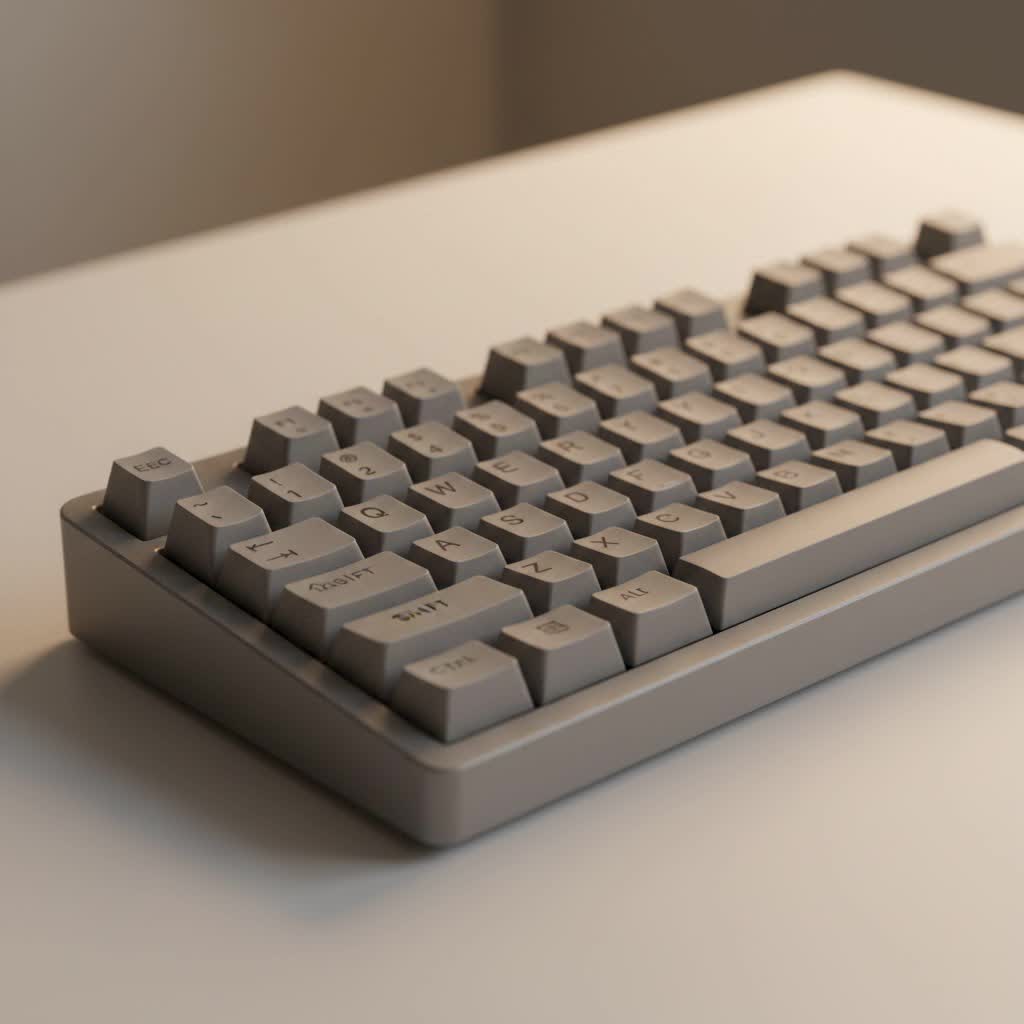
This guide will walk you through everything you need to know, from finding the perfect pre-built board to crafting a custom green masterpiece from scratch. Let’s dive into the world of green keyboards and find the perfect one for you.
Why Choose a Green Mechanical Keyboard?
A green keyboard is a deliberate aesthetic choice that taps into a rich spectrum of themes. Green often evokes feelings of calm, nature, and renewal, making it a fantastic color for creating a focused and serene workspace. It can be the foundation of a “botanical” setup, surrounded by plants and natural wood tones, or it can be the electrifying focal point of a cyberpunk or “Matrix” themed battle station.
The versatility is what truly makes it shine. From a soft mint or sage green for a minimalist look to a deep forest or emerald green for a touch of luxury, the right shade can completely transform your desk’s atmosphere.
Finding Your Perfect Shade: Pre-Built Green Keyboards
For those who want a stunning green keyboard right out of the box, the market has never been better. Manufacturers have recognized the demand for more expressive colorways, and there are excellent options available.
When shopping for a pre-built green mechanical keyboard, look for models from reputable brands like Keychron, Epomaker, or Akko. For example, the EPOMAKER RT100 has been released in beautiful retro green colorways that offer a complete package of aesthetics and performance.
What to Look For in a Pre-Built Model:
- Shade and Finish: Do you want a matte forest green, a glossy lime, or a pastel mint? Look closely at product photos and reviews to find the exact tone you desire.
- Layout: Do you need a full-size keyboard with a number pad, a compact tenkeyless (TKL) layout, or a minimalist 60% board?
- Switch Type: Decide if you want a smooth and quiet linear switch, a bumpy tactile switch, or a loud and clicky switch. Many green keyboards come with popular Gateron or Kailh switch options.
- Keycap Quality: Look for keyboards with PBT (polybutylene terephthalate) keycaps. They are more durable and resistant to the shine that develops over time compared to standard ABS keycaps.
|
Our Picks for the Best Mechanical Keyboard in 2026
As an Amazon Associate I earn from qualifying purchases.
|
||
| Num | Product | Action |
|---|---|---|
| 1 | AULA F99 Wireless Mechanical Keyboard,Tri-Mode BT5.0/2.4GHz/USB-C Hot Swappable Custom Keyboard,Pre-lubed Linear Switches,RGB Backlit Computer Gaming Keyboards for PC/Tablet/PS/Xbox |

|
| 2 | Womier S-K80 75% Keyboard with Color Multimedia Display Mechanical Gaming Keyboard Creamy Sound, Wired Hot Swappable Gasket Mount RGB Custom Key board, Pre-lubed Stabilizer for Mac/Win, Black Kanagawa |
|
| 3 | SteelSeries USB Apex 5 Hybrid Mechanical Gaming Keyboard – Per-Key RGB Illumination – Aircraft Grade Aluminum Alloy Frame – OLED Smart Display (Hybrid Blue Switch) |
|
| 4 | AULA F75 Pro Wireless Mechanical Keyboard,75% Hot Swappable Custom Keyboard with Knob,RGB Backlit,Pre-lubed Reaper Switches,Side Printed PBT Keycaps,2.4GHz/USB-C/BT5.0 Mechanical Gaming Keyboards |
|
| 5 | EPOMAKER x Aula F75 Gasket Mechanical Keyboard, 75% Wireless Hot Swappable Gaming Keyboard with Five-Layer Padding&Knob, Bluetooth/2.4GHz/USB-C, RGB (Light Blue, LEOBOG Reaper Switch) |
|
| 6 | RK ROYAL KLUDGE S98 Mechanical Keyboard w/Smart Display & Knob, Top Mount 96% Wireless Mechanical Keyboard BT/2.4G/USB-C, Hot Swappable, Software Support, Creamy Sounding, 98 Keys |
|
| 7 | AK96 Smart Mechanical Keyboard Gaming, 96 Keys Full Size with LED Colorful Backlit, Clicky Creamy Sounding, USB Wired Computer Keyboard with Volume Knob for PC, Mac, Windows(Grey) |
|
| 8 | Logitech MX Mechanical Wireless Illuminated Performance Keyboard, Tactile Quiet Switches, Backlit Keys, Bluetooth, USB-C, macOS, Windows, Linux, iOS, Android, Metal, Graphite |
|
| 9 | RK ROYAL KLUDGE R98 Pro Wired Mechanical Keyboard, 96% Creamy Gaming Keyboard RGB Backlit with Number Pad and Volume Knob, Gasket Mount, MDA Profile PBT Keycaps, Hot Swappable Pre-lubed Linear Switch |
|
| 10 | Redragon Mechanical Gaming Keyboard Wired, 11 Programmable Backlit Modes, Hot-Swappable Red Switch, Anti-Ghosting, Double-Shot PBT Keycaps, Light Up Keyboard for PC Mac |
|
The Custom Build Path: Crafting a Unique Green Keyboard
For the ultimate enthusiast, nothing beats the satisfaction of building your own keyboard. A custom build gives you complete control over every component, allowing you to create a one-of-a-kind green mechanical keyboard.
As an engineer, this is where the real fun begins. Let’s break down the core components.
The Foundation: Green Keyboard Cases
The case is the body of your keyboard, and it’s the largest single piece that will define your theme. Green cases are typically made from two primary materials:
- Aluminum: Often finished with a process called anodization, which can produce rich, vibrant greens from deep forest to bright lime. CNC-milled aluminum provides a premium weight and a solid, satisfying typing sound.
- Polycarbonate: This plastic material offers a different aesthetic. It can be translucent or opaque, allowing for unique interactions with RGB underglow lighting. A frosted green polycarbonate case can create a soft, diffused glow.
The Visual Soul: Green Keycap Sets
Keycaps are where you can inject the most personality. A set of high-quality green keycaps can turn any compatible keyboard into a themed masterpiece.
- Popular Green Colorways: Search for iconic sets like GMK Botanical, with its clean cream and deep green tones, or GMK Camping, which has a more muted, outdoorsy feel. There are countless other sets available in shades of olive, mint, and emerald.
- Material Matters:
- PBT (Polybutylene Terephthalate): This is the preferred material for most enthusiasts. It has a slightly textured feel, is extremely durable, and won’t develop a greasy shine over time. The legends are often printed using dye-sublimation, which sinks the dye into the plastic for permanent, fade-proof characters.
- ABS (Acrylonitrile Butadiene Styrene): While often found on cheaper keyboards, high-end ABS keycaps (like those from GMK) are prized for their sharp legends and vibrant colors. However, they will eventually shine with use.
- Keycap Profiles: The shape of the keycaps, known as the profile, affects both feel and sound. The standard “Cherry” profile is sculpted and comfortable for most users, while profiles like “SA” are taller and more spherical, creating a vintage look and a deeper sound signature.
The Finishing Touches: Cables, Artisans, and More
To complete your green-themed setup, don’t forget the details. A custom coiled cable with a green paracord sleeve adds a professional touch. A single, handcrafted “artisan” keycap in a complementary green or botanical design can serve as a beautiful accent on your escape key or function row. Finally, a matching green desk mat will tie the entire aesthetic together.
A Quick Word on “Green” Switches
It’s important to clarify a point of confusion for newcomers. In the keyboard world, “green” can refer to the color of a component or the name of a switch type.
- Razer Green Switches: These are a type of mechanical switch made by Razer. They are known for being very loud and “clicky,” with a distinct tactile bump you can feel on each press.
- Cherry MX Green Switches: These are a stiffer, clicky switch from the well-known manufacturer Cherry.
Choosing a clicky “green” switch for your green-themed keyboard is a fun coincidence if you enjoy that type of feedback, but it’s not a requirement. Your choice of switch should always be based on the typing feel and sound you prefer.
FAQ: Your Green Keyboard Questions Answered
What are some of the most popular green keycap sets?
Some of the most sought-after green keycap sets in the enthusiast community include GMK Botanical, GMK Camping, ePBT Evergreen, and KAM Li’l Dragon. Look for these on sites like Drop, CannonKeys, or aftermarket forums.
Can I paint my existing keyboard case green?
Yes, you can. For plastic cases, proper sanding, a quality plastic primer, and spray paint (like Krylon Fusion) can yield great results. For aluminum cases, the best but most complex option is professional Cerakoting, a durable ceramic coating available in a vast array of colors.
Is a green mechanical keyboard good for gaming?
Absolutely. The color of a keyboard has no impact on its performance. A keyboard’s gaming capability is determined by its switches, polling rate, and features like N-key rollover. You can build a top-tier green gaming keyboard by choosing a high-performance PCB and low-latency switches.
How much does a custom green keyboard build typically cost?
A custom build has a wide price range. An entry-level custom green keyboard can start around $150-$200 for the case, PCB, plate, switches, and a budget keycap set. A high-end build with a CNC aluminum case, premium switches, and a GMK keycap set can easily exceed $500.
Your Perfect Setup Awaits
Whether you choose a sleek pre-built model or embark on the rewarding journey of a custom build, a green mechanical keyboard is a fantastic way to personalize your desk. It’s a choice that combines aesthetics with the unparalleled typing experience that only a mechanical keyboard can provide.
At Yoasy, we believe your tools should inspire you. Take the leap, embrace the color, and build a setup that brings you joy every time you sit down to type.
