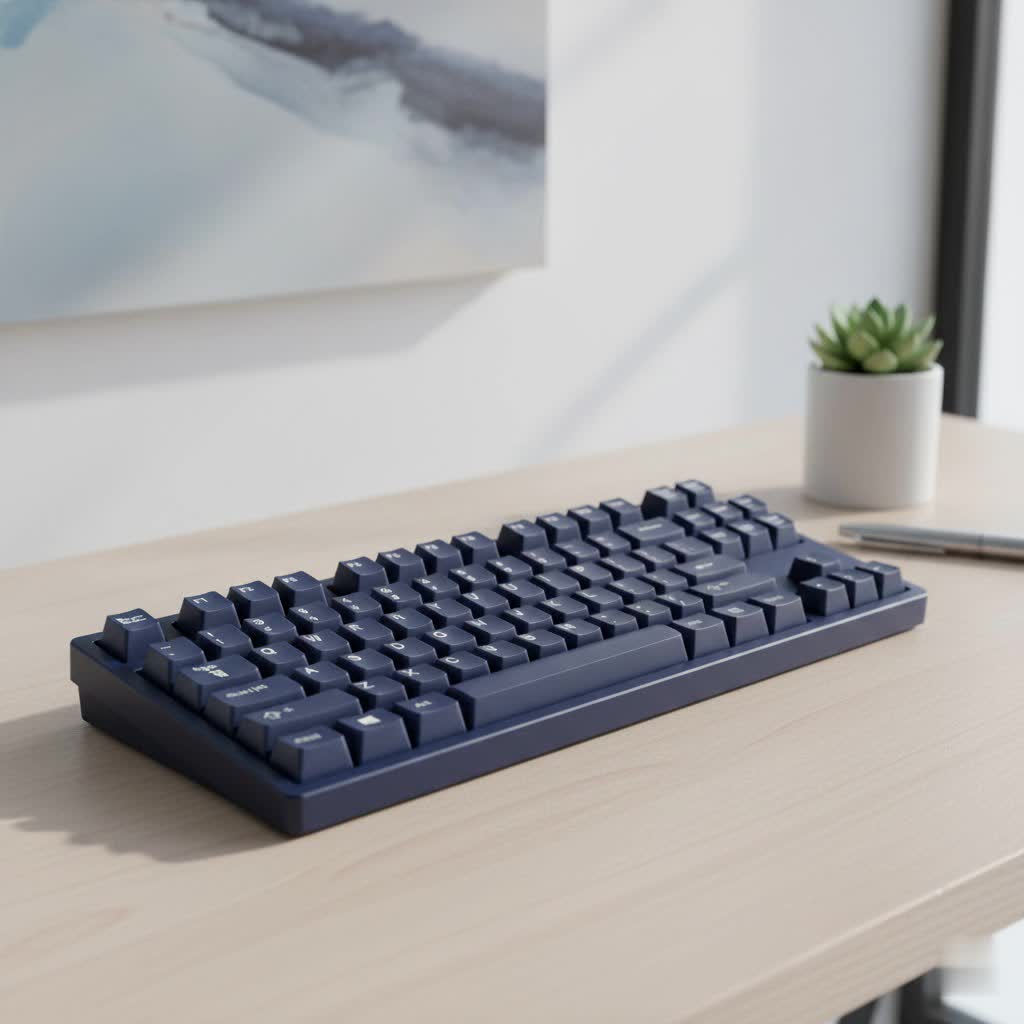
Have you ever craved the satisfying, tactile feedback of a mechanical keyboard but hesitated because of the noise? You’re not alone. The classic “clack” can be a dealbreaker in a quiet office, a shared living space, or during late-night gaming sessions. But what if you could have the superior typing experience without the disruptive sound? Enter the Silent Mechanical Keyboard, a marvel of engineering designed for those who value both performance and peace. Achieving that blissful quiet isn’t about a single feature, but rather a symphony of carefully selected components and modifications working in harmony. As an engineer who has spent over a decade building, modding, and perfecting these keyboards, I’m here to guide you through everything you need to know.
What Exactly Makes a Mechanical Keyboard Silent?
A truly quiet mechanical keyboard doesn’t just happen by accident. It’s the result of a holistic design approach where every part plays a role in dampening, absorbing, or preventing sound. Think of it as soundproofing a room; you need to address every potential source of noise. The primary factors are the switches themselves, the keyboard’s internal construction, the materials used for sound absorption, and even the keycaps you type on. By optimizing each of these elements, you can transform a loud, clacky keyboard into one that produces little more than a whisper-soft “thud.”
The Heart of Silence: A Deep Dive into Silent Switches
The single most important component in any silent build is the switch. Unlike their standard counterparts, silent switches are specifically engineered with built-in sound-dampening materials. Tiny pieces of rubber or silicone are integrated into the stem’s housing, creating a soft cushion that absorbs the impact of both the downstroke (when you press the key) and the upstroke (when the key returns). This prevents the harsh plastic-on-plastic collision that generates most of the typing noise.
Silent Linear vs. Silent Tactile Switches
Silent switches, like standard ones, primarily come in two flavors: linear and tactile.
- Silent Linear Switches: These offer a smooth, consistent keystroke from top to bottom with no bump. Because there’s no tactile event creating extra noise, silent linears are generally the quietest option available. They are perfect for fast typists and gamers who want the smoothest experience possible.
- Silent Tactile Switches: These provide a small, noticeable “bump” in the middle of the keypress to let you know the keystroke has been registered. This bump can add a very subtle sound, making them a tiny bit louder than silent linears, but they remain exceptionally quiet compared to any standard switch. They’re ideal for users who want physical feedback without the audible click.
|
Our Picks for the Best Mechanical Keyboard in 2026
As an Amazon Associate I earn from qualifying purchases.
|
||
| Num | Product | Action |
|---|---|---|
| 1 | AK96 Smart Mechanical Keyboard Gaming, 96 Keys Full Size with LED Colorful Backlit, Clicky Creamy Sounding, USB Wired Computer Keyboard with Volume Knob for PC, Mac, Windows(Grey) |

|
| 2 | AULA F99 Wireless Mechanical Keyboard,Tri-Mode BT5.0/2.4GHz/USB-C Hot Swappable Custom Keyboard,Pre-lubed Linear Switches,RGB Backlit Computer Gaming Keyboards for PC/Tablet/PS/Xbox |
|
| 3 | RK ROYAL KLUDGE R98 Pro Wired Mechanical Keyboard, 96% Creamy Gaming Keyboard RGB Backlit with Number Pad and Volume Knob, Gasket Mount, MDA Profile PBT Keycaps, Hot Swappable Pre-lubed Linear Switch |
|
| 4 | Logitech MX Mechanical Wireless Illuminated Performance Keyboard, Tactile Quiet Switches, Backlit Keys, Bluetooth, USB-C, macOS, Windows, Linux, iOS, Android, Metal, Graphite |
|
| 5 | AULA F75 Pro Wireless Mechanical Keyboard,75% Hot Swappable Custom Keyboard with Knob,RGB Backlit,Pre-lubed Reaper Switches,Side Printed PBT Keycaps,2.4GHz/USB-C/BT5.0 Mechanical Gaming Keyboards |
|
| 6 | EPOMAKER x Aula F75 Gasket Mechanical Keyboard, 75% Wireless Hot Swappable Gaming Keyboard with Five-Layer Padding&Knob, Bluetooth/2.4GHz/USB-C, RGB (Light Blue, LEOBOG Reaper Switch) |
|
| 7 | Redragon Mechanical Gaming Keyboard Wired, 11 Programmable Backlit Modes, Hot-Swappable Red Switch, Anti-Ghosting, Double-Shot PBT Keycaps, Light Up Keyboard for PC Mac |
|
| 8 | SteelSeries USB Apex 5 Hybrid Mechanical Gaming Keyboard – Per-Key RGB Illumination – Aircraft Grade Aluminum Alloy Frame – OLED Smart Display (Hybrid Blue Switch) |
|
| 9 | Womier S-K80 75% Keyboard with Color Multimedia Display Mechanical Gaming Keyboard Creamy Sound, Wired Hot Swappable Gasket Mount RGB Custom Key board, Pre-lubed Stabilizer for Mac/Win, Black Kanagawa |
|
| 10 | RK ROYAL KLUDGE S98 Mechanical Keyboard w/Smart Display & Knob, Top Mount 96% Wireless Mechanical Keyboard BT/2.4G/USB-C, Hot Swappable, Software Support, Creamy Sounding, 98 Keys |
|
Popular Silent Switch Models
The market for silent switches has grown significantly, offering excellent choices from trusted manufacturers. Some of the most popular and reliable options include the Cherry MX Silent Red (linear) and Silent Black (heavier linear), Gateron Silent series (available in Red, Brown, and Black), and Kailh BOX Silent switches. Each offers a slightly different feel and sound profile, but all are fantastic choices for a quiet build.
Beyond the Switch: How Keyboard Construction Mutes Sound
While switches are the star of the show, the keyboard’s case and internal structure are the crucial supporting cast. A poorly designed case can act like an echo chamber, amplifying even the quietest switches.
The Magic of Gasket Mounts
One of the most effective innovations in quiet keyboard design is the gasket mount system. Instead of screwing the plate (which holds the switches) directly into the keyboard’s case, a gasket-mounted board places strips of rubber or silicone between the plate and the case. This creates a cushioned, isolated suspension system that prevents vibrations from transferring through the chassis. The result is a significantly softer, deeper, and quieter sound with every keystroke.
The Importance of Sound-Dampening Foam
Look inside any high-quality silent mechanical keyboard, and you’ll find layers of foam. An empty, hollow case creates a tinny, unpleasant echo. To combat this, builders add sound-dampening materials like Poron or silicone foam in several key areas:
- Case Foam: A layer placed in the bottom of the case to absorb vibrations and eliminate hollowness.
- Plate Foam: A thin layer sandwiched between the switch plate and the printed circuit board (PCB) to dampen sound right at the source.
This multi-layered approach ensures that any stray sound is absorbed, resulting in a solid, muted, and satisfying sound signature often described as “thocky.”
Keycaps Matter: PBT vs. ABS
The material and thickness of your keycaps also have a surprising impact on sound. Most keyboards come with keycaps made from ABS plastic, which is typically thinner and produces a higher-pitched sound. For a quieter experience, upgrading to PBT keycaps is a wise move. PBT plastic is denser and often used to make thicker keycaps, which absorb more sound and produce a deeper, more muted typing sound.
Essential Mods for an Even Quieter Experience
For those who want to achieve the absolute pinnacle of silence, a few simple modifications can make a world of difference.
Taming the Rattle: Why You Must Lube Your Stabilizers
On any keyboard, the larger keys like the spacebar, enter, and shift keys use stabilizers to prevent them from wobbling. These are often the biggest source of unwanted noise, producing a high-pitched rattle that can ruin an otherwise silent build. The solution is simple: apply a small amount of specialized lubricant, like Krytox 205g0, to the contact points of the stabilizer wire and housing. This eliminates friction and gets rid of rattling, leaving only the clean sound of the switch.
The O-Ring Debate: A Quick and Easy Mod
O-rings are small rubber rings that can be placed on the stem of your keycaps. They work by shortening the key’s travel distance, preventing the keycap from “bottoming out” hard against the switch housing. This can reduce the sound of the downstroke, but it comes with a trade-off: O-rings can make the typing feel slightly “mushy,” similar to a membrane keyboard. It’s a matter of personal preference, but they are an inexpensive and reversible mod to experiment with.
How to Choose Your Perfect Silent Mechanical Keyboard
Ready to make the switch? Here is a simple checklist to guide your decision:
- Define Your Main Use: Are you typing in a busy office, gaming late at night, or simply prefer a quieter home setup? This will help you decide between silent linear or silent tactile switches.
- Prioritize Key Features: Look for keyboards that advertise gasket mounting and internal sound-dampening foam. These features provide the best foundation for a quiet experience right out of the box.
- Check the Switches: Ensure the keyboard comes with reputable silent switches (Cherry, Gateron, Kailh, etc.).
- Consider the Keycaps: If the keyboard comes with PBT keycaps, that’s a huge bonus. If not, consider it a potential future upgrade to further refine the sound.
- Pre-Built or Custom?: A pre-built silent keyboard is a great plug-and-play option. For ultimate control, building a custom keyboard allows you to hand-pick every component to create your perfect sound profile.
Frequently Asked Questions (FAQ)
What is the quietest mechanical keyboard switch?
Generally, silent linear switches are the quietest you can get. Models like the Cherry MX Silent Red or Gateron Silent Ink Black are renowned for their whisper-quiet operation because they lack the extra sound-producing mechanism of a tactile bump.
Can a mechanical keyboard be as quiet as a membrane keyboard?
Yes, and sometimes even quieter! A well-built silent mechanical keyboard with linear switches, foam, and lubed stabilizers can produce a softer and less intrusive sound than many cheap, clanky membrane keyboards.
Do silent switches feel mushy?
This is a common concern. While early silent switches had a slightly softer bottom-out due to the rubber dampeners, modern designs have greatly improved. The feeling is less “mushy” and more like a cushioned, premium typing experience. It’s different from a standard switch, but many users grow to prefer it.
Is it expensive to build a silent mechanical keyboard?
It doesn’t have to be. While high-end custom builds can be pricey, many affordable pre-built keyboards now include features like foam and gasket mounts. You can achieve a very quiet setup on a reasonable budget.
Will PBT keycaps really make my keyboard quieter?
Yes, they make a noticeable difference. The density and thickness of PBT plastic help to absorb sound vibrations, resulting in a lower-pitched and less sharp sound compared to the thinner ABS keycaps found on many stock keyboards.
The Final Word on Quiet Keystrokes
You no longer have to choose between a superior typing feel and a quiet environment. The modern silent mechanical keyboard offers the best of both worlds, delivering the tactile satisfaction you love without the noise you don’t. By understanding the critical roles of silent switches, gasket-mounted construction, internal foam, and proper modifications, you are now equipped to choose or build a keyboard that is perfectly tailored to your needs. Embrace the silence and elevate your typing experience.
