There’s an undeniable magic to the click-clack of a mechanical keyboard. The tactile feedback, the precision, the sheer satisfaction of each keystroke—it transforms typing from a mundane task into an enjoyable experience. For years, this superior feeling was tethered to our desks. But what if you could take that top-tier typing experience with you, wherever you go? Enter the Portable Mechanical Keyboard, a compact powerhouse designed for enthusiasts, digital nomads, and anyone who refuses to compromise on their typing comfort on the move. As a mechanical engineer and the founder of Yoasy, I’ve spent over a decade tinkering with, building, and perfecting keyboards, and I can tell you that the rise of the portable mechanical keyboard is one of the most exciting developments in our community.
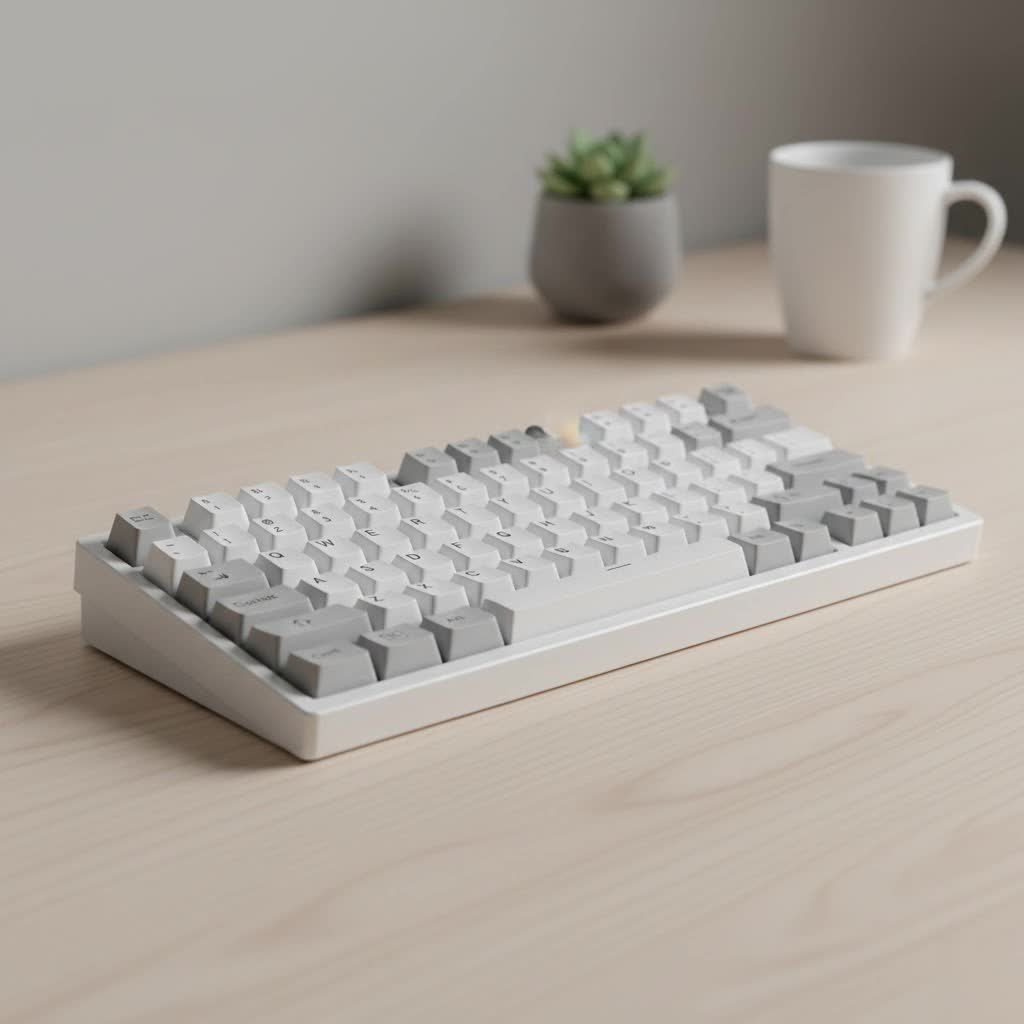
This guide will walk you through everything you need to know to choose the perfect travel-sized companion, from understanding compact layouts to selecting the right switches and connectivity options.
What Defines a Portable Mechanical Keyboard?
A portable mechanical keyboard isn’t just a smaller version of its full-sized cousin. It’s a carefully engineered piece of hardware that balances performance, features, and portability. While there’s no strict definition, these keyboards generally share a few key characteristics that make them ideal for life on the go.
The primary factor is a compact form factor. This is achieved by stripping away keys that are less frequently used, such as the number pad, function row, and sometimes even the arrow keys. This results in layouts typically ranging from 40% to 75%. Additionally, weight and wireless connectivity are crucial. A great portable board is light enough to slip into a bag without a second thought and offers reliable wireless options to eliminate cable clutter.
The Anatomy of Portability: Key Factors to Consider
Choosing a portable mechanical keyboard involves a few more considerations than picking a standard one. You’re juggling size, weight, and functionality to find the perfect travel partner.
Keyboard Layouts: Finding Your Compact Sweet Spot
The layout is the most significant factor in a portable keyboard’s footprint. Smaller isn’t always better; it’s about finding the layout that works for your needs without sacrificing too much functionality.
- 60% Layout: This is a classic compact choice. It removes the numpad, function row, and navigation cluster (including arrow keys). Arrow key functionality is typically accessed through a secondary layer (by holding down an ‘Fn’ key). It’s incredibly small but requires some getting used to.
- 65% Layout: A fan-favorite for portability, the 65% layout is a brilliant compromise. It’s only slightly wider than a 60% board but cleverly reintroduces dedicated arrow keys and a few essential navigation keys like ‘Delete’ or ‘Page Up/Down’. This is often the perfect starting point for most users.
- 75% Layout: If you can’t live without your function row, the 75% layout is your best bet. It brings back the F1-F12 keys and a full navigation cluster, all squeezed into a tight package without the empty space of a traditional Tenkeyless (TKL) board. It’s the largest of the “portable” layouts but offers the most functionality.
|
Our Picks for the Best Mechanical Keyboard in 2026
As an Amazon Associate I earn from qualifying purchases.
|
||
| Num | Product | Action |
|---|---|---|
| 1 | AULA F99 Wireless Mechanical Keyboard,Tri-Mode BT5.0/2.4GHz/USB-C Hot Swappable Custom Keyboard,Pre-lubed Linear Switches,RGB Backlit Computer Gaming Keyboards for PC/Tablet/PS/Xbox |

|
| 2 | SteelSeries USB Apex 5 Hybrid Mechanical Gaming Keyboard – Per-Key RGB Illumination – Aircraft Grade Aluminum Alloy Frame – OLED Smart Display (Hybrid Blue Switch) |
|
| 3 | RK ROYAL KLUDGE S98 Mechanical Keyboard w/Smart Display & Knob, Top Mount 96% Wireless Mechanical Keyboard BT/2.4G/USB-C, Hot Swappable, Software Support, Creamy Sounding, 98 Keys |
|
| 4 | RK ROYAL KLUDGE R98 Pro Wired Mechanical Keyboard, 96% Creamy Gaming Keyboard RGB Backlit with Number Pad and Volume Knob, Gasket Mount, MDA Profile PBT Keycaps, Hot Swappable Pre-lubed Linear Switch |
|
| 5 | Logitech MX Mechanical Wireless Illuminated Performance Keyboard, Tactile Quiet Switches, Backlit Keys, Bluetooth, USB-C, macOS, Windows, Linux, iOS, Android, Metal, Graphite |
|
| 6 | AULA F75 Pro Wireless Mechanical Keyboard,75% Hot Swappable Custom Keyboard with Knob,RGB Backlit,Pre-lubed Reaper Switches,Side Printed PBT Keycaps,2.4GHz/USB-C/BT5.0 Mechanical Gaming Keyboards |
|
| 7 | AK96 Smart Mechanical Keyboard Gaming, 96 Keys Full Size with LED Colorful Backlit, Clicky Creamy Sounding, USB Wired Computer Keyboard with Volume Knob for PC, Mac, Windows(Grey) |
|
| 8 | EPOMAKER x Aula F75 Gasket Mechanical Keyboard, 75% Wireless Hot Swappable Gaming Keyboard with Five-Layer Padding&Knob, Bluetooth/2.4GHz/USB-C, RGB (Light Blue, LEOBOG Reaper Switch) |
|
| 9 | Womier S-K80 75% Keyboard with Color Multimedia Display Mechanical Gaming Keyboard Creamy Sound, Wired Hot Swappable Gasket Mount RGB Custom Key board, Pre-lubed Stabilizer for Mac/Win, Black Kanagawa |
|
| 10 | Redragon Mechanical Gaming Keyboard Wired, 11 Programmable Backlit Modes, Hot-Swappable Red Switch, Anti-Ghosting, Double-Shot PBT Keycaps, Light Up Keyboard for PC Mac |
|
Switch Types: Low-Profile vs. Standard
The switches under the keycaps define the typing feel. For portable boards, a new contender has emerged: the low-profile switch.
- Standard Mechanical Switches: These are the classic Cherry MX, Gateron, and Kailh switches you know and love. They offer a full travel distance and a wide variety of tactile, linear, and clicky options. A board with standard switches will be thicker and heavier.
- Low-Profile Mechanical Switches: These switches have a shorter travel distance and actuation point, allowing for a much slimmer keyboard profile. They provide a snappy, laptop-like feel while retaining the satisfying mechanical feedback. This makes them an excellent choice for a truly sleek and portable mechanical keyboard.
As Dr. Alistair Finch, a specialist in ergonomic design, often notes, “Low-profile mechanical switches have revolutionized mobile ergonomics. They allow for a more neutral wrist posture while traveling, reducing strain without sacrificing the tactile benefits that mechanical keyboard users cherish.”
Connectivity is King: Wired, Bluetooth, and 2.4GHz
How your keyboard connects to your devices is paramount for portability.
- Wired (USB-C): Virtually all modern portable keyboards use a detachable USB-C cable. This is great for a stable, lag-free connection when you’re at a desk and for charging the battery.
- Bluetooth: This is the most versatile wireless option, allowing you to connect to multiple devices like laptops, tablets, and phones without a dongle. Look for keyboards with multi-device support, so you can switch between your laptop and tablet with a simple key combination.
- 2.4GHz Wireless: For gamers or users who demand the lowest possible latency, a 2.4GHz connection via a USB dongle is the gold standard. It provides a rock-solid, high-performance link that’s nearly indistinguishable from a wired connection. Many premium boards offer all three options.
Build Materials: Balancing Durability and Weight
The materials used in the keyboard case affect its feel, sound, and, crucially, its weight.
- Plastic (ABS/PBT): Most portable keyboards use a high-quality plastic case. It’s lightweight, durable enough for daily travel, and cost-effective.
- Aluminum: An aluminum case provides a premium, hefty feel and a more solid typing sound. While incredibly durable, it adds significant weight, which might be a deal-breaker for the ultra-light traveler. Some models offer a hybrid approach with an aluminum top plate and a plastic bottom case to balance weight and quality.
Customizing Your On-the-Go Typing Experience
One of the best parts of owning a mechanical keyboard is making it your own. This doesn’t stop with portable models. Many portable boards are fully hot-swappable, meaning you can easily change the switches without any soldering. This lets you experiment with different switch types to find your perfect feel.
You can also customize the keycaps. Investing in a durable set of PBT keycaps can improve the feel and sound of your board, and a custom colorway adds a personal touch. Finally, don’t forget a protective carrying case! A good hard-shell case is a small investment that protects your keyboard from bumps, scratches, and spills inside your bag.
Frequently Asked Questions (FAQ)
What is the best size for a portable mechanical keyboard?
For most users, a 65% layout offers the best balance of compact size and functionality. It retains dedicated arrow keys, which are crucial for productivity, without being much larger than a 60% board.
Are low-profile keyboards better for travel?
Yes, low-profile keyboards are generally better for travel because they are significantly slimmer and lighter. The shorter key travel can also lead to faster typing for some users, though the “feel” is a matter of personal preference.
Can I game on a wireless portable mechanical keyboard?
Absolutely. If you plan on gaming, choose a keyboard with a 2.4GHz wireless option. This provides the low-latency, high-reliability connection needed for competitive gaming, which is superior to what Bluetooth can offer.
How long do the batteries last on these keyboards?
Battery life varies widely based on usage and, most importantly, backlighting. With RGB lighting turned on, you might get a few days to a week. With the lighting turned off, many keyboards can last for several weeks or even months on a single charge.
Is it hard to get used to a smaller keyboard layout?
There is an adjustment period, especially if you’re coming from a full-size keyboard. The biggest hurdle is often accessing secondary layers for keys like the function row or navigation cluster. However, most people adapt within a week or two and come to love the efficiency of the compact layout.
Your Perfect Typing Experience, Anywhere
Making the switch to a portable mechanical keyboard is about refusing to compromise. It’s about bringing the comfort, precision, and joy of a superior typing experience to every cafe, library, or co-working space you visit. By considering the layout, switches, connectivity, and build materials, you can find a board that perfectly fits your mobile workflow. The freedom to work, write, and create on a keyboard you truly love, no matter where you are, is a game-changer. So go ahead, find your perfect travel companion, and elevate your typing everywhere.
