Are you starting to feel that familiar ache in your wrists after a long day of typing? It’s a common complaint in our desk-bound world, but it doesn’t have to be your reality. The solution might lie in rethinking the very tool you use most: your keyboard. An Ergo Mechanical Keyboard is more than just a peripheral; it’s an investment in your comfort and long-term well-being. As an engineer who has spent over a decade deep in the world of mechanical keyboards, I’m here to guide you through everything you need to know about making the switch.
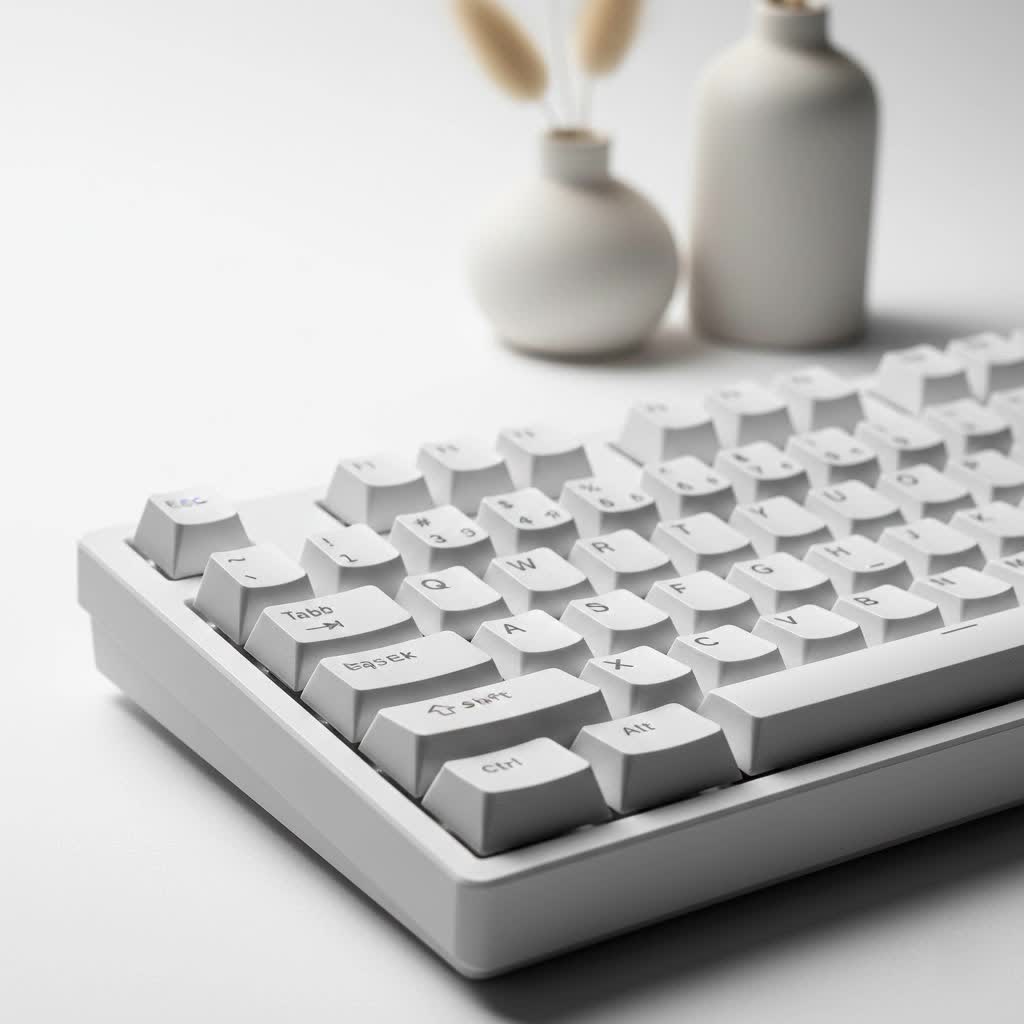
At Yoasy, we believe that your tools should work for you, not against you. This guide will demystify ergonomic keyboards, helping you understand why they are a game-changer for anyone who spends significant time at a computer.
What Exactly is an Ergo Mechanical Keyboard?
An ergo mechanical keyboard combines two fantastic concepts: the superior feel and performance of mechanical switches with a design focused on human comfort. Unlike traditional flat keyboards that force your hands and wrists into unnatural positions, ergonomic designs are shaped to match your body’s natural posture. This means less strain, less fatigue, and a more comfortable typing experience.
These keyboards aren’t a one-size-fits-all solution. They come in several shapes and layouts, each designed to address ergonomic challenges in a different way.
Common Types of Ergonomic Layouts
- Split Keyboards: This is the most recognizable ergonomic design. The keyboard is literally split into two halves, allowing you to position each half shoulder-width apart. This keeps your wrists straight, eliminating the ulnar deviation (outward bending of the wrist) that standard keyboards cause.
- Arisu/Alice Layout: This design offers a middle ground. It’s a single-board keyboard, but the keys are angled in a V-shape to promote a more natural hand position without the learning curve of a true split keyboard.
- Ortholinear Keyboards: Instead of the staggered layout you’re used to, ortholinear keyboards arrange keys in a straight grid. The theory is that this reduces finger travel and can lead to more efficient typing, though it does require some time to get used to.
- Columnar Stagger Keyboards: This is a more advanced ergonomic layout often found on split keyboards. Instead of horizontal rows, the keys are arranged in vertical columns, with each column staggered to better match the natural lengths of your fingers.
|
Our Picks for the Best Mechanical Keyboard in 2026
As an Amazon Associate I earn from qualifying purchases.
|
||
| Num | Product | Action |
|---|---|---|
| 1 | Womier S-K80 75% Keyboard with Color Multimedia Display Mechanical Gaming Keyboard Creamy Sound, Wired Hot Swappable Gasket Mount RGB Custom Key board, Pre-lubed Stabilizer for Mac/Win, Black Kanagawa |

|
| 2 | RK ROYAL KLUDGE R98 Pro Wired Mechanical Keyboard, 96% Creamy Gaming Keyboard RGB Backlit with Number Pad and Volume Knob, Gasket Mount, MDA Profile PBT Keycaps, Hot Swappable Pre-lubed Linear Switch |
|
| 3 | EPOMAKER x Aula F75 Gasket Mechanical Keyboard, 75% Wireless Hot Swappable Gaming Keyboard with Five-Layer Padding&Knob, Bluetooth/2.4GHz/USB-C, RGB (Light Blue, LEOBOG Reaper Switch) |
|
| 4 | Redragon Mechanical Gaming Keyboard Wired, 11 Programmable Backlit Modes, Hot-Swappable Red Switch, Anti-Ghosting, Double-Shot PBT Keycaps, Light Up Keyboard for PC Mac |
|
| 5 | Logitech MX Mechanical Wireless Illuminated Performance Keyboard, Tactile Quiet Switches, Backlit Keys, Bluetooth, USB-C, macOS, Windows, Linux, iOS, Android, Metal, Graphite |
|
| 6 | AK96 Smart Mechanical Keyboard Gaming, 96 Keys Full Size with LED Colorful Backlit, Clicky Creamy Sounding, USB Wired Computer Keyboard with Volume Knob for PC, Mac, Windows(Grey) |
|
| 7 | SteelSeries USB Apex 5 Hybrid Mechanical Gaming Keyboard – Per-Key RGB Illumination – Aircraft Grade Aluminum Alloy Frame – OLED Smart Display (Hybrid Blue Switch) |
|
| 8 | AULA F75 Pro Wireless Mechanical Keyboard,75% Hot Swappable Custom Keyboard with Knob,RGB Backlit,Pre-lubed Reaper Switches,Side Printed PBT Keycaps,2.4GHz/USB-C/BT5.0 Mechanical Gaming Keyboards |
|
| 9 | AULA F99 Wireless Mechanical Keyboard,Tri-Mode BT5.0/2.4GHz/USB-C Hot Swappable Custom Keyboard,Pre-lubed Linear Switches,RGB Backlit Computer Gaming Keyboards for PC/Tablet/PS/Xbox |
|
| 10 | RK ROYAL KLUDGE S98 Mechanical Keyboard w/Smart Display & Knob, Top Mount 96% Wireless Mechanical Keyboard BT/2.4G/USB-C, Hot Swappable, Software Support, Creamy Sounding, 98 Keys |
|
Why You Should Consider an Ergonomic Keyboard
The primary benefit is, without a doubt, improved comfort and the reduction of strain-related injuries. A standard keyboard forces you to pronate your forearms (twist them inward) and bend your wrists to type. Over years, this can contribute to conditions like carpal tunnel syndrome and repetitive strain injury (RSI).
As ergonomic specialist Dr. Evelyn Reed states, “Adopting tools that align with our natural biomechanics is crucial for preventing chronic pain. An ergonomic keyboard encourages a neutral wrist posture, which is one of the most effective changes an office worker can make for their health.”
But the advantages go beyond just preventing pain.
- Increased Comfort: By reducing physical stress, you can work or play for longer periods without discomfort.
- Potential for Faster, More Accurate Typing: Once you adapt to the layout, many users find their typing speed and accuracy improve because the design is more efficient and requires less finger movement.
- Full Customization: Being mechanical keyboards, they offer all the customization you love. You can choose your favorite switches, keycaps, and even program the layout to perfectly match your workflow using firmware like QMK or VIA.
How to Choose the Right Ergo Mechanical Keyboard for You
Navigating the world of ergonomic keyboards can seem daunting, but breaking it down into key features makes the process much simpler.
1. Find Your Layout
This is the most critical decision.
- For beginners: An Alice-style layout is a great starting point. It offers significant ergonomic benefits with a minimal learning curve.
- For maximum ergonomics: A true split keyboard is the ultimate choice. It provides the most flexibility in positioning to achieve a perfect, strain-free posture.
- For the enthusiast: An ortholinear or columnar stagger board can be a rewarding challenge that may unlock a new level of typing efficiency.
2. Select Your Switches
Just like any mechanical keyboard, the switch type is crucial to the feel.
- Linear Switches (e.g., Cherry MX Red): Smooth and quiet, great for office environments and rapid typing.
- Tactile Switches (e.g., Holy Panda, Cherry MX Brown): Provide a noticeable “bump” on actuation, which is excellent for typists who want feedback without the noise.
- Clicky Switches (e.g., Kailh Box White, Cherry MX Blue): Loud, satisfying, and provide both tactile and audible feedback. Best for those who type alone.
3. Consider Adjustability: Tenting and Tilting
The best ergo mechanical keyboards offer adjustability.
- Tenting: This refers to angling the two halves of a split keyboard up in the middle, like a tent. This reduces forearm pronation, which is a major source of strain.
- Tilting: This allows you to adjust the front-to-back angle of the keyboard. Negative tilt, where the top of the keyboard is lower than the bottom, is often recommended to keep wrists even flatter.
4. Keycaps and Profile
The shape of the keycaps (their profile) also plays a role in ergonomics. Uniform profiles like DSA or XDA can be easier to adapt to on ortho or split layouts, while sculpted profiles like SA or Cherry are designed to be comfortable on more traditional angled boards.
Frequently Asked Questions (FAQ)
Are ergo mechanical keyboards hard to get used to?
There is a learning curve, especially with split or ortholinear layouts. It can take anywhere from a few days to a few weeks to feel fully comfortable. However, most users find the long-term comfort benefits are well worth the initial adjustment period.
Can you game on an ergonomic keyboard?
Absolutely. Many gamers find that split keyboards are more comfortable for long sessions, as they can place the left half (for movement keys) wherever is most comfortable and move the right half completely out of the way for more mouse room.
How much does an ergo mechanical keyboard cost?
They tend to be more expensive than standard keyboards due to their more complex designs and often smaller production runs. You can expect to pay anywhere from $150 to over $400 for a high-quality, fully assembled model.
Is a wrist rest necessary?
It depends on your setup and typing style. The goal is to type with floating hands and straight wrists. A wrist rest can be helpful if it keeps your wrists neutral, but it can also encourage bad posture if it causes you to bend your wrists upwards.
Where can I buy an ergo mechanical keyboard?
Many specialty online retailers cater to the mechanical keyboard community. Brands like ZSA Technology, Kinesis, MoErgo, and Keychron offer popular ergonomic models. You can also find many options through group buys or by building one yourself.
Your Journey to a More Comfortable Future
Making the switch to an ergo mechanical keyboard is a proactive step toward better health and a more enjoyable typing experience. It’s about tailoring your most-used tool to fit your body, not forcing your body to conform to a poorly designed tool. The initial investment in cost and learning time pays dividends in daily comfort and the prevention of future pain. Explore the options, find a layout that speaks to you, and get ready to transform the way you interact with your computer.
