For enthusiasts and professionals alike, the satisfying click or smooth glide of a mechanical keyboard is an unparalleled experience. When you combine that tactile joy with the liberating convenience of wireless technology, you unlock a new realm of productivity and play. Logitech has been a pioneering force in this space, consistently delivering exceptional Logitech Wireless Mechanical Keyboards that cater to diverse needs, from the demanding office environment to intense gaming setups. At Yoasy.com, we’ve seen countless innovations, but Logitech’s commitment to blending robust mechanical feedback with seamless wireless connectivity truly stands out.
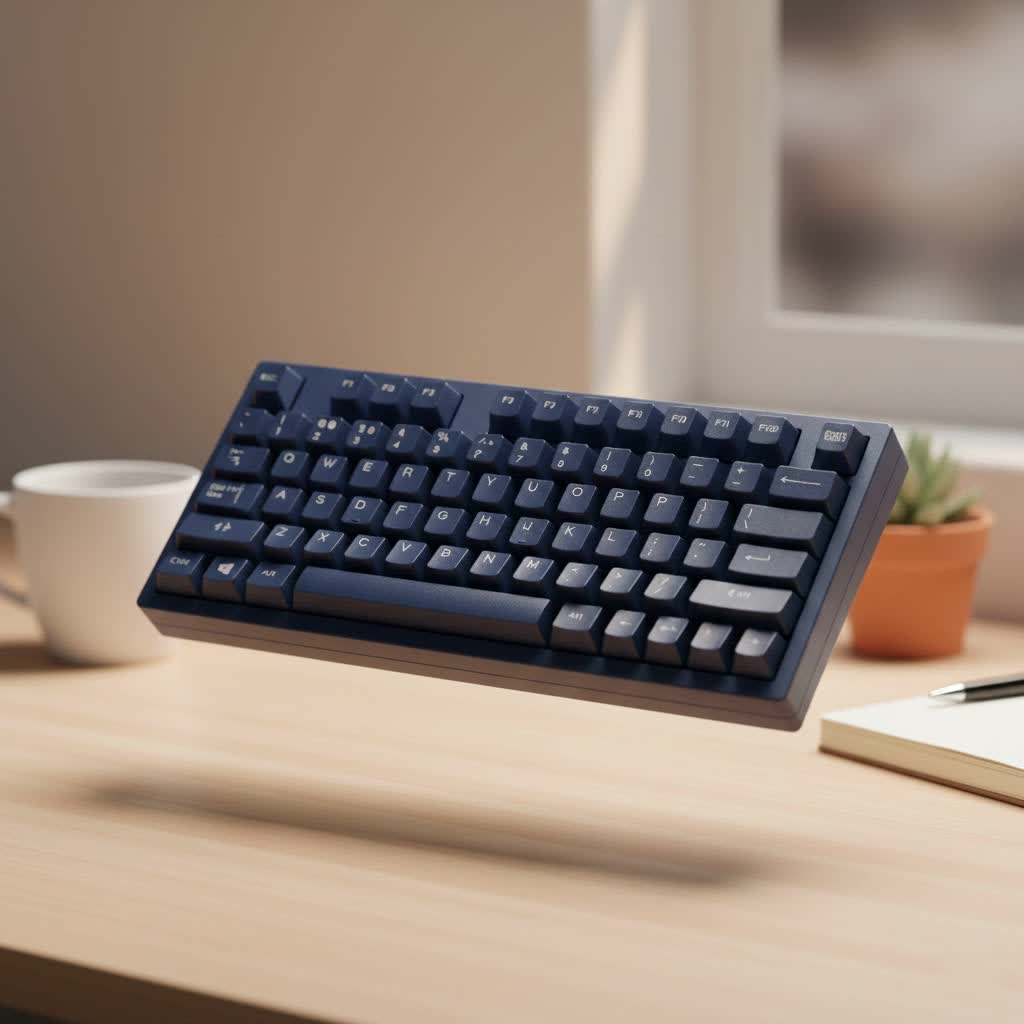
Gone are the days when a true mechanical keyboard meant being tethered to your desk. Modern Logitech wireless mechanical keyboards offer the best of both worlds: the precision, durability, and customization mechanical switches are known for, coupled with the flexibility and clean aesthetic of a cable-free workspace. Whether you’re crunching numbers, drafting documents, or commanding your squad in a virtual battlefield, a Logitech wireless mechanical keyboard is engineered to elevate your interaction.
The Logitech Lineup: Tailored for Every User
Logitech’s mechanical keyboard offerings are thoughtfully segmented, ensuring there’s a perfect match for almost every user profile. They primarily split into two distinct families: the MX series for productivity powerhouses and the G series for gaming dominance.
Logitech MX Mechanical: The Productivity Powerhouse
When your daily grind involves hours of typing, coding, or content creation, comfort and precision are paramount. The Logitech MX Mechanical keyboard, available in both full-size and a space-saving Mini version, is specifically designed for these demanding productivity tasks. It boasts a sleek, low-profile design that promotes a more ergonomic typing posture, reducing strain during marathon sessions.
What truly sets the MX Mechanical apart are its custom low-profile Kailh Choc V2 mechanical switches, offered in three distinct types:
- Tactile Quiet (Brown-like): These switches provide a subtle, satisfying bump feedback without the loud click, making them ideal for shared office spaces where noise might be a concern. They closely mimic the feel of Logitech’s popular MX Keys membrane keyboards but with the crispness of mechanical actuation.
- Linear (Red-like): For those who prefer a smooth, uninterrupted keypress with minimal spring force, linear switches are the way to go. They’re excellent for rapid, fluid typing.
- Clicky (Blue-like): If you crave that classic, audible “click” with each actuation, the clicky switches deliver a robust auditory and tactile experience.
|
Our Picks for the Best Mechanical Keyboard in 2026
As an Amazon Associate I earn from qualifying purchases.
|
||
| Num | Product | Action |
|---|---|---|
| 1 | SteelSeries USB Apex 5 Hybrid Mechanical Gaming Keyboard – Per-Key RGB Illumination – Aircraft Grade Aluminum Alloy Frame – OLED Smart Display (Hybrid Blue Switch) |

|
| 2 | AK96 Smart Mechanical Keyboard Gaming, 96 Keys Full Size with LED Colorful Backlit, Clicky Creamy Sounding, USB Wired Computer Keyboard with Volume Knob for PC, Mac, Windows(Grey) |
|
| 3 | Logitech MX Mechanical Wireless Illuminated Performance Keyboard, Tactile Quiet Switches, Backlit Keys, Bluetooth, USB-C, macOS, Windows, Linux, iOS, Android, Metal, Graphite |
|
| 4 | EPOMAKER x Aula F75 Gasket Mechanical Keyboard, 75% Wireless Hot Swappable Gaming Keyboard with Five-Layer Padding&Knob, Bluetooth/2.4GHz/USB-C, RGB (Light Blue, LEOBOG Reaper Switch) |
|
| 5 | Redragon Mechanical Gaming Keyboard Wired, 11 Programmable Backlit Modes, Hot-Swappable Red Switch, Anti-Ghosting, Double-Shot PBT Keycaps, Light Up Keyboard for PC Mac |
|
| 6 | Womier S-K80 75% Keyboard with Color Multimedia Display Mechanical Gaming Keyboard Creamy Sound, Wired Hot Swappable Gasket Mount RGB Custom Key board, Pre-lubed Stabilizer for Mac/Win, Black Kanagawa |
|
| 7 | RK ROYAL KLUDGE R98 Pro Wired Mechanical Keyboard, 96% Creamy Gaming Keyboard RGB Backlit with Number Pad and Volume Knob, Gasket Mount, MDA Profile PBT Keycaps, Hot Swappable Pre-lubed Linear Switch |
|
| 8 | AULA F99 Wireless Mechanical Keyboard,Tri-Mode BT5.0/2.4GHz/USB-C Hot Swappable Custom Keyboard,Pre-lubed Linear Switches,RGB Backlit Computer Gaming Keyboards for PC/Tablet/PS/Xbox |
|
| 9 | AULA F75 Pro Wireless Mechanical Keyboard,75% Hot Swappable Custom Keyboard with Knob,RGB Backlit,Pre-lubed Reaper Switches,Side Printed PBT Keycaps,2.4GHz/USB-C/BT5.0 Mechanical Gaming Keyboards |
|
| 10 | RK ROYAL KLUDGE S98 Mechanical Keyboard w/Smart Display & Knob, Top Mount 96% Wireless Mechanical Keyboard BT/2.4G/USB-C, Hot Swappable, Software Support, Creamy Sounding, 98 Keys |
|
The MX Mechanical also features smart illumination, where the backlighting adjusts automatically to ambient lighting conditions and lights up the moment your hands approach the keyboard. This intelligent feature conserves battery life, which is exceptional, offering up to 15 days with backlighting on and an impressive 10 months with it off. Connectivity is seamless, thanks to the included Logi Bolt USB receiver for a robust 2.4GHz wireless connection, or through Bluetooth for multi-device pairing. With Logitech’s Easy-Switch technology, you can effortlessly toggle between up to three connected devices, like your desktop, laptop, and tablet. The keyboard’s solid build quality, often incorporating an aluminum top plate and recycled plastics, ensures durability and a premium feel. Customization for the MX series is handled via the intuitive Logi Options+ software, allowing you to remap Fn keys and manage device settings.
Logitech G-Series: Unleashing Gaming Dominance
For gamers, every millisecond counts, and responsiveness is non-negotiable. Logitech’s G-series of wireless mechanical keyboards are engineered for competitive play, integrating cutting-edge technology to deliver an unparalleled gaming experience.
- Logitech G915 X LIGHTSPEED (and TKL): This flagship Logitech wireless mechanical keyboard is a favorite among gamers. Available in full-size and tenkeyless (TKL) variants, it utilizes Logitech’s proprietary LIGHTSPEED wireless technology, which boasts an ultra-fast 1ms response time, virtually eliminating lag. The G915 X features Logitech’s GX mechanical switches (available in clicky, tactile, and linear) and vibrant LIGHTSYNC RGB backlighting, which can be extensively customized via the G Hub software. Dedicated macro keys and media controls further enhance the gaming experience, while durable PBT keycaps on the newer G915 X models ensure longevity.
- Logitech PRO X TKL LIGHTSPEED: Designed with esports professionals in mind, the PRO X TKL offers a compact, tenkeyless layout, making it ideal for competitive environments where desk space is often limited. It features LIGHTSPEED wireless, LIGHTSYNC RGB, and is known for its robust build and the option for GX mechanical switches, ensuring precise and reliable actuation.
- Logitech G715 LIGHTSPEED: Part of the Aurora collection, the G715 offers a softer, more aesthetic design while still packing serious gaming performance. This TKL keyboard comes with a comfy palm rest, ethereal halo perimeter and under-key LIGHTSYNC lighting, and GX mechanical switches, providing both style and substance.
Common to all G-series keyboards are their ultra-low latency, robust construction, and extensive RGB customization options through the Logitech G Hub software. These keyboards are built to withstand the rigors of competitive gaming while providing the speed and precision needed for victory.
Key Factors to Consider When Choosing Your Logitech Wireless Mechanical Keyboard
Selecting the perfect Logitech wireless mechanical keyboard involves a few critical considerations. Think about how you’ll primarily use the keyboard and what features matter most to you.
Switch Types: The Heart of the Experience
The type of mechanical switch profoundly impacts your typing and gaming feel. Logitech offers excellent choices:
- Tactile Switches: These provide a noticeable “bump” midway through the keypress, giving you clear feedback without needing to bottom out the key. They are a popular all-rounder, excellent for both typing and gaming (e.g., MX Mechanical Tactile Quiet, GX Tactile).
- Linear Switches: Characterized by a smooth, consistent keystroke from top to bottom, linear switches are favored by many gamers for their rapid actuation and by fast typists who prefer an unobstructed key travel (e.g., MX Mechanical Linear, GX Linear).
- Clicky Switches: If you love the audible “click” sound in addition to the tactile bump, clicky switches offer a satisfying, typewriter-like experience (e.g., MX Mechanical Clicky, GX Clicky). While enjoyable, they can be loud in quiet environments.
It’s important to note that the MX Mechanical uses low-profile switches, which have a shorter travel distance and actuation point compared to the full-height GX switches found in the G-series. This contributes to the MX Mechanical’s ergonomic design but means less traditional “mechanical” feel for some enthusiasts.
Connectivity Options: Seamless Wireless Freedom
Logitech excels in wireless technology:
- Logi Bolt: Primarily for MX productivity keyboards, this USB receiver provides a stable, secure, and low-latency connection, excellent for busy office environments where wireless interference might be an issue. It also supports multi-device pairing with other Logi Bolt-compatible devices.
- LIGHTSPEED Wireless: This is Logitech G’s proprietary gaming-grade wireless technology, engineered for ultra-fast 1ms report rates, making it indistinguishable from a wired connection. It’s essential for competitive gaming.
- Bluetooth: All Logitech wireless mechanical keyboards support Bluetooth, offering broad compatibility with various devices, including laptops, tablets, and smartphones. It’s convenient for multi-device switching but might have slightly higher latency than dedicated USB receivers.
Form Factor: Full-size, TKL, or Mini?
Your desk space and workflow dictate the ideal keyboard size:
- Full-size: Includes a dedicated numpad, perfect for data entry and productivity. Examples include the MX Mechanical and G915 X LIGHTSPEED.
- Tenkeyless (TKL): Omits the numpad, resulting in a more compact design that saves desk space and improves mouse ergonomics by bringing your mouse closer. Popular for gaming (e.g., G915 X TKL, PRO X TKL, G715).
- Mini: Even smaller, often 60% or 65%, for maximum portability and minimalist setups (e.g., MX Mechanical Mini).
Backlighting and Customization
- Smart Illumination: The MX Mechanical’s smart backlighting dynamically adjusts brightness and activates when hands approach, optimizing battery life.
- LIGHTSYNC RGB: G-series keyboards feature full RGB lighting with extensive customization options through G Hub, allowing for personalized aesthetics and immersive gaming.
Both Logi Options+ (MX series) and G Hub (G series) software offer powerful tools for remapping keys, creating macros, and customizing lighting effects, tailoring the keyboard to your exact preferences.
Battery Life and Charging
Logitech keyboards generally boast impressive battery life. Many models feature USB-C for convenient and fast charging, ensuring your keyboard is always ready when you are. With smart power management, you can often go weeks or even months between charges, especially with backlighting turned off.
Common Challenges and How to Overcome Them
Even the best technology can have quirks. Here are a couple of common issues reported with Logitech wireless mechanical keyboards and how to address them:
“Double Caps” or Repeating Key Issues
Some users, particularly with the MX Mechanical, have reported an issue where fast typing can lead to unintended “DOuble CAps” or repeated characters, seemingly because the shift key release isn’t registered quickly enough.
- Solution: Ensure your keyboard’s firmware and Logi Options+ software are up to date. Sometimes, this can be a software-related bug that Logitech addresses in updates. Testing with the Logi Bolt receiver instead of Bluetooth might also help, as the dedicated receiver generally provides a more stable connection. If the issue persists, it might indicate a specific unit fault, and contacting Logitech support or checking warranty options would be advisable.
Bluetooth Connectivity Glitches
Occasional disconnects or delays can occur with Bluetooth connections, which is common across many wireless devices.
- Solution: For critical tasks or gaming, always prioritize using the dedicated Logi Bolt (for MX) or LIGHTSPEED (for G-series) USB receiver, as these offer the most stable and low-latency connections. If using Bluetooth, ensure your computer’s Bluetooth drivers are updated, re-pair the keyboard, and minimize interference from other wireless devices. Testing the keyboard with another device can help determine if the issue is with the keyboard or your computer’s Bluetooth module.
Expert Insight
“The beauty of Logitech’s approach to wireless mechanical keyboards lies in their understanding that ‘mechanical’ doesn’t mean ‘one size fits all’,” says Dr. Elena Petrova, a veteran mechanical keyboard engineer and ergonomics specialist at Yoasy.com. “They’ve meticulously crafted distinct lines like the MX Mechanical for professional demands and the G-series for gaming supremacy, each optimized with the right switches, form factors, and wireless protocols. This focused engineering means you’re not just getting a mechanical keyboard; you’re getting a precision instrument designed for your specific needs, all while enjoying the freedom of a wireless setup.”
Conclusion
The landscape of mechanical keyboards has evolved dramatically, and Logitech wireless mechanical keyboards stand at the forefront of this revolution. By seamlessly integrating the tactile satisfaction of mechanical switches with advanced wireless connectivity, Logitech has created a compelling range of keyboards that enhance both productivity and gaming. From the ergonomic, low-profile design and smart illumination of the MX Mechanical, perfect for professionals, to the ultra-responsive LIGHTSPEED technology and customizable RGB of the G-series built for competitive gamers, there’s a Logitech keyboard ready to transform your interaction.
Choosing the right Logitech wireless mechanical keyboard is an investment in your daily comfort and performance. Consider your primary use, preferred switch feel, connectivity needs, and desired form factor. With Logitech, you’re not just buying a keyboard; you’re stepping into a world where cutting-edge technology meets intuitive design, offering unparalleled freedom and an undeniably superior typing or gaming experience. So go ahead, find your perfect match, and elevate your keyboard journey with Logitech.
