Finding a genuinely Good Mechanical Keyboard can feel like navigating a maze. With endless options for switches, keycaps, and layouts, it’s easy to get overwhelmed. As an engineer who has spent over a decade building, modding, and testing these devices for Yoasy, I’m here to demystify the process. This guide isn’t about telling you which keyboard to buy; it’s about empowering you with the knowledge to find the perfect keyboard for you. Forget the marketing hype. We’re going to break down the core components that define a quality typing experience, ensuring your next keyboard is a lasting investment.
What Truly Defines a Good Mechanical Keyboard?
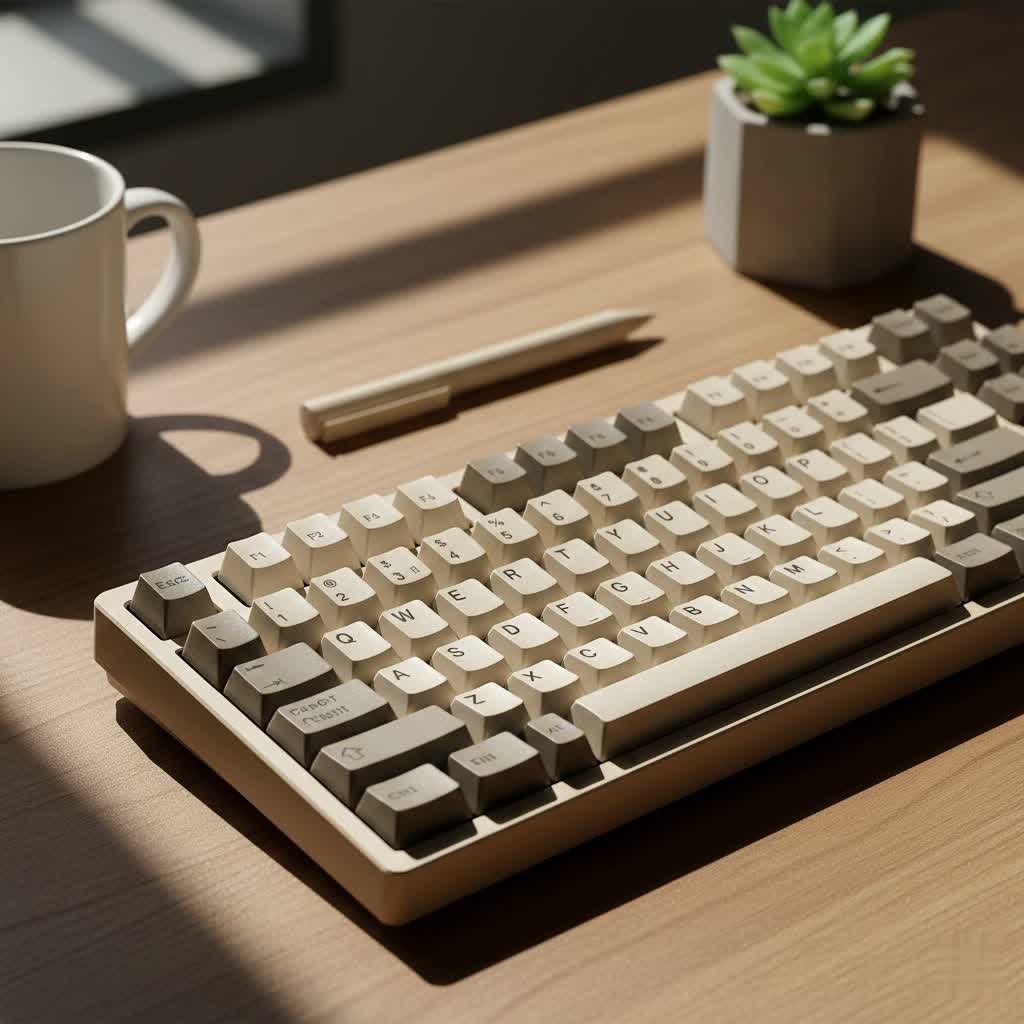
A great mechanical keyboard is more than just a peripheral; it’s a tool that enhances your daily interaction with your computer. While personal preference is key, certain objective qualities separate the best from the rest. These include solid build quality, high-quality switches that match your needs, durable keycaps, and a functional layout. It’s the synergy between these parts that creates a satisfying and reliable typing experience, whether you’re coding, gaming, or writing.
The Heart of the Keyboard: Understanding Mechanical Switches
The single most important component is the switch. It dictates how each key feels and sounds. There are hundreds of variations, but they all fall into three main categories.
Linear Switches: For Smooth and Fast Action
Linear switches offer a smooth, consistent keystroke from top to bottom with no tactile bump or audible click. This makes them exceptionally fast and quiet, which is why they are often favored by gamers who need rapid, repeated key presses.
- Feel: No bump, just a smooth press.
- Sound: Generally quiet, with sound coming from the keycap “bottoming out.”
- Popular Examples: Cherry MX Red, Gateron Red, Kailh Red.
|
Our Picks for the Best Mechanical Keyboard in 2026
As an Amazon Associate I earn from qualifying purchases.
|
||
| Num | Product | Action |
|---|---|---|
| 1 | Womier S-K80 75% Keyboard with Color Multimedia Display Mechanical Gaming Keyboard Creamy Sound, Wired Hot Swappable Gasket Mount RGB Custom Key board, Pre-lubed Stabilizer for Mac/Win, Black Kanagawa |

|
| 2 | SteelSeries USB Apex 5 Hybrid Mechanical Gaming Keyboard – Per-Key RGB Illumination – Aircraft Grade Aluminum Alloy Frame – OLED Smart Display (Hybrid Blue Switch) |
|
| 3 | Redragon Mechanical Gaming Keyboard Wired, 11 Programmable Backlit Modes, Hot-Swappable Red Switch, Anti-Ghosting, Double-Shot PBT Keycaps, Light Up Keyboard for PC Mac |
|
| 4 | RK ROYAL KLUDGE R98 Pro Wired Mechanical Keyboard, 96% Creamy Gaming Keyboard RGB Backlit with Number Pad and Volume Knob, Gasket Mount, MDA Profile PBT Keycaps, Hot Swappable Pre-lubed Linear Switch |
|
| 5 | RK ROYAL KLUDGE S98 Mechanical Keyboard w/Smart Display & Knob, Top Mount 96% Wireless Mechanical Keyboard BT/2.4G/USB-C, Hot Swappable, Software Support, Creamy Sounding, 98 Keys |
|
| 6 | Logitech MX Mechanical Wireless Illuminated Performance Keyboard, Tactile Quiet Switches, Backlit Keys, Bluetooth, USB-C, macOS, Windows, Linux, iOS, Android, Metal, Graphite |
|
| 7 | AULA F99 Wireless Mechanical Keyboard,Tri-Mode BT5.0/2.4GHz/USB-C Hot Swappable Custom Keyboard,Pre-lubed Linear Switches,RGB Backlit Computer Gaming Keyboards for PC/Tablet/PS/Xbox |
|
| 8 | AULA F75 Pro Wireless Mechanical Keyboard,75% Hot Swappable Custom Keyboard with Knob,RGB Backlit,Pre-lubed Reaper Switches,Side Printed PBT Keycaps,2.4GHz/USB-C/BT5.0 Mechanical Gaming Keyboards |
|
| 9 | AK96 Smart Mechanical Keyboard Gaming, 96 Keys Full Size with LED Colorful Backlit, Clicky Creamy Sounding, USB Wired Computer Keyboard with Volume Knob for PC, Mac, Windows(Grey) |
|
| 10 | EPOMAKER x Aula F75 Gasket Mechanical Keyboard, 75% Wireless Hot Swappable Gaming Keyboard with Five-Layer Padding&Knob, Bluetooth/2.4GHz/USB-C, RGB (Light Blue, LEOBOG Reaper Switch) |
|
Tactile Switches: For a Satisfying Typing Bump
Tactile switches are the all-around favorite for many typists. They provide a noticeable “bump” in the middle of the keypress, which gives you physical feedback that the keystroke has been registered. This can lead to improved typing accuracy and a more satisfying experience without the loud noise of a clicky switch.
- Feel: A distinct bump you can feel.
- Sound: Moderately quiet, louder than linears but quieter than clickies.
- Popular Examples: Cherry MX Brown, Gateron Brown, Glorious Panda.
Clicky Switches: For Audible and Tactile Feedback
If you love audible feedback, clicky switches are for you. They combine a tactile bump with a crisp, audible “click” sound upon actuation. This creates a very deliberate and unmistakable typing experience, reminiscent of old-school typewriters. Just be mindful of your surroundings, as they are quite loud.
- Feel: A tactile bump paired with an audible click.
- Sound: Loud and distinct.
- Popular Examples: Cherry MX Blue, Gateron Blue, Kailh BOX White.
Why You Should Consider a Hot-Swappable Keyboard
For newcomers, I almost always recommend a “hot-swappable” keyboard. This feature allows you to change the switches easily without any soldering. It’s the ultimate way to experiment and find the perfect switch for you without having to buy a whole new keyboard.
Keycaps: The Interface for Your Fingertips
Keycaps are more than just aesthetic flair; they dramatically affect how a keyboard feels and sounds. The two most important factors are the plastic material and the shape, or “profile.”
Material Matters: PBT vs. ABS Plastic
Most keyboards come with keycaps made from one of two plastics:
- ABS (Acrylonitrile Butadiene Styrene): This is a common and inexpensive plastic. It’s smooth but prone to developing a greasy “shine” over time as the surface wears down.
- PBT (Polybutylene Terephthalate): This is a more premium and durable plastic. PBT keycaps have a slightly textured, matte finish that resists shine and wear. They also tend to produce a deeper, more satisfying “thock” sound when typing. A good mechanical keyboard will often feature PBT keycaps as a sign of quality.
According to keyboard designer Alex Renner, “Upgrading from stock ABS to a quality set of PBT keycaps is one of the most cost-effective ways to immediately improve the feel and sound of your keyboard. The difference in texture and durability is night and day.”
The Shape of Sound: Keycap Profiles
The profile refers to the height and shape of the keycaps across the keyboard. A “sculpted” profile means that the keycaps in different rows have different heights and angles to create a more ergonomic, curved surface for your fingers. A “uniform” profile means all keycaps are the same shape.
- OEM/Cherry Profile: These are the most common sculpted profiles. They are comfortable and familiar to most users. Cherry profile is slightly lower than OEM.
- SA Profile: A tall, heavily sculpted, and retro-looking profile. It produces a deep sound but can have a steep learning curve.
- XDA/DSA Profile: These are uniform, medium-height profiles that are popular in the custom keyboard community for their clean aesthetic.
Finding Your Perfect Fit: Keyboard Size and Layout
Choosing the right size is crucial for ergonomics and desk space.
- Full-Size (100%): The traditional layout with a number pad. Ideal for data entry and those who need the numpad.
- Tenkeyless (TKL): A full-size board with the number pad removed. It saves desk space while retaining all standard navigation keys. This is a popular sweet spot for many.
- 75% Layout: A more compact version of a TKL, with the navigation keys tucked closer to the main alpha keys to save even more space.
- 60% / 65% Layouts: These ultra-compact boards remove the function row and dedicated navigation keys, relying on a function layer (Fn key) to access them. They are perfect for minimalists and for travel.
Build Quality, Features, and Connectivity
Beyond the basics, here are a few final things to look for:
- Case Material: Most keyboards use a plastic case, which is perfectly fine. However, an aluminum case provides superior rigidity, weight, and a more premium feel and sound.
- Programmability (QMK/VIA): Enthusiast-grade keyboards often support QMK or VIA firmware, which allows you to completely remap every key, create macros, and customize the keyboard’s behavior. This is a powerful feature for power users.
- Connectivity: While a wired USB-C connection is standard and offers the best reliability, many keyboards now offer high-performance 2.4GHz wireless and Bluetooth for a cleaner desk setup.
Frequently Asked Questions (FAQ)
How much should I spend on a good mechanical keyboard?
A great entry-level mechanical keyboard can be found for between $70 and $120. Mid-range and enthusiast boards can range from $150 to $400 or more, offering better materials, more features, and greater customization options.
What is the best type of switch for gaming?
Linear switches, like Reds, are generally preferred for gaming due to their smooth, fast actuation. However, many gamers also enjoy the feedback of tactile switches. It ultimately comes down to personal preference.
Are expensive mechanical keyboards really worth it?
For those who type a lot, yes. An expensive keyboard often translates to better build quality (like an aluminum case), superior keycaps (PBT), more switch choices, and advanced features like QMK/VIA programmability, which enhance the overall experience and longevity of the device.
How long do mechanical keyboards last?
A good mechanical keyboard is built to last. The switches themselves are typically rated for 50 million keystrokes or more, meaning the keyboard can easily last for a decade or longer with proper care.
Can I make my keyboard quieter?
Yes! Simple modifications like adding a desk mat, installing O-rings under the keycaps, or adding foam inside the keyboard case can significantly reduce noise. Using linear or tactile switches instead of clicky ones is the biggest factor.
Your Journey to the Perfect Keyboard
Choosing a good mechanical keyboard is a personal journey, but one that is incredibly rewarding. By understanding the core components—switches, keycaps, layout, and build quality—you are now equipped to make an informed decision. The right keyboard won’t just improve your typing speed or gaming performance; it will make every moment spent at your computer more enjoyable and tactile. Take your time, experiment if you can, and invest in a tool that you’ll love using for years to come.
