The unmistakable, thunderous clack of an office in the 1980s wasn’t just the sound of business; it was the sound of an icon being born. If you’re diving into the world of mechanical keyboards, you’ll inevitably hear whispers of a legend: the Ibm Mechanical Keyboard. This isn’t just a piece of old hardware; for many, it’s the pinnacle of typing, a benchmark against which all other keyboards are measured. As the lead creator at Yoasy.com with over a decade of experience, I’ve seen countless keyboards, but the IBM Model M holds a special place in the hall of fame. It’s a testament to an era when things were built to last, and performance was paramount.
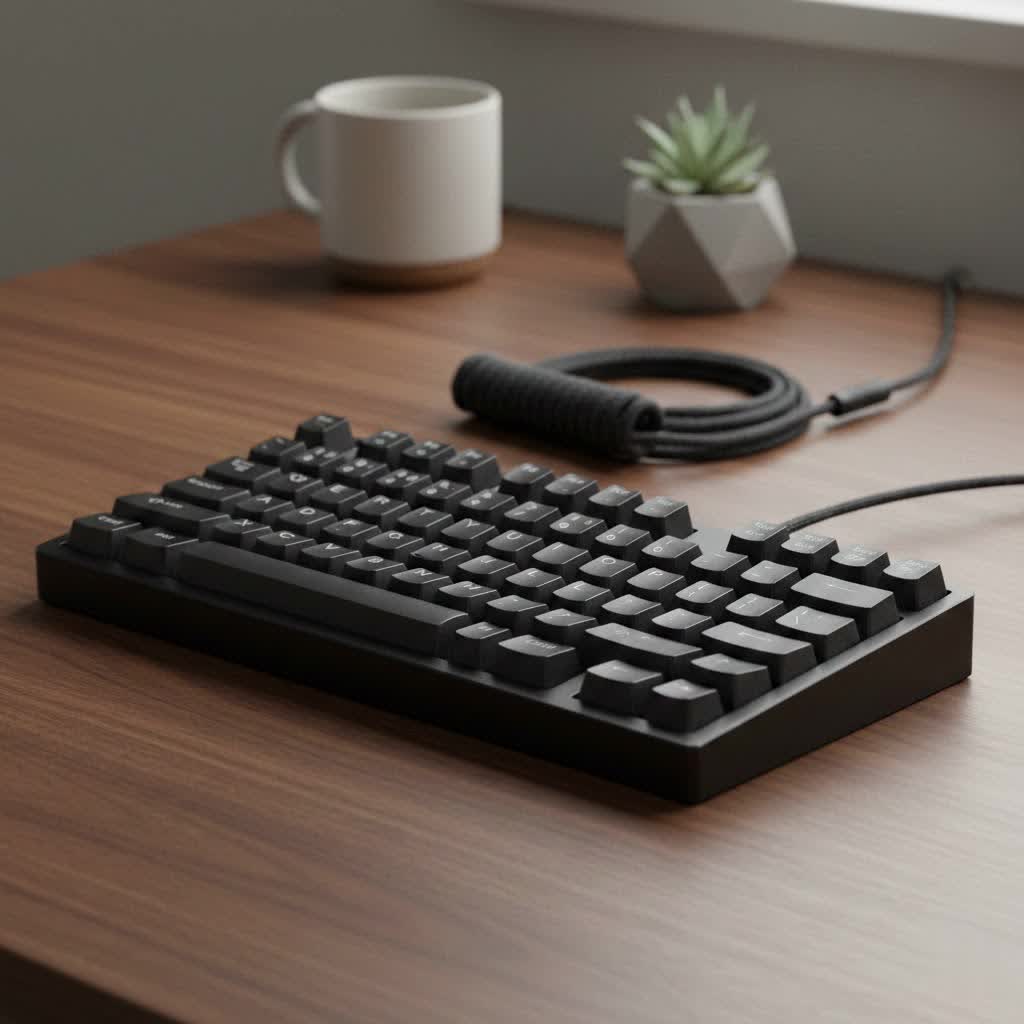
This guide will explore the legacy of the IBM mechanical keyboard, uncover the magic behind its legendary feel, and help you decide if this piece of computing history deserves a place on your desk today.
What Exactly is an IBM Mechanical Keyboard?
When people talk about the “IBM mechanical keyboard,” they are almost always referring to the iconic IBM Model M. Introduced in 1985, the Model M became the standard for IBM computers and clones for years. Its robust design and revolutionary switch technology set it apart from the cheap, mushy membrane keyboards that would later flood the market.
The Model M wasn’t just a peripheral; it was an investment in quality. Built with a heavy steel backplate, a durable plastic case, and high-quality dye-sublimated keycaps, these keyboards were designed to withstand decades of heavy use in professional environments. Many of the original units from the 80s and 90s are still fully functional today, a fact that speaks volumes about their construction.
The Magic Inside: Buckling Spring Switches Explained
The heart and soul of the IBM mechanical keyboard is its unique switch mechanism: the buckling spring. This technology is fundamentally different from the cross-stem Cherry MX-style switches that dominate the modern mechanical keyboard market.
Here’s how it works:
- When you press a key, you apply pressure to a coil spring sitting atop a rocker.
- As the pressure increases, the spring compresses until it buckles, or collapses, in the middle.
- This buckling action causes the rocker below it to pivot forward and strike a membrane sheet, registering the keystroke.
- The collapse of the spring produces a loud, crisp “click” and a sharp, highly tactile feedback event that is felt distinctly in your fingertips.
This mechanism provides an incredibly satisfying and unambiguous typing experience. There is no doubt when a key has been actuated. The sound is sharp and metallic, and the tactile bump is more like a sudden drop-off than the gentle nudge of a modern Brown or Blue switch.
“Typing on a buckling spring keyboard for the first time is a revelation,” says veteran hardware analyst Jonathan Hayes. “It connects you to the machine in a raw, direct way that most modern keyboards have smoothed over. It’s not just typing; it’s an event.”
Why is the IBM Model M Still So Popular Today?
In an age of RGB lighting, wireless connectivity, and low-profile designs, why does a heavy, beige, 30-year-old keyboard command such a loyal following? The reasons are as solid as the keyboard itself.
Built Like a Tank
|
Our Picks for the Best Mechanical Keyboard in 2026
As an Amazon Associate I earn from qualifying purchases.
|
||
| Num | Product | Action |
|---|---|---|
| 1 | AULA F75 Pro Wireless Mechanical Keyboard,75% Hot Swappable Custom Keyboard with Knob,RGB Backlit,Pre-lubed Reaper Switches,Side Printed PBT Keycaps,2.4GHz/USB-C/BT5.0 Mechanical Gaming Keyboards |

|
| 2 | Redragon Mechanical Gaming Keyboard Wired, 11 Programmable Backlit Modes, Hot-Swappable Red Switch, Anti-Ghosting, Double-Shot PBT Keycaps, Light Up Keyboard for PC Mac |
|
| 3 | Womier S-K80 75% Keyboard with Color Multimedia Display Mechanical Gaming Keyboard Creamy Sound, Wired Hot Swappable Gasket Mount RGB Custom Key board, Pre-lubed Stabilizer for Mac/Win, Black Kanagawa |
|
| 4 | EPOMAKER x Aula F75 Gasket Mechanical Keyboard, 75% Wireless Hot Swappable Gaming Keyboard with Five-Layer Padding&Knob, Bluetooth/2.4GHz/USB-C, RGB (Light Blue, LEOBOG Reaper Switch) |
|
| 5 | SteelSeries USB Apex 5 Hybrid Mechanical Gaming Keyboard – Per-Key RGB Illumination – Aircraft Grade Aluminum Alloy Frame – OLED Smart Display (Hybrid Blue Switch) |
|
| 6 | RK ROYAL KLUDGE R98 Pro Wired Mechanical Keyboard, 96% Creamy Gaming Keyboard RGB Backlit with Number Pad and Volume Knob, Gasket Mount, MDA Profile PBT Keycaps, Hot Swappable Pre-lubed Linear Switch |
|
| 7 | AULA F99 Wireless Mechanical Keyboard,Tri-Mode BT5.0/2.4GHz/USB-C Hot Swappable Custom Keyboard,Pre-lubed Linear Switches,RGB Backlit Computer Gaming Keyboards for PC/Tablet/PS/Xbox |
|
| 8 | Logitech MX Mechanical Wireless Illuminated Performance Keyboard, Tactile Quiet Switches, Backlit Keys, Bluetooth, USB-C, macOS, Windows, Linux, iOS, Android, Metal, Graphite |
|
| 9 | AK96 Smart Mechanical Keyboard Gaming, 96 Keys Full Size with LED Colorful Backlit, Clicky Creamy Sounding, USB Wired Computer Keyboard with Volume Knob for PC, Mac, Windows(Grey) |
|
| 10 | RK ROYAL KLUDGE S98 Mechanical Keyboard w/Smart Display & Knob, Top Mount 96% Wireless Mechanical Keyboard BT/2.4G/USB-C, Hot Swappable, Software Support, Creamy Sounding, 98 Keys |
|
The phrase “they don’t make them like they used to” perfectly describes the Model M. Its sheer weight, thanks to the steel backplate, keeps it firmly planted on your desk. The thick, textured PBT plastic case resists shine and damage, while the dye-sublimated keycap legends will never fade, as the ink is absorbed deep into the plastic. This is a tool built for a lifetime of service.
An Unmatched Typing Experience
For many typists, writers, and programmers, the tactile and auditory feedback from buckling springs is the gold standard. The crisp actuation helps improve typing speed and accuracy by providing clear confirmation for every keystroke. It turns the mundane act of typing into a satisfying, rhythmic experience.
A Piece of Computing History
Owning an IBM mechanical keyboard is like owning a piece of history. It’s a functional artifact from the dawn of the personal computing era. Each one has a story, often printed on a label on the back detailing its date of manufacture and serial number. It’s a connection to the past that still performs brilliantly in the present.
How Can You Get an IBM Mechanical Keyboard Today?
Securing a legendary typing experience is more accessible than you might think. You have two primary paths: buying a vintage original or purchasing a brand-new one from its modern successor.
Hunting for a Vintage Model M
You can find original IBM and Lexmark-made Model M keyboards on platforms like eBay, local classifieds, and sometimes even at thrift stores or electronic surplus sales.
What to look for:
- Connector: Most vintage models use a PS/2 connector or an even older 5-pin DIN (AT) connector. You will need a simple, inexpensive adapter to use them with a modern USB port.
- Condition: Check for yellowing of the plastic, missing keycaps, and the condition of the label on the back. Ask the seller to confirm all keys are working.
- Part Number: The part number on the back label can tell you a lot about the keyboard’s origin and specific model. “1391401” is one of the most common and beloved part numbers.
The Modern Successor: Unicomp Keyboards
In 1996, a group of former IBM employees bought the keyboard manufacturing equipment and patents, forming a new company called Unicomp. To this day, Unicomp continues to produce keyboards based on the original buckling spring design. They are, for all intents and purposes, brand-new Model M keyboards.
Unicomp offers several advantages:
- USB Connectivity: Their keyboards are plug-and-play with modern computers, no adapter needed.
- New Condition: You get a brand-new product with a warranty.
- Variety: They offer different layouts (like models without the number pad) and color options (including black).
While enthusiasts debate whether the build quality of a Unicomp matches a 1980s IBM original, they are still incredibly robust keyboards that deliver the authentic buckling spring feel.
Is the IBM Mechanical Keyboard Right for You?
Despite its legendary status, the Model M isn’t for everyone. Here’s a quick checklist to see if it fits your needs.
This keyboard might be perfect for you if:
- You are a writer, programmer, or heavy typist who values tactile feedback.
- You work in a private office or from home where the loud noise won’t bother others.
- You appreciate vintage technology and robust, durable products.
- You want a no-frills keyboard focused purely on the typing experience.
You should probably look elsewhere if:
- You are a gamer who needs features like N-key rollover or fast, linear switches.
- You work in a quiet, open-plan office. The noise will likely not be appreciated by your colleagues.
- You want modern features like backlighting, macro keys, or wireless connectivity.
- You prefer a lightweight, portable keyboard.
Frequently Asked Questions (FAQ)
What makes the IBM mechanical keyboard so special?
Its unique buckling spring switch mechanism provides unparalleled tactile and auditory feedback. Combined with its incredibly durable, “built-to-last” construction, it offers a typing experience that many still consider the best ever made.
Are IBM keyboards really that loud?
Yes, they are famously loud. The sound comes from the spring physically buckling and the hammer striking the membrane. It’s a sharp, high-pitched click that is significantly louder than most modern “clicky” switches like Cherry MX Blues.
Can you use an old IBM keyboard with a modern computer?
Absolutely. Most vintage Model M keyboards use a PS/2 connector. You can use a simple and widely available “active” PS/2 to USB adapter to connect it to any modern PC or Mac.
How much does an IBM Model M cost?
The price varies. A vintage Model M in good condition can cost anywhere from $60 to $200, depending on its age, condition, and rarity. Brand-new keyboards from Unicomp typically range from $100 to $130.
What is the best alternative to an IBM mechanical keyboard?
If you want a similar tactile but slightly quieter experience, keyboards with Cherry MX Blue or Kailh Box White switches are a good starting point. However, no other switch truly replicates the unique feel of a buckling spring. The closest you can get is a new keyboard from Unicomp.
The Enduring Legacy of a Keyboard Giant
The IBM mechanical keyboard, particularly the Model M, is more than just an old computer part. It is a benchmark for quality, durability, and pure typing satisfaction. It stands as a powerful reminder that the best designs are often born from a focus on function and a commitment to quality engineering.
Whether you choose to hunt down a vintage treasure or buy a brand-new model from Unicomp, the experience of using a buckling spring keyboard is something every enthusiast should try at least once. It might just change your definition of what a great keyboard feels like.
