In the ever-evolving world of peripherals, the 75 Mechanical Keyboard has carved out a significant niche, emerging as a fan favorite for its perfect blend of form and function. If you’ve ever felt that a full-sized keyboard was too bulky and a 60% board was too restrictive, you’ve likely stumbled upon the compelling case for the 75% layout. As an engineer who has spent over a decade dissecting, building, and modifying keyboards, I’m here to guide you through everything that makes this compact powerhouse a top contender for your desk.
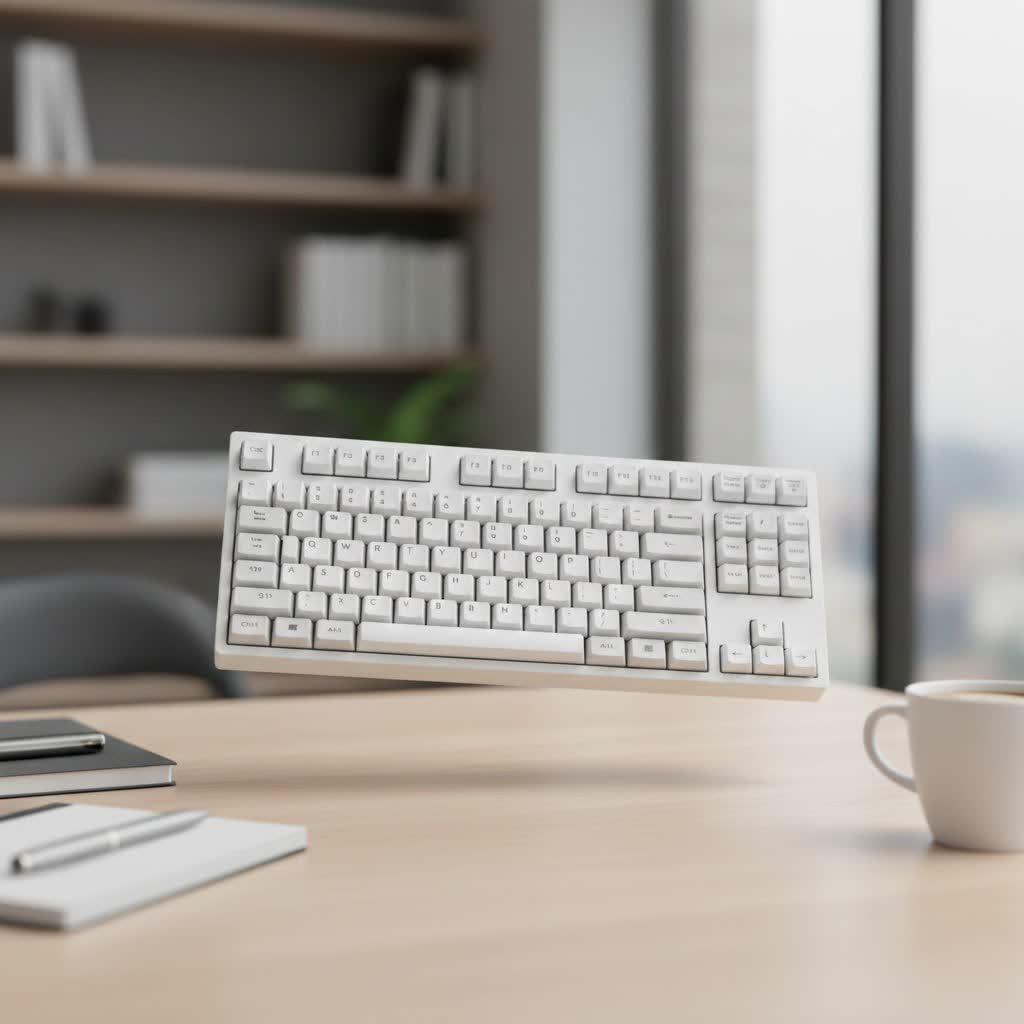
This layout masterfully retains the essential keys you need for productivity and gaming while freeing up valuable desk real estate. It’s a design philosophy centered on efficiency, and at Yoasy, we believe it represents one of the most intelligent compromises in modern keyboard design.
What Exactly Defines a 75 Mechanical Keyboard?
A 75 mechanical keyboard is a compact layout that includes the full function row (F1-F12), dedicated arrow keys, and a few navigational keys (like Page Up, Page Down, and Home). It achieves its small footprint by eliminating the number pad and condensing the navigation cluster, pushing the arrow keys and surrounding keys closer to the main alphanumeric block.
Think of it as a slightly more compressed Tenkeyless (TKL or 87%) board. While a TKL keyboard has a small, distinct gap between the arrow keys and the main keys, a 75% board tucks everything together for a sleek, unified look. This typically results in a layout with around 80 to 84 keys, depending on the specific model.
75% vs. TKL vs. 65%: The Key Differences
Understanding the layout is easier when you compare it to its closest relatives:
- TKL (Tenkeyless/80%): The most traditional compact layout. It’s essentially a full-sized keyboard with the number pad chopped off. It maintains standard spacing between key clusters.
- 75% Keyboard: Retains the TKL’s function row and arrow keys but squishes the layout together, removing most of the empty space. It offers nearly the same functionality in a smaller package.
- 65% Keyboard: A step smaller, this layout sacrifices the function row (F1-F12) to save even more space. You can still access F-keys, but it requires holding down a modifier key (like Fn).
|
Our Picks for the Best Mechanical Keyboard in 2026
As an Amazon Associate I earn from qualifying purchases.
|
||
| Num | Product | Action |
|---|---|---|
| 1 | AULA F99 Wireless Mechanical Keyboard,Tri-Mode BT5.0/2.4GHz/USB-C Hot Swappable Custom Keyboard,Pre-lubed Linear Switches,RGB Backlit Computer Gaming Keyboards for PC/Tablet/PS/Xbox |

|
| 2 | RK ROYAL KLUDGE R98 Pro Wired Mechanical Keyboard, 96% Creamy Gaming Keyboard RGB Backlit with Number Pad and Volume Knob, Gasket Mount, MDA Profile PBT Keycaps, Hot Swappable Pre-lubed Linear Switch |
|
| 3 | Womier S-K80 75% Keyboard with Color Multimedia Display Mechanical Gaming Keyboard Creamy Sound, Wired Hot Swappable Gasket Mount RGB Custom Key board, Pre-lubed Stabilizer for Mac/Win, Black Kanagawa |
|
| 4 | AULA F75 Pro Wireless Mechanical Keyboard,75% Hot Swappable Custom Keyboard with Knob,RGB Backlit,Pre-lubed Reaper Switches,Side Printed PBT Keycaps,2.4GHz/USB-C/BT5.0 Mechanical Gaming Keyboards |
|
| 5 | Redragon Mechanical Gaming Keyboard Wired, 11 Programmable Backlit Modes, Hot-Swappable Red Switch, Anti-Ghosting, Double-Shot PBT Keycaps, Light Up Keyboard for PC Mac |
|
| 6 | AK96 Smart Mechanical Keyboard Gaming, 96 Keys Full Size with LED Colorful Backlit, Clicky Creamy Sounding, USB Wired Computer Keyboard with Volume Knob for PC, Mac, Windows(Grey) |
|
| 7 | RK ROYAL KLUDGE S98 Mechanical Keyboard w/Smart Display & Knob, Top Mount 96% Wireless Mechanical Keyboard BT/2.4G/USB-C, Hot Swappable, Software Support, Creamy Sounding, 98 Keys |
|
| 8 | SteelSeries USB Apex 5 Hybrid Mechanical Gaming Keyboard – Per-Key RGB Illumination – Aircraft Grade Aluminum Alloy Frame – OLED Smart Display (Hybrid Blue Switch) |
|
| 9 | EPOMAKER x Aula F75 Gasket Mechanical Keyboard, 75% Wireless Hot Swappable Gaming Keyboard with Five-Layer Padding&Knob, Bluetooth/2.4GHz/USB-C, RGB (Light Blue, LEOBOG Reaper Switch) |
|
| 10 | Logitech MX Mechanical Wireless Illuminated Performance Keyboard, Tactile Quiet Switches, Backlit Keys, Bluetooth, USB-C, macOS, Windows, Linux, iOS, Android, Metal, Graphite |
|
The 75% layout hits the sweet spot for users who can’t live without a dedicated function row but still crave a minimalist setup.
Why Should You Choose a 75% Layout?
The growing popularity of the 75 mechanical keyboard isn’t just about aesthetics; it’s rooted in practical advantages that appeal to a wide range of users. From gamers to programmers, the benefits are clear.
More Room for Mouse Movement
For gamers, especially those who play FPS titles requiring low DPI settings, desk space is everything. A 75% keyboard frees up several inches of horizontal space, allowing for wider, more comfortable mouse sweeps. This ergonomic advantage can directly translate to better aim and in-game performance.
Ergonomics and Comfort
A more compact keyboard allows you to keep your mouse closer to your body’s centerline. This reduces shoulder strain and promotes a more natural posture during long work or gaming sessions. Bringing your hands closer together is a simple ergonomic tweak that can make a world of difference in comfort.
Portability and a Clean Aesthetic
The compact, all-in-one block design of a 75% keyboard is visually appealing and perfect for a clean, minimalist desk setup. Its smaller size also makes it much easier to pack in a bag and take on the go, whether you’re heading to a LAN party, the office, or a coffee shop.
Functionality Without Sacrifice
For many, the biggest draw of the 75% layout is its ability to retain critical keys. Programmers and developers rely on the function row for debugging and shortcuts, while many other professionals use them for macros and application-specific commands. Unlike 60% or 65% layouts, the 75% board provides these keys without requiring a secondary layer.
Key Features to Consider in a 75 Mechanical Keyboard
Choosing your first or next 75 mechanical keyboard involves more than just picking a layout. Here are the core components that will define your typing experience.
Mechanical Switches: The Heart of the Board
The switches determine the feel and sound of every keystroke. The three main types are:
- Linear: Smooth and consistent, with no tactile bump or audible click. Favored by gamers for their speed and predictability. Examples: Cherry MX Red, Gateron Red.
- Tactile: Provide a noticeable “bump” in the middle of the keypress, confirming actuation. Excellent for typists who want feedback without the noise. Examples: Cherry MX Brown, Glorious Panda.
- Clicky: Offer both a tactile bump and a distinct, audible “click” sound. Incredibly satisfying for some, but can be loud in shared spaces. Examples: Cherry MX Blue, Kailh Box White.
Many modern 75% keyboards are hot-swappable, meaning you can easily pull out and replace the switches without any soldering. This is a fantastic feature for enthusiasts who want to experiment with different switch types.
Keycaps: The Touchpoint
Keycaps affect both the look and feel of your keyboard. The two most common plastic materials are:
- ABS (Acrylonitrile Butadiene Styrene): Smooth and affordable. However, it can develop a shine over time with heavy use.
- PBT (Polybutylene Terephthalate): More durable and textured. It’s resistant to shine and generally considered a more premium material.
Keycap profiles, which define the shape and height of the keycaps, also play a huge role in comfort. Common profiles include OEM, Cherry, and SA.
Build Quality and Materials
The case of a 75 mechanical keyboard can be made from various materials, primarily plastic or aluminum. An aluminum case provides a heavier, more rigid, and premium feel, often resulting in a more consistent and satisfying sound profile. A plastic case is lighter and more budget-friendly but can sometimes feel less substantial.
As a custom builder, Alex Renner, notes, “The magic of a 75 percent board is its density. When you build one with a solid aluminum case and add internal dampening, the acoustics are incredible. You get this deep, satisfying ‘thock’ that’s hard to achieve in larger, hollower keyboards.”
Popular Mods to Elevate Your Keyboard
One of the best parts of owning a mechanical keyboard is the ability to customize it. Here are a few simple mods that can transform your experience:
- Lubing Switches: Applying a thin layer of specialized lubricant to the internal components of a switch reduces friction, resulting in a smoother keypress and a deeper sound.
- Stabilizer Tuning: Lubing and balancing the stabilizers (the wires under larger keys like the spacebar and Enter key) eliminates rattling and creates a more uniform feel across the board.
- Foam Mod: Adding a layer of dense foam inside the keyboard case can absorb vibrations and unwanted high-pitched sounds, leading to a quieter and more pleasant typing sound.
Frequently Asked Questions (FAQ)
Is a 75 mechanical keyboard good for gaming?
Absolutely. Its compact size provides ample room for mouse movement, a key advantage in many games. The dedicated function row and arrow keys also ensure that you don’t lose access to important in-game binds and controls, making it a very popular choice among gamers.
What is the main difference between a 75% and a TKL keyboard?
The primary difference is the compression of the layout. A TKL keyboard has the traditional spacing between the main keys, the function row, and the navigation cluster. A 75% keyboard removes these gaps, tucking the arrow keys and navigation keys right up against the alphanumeric keys to save space.
Can I change the keycaps on a 75% keyboard?
Yes, most 75% keyboards use a standard stem design (the cross-shaped “MX” style) that is compatible with the vast majority of aftermarket keycap sets. However, be mindful of a few keys, like the right Shift key, which may be a non-standard size on some 75% layouts.
Are 75% keyboards good for typing?
Many people find them excellent for typing. The layout retains all the necessary keys for high productivity, and the improved ergonomics from having your mouse closer can reduce strain during long typing sessions. The typing experience will ultimately come down to your choice of switches and keycaps.
The Perfect Balance for Modern Users
The 75 mechanical keyboard represents a brilliant evolution in keyboard design, offering a nearly perfect compromise between the sprawling functionality of a full-sized board and the sleek minimalism of ultra-compact layouts. It provides the tools you need for serious work and play without cluttering your desk.
Whether you’re a gamer seeking a competitive edge, a programmer who needs a portable and efficient tool, or simply a desk setup enthusiast looking for that clean aesthetic, the 75% layout is a compelling option that deserves your attention. Dive in, explore the different models, and discover the satisfying world of compact mechanical keyboards.
